Export Facebook Ads to BigQuery
Integrate Facebook Ads to BigQuery with Coupler.io for large-scale advertising analytics using SQL and machine learning capabilities. Experience granular campaign analysis across historical datasets. Enable advanced attribution modeling with automated data warehouse pipelines.


What data you can export from Facebook Ads?
-
Reports and InsightsThis data category allows you to export insights into your Facebook Ads performance. You'll need to select metrics to include in your report. These include impressions, clicks, click-through rate, cost per click, and more.
-
List of Sponsored LeadsThis data category provides access to leads generated through your Facebook Ads lead forms. It contains details about user submissions, such as contact information (depending on form fields), submission time, and ad or campaign sources. You can use this data to track lead generation performance and integrate it with your CRM or sales workflows.
-
List of Ad creativesWith this data, you can export all ad creatives available in your Facebook Ads account. It includes information such as creative type (image, video, carousel), text, links, and media details. This dataset helps you review and manage the assets you’ve uploaded or created, regardless of whether they are currently being used in ads.
-
List of Ad setsGet an overview of ad sets to track and analyze their efficiency from launch. This data category provides information about ad set statuses, optimization goals, remaining budget, and more.
-
List of CampaignsYou can access information about each of your Facebook Ads campaigns. This view contains data about the status, stop time, objective, budget, and other details of your advertising campaigns.
-
List of AdsWith this data, you can create a detailed overview of all your ads running on the Facebook Ads platform. It contains information about ad status, bid amount, issues, and so on.
-
List of Ads with ad creativesThis data category provides details about ad creatives specifically linked to active or past ads. Unlike the general list of creatives, it only includes the assets actually used in advertisements. You can analyze creative performance together with ad metrics, allowing you to see which images, videos, or texts are driving results.
All-in-one tool for Facebook Ads data exports and analytics
Warehouse Facebook Ads data alongside Google Ads, LinkedIn Ads, and analytics platforms in BigQuery. Build multi-source advertising datasets that power cross-channel performance comparisons and unified attribution models at any scale.

Prepare Facebook Ads exports with proper schema structures, filtered metrics, and aggregated dimensions before loading into BigQuery. Deliver query-ready advertising datasets that minimize transformation overhead in your warehouse environment.

Keep BigQuery tables synchronized with your Facebook Ads account through automated pipelines running on 15-minute, 30-minute, hourly, daily, or monthly intervals. Maintain fresh advertising data without manual intervention or custom ETL scripts.

Leverage Coupler.io AI integrations to connect your Facebook Ads data flows to AI tools. Ask natural language questions about campaign performance and receive analytical insights without writing SQL queries.

Why export Facebook Ads to BigQuery - real life cases

Cross-channel advertising warehouse

Historical campaign trend analysis

Lead generation pipeline analytics

Ad creative performance benchmarking
How to export Facebook Ads to BigQuery
 30 seconds
30 seconds
10 seconds
30 seconds
30 seconds
30 seconds
10 seconds
Automate data exports with the no-code Facebook Ads BigQuery integration
Connect similar PPC apps and get data in minutes


Quick start with PPC dashboard templates
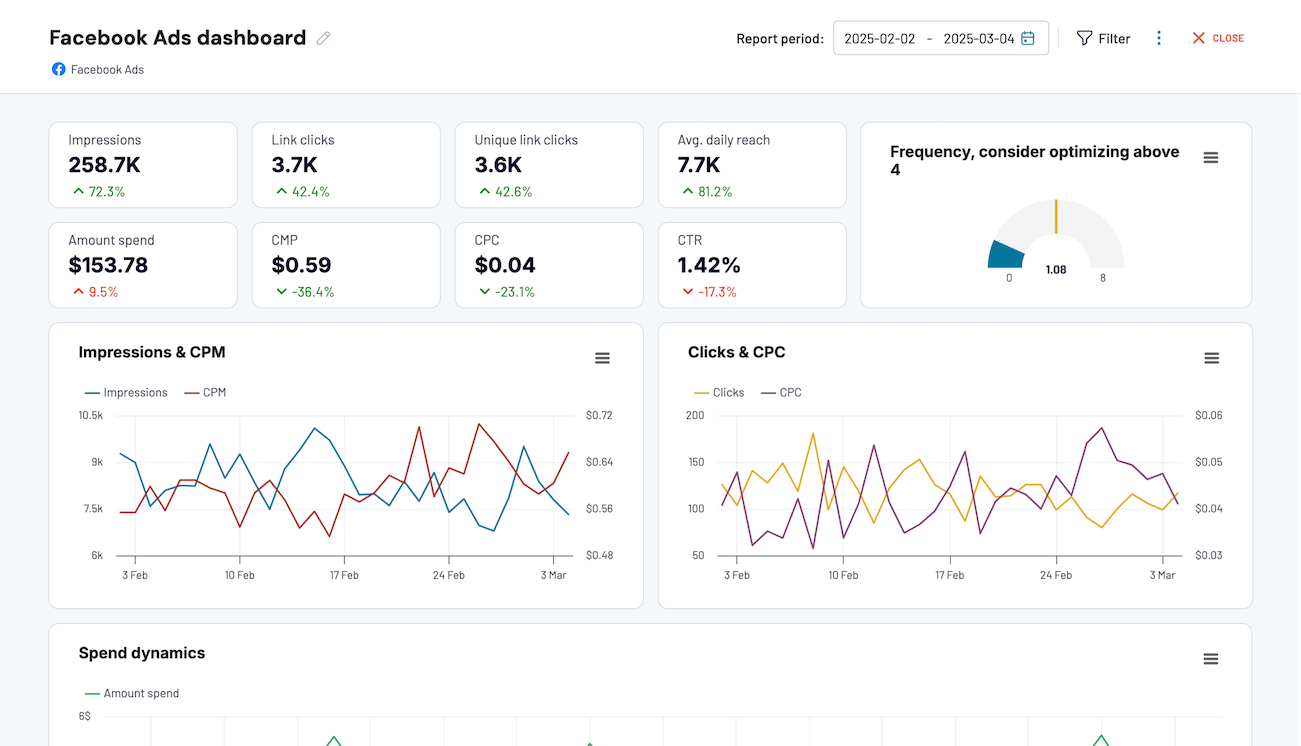


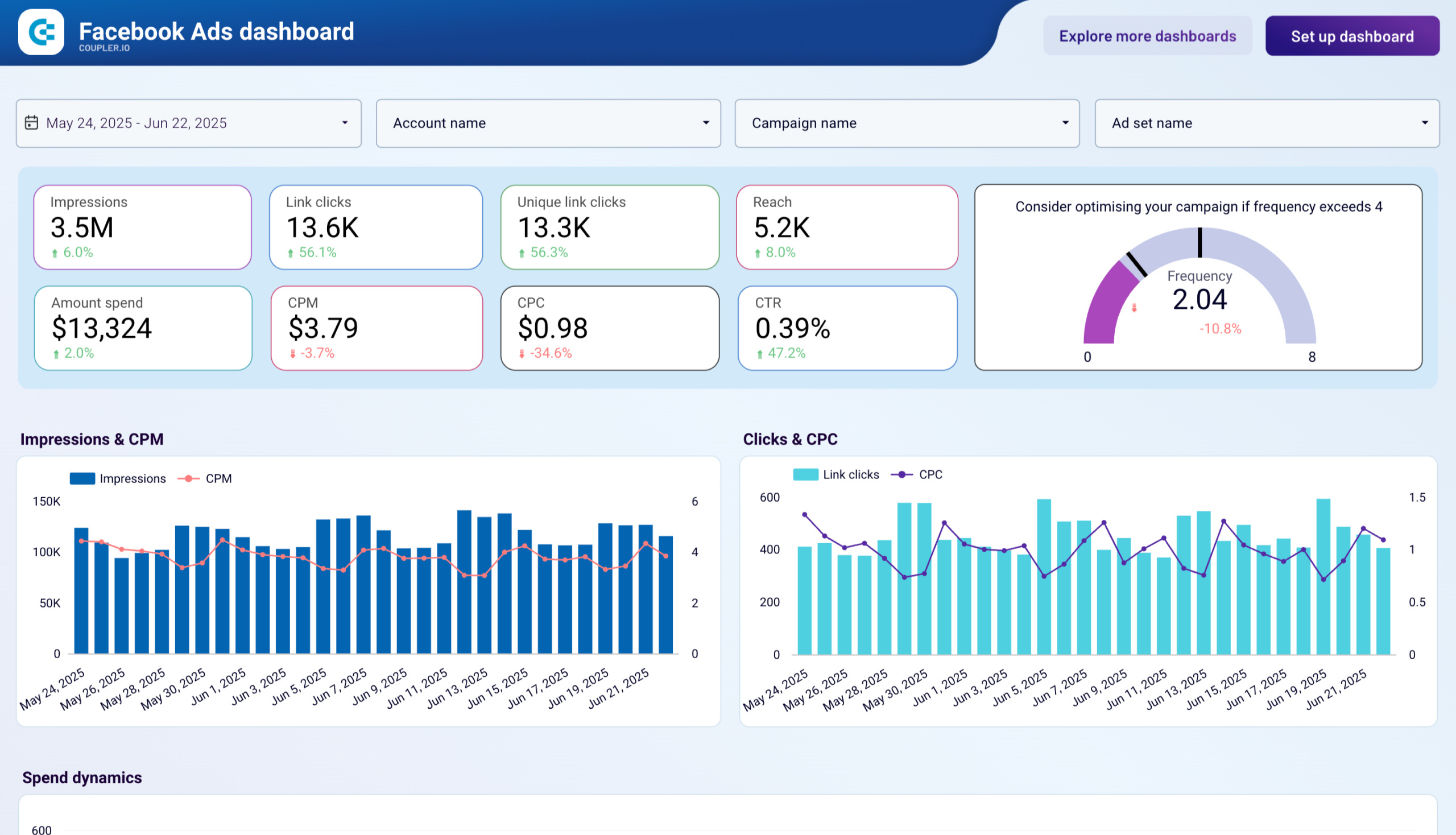

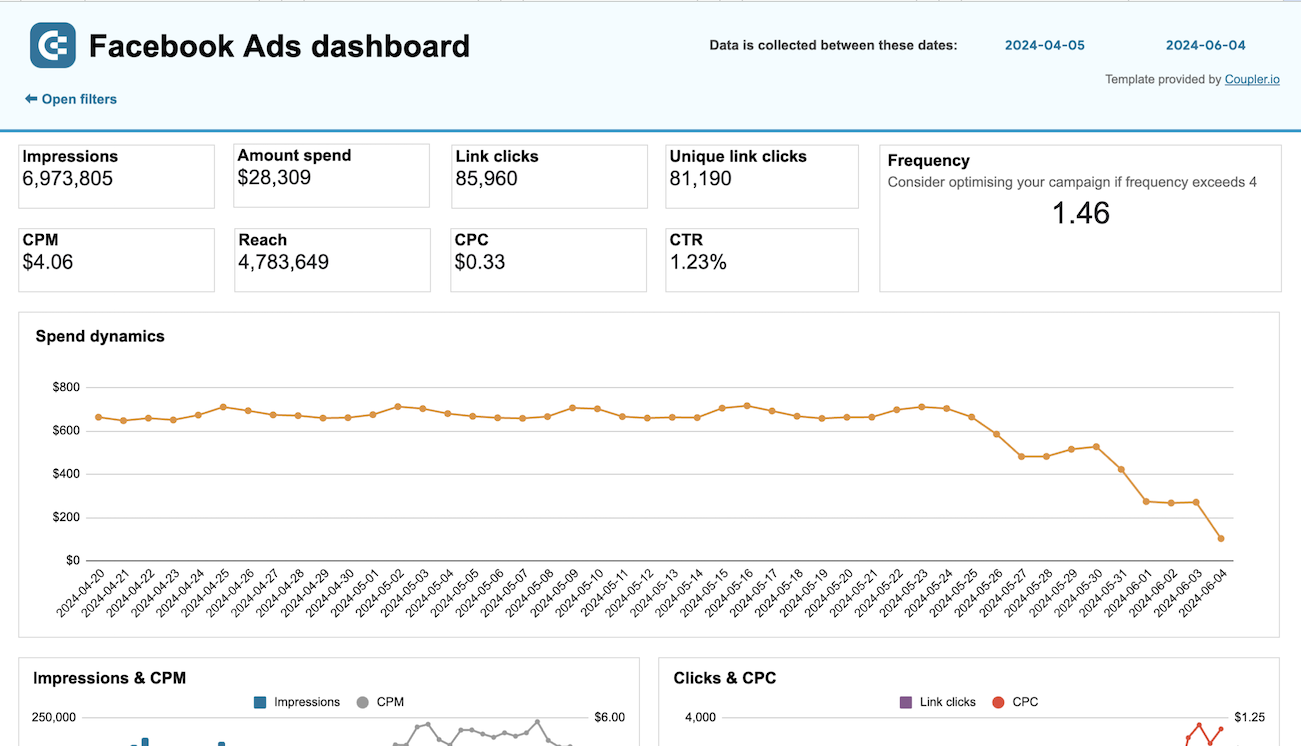

about your case. It doesn't cost you a penny 😉
Talk to AI about your Facebook Ads data
Examples of questions you can ask about Facebook Ads data:
"Which campaigns had the lowest cost per lead over the past six months, and what targeting did they use?"
"Compare weekend versus weekday ad performance across all active ad sets"
"Identify trends in creative engagement rates and flag any significant changes month over month"
"What percentage of our total ad spend goes to retargeting audiences, and how does their conversion rate compare to prospecting?"





Your data is secured by industry standards
 Google Cloud
Certified
 SOC 2 Type II
Certified
 GDPR
GDPRCompliant
 HIPAA
HIPAACompliant


