Google Ads Connector
Integrate Google Ads with spreadsheets, data warehouses, or BI tools to build up a reliable reporting system for efficient decision-making. Get an all-in-one solution to gather, transform, understand and automate your Google Ads data without any hassle.



How to set up your Google Ads integration
Analyze your Google Ads data easier
Collect data on a scheduled basis and blend it with information exported from other applications.

Manage and create new columns, apply filters, and perform other data transformations before loading it into the destination.

Get analysis-ready data with Coupler.io and build dashboards using Looker Studio or other BI tools in minutes.

Schedule the refresh of your Google Ads data and build triggered automation sequences using incoming and outgoing webhooks.

Integrate Google Ads with these destinations


What data you can export from Google Ads?
-
Campaign performance
-
Keywords performance
-
Ad group performance
-
Ad performance
-
Asset group performance
-
Custom GAQL
-
Account performance
-
Ad group audience performance
-
Ad group performance by country
-
Ad group performance by state
-
Ad group performance by region
-
Ad group performance with install conversion
-
Age range performance
-
Campaign audience performance
-
Campaign performance by ad network type
-
Campaign performance by country
-
Campaign performance by state
-
Campaign performance by region
-
Campaign performance with conversion actions name
-
Campaign performance with unique user stats
-
Click performance
-
Display keyword performance
-
Display topics performance
-
Expanded landing page
-
Gender performance
-
Keywordless query
-
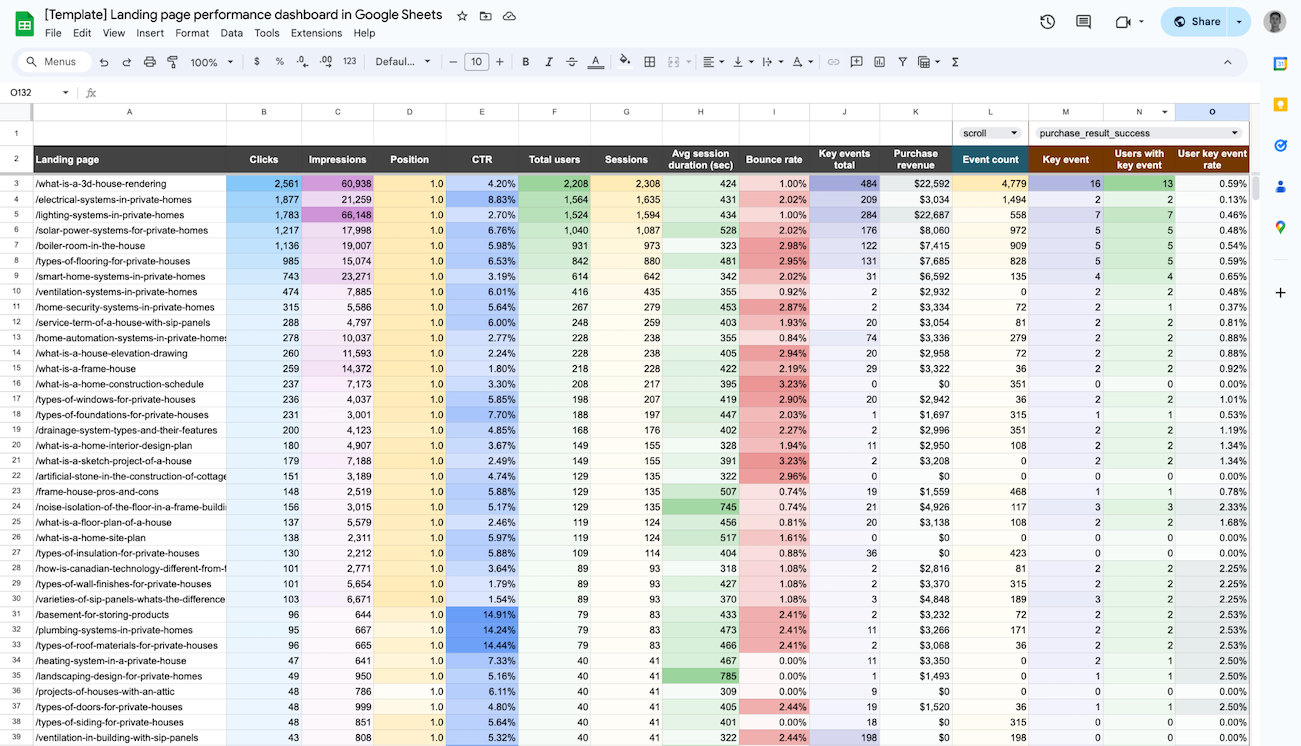
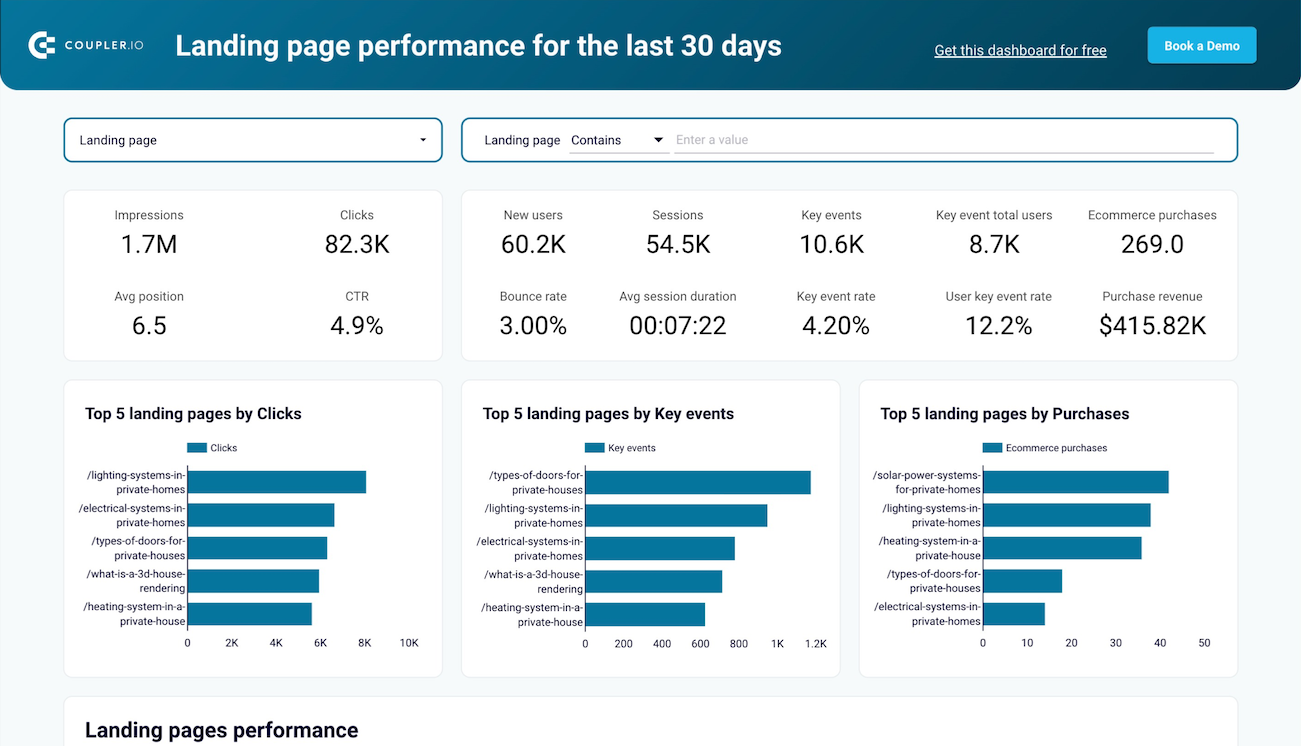
Landing page
-
Placement performance
-
Responsive search ad performance
-
Search query performance
-
Shopping performance
-
User location performance
-
Video campaign performance with conversions
-
Accounts
-
Ad groups
-
Ads
-
Campaigns
-
Campaign budgets
-
Campaign criterion
-
Campaign labels
-
Accessible bidding strategies
-
Bidding strategies
-
Carrier constant
-
Language constant
-
Mobile app category constant
-
Mobile device constant
-
Operating system version constant
-
Topic constant
-
Ad group criterion
-
Call details
-
Labels
-
User interest
-
User list
Coupler.io made it easy to create dashboards and reports from different data sources. The sync is reliable and the user experience is amazing.

Take your reporting to the next level
 Sign Up with Google
 Sign Up with MICROSOFT
 SIGN UP WITH EMAIL
By signing up to Coupler.io, you agree to our Privacy Policy and Terms of Use.
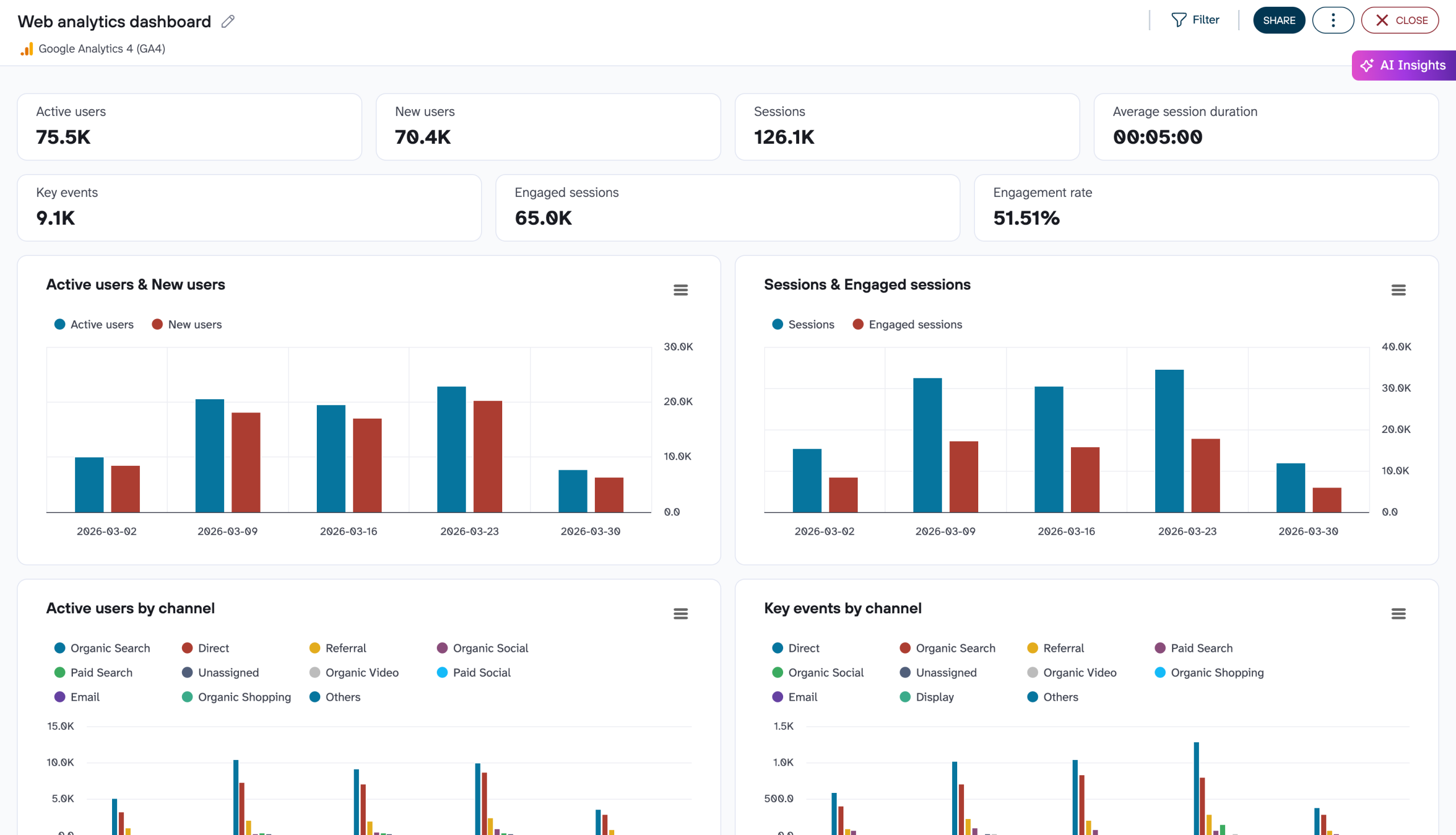
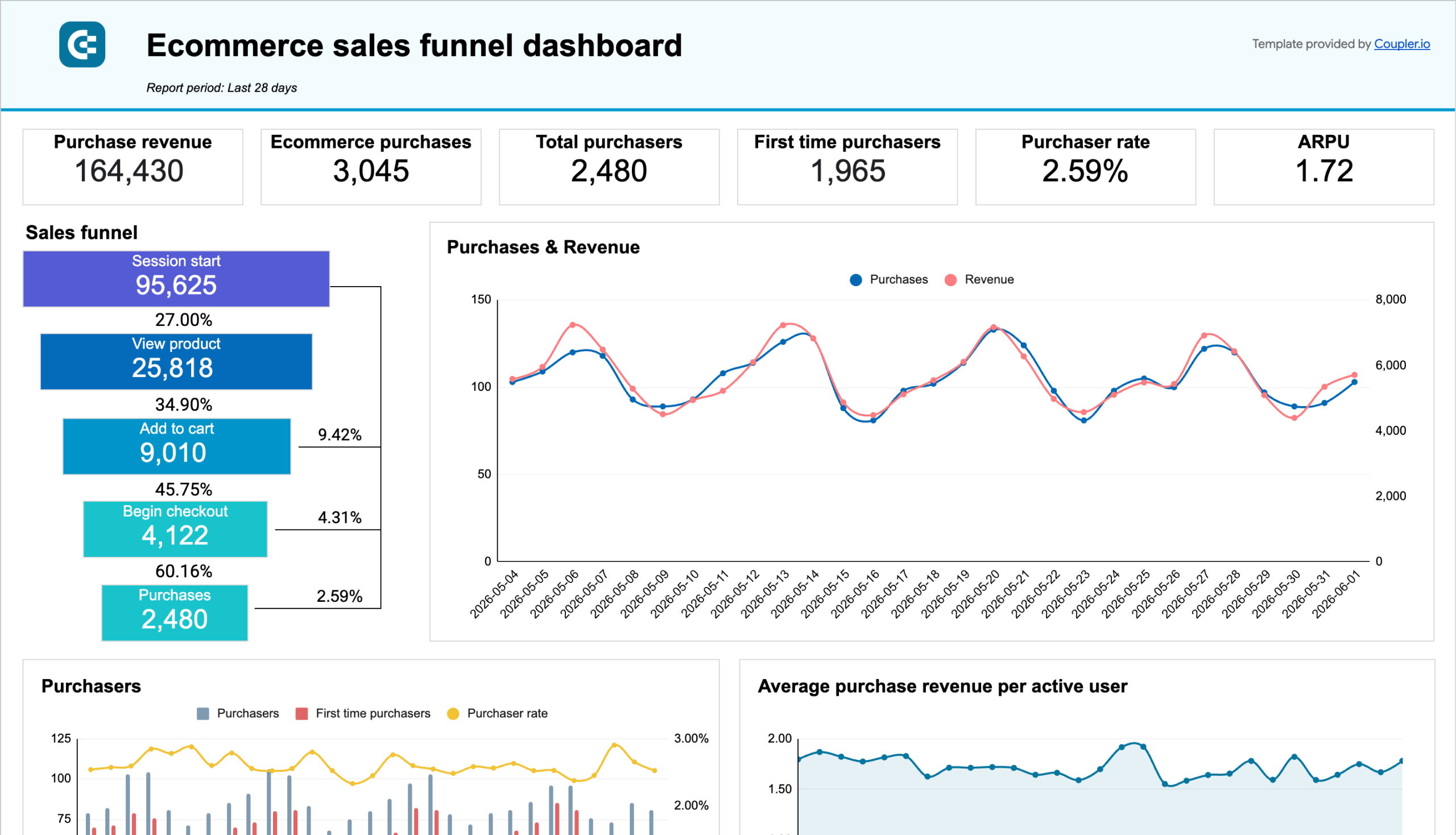
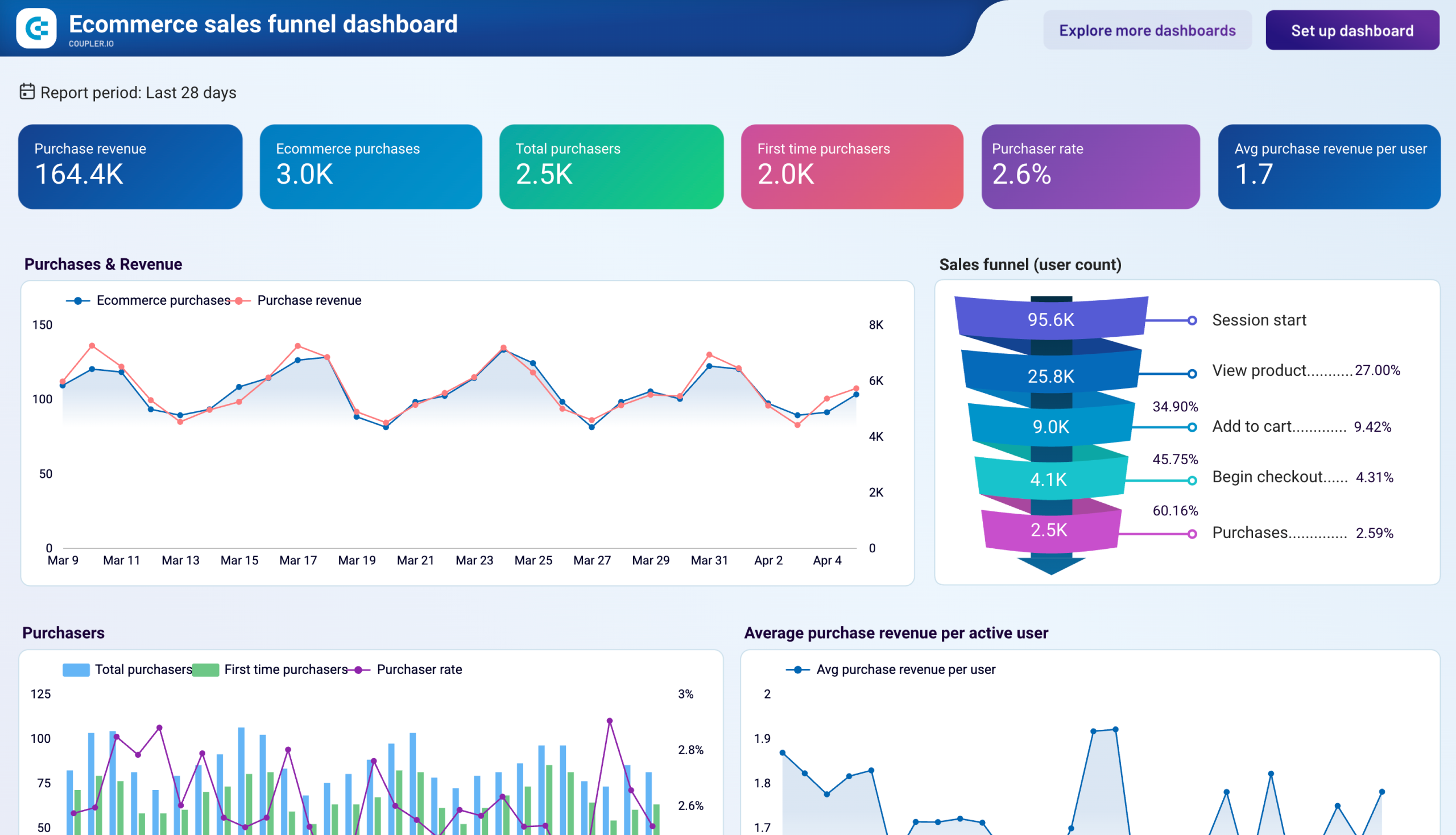
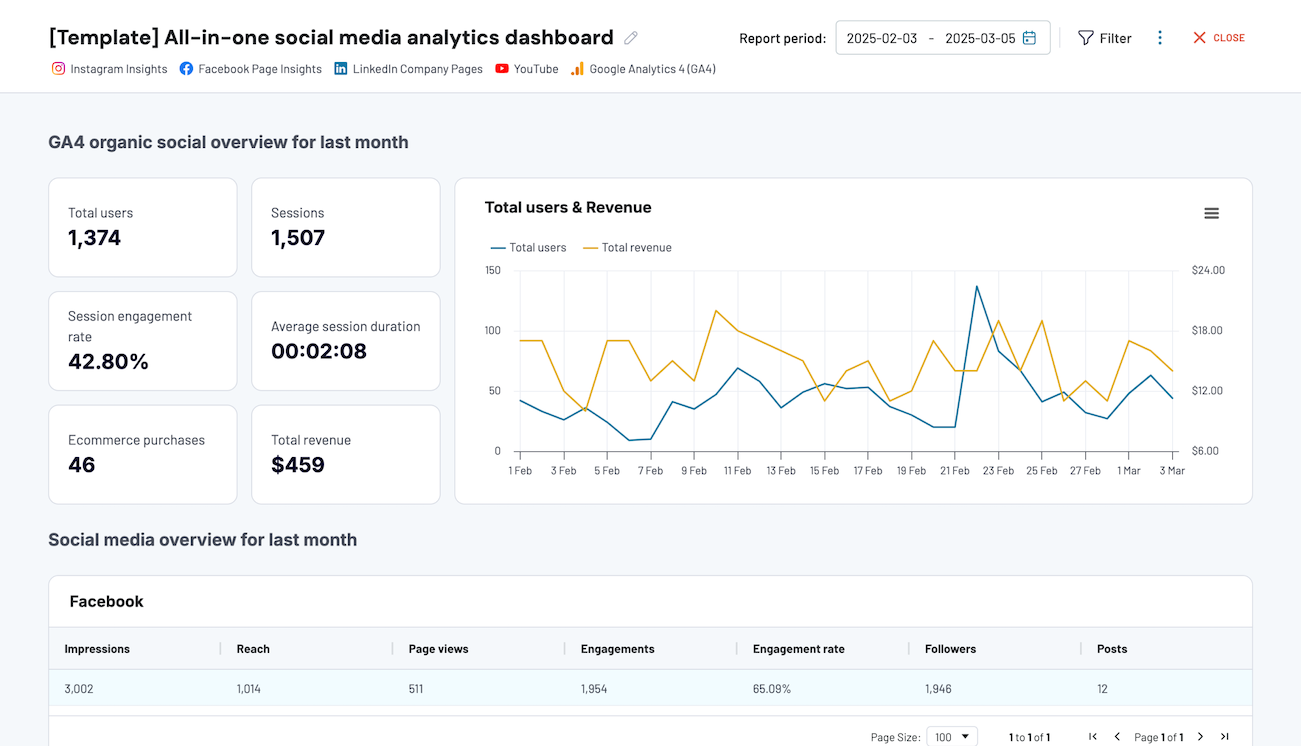
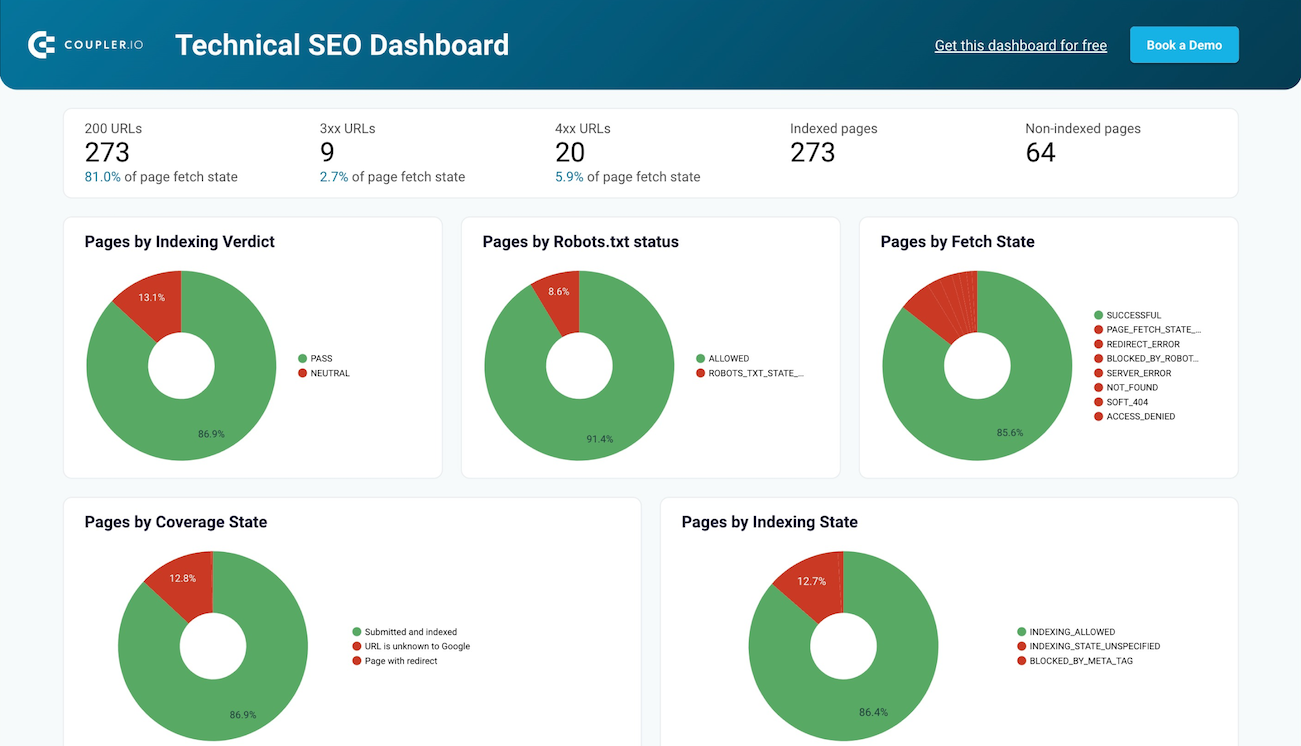
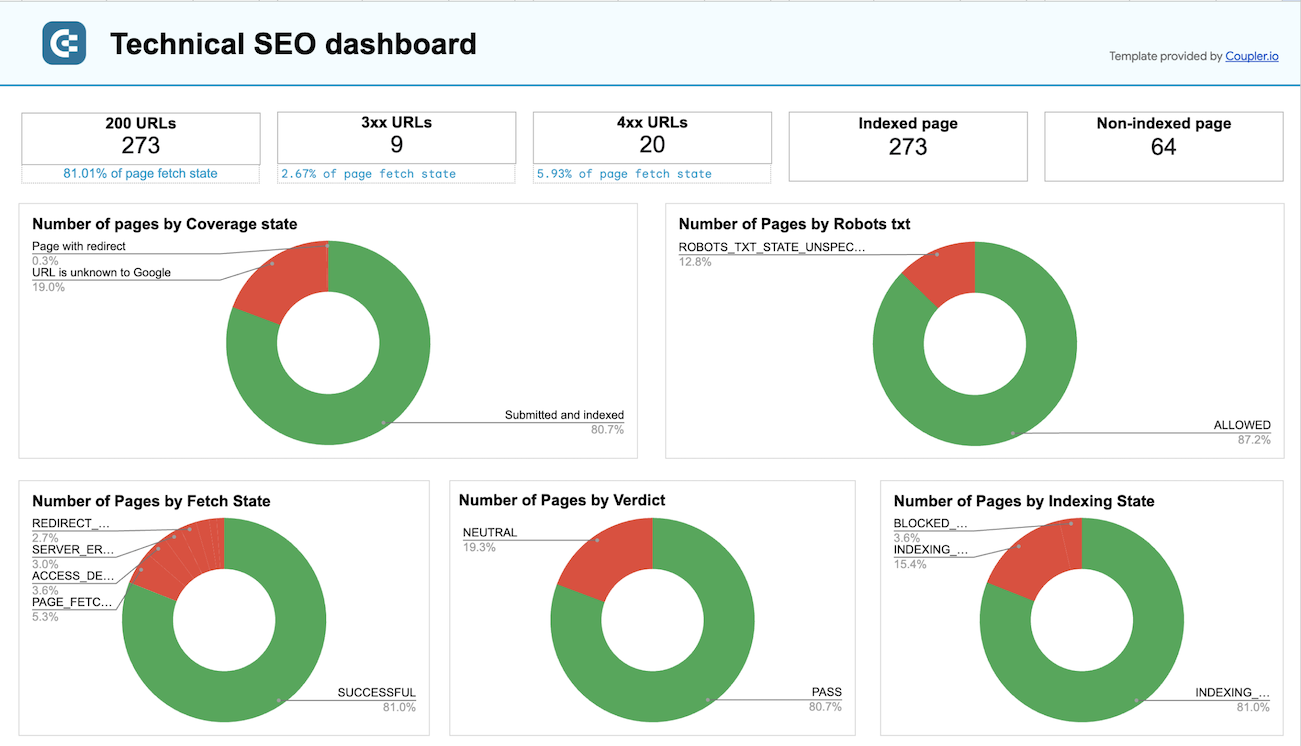
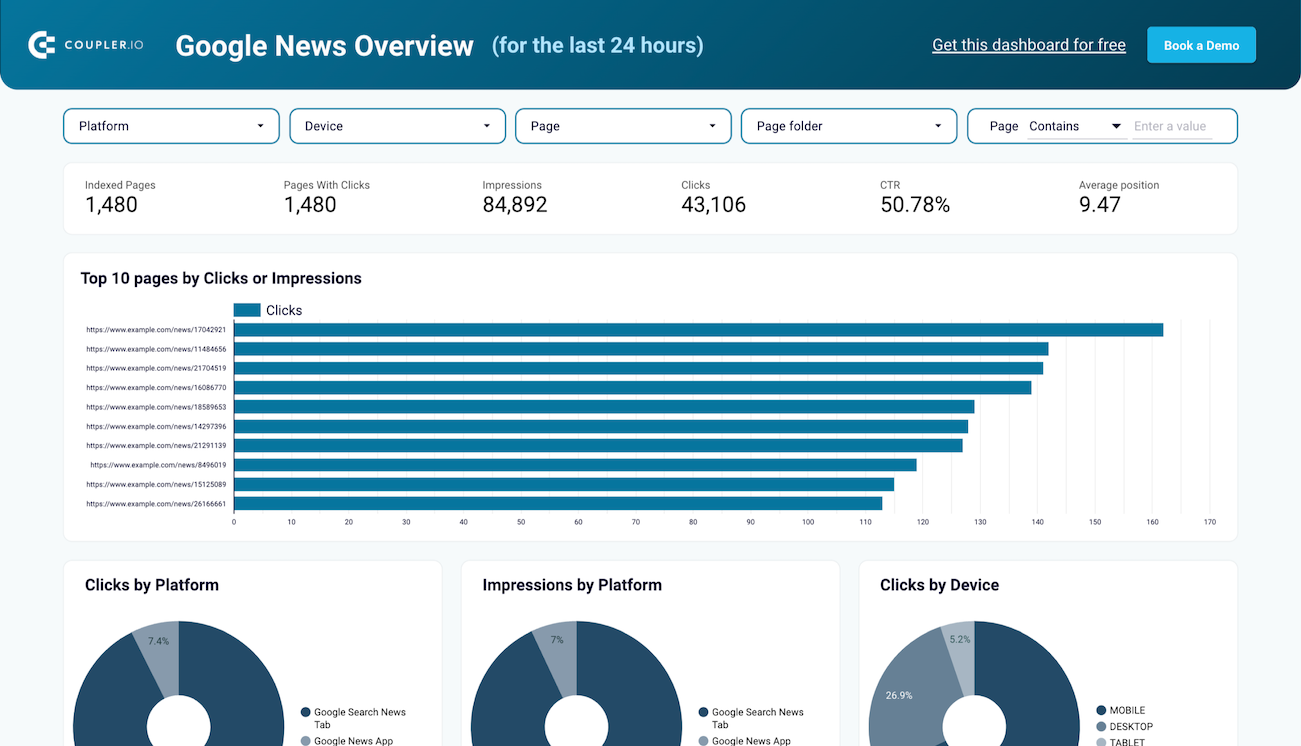
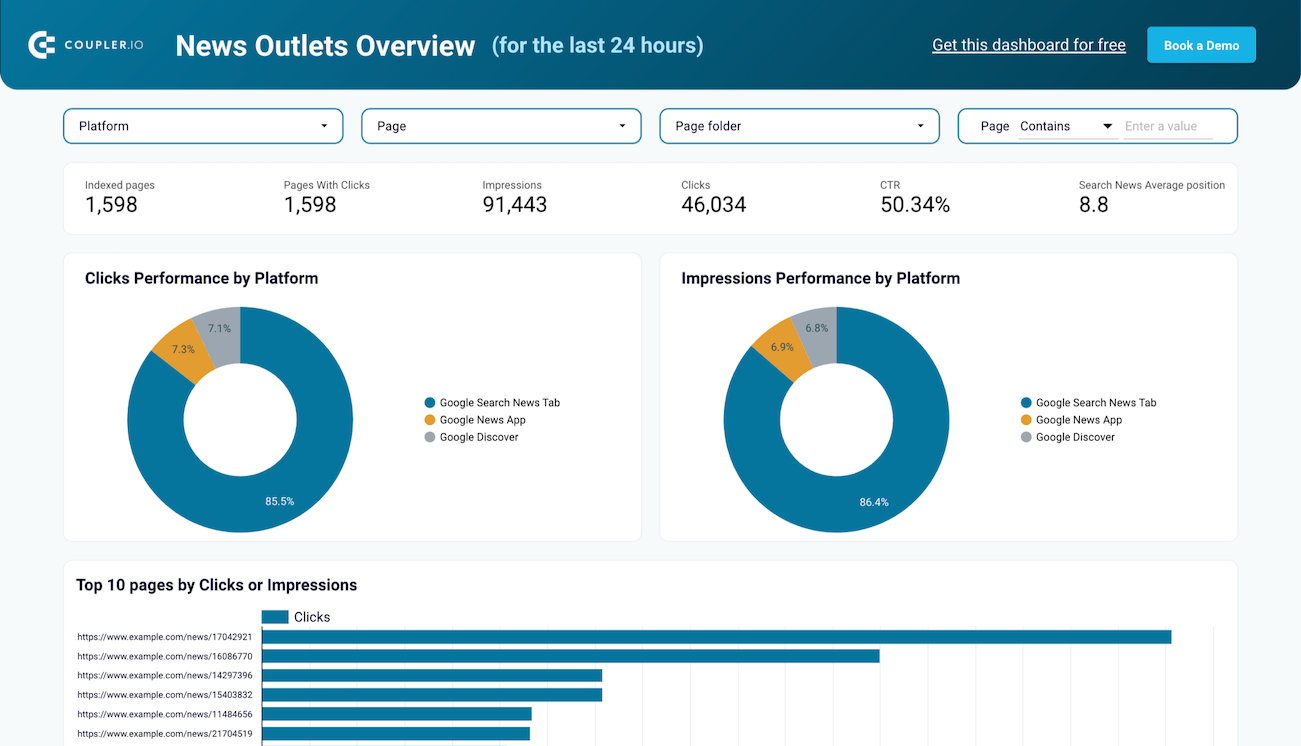
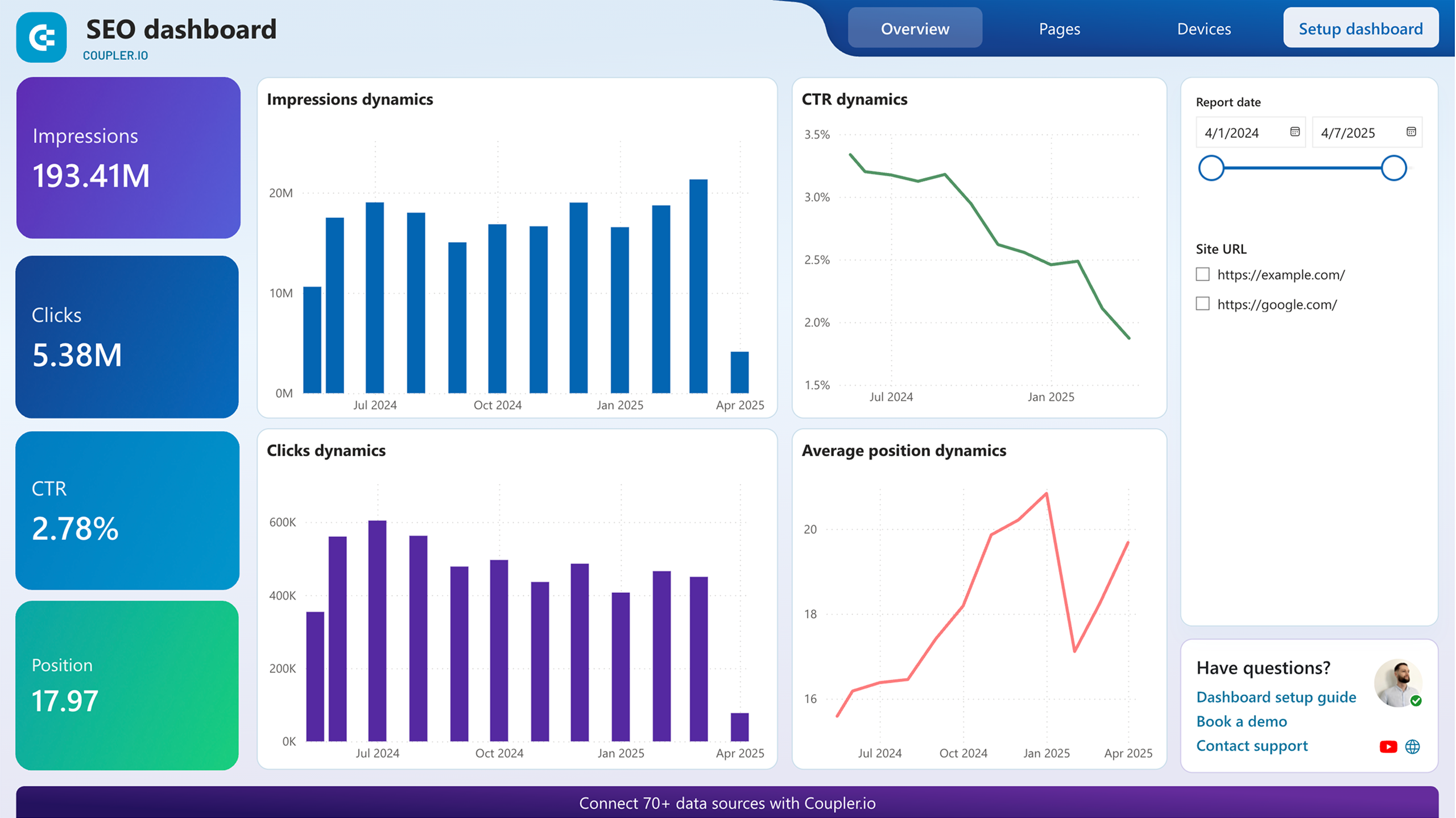
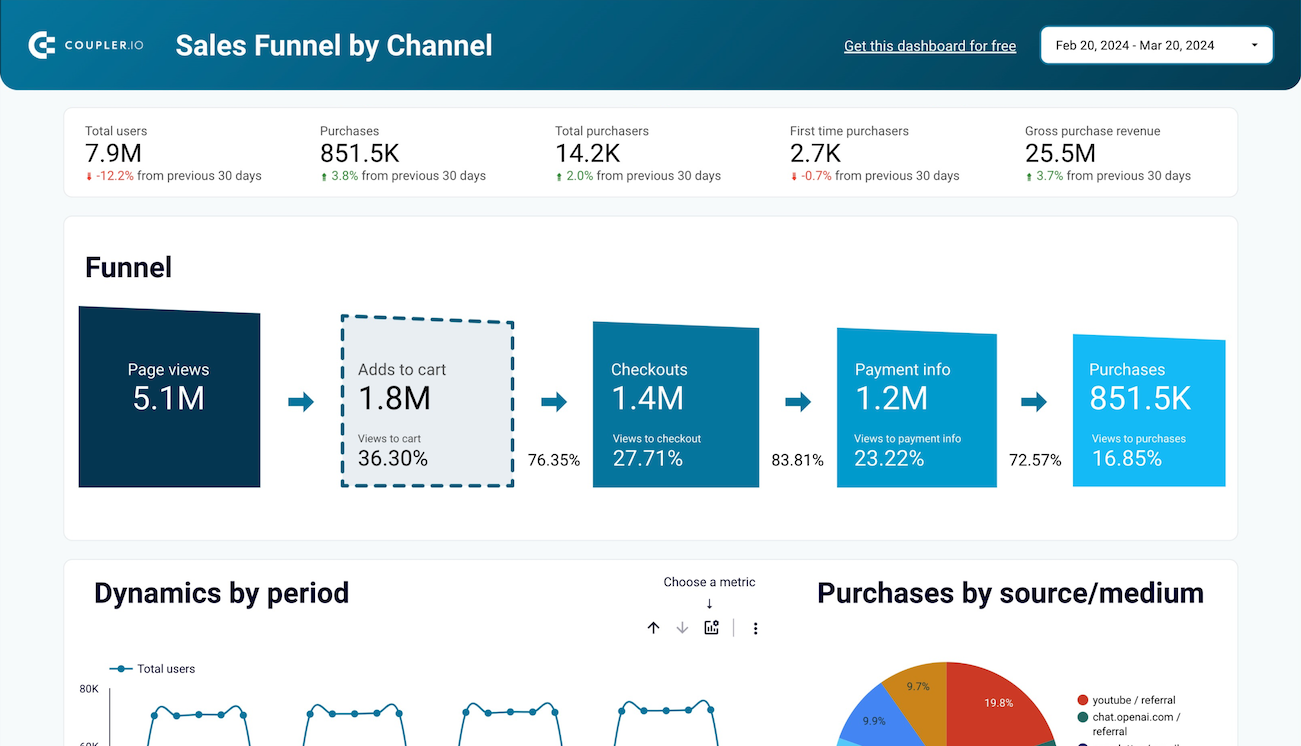
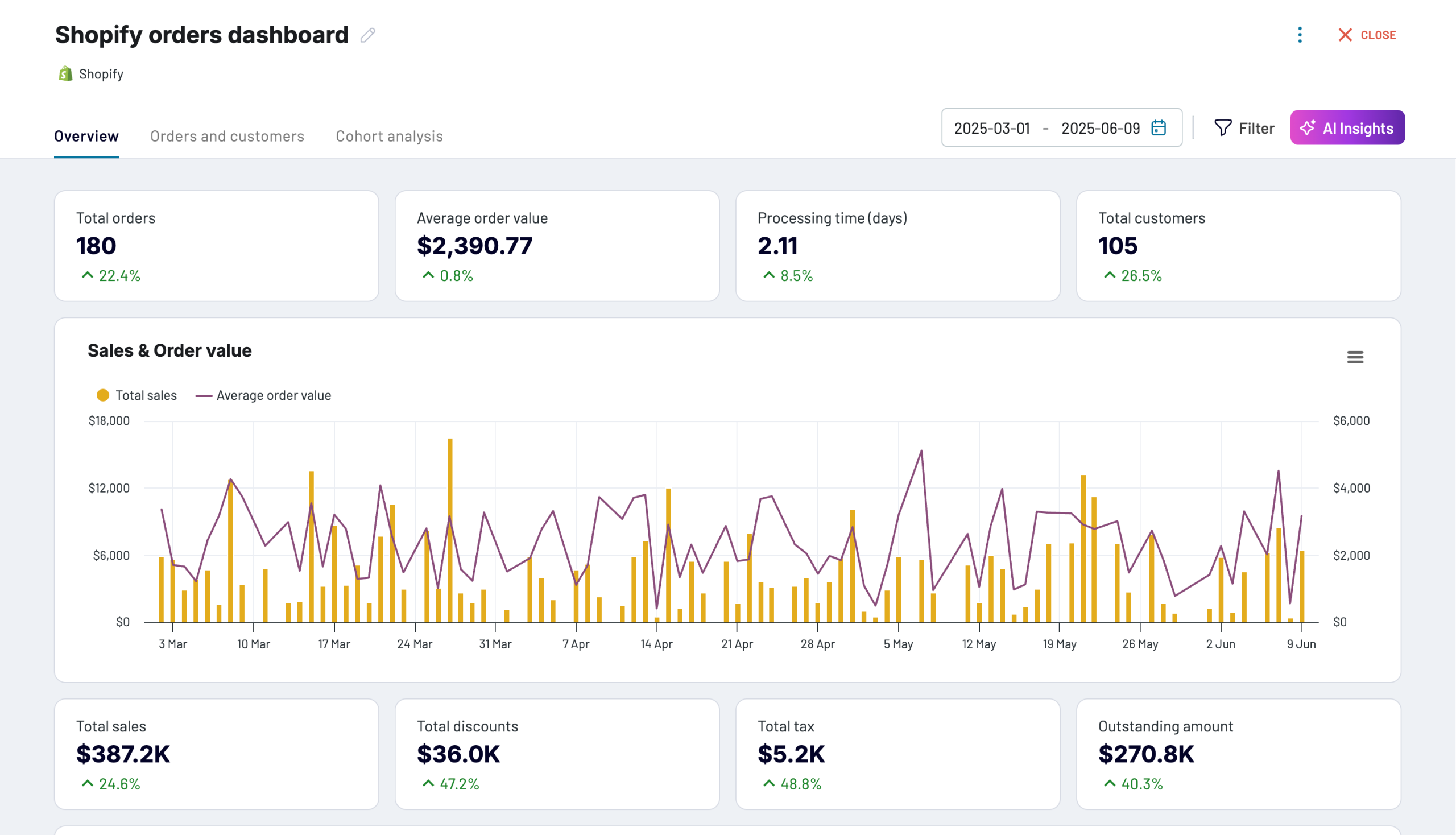
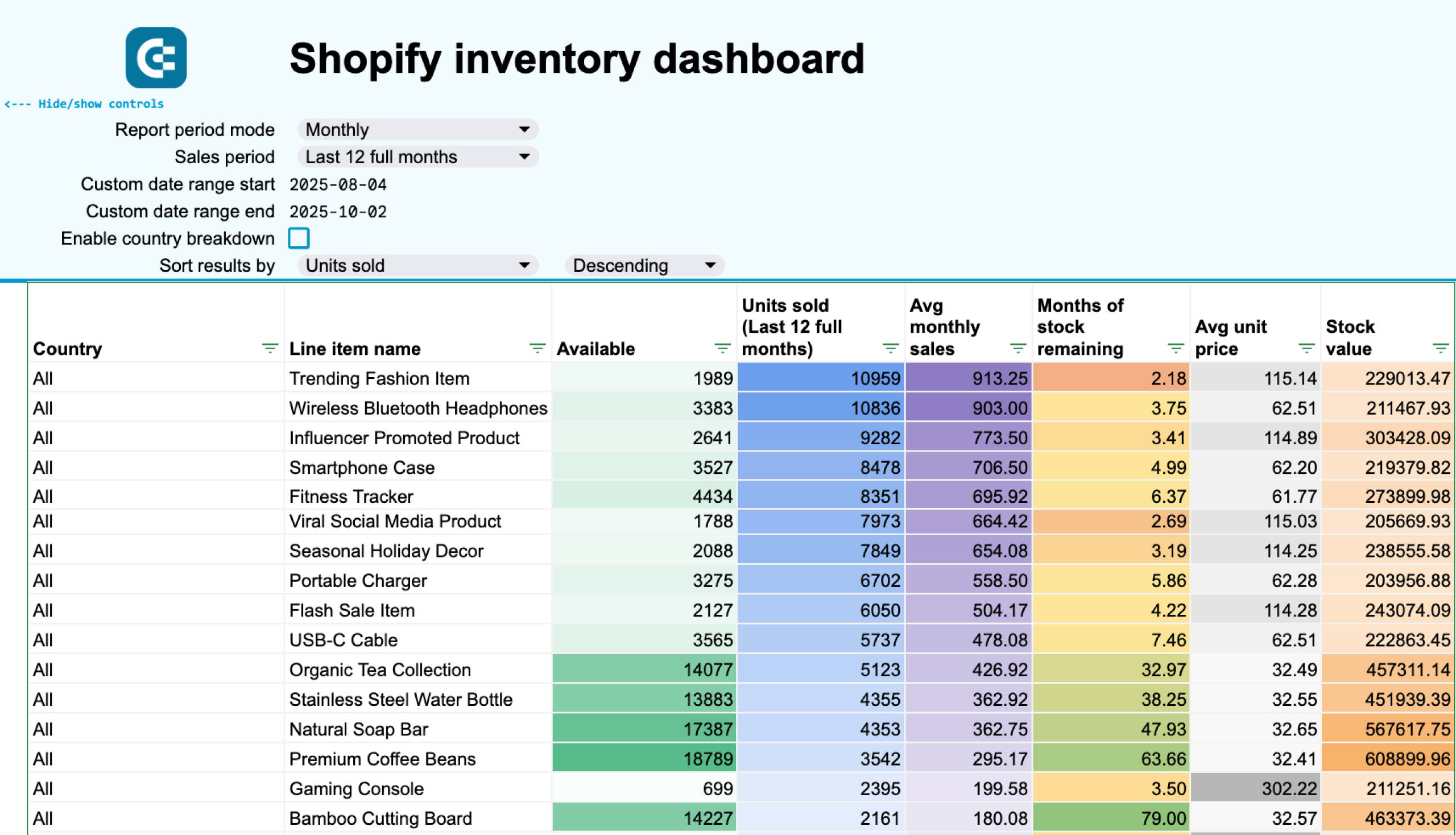
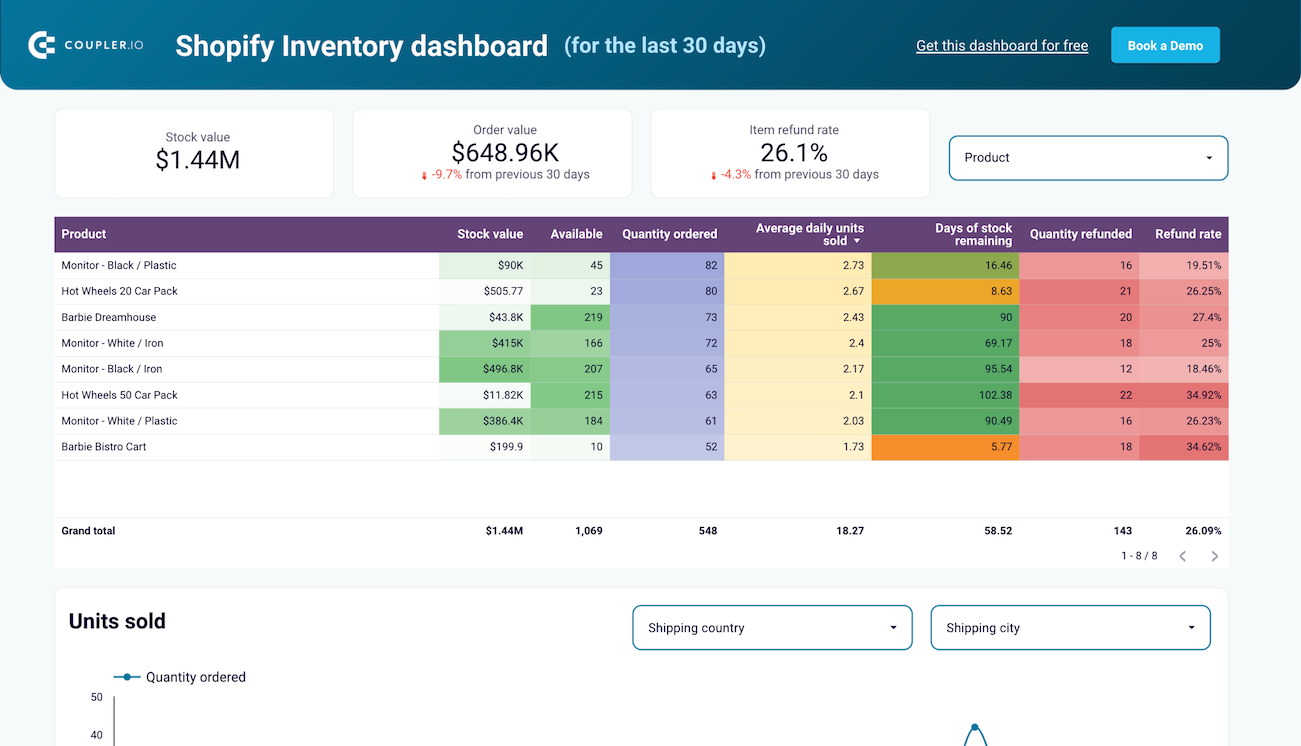
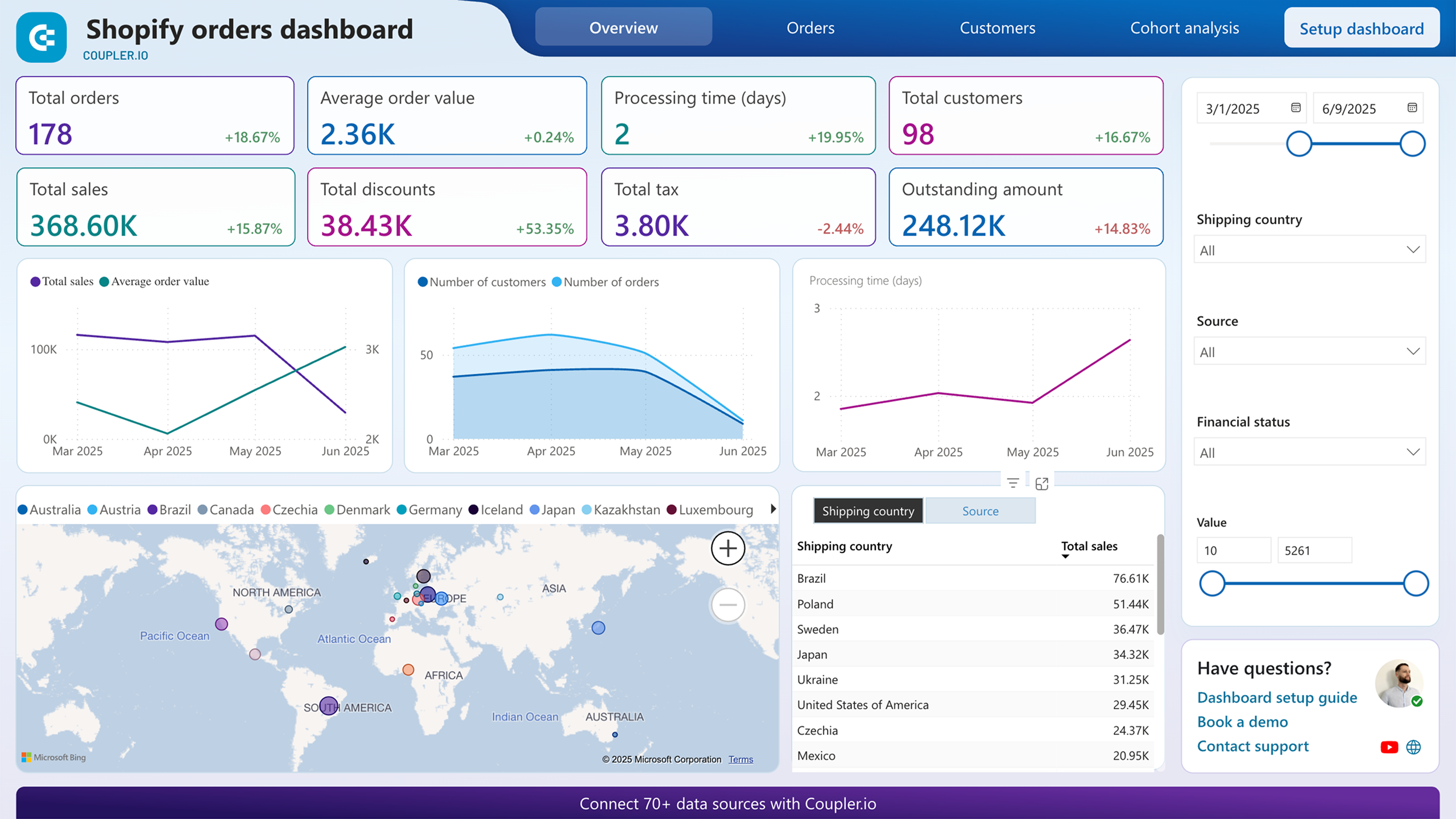
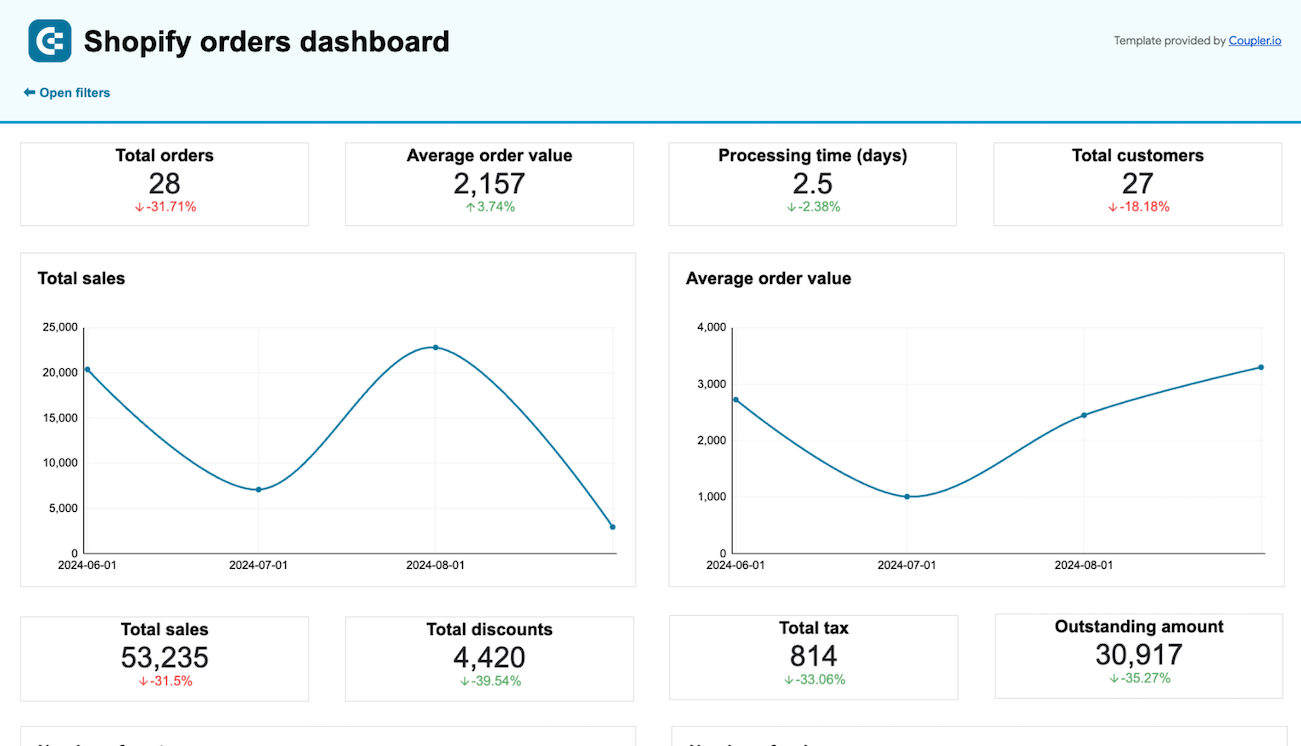
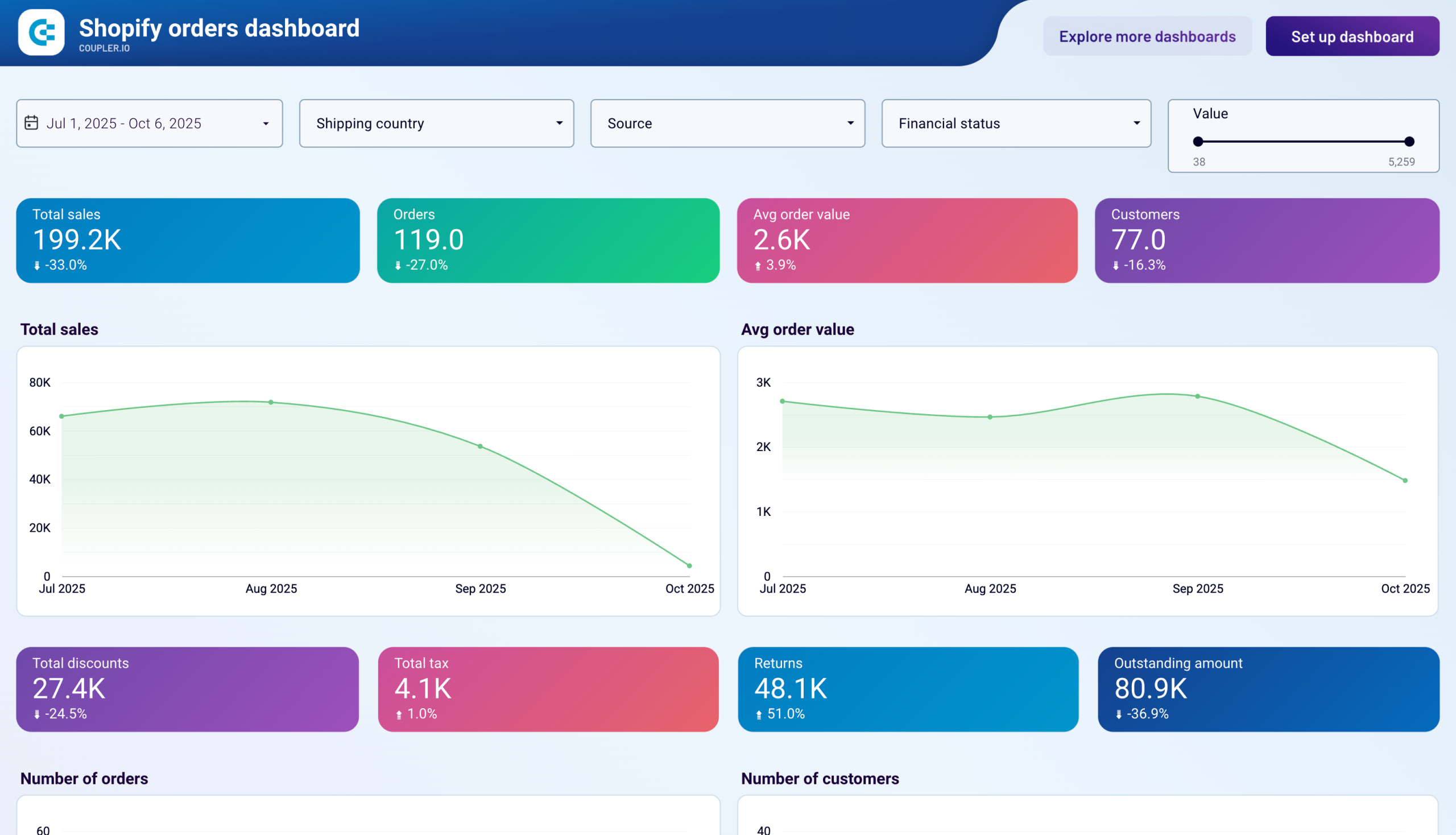
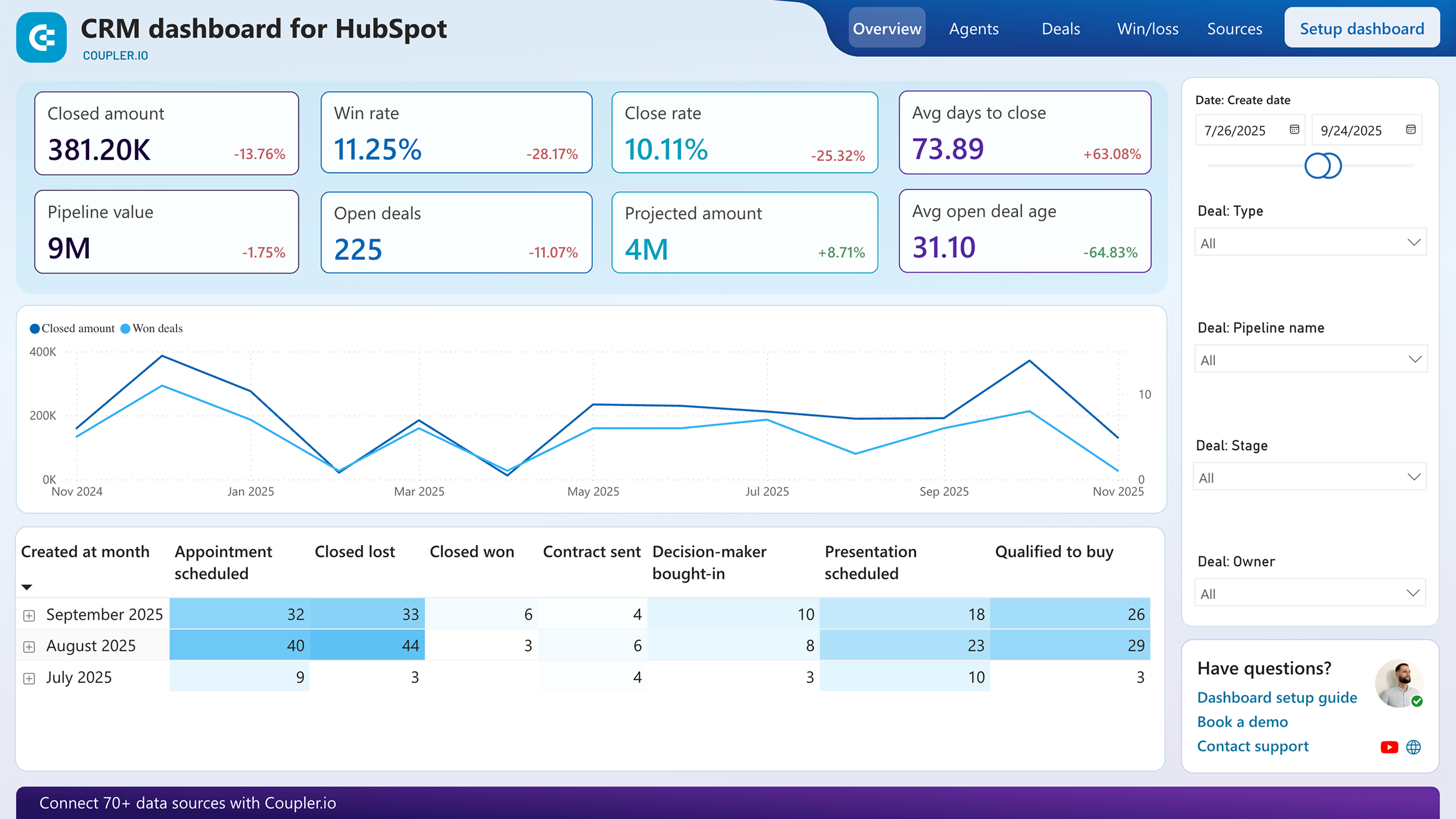
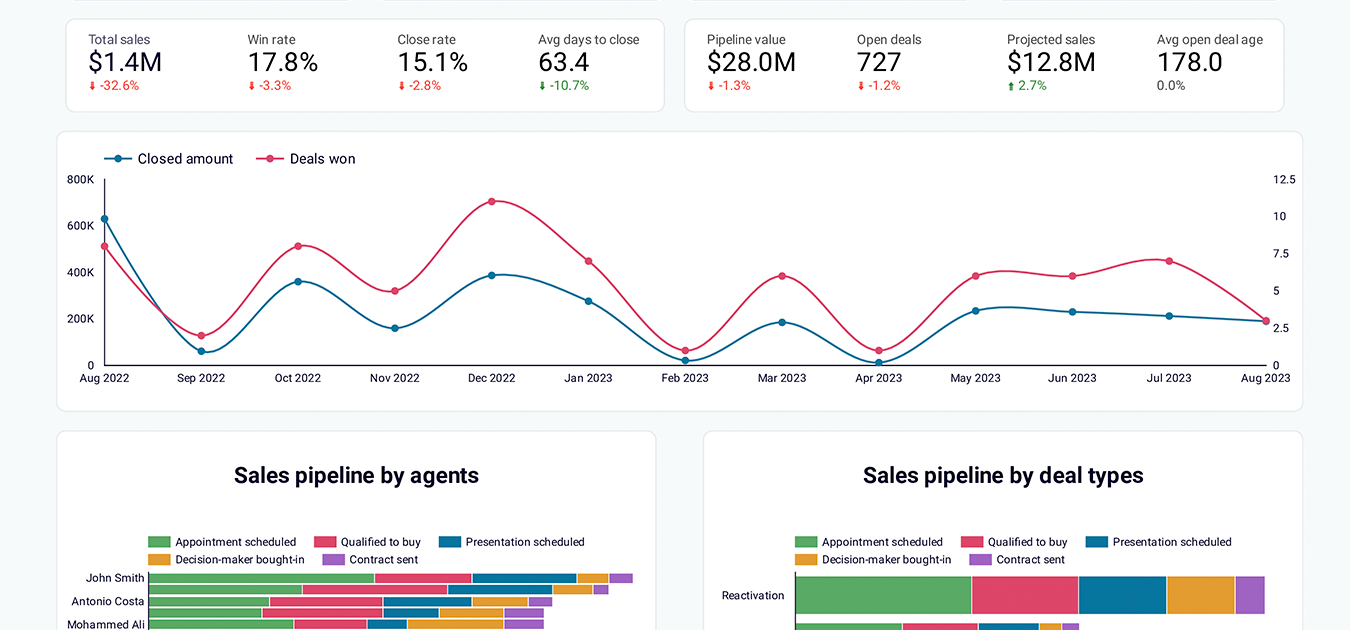
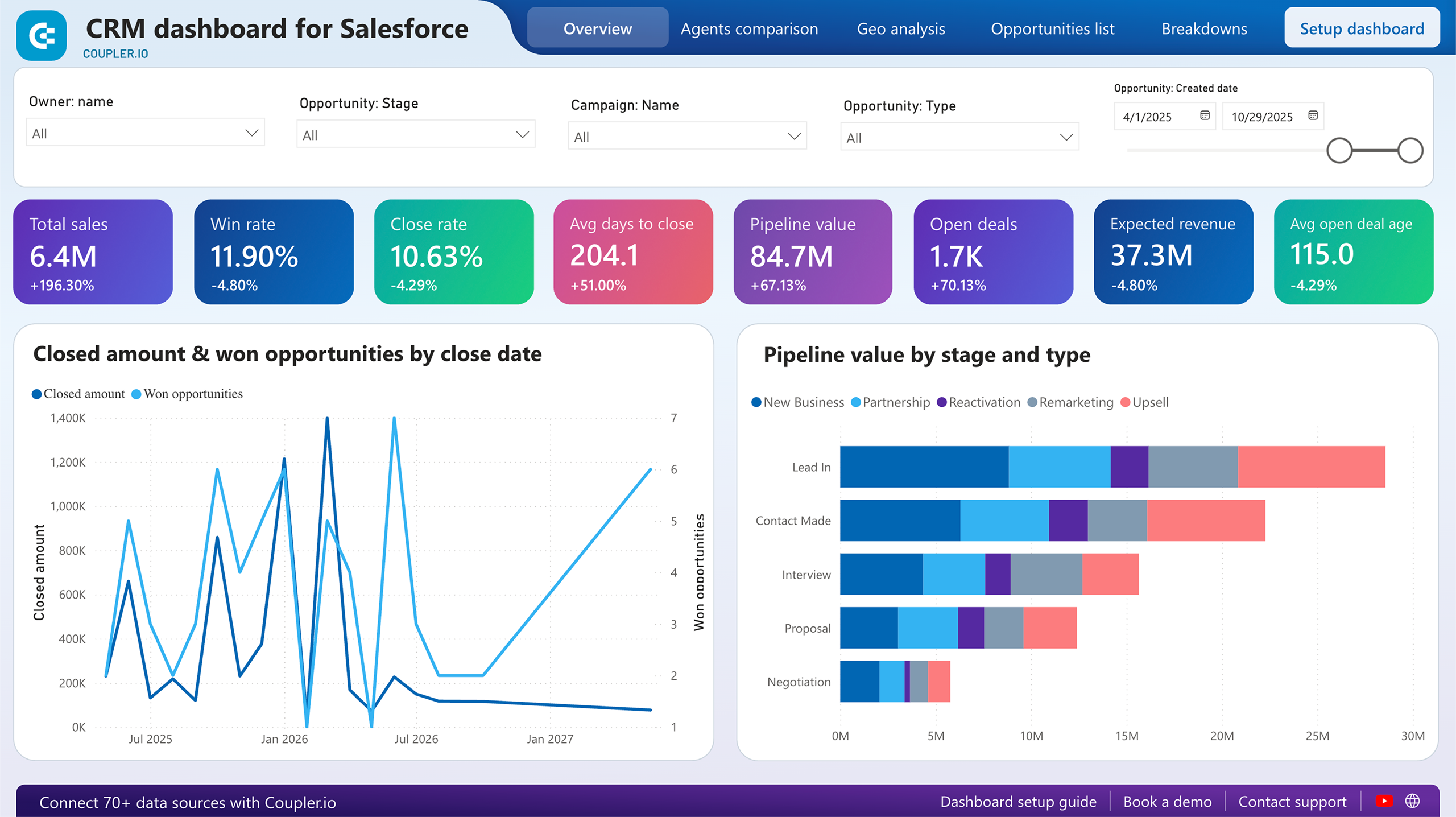
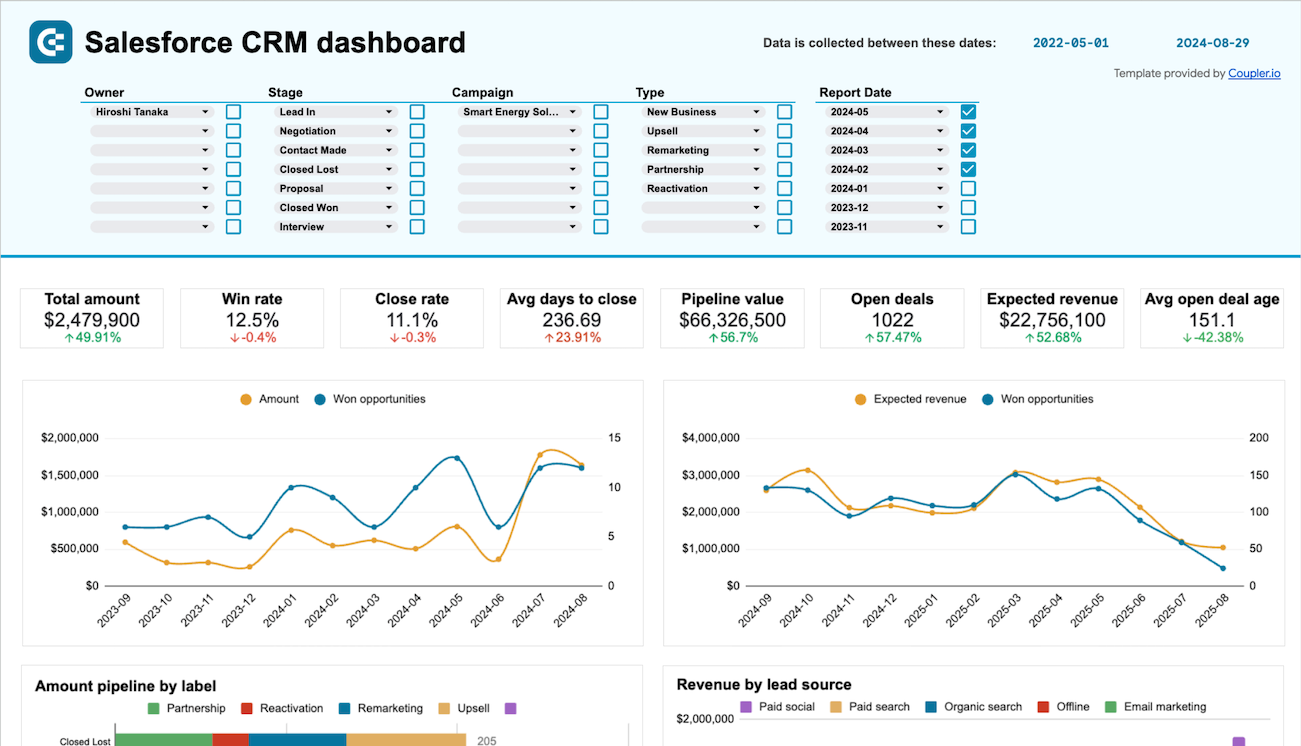
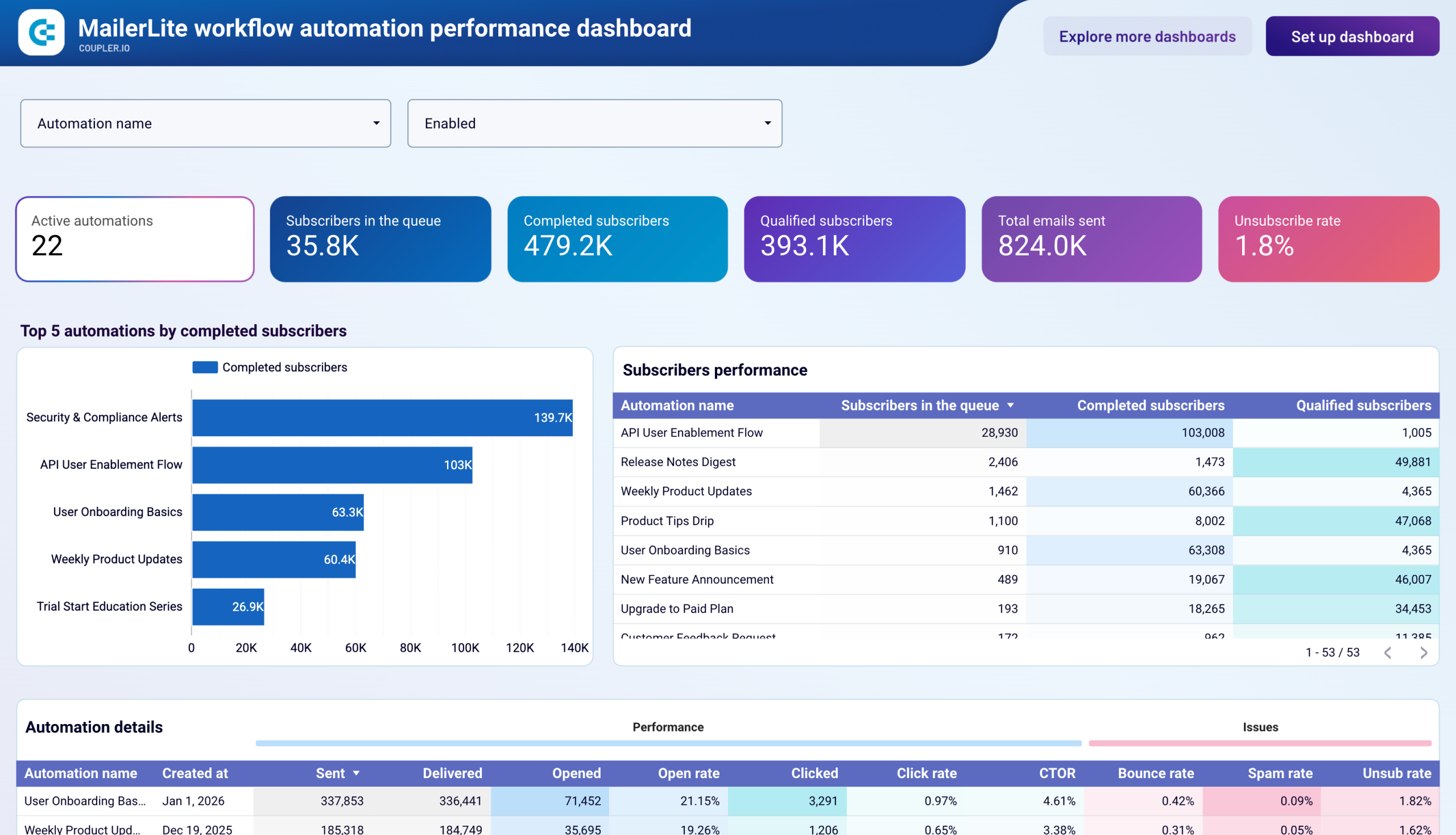
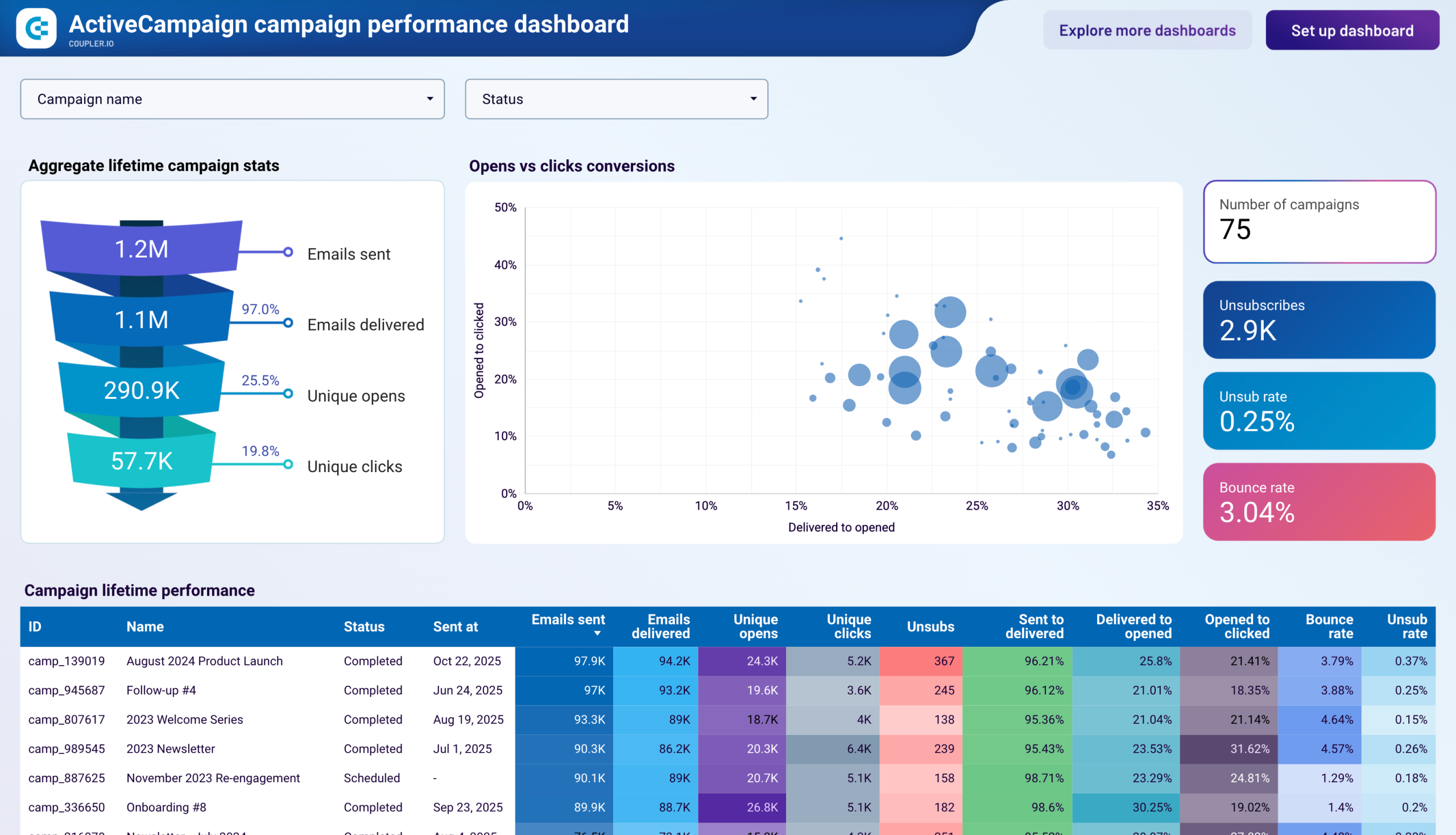
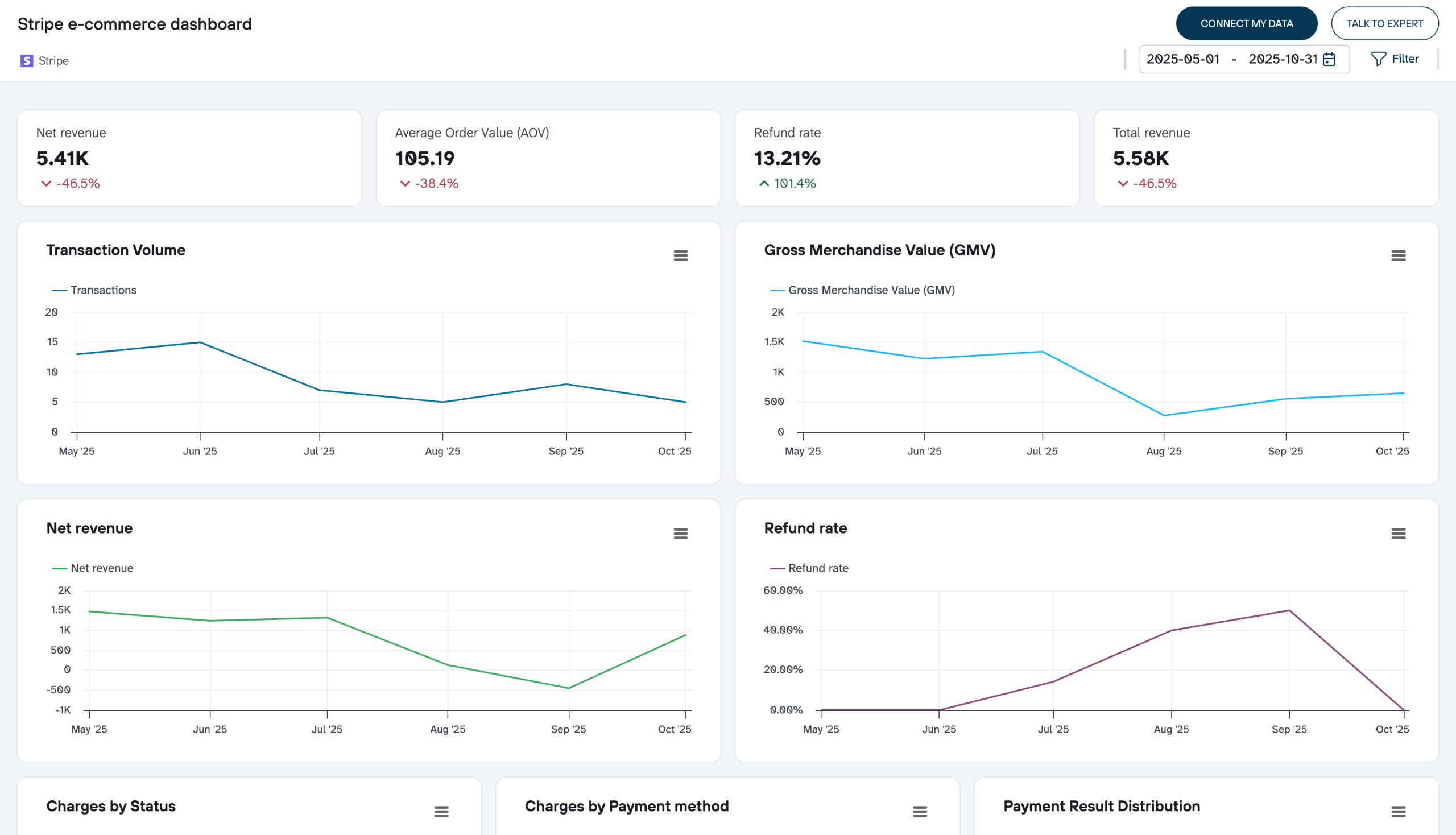
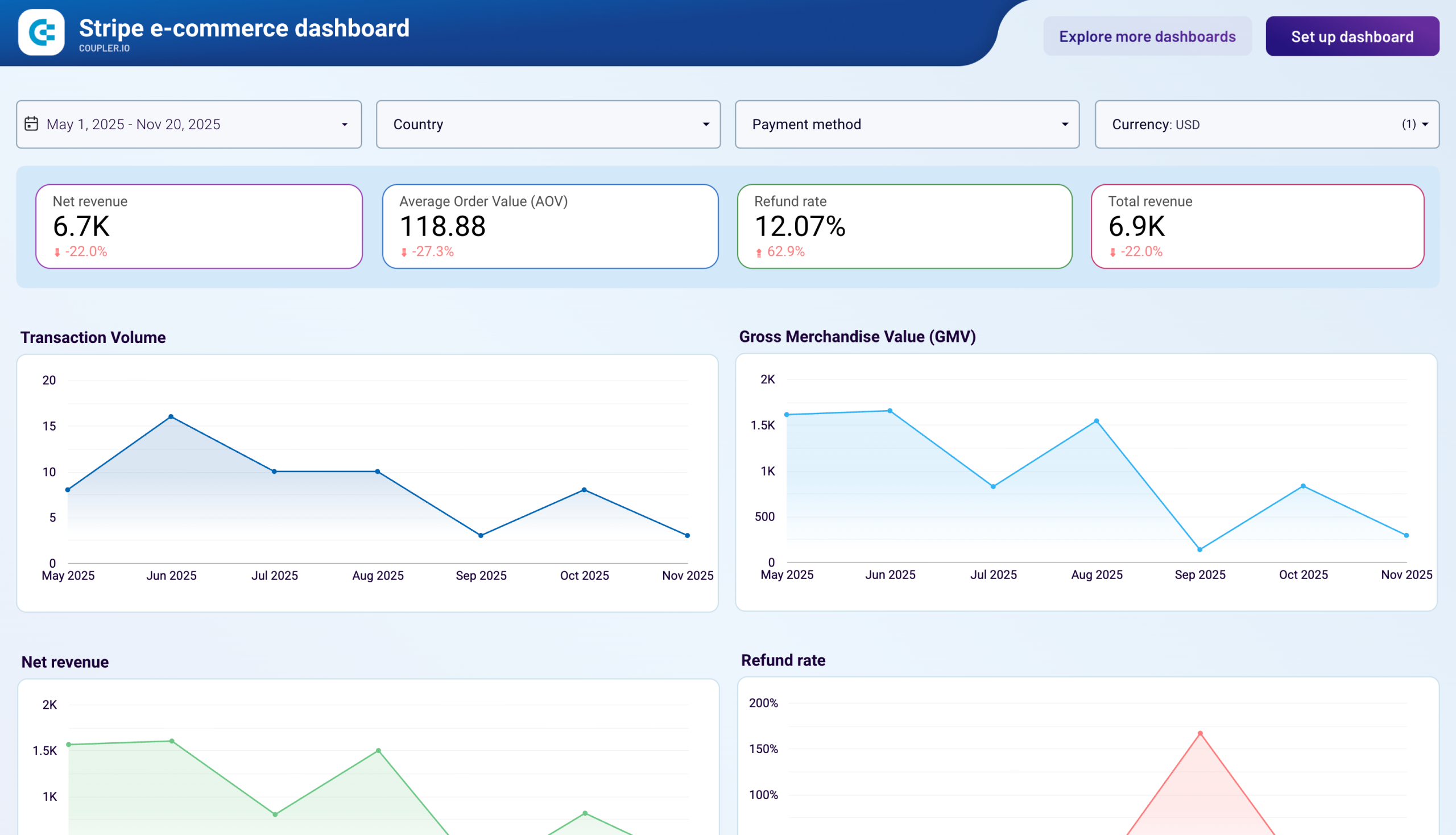
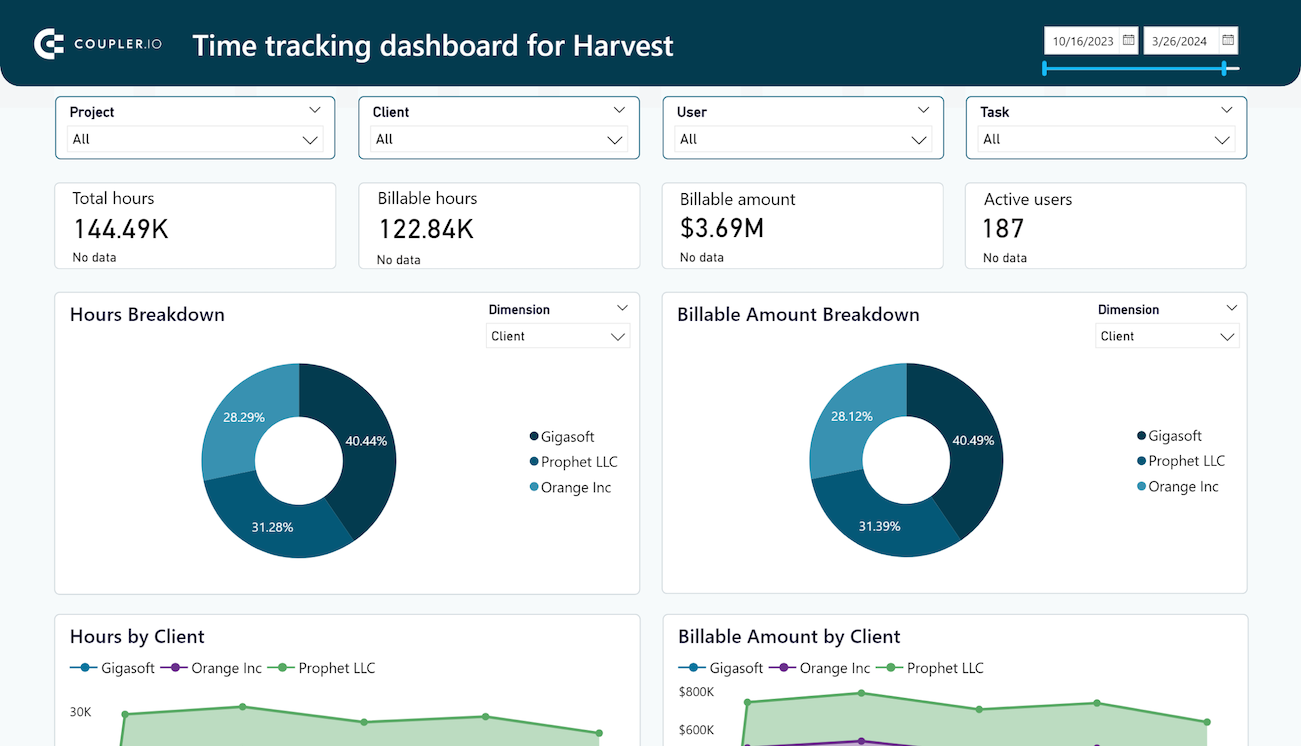
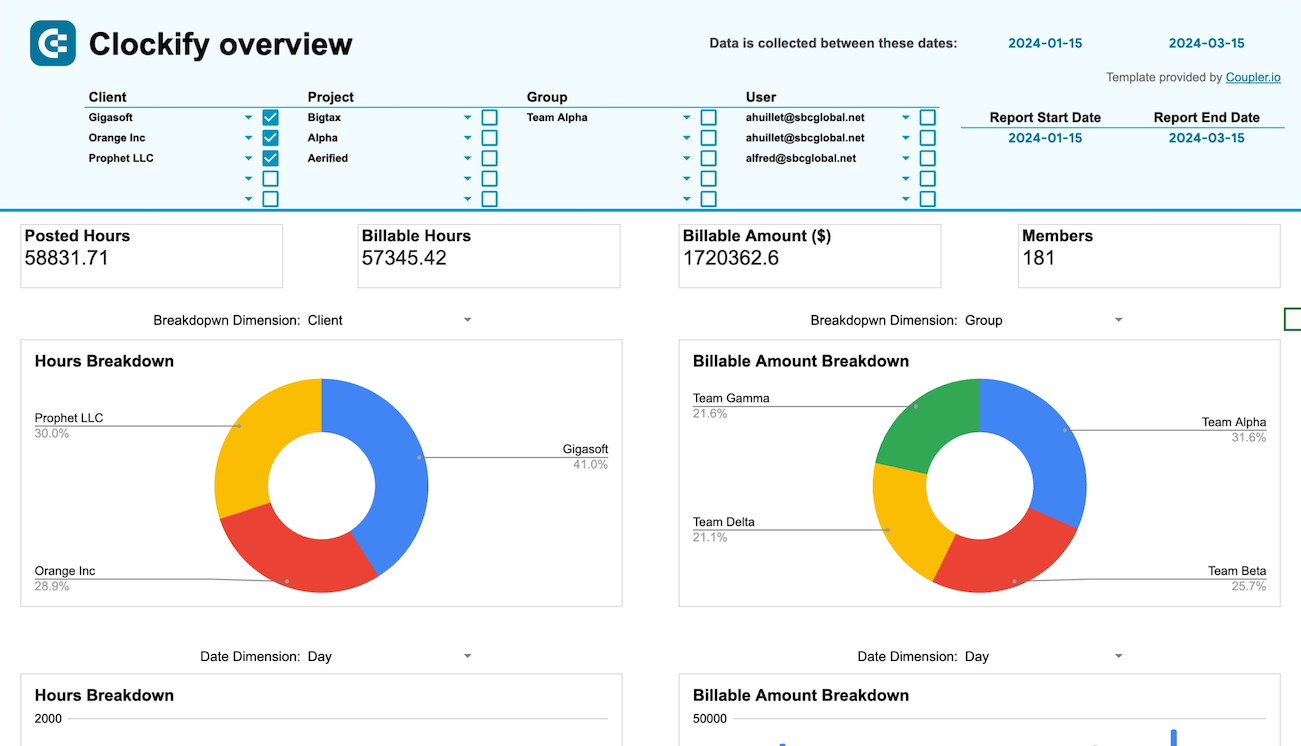
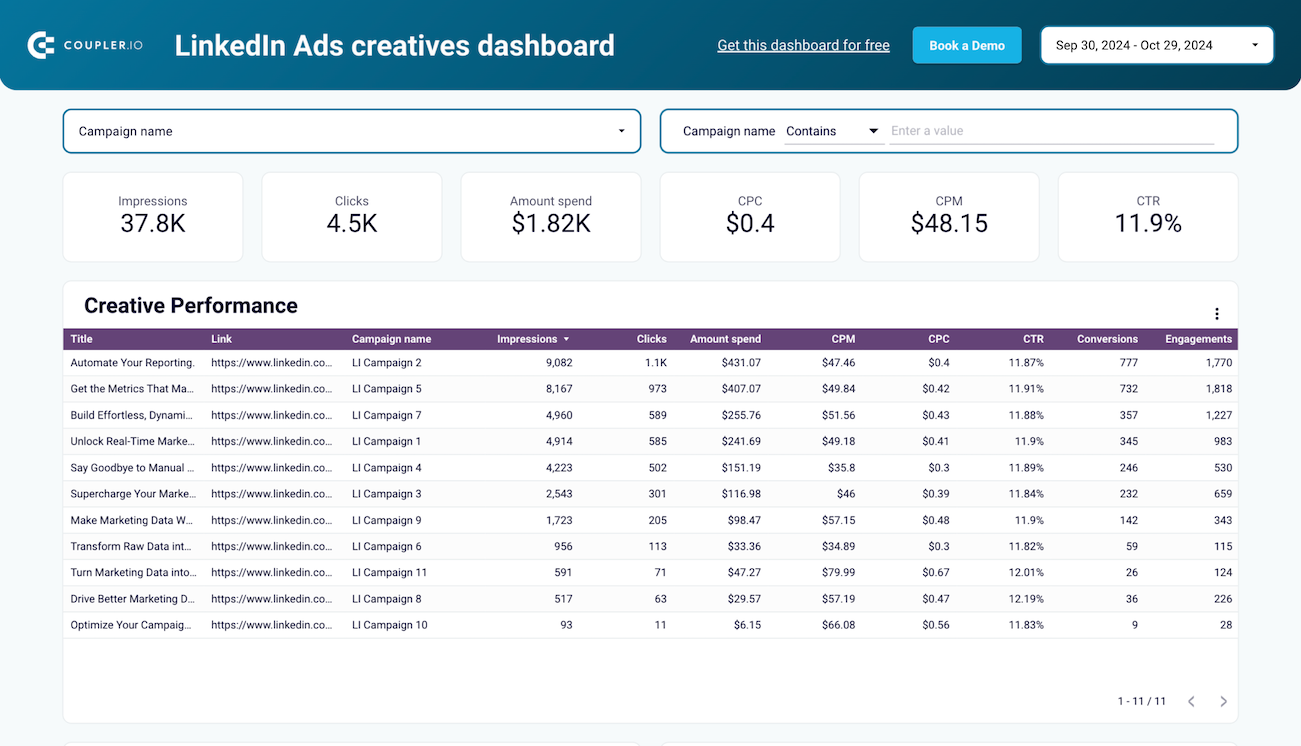
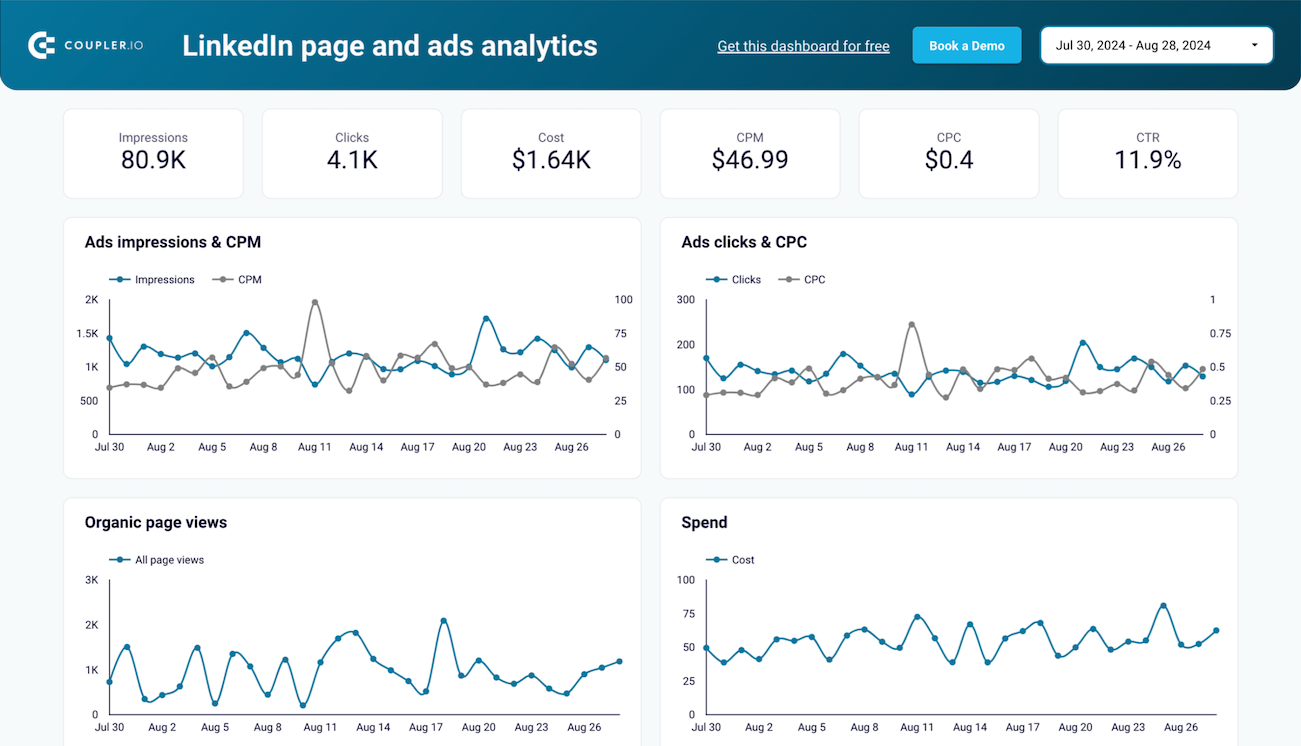
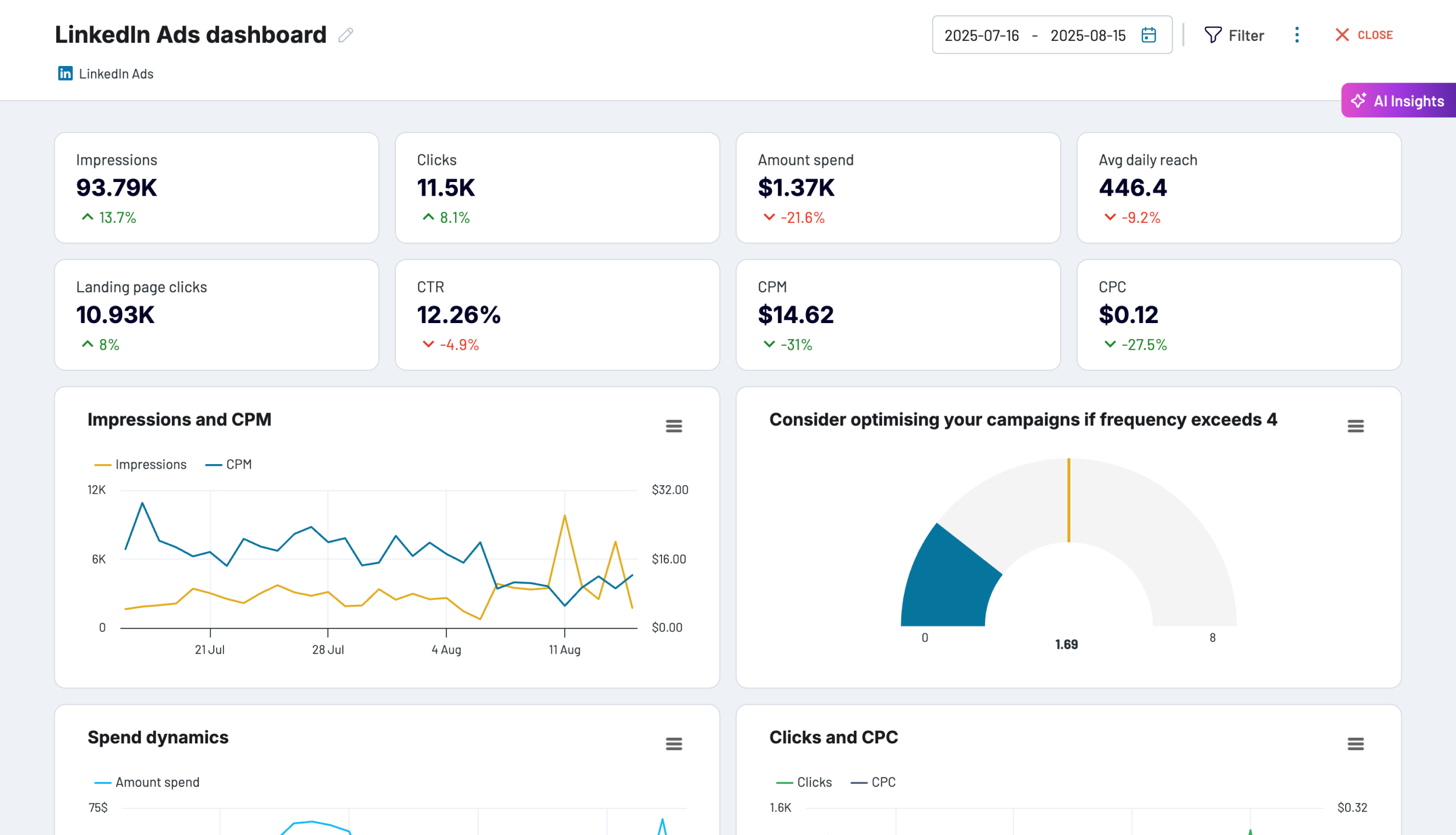
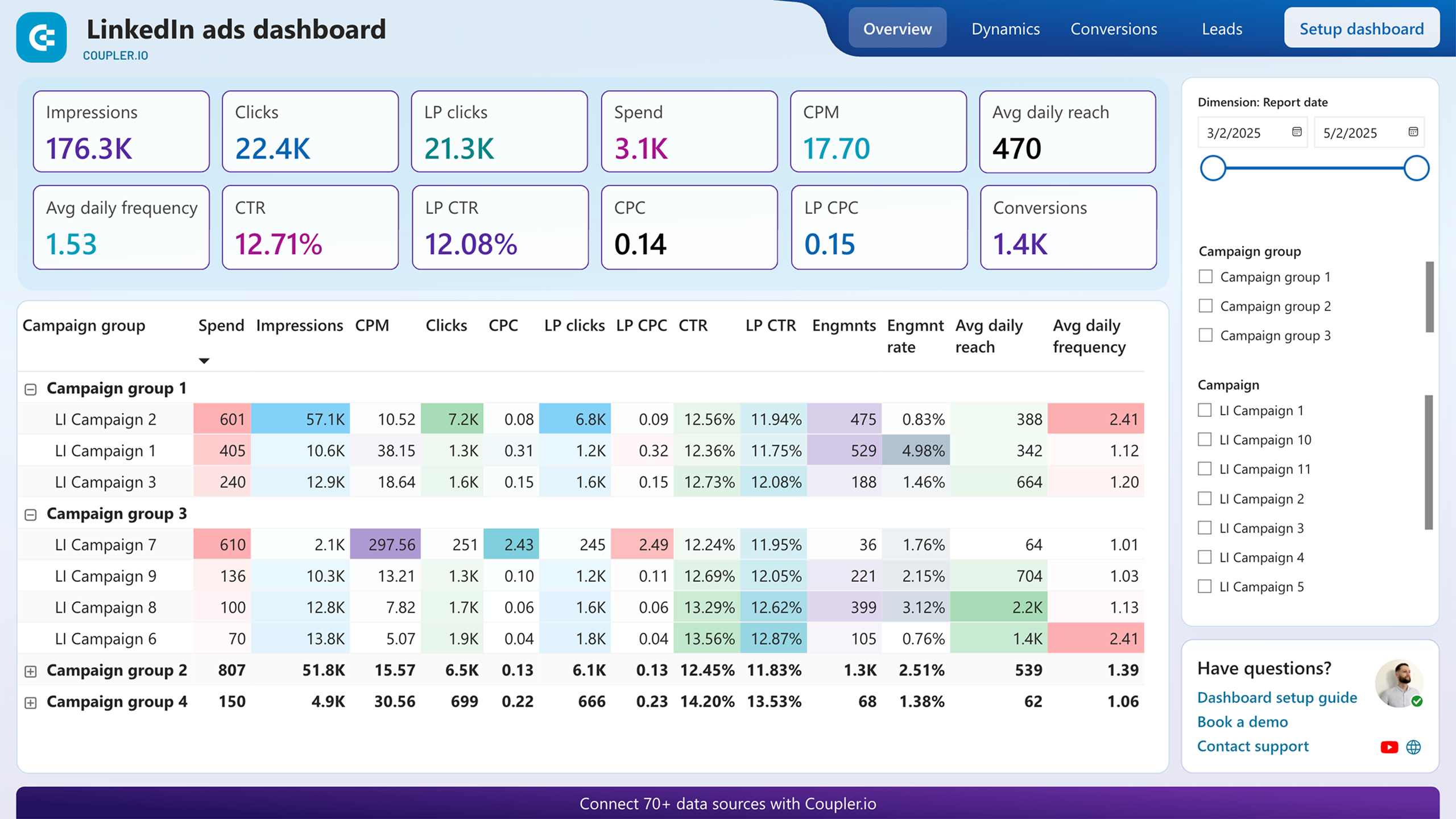
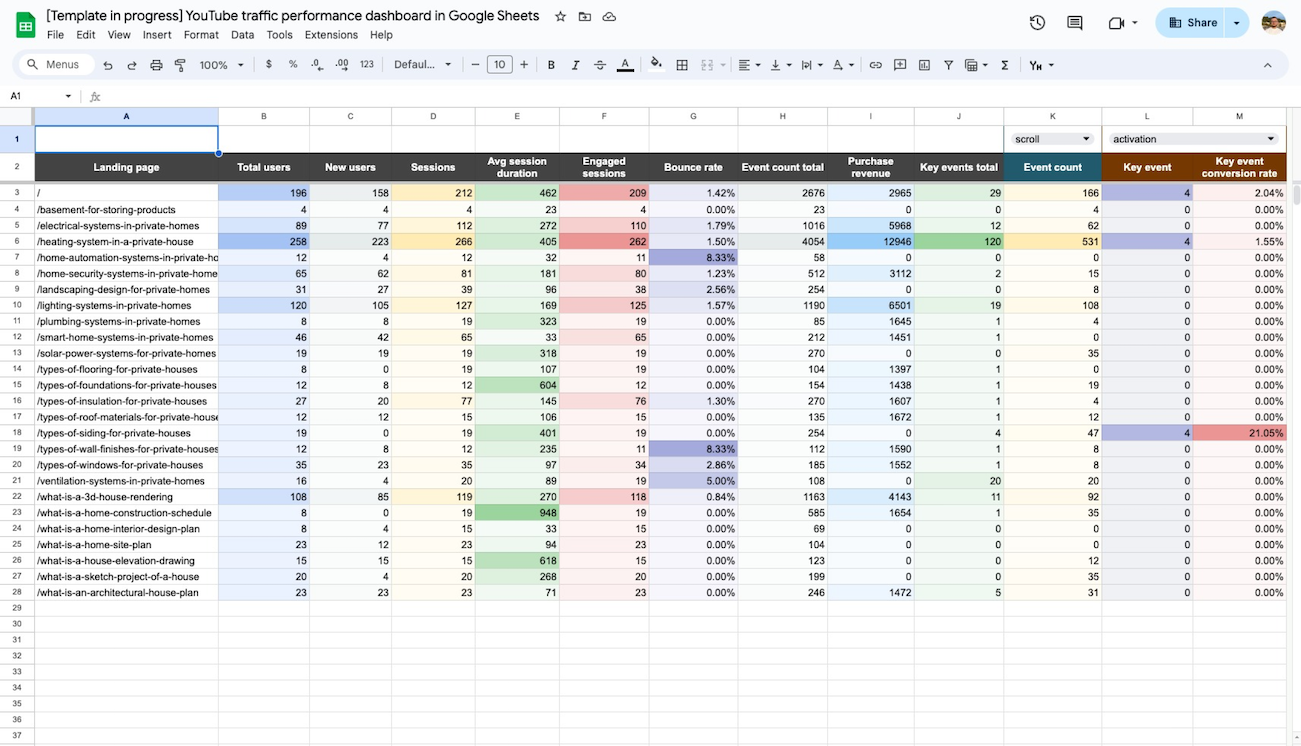
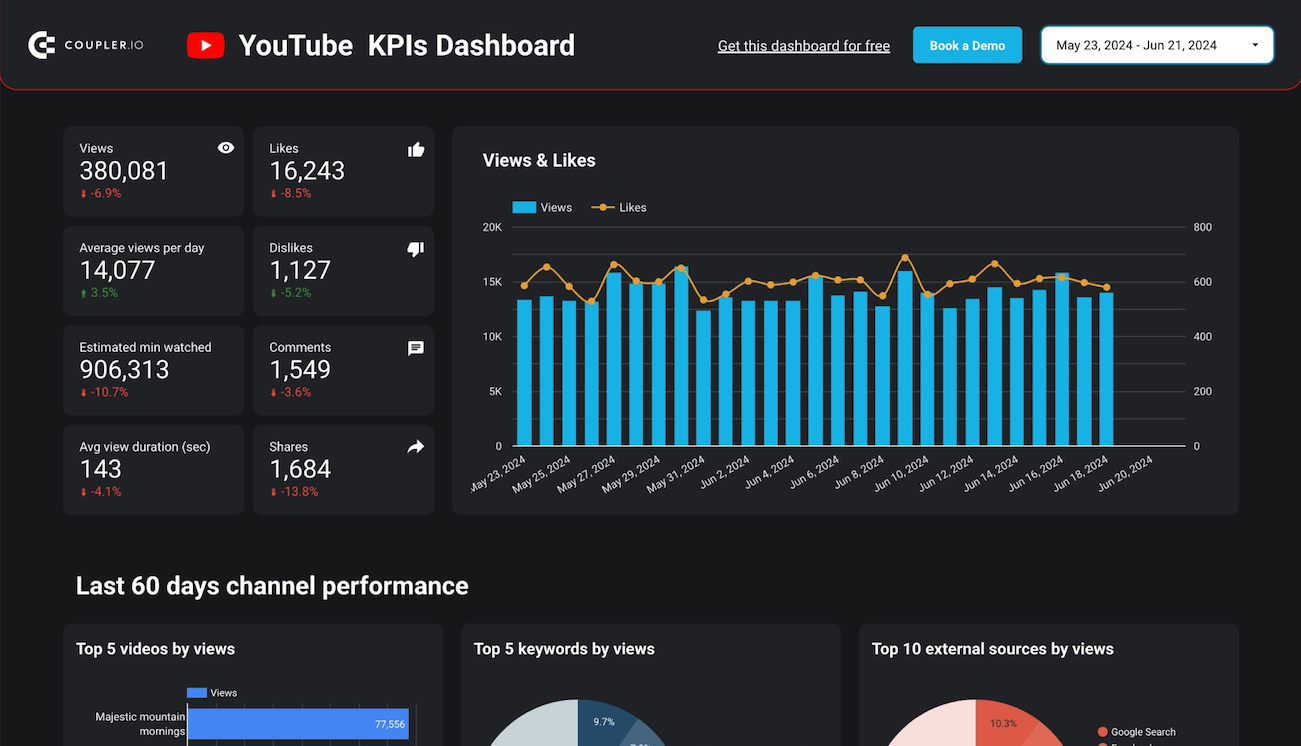
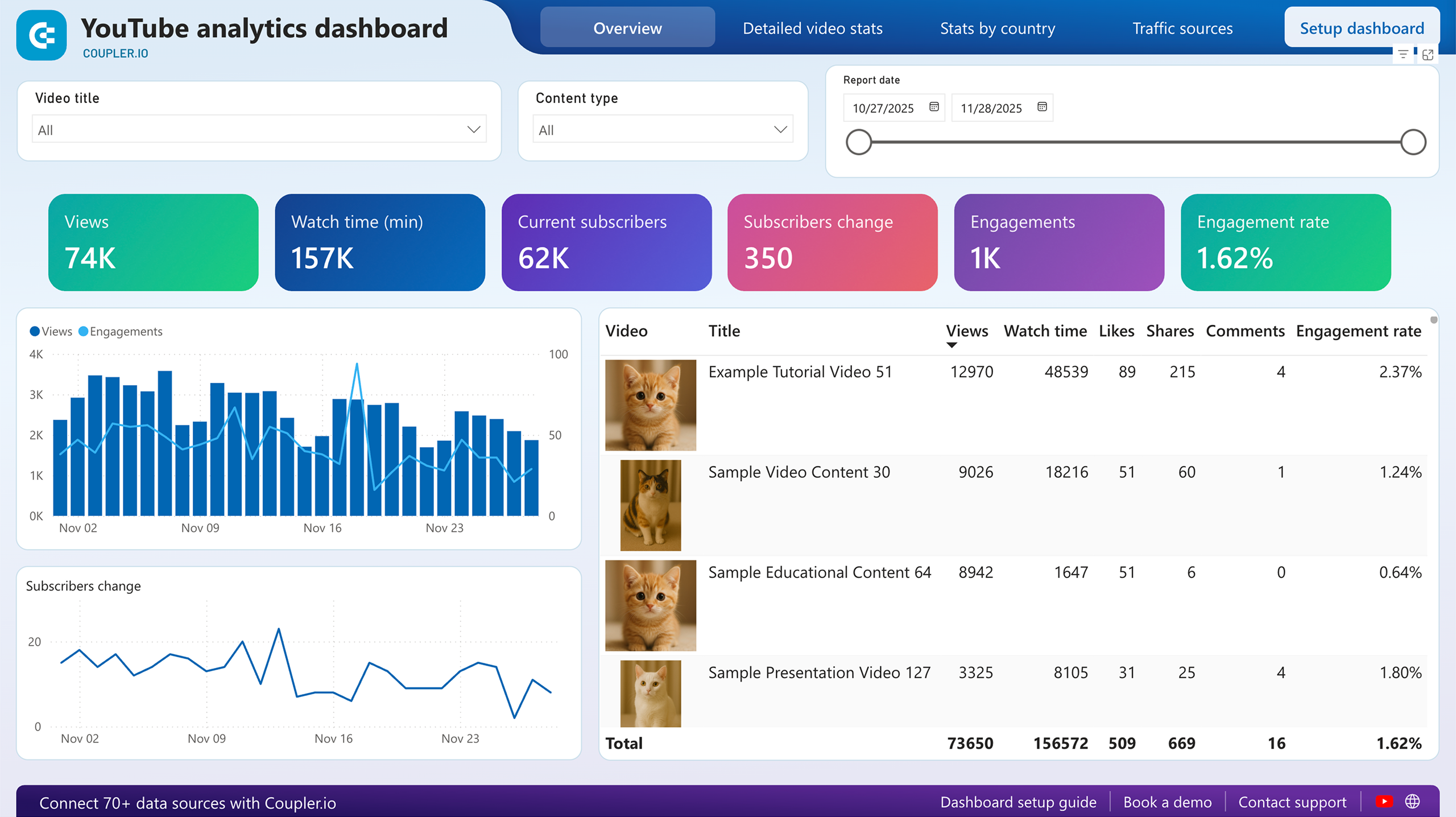
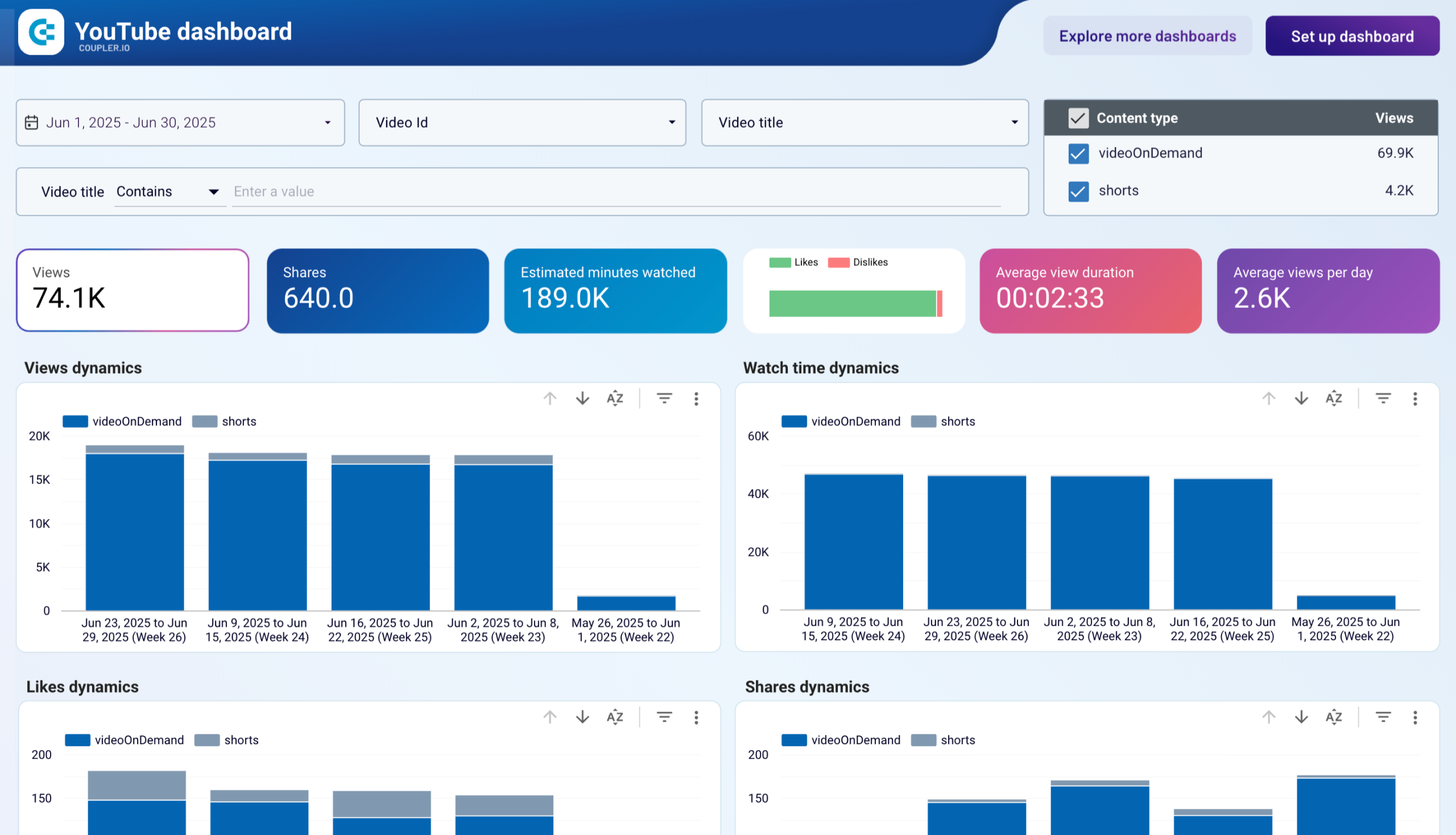
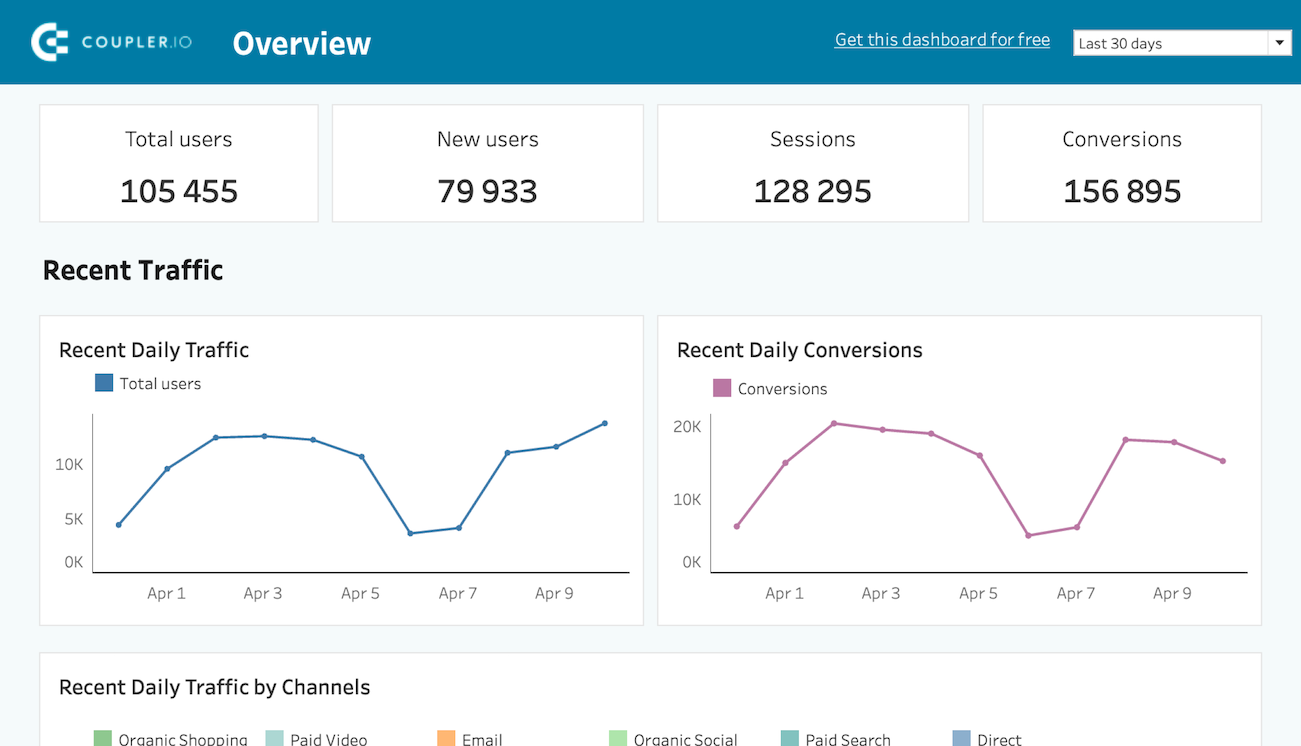
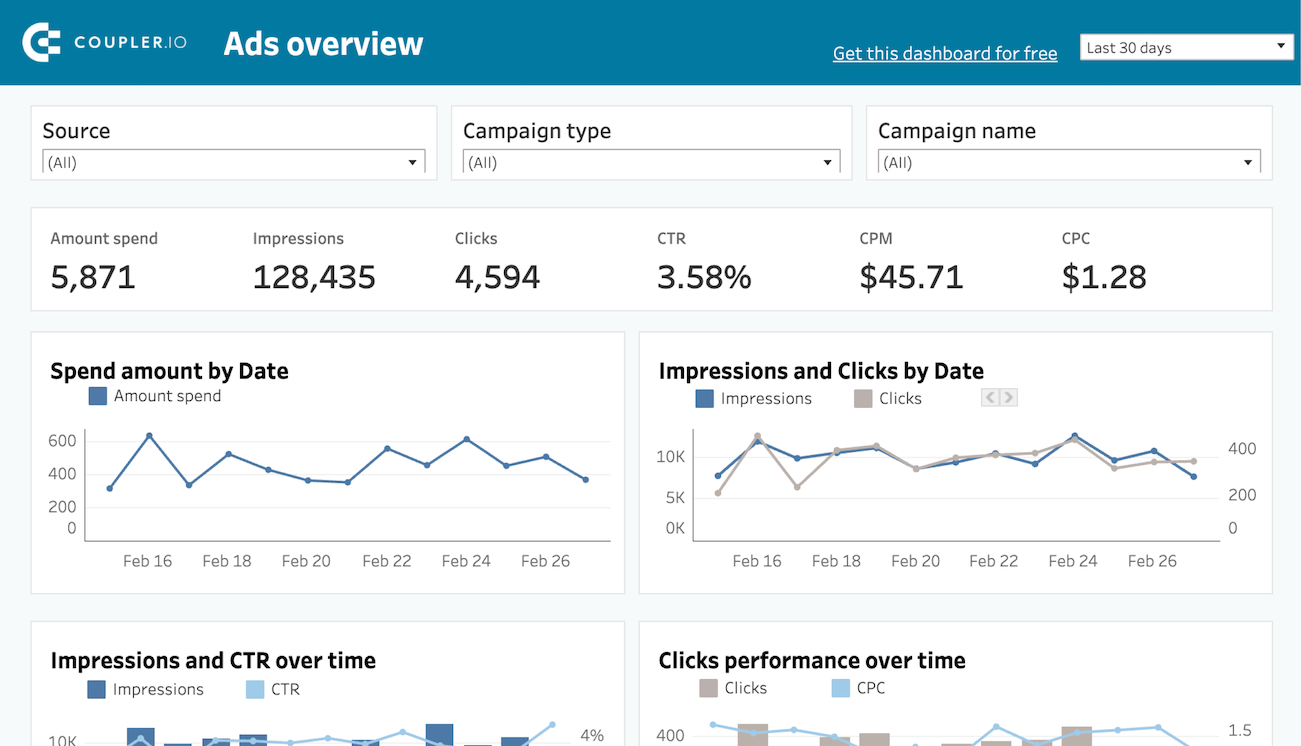
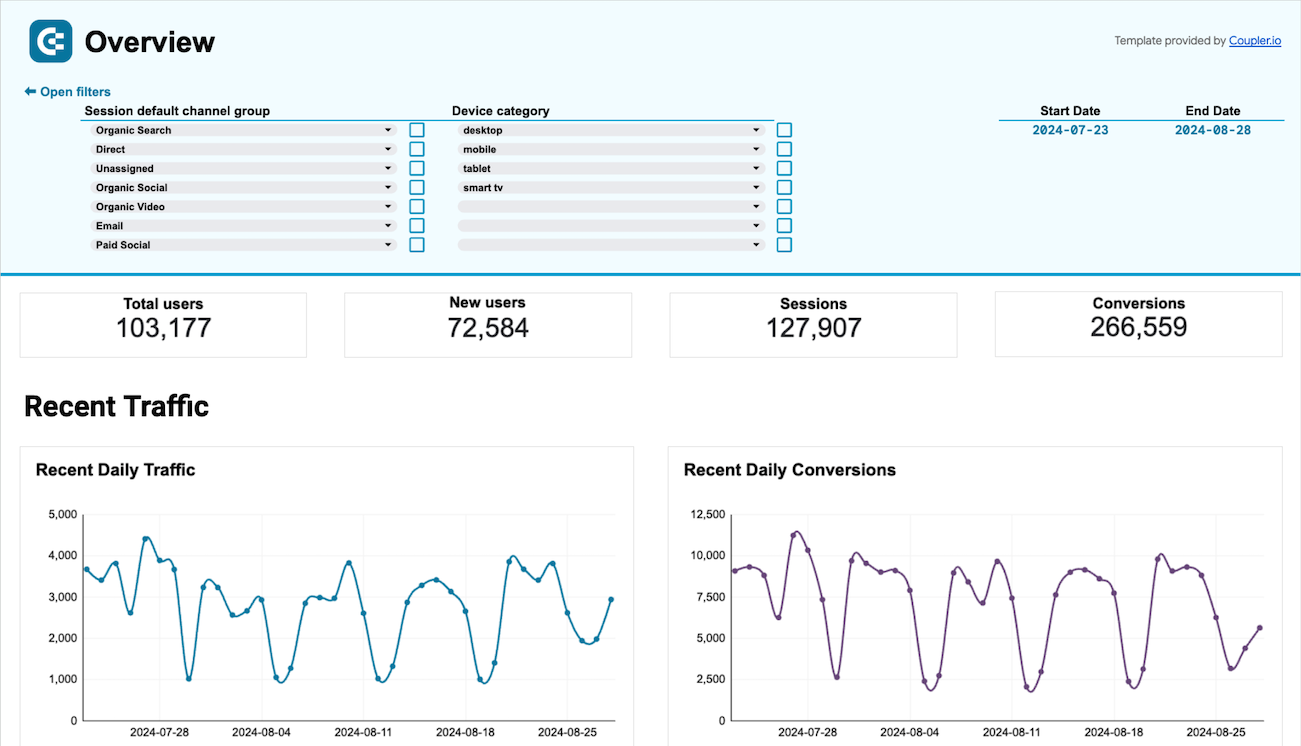
Use Coupler.io dashboards templates
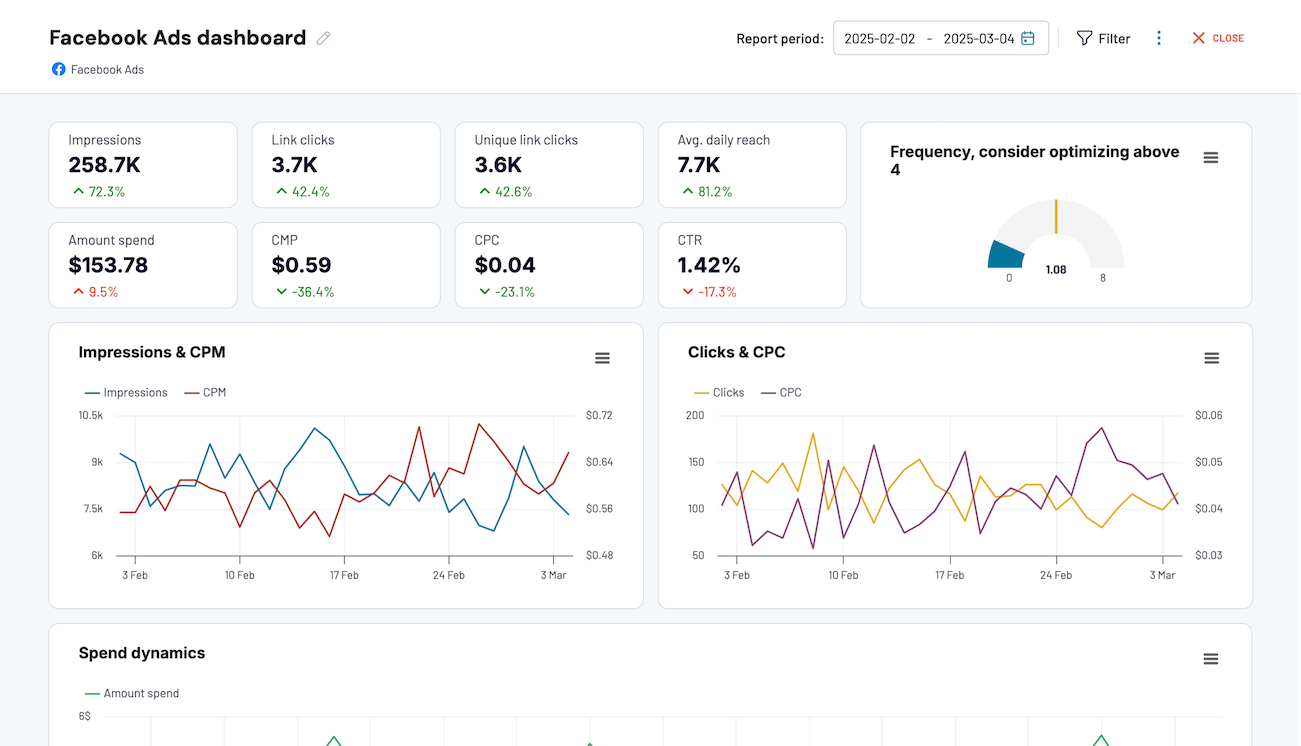
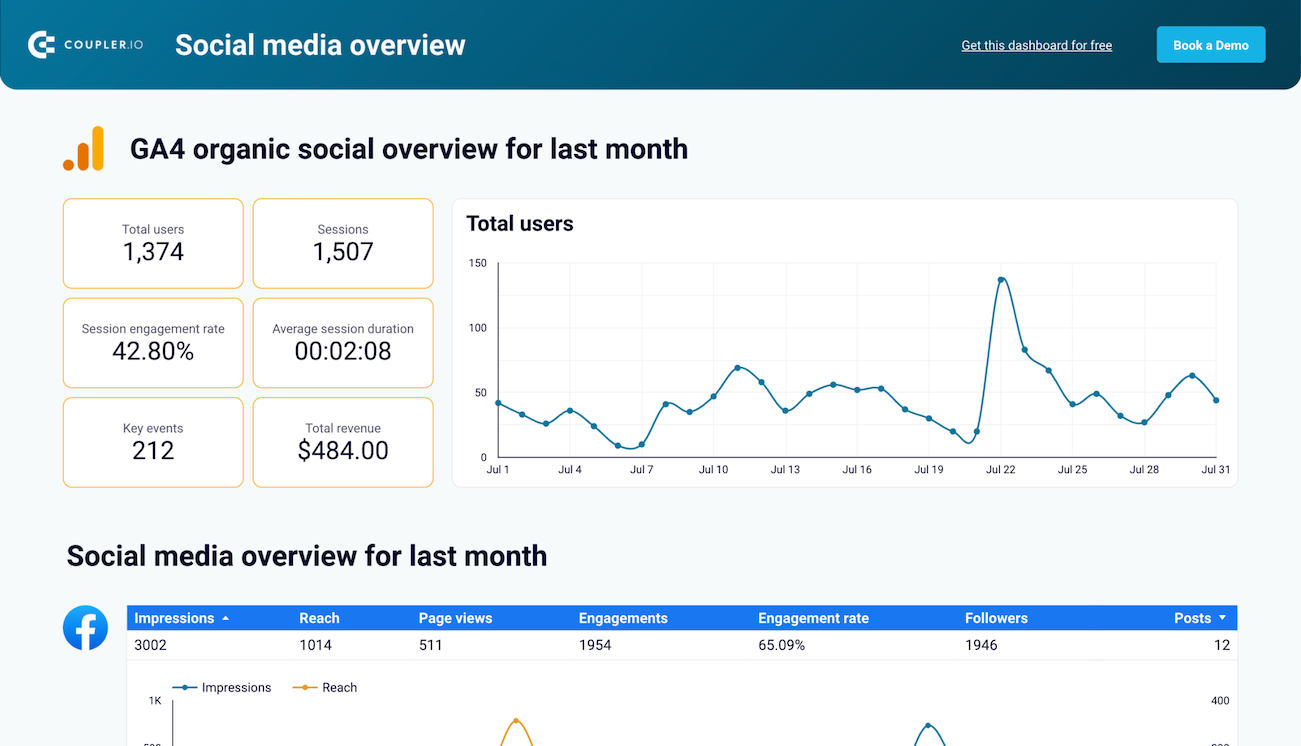
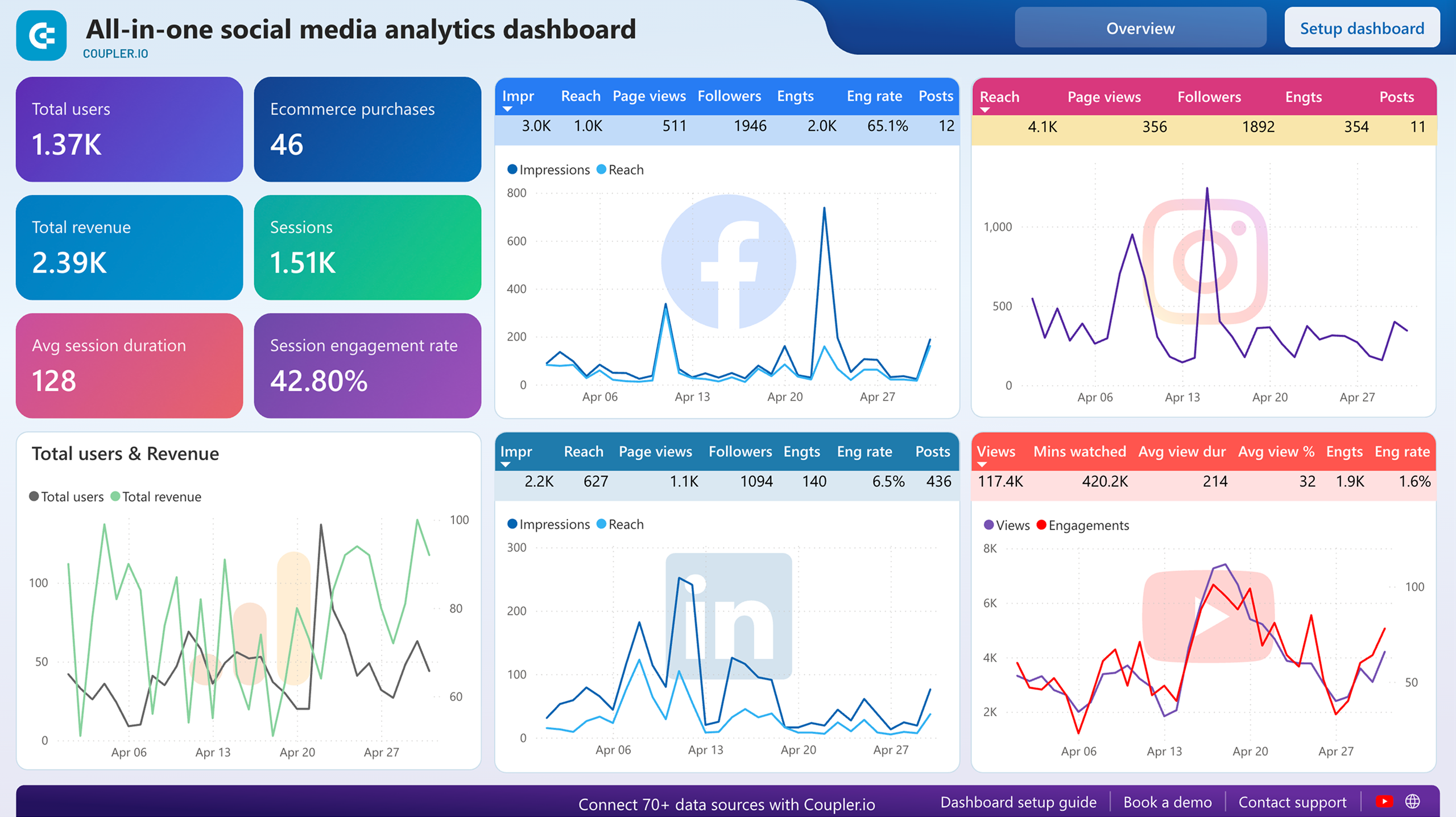
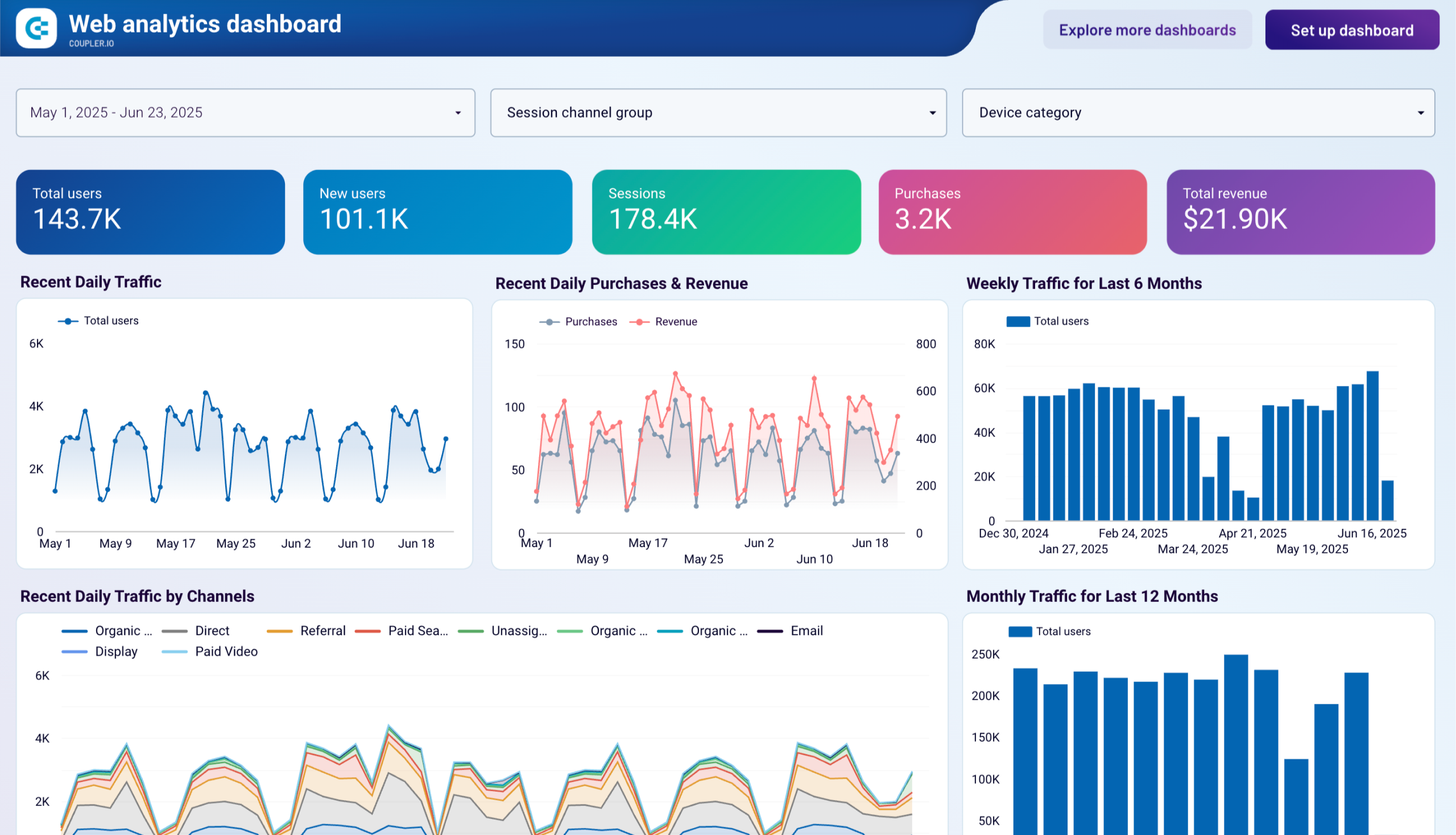
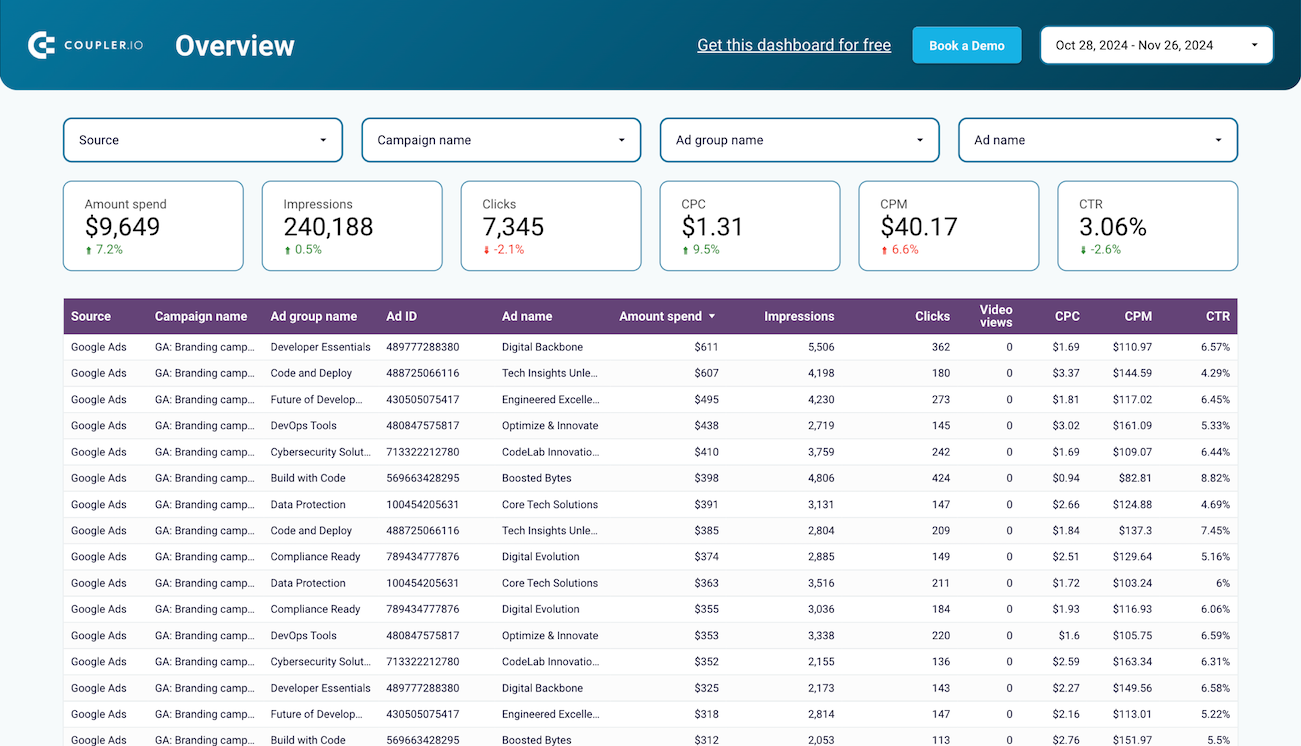
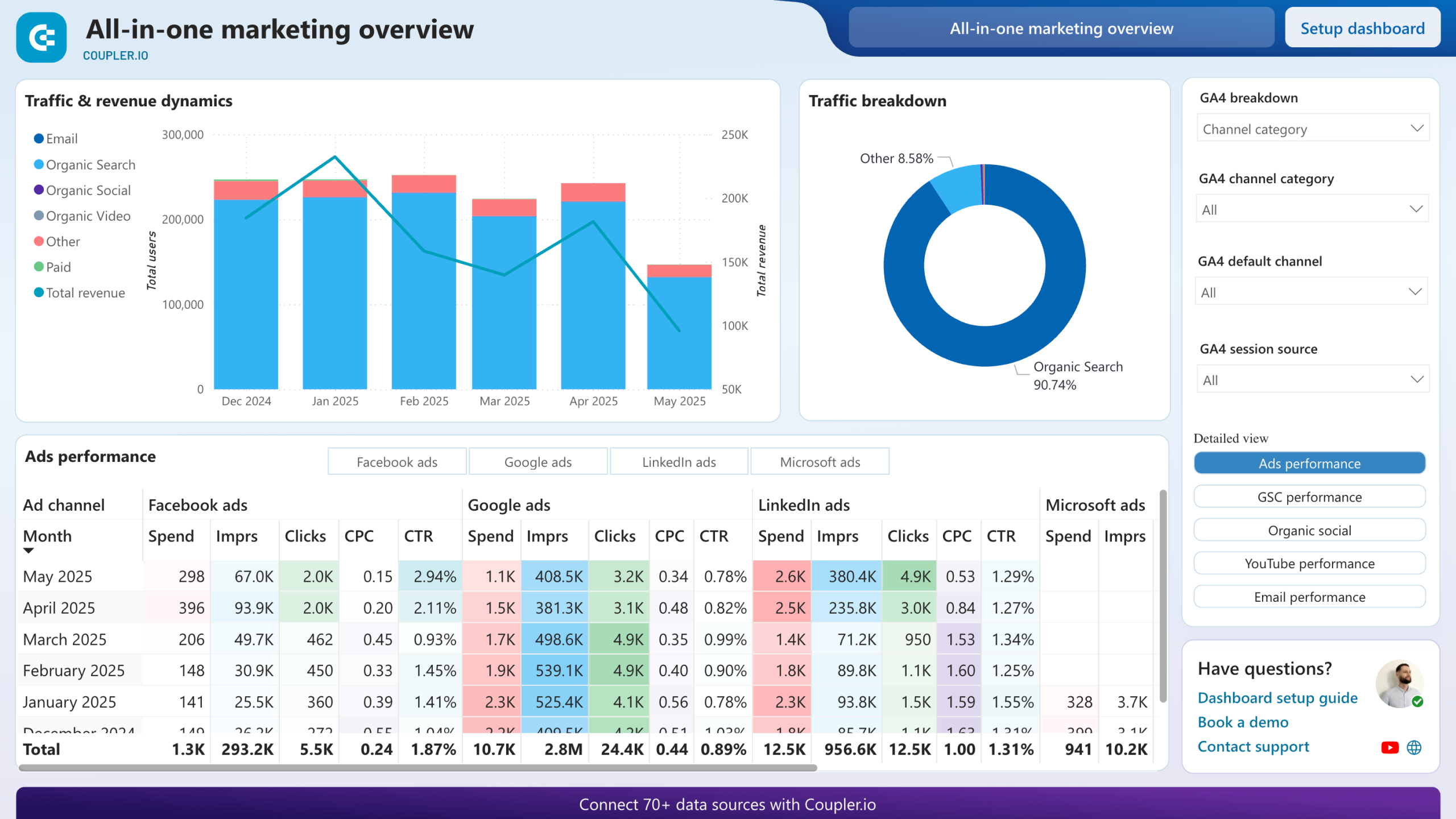
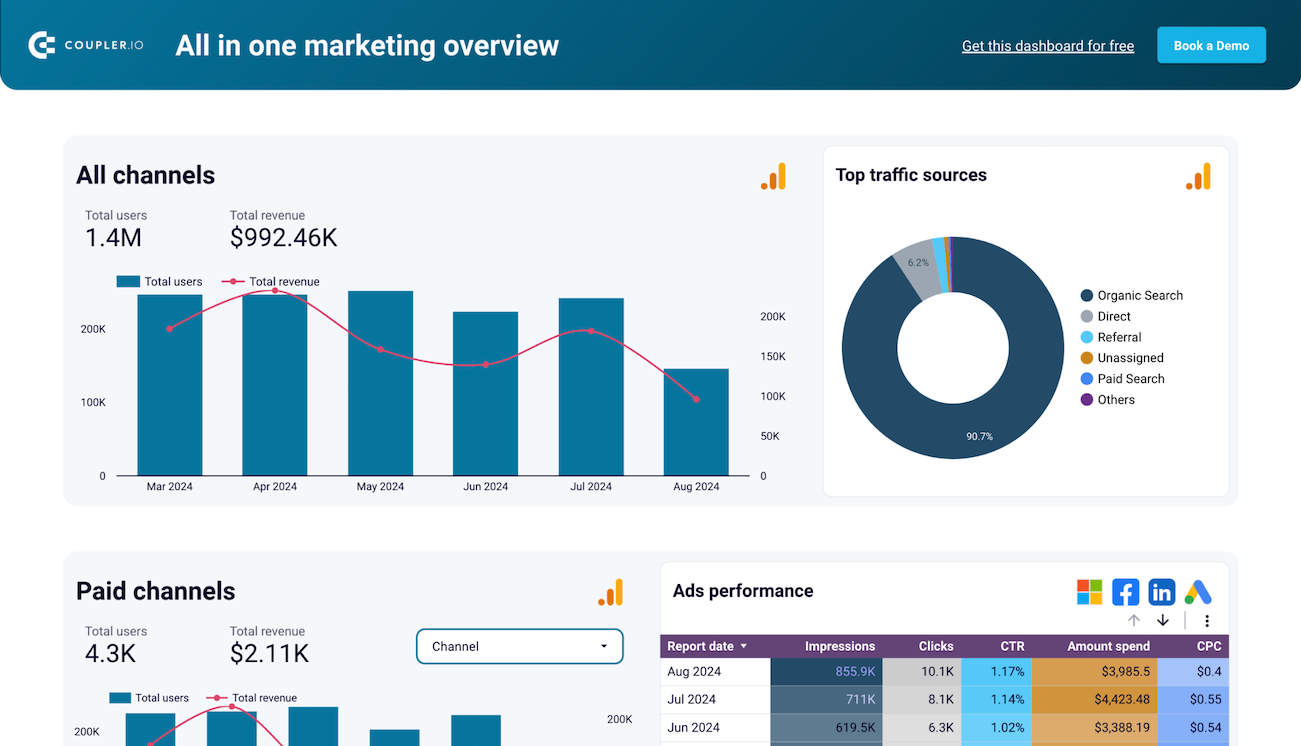
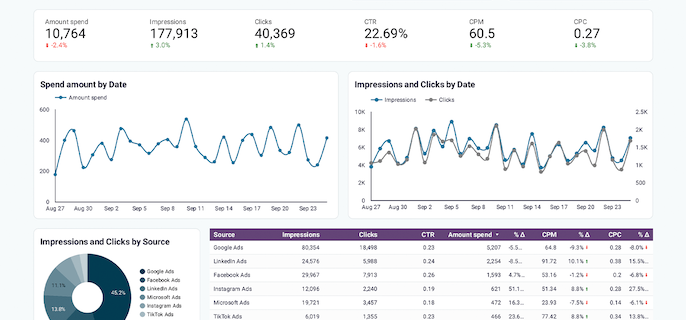
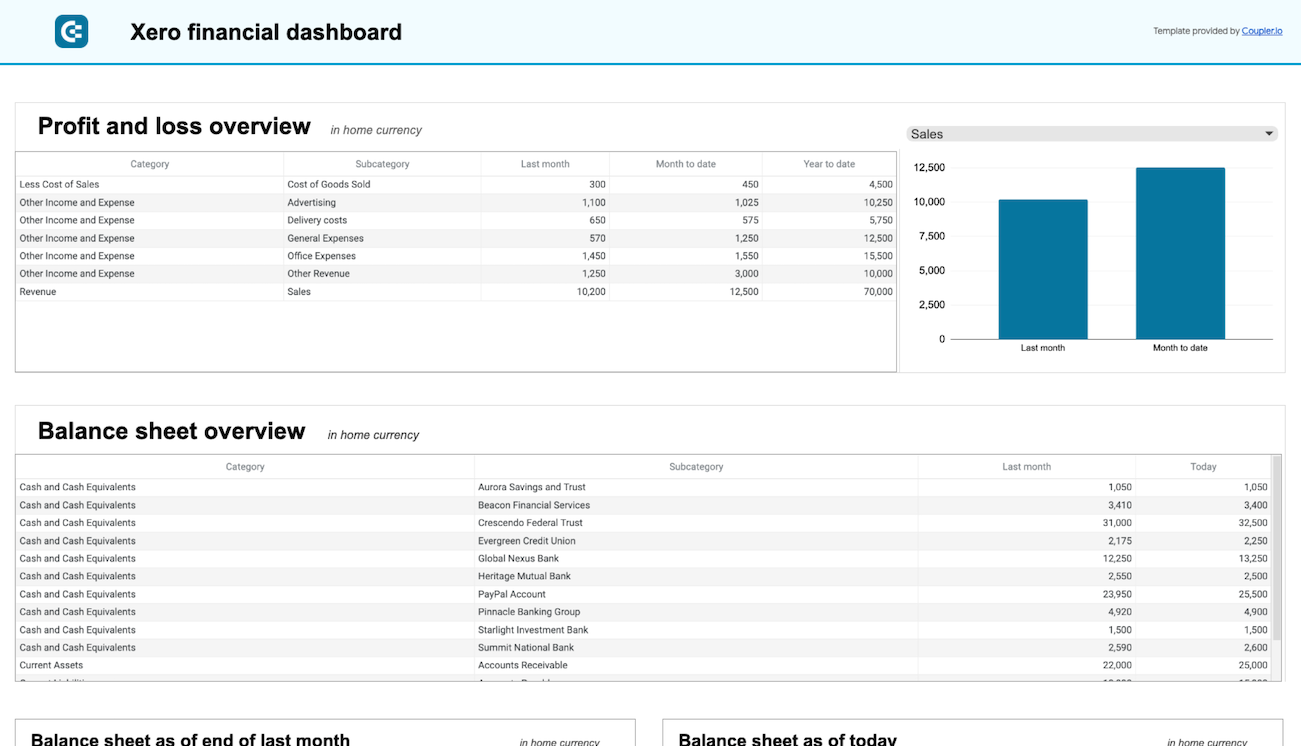
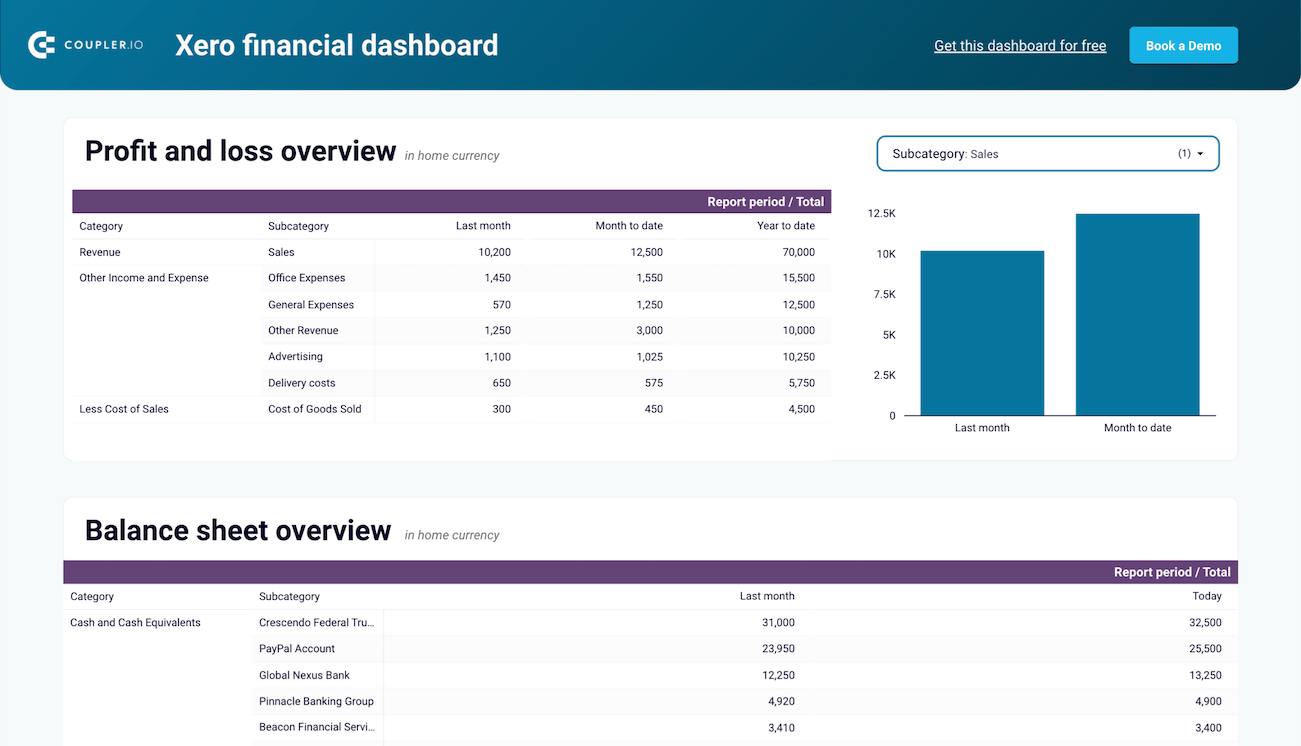
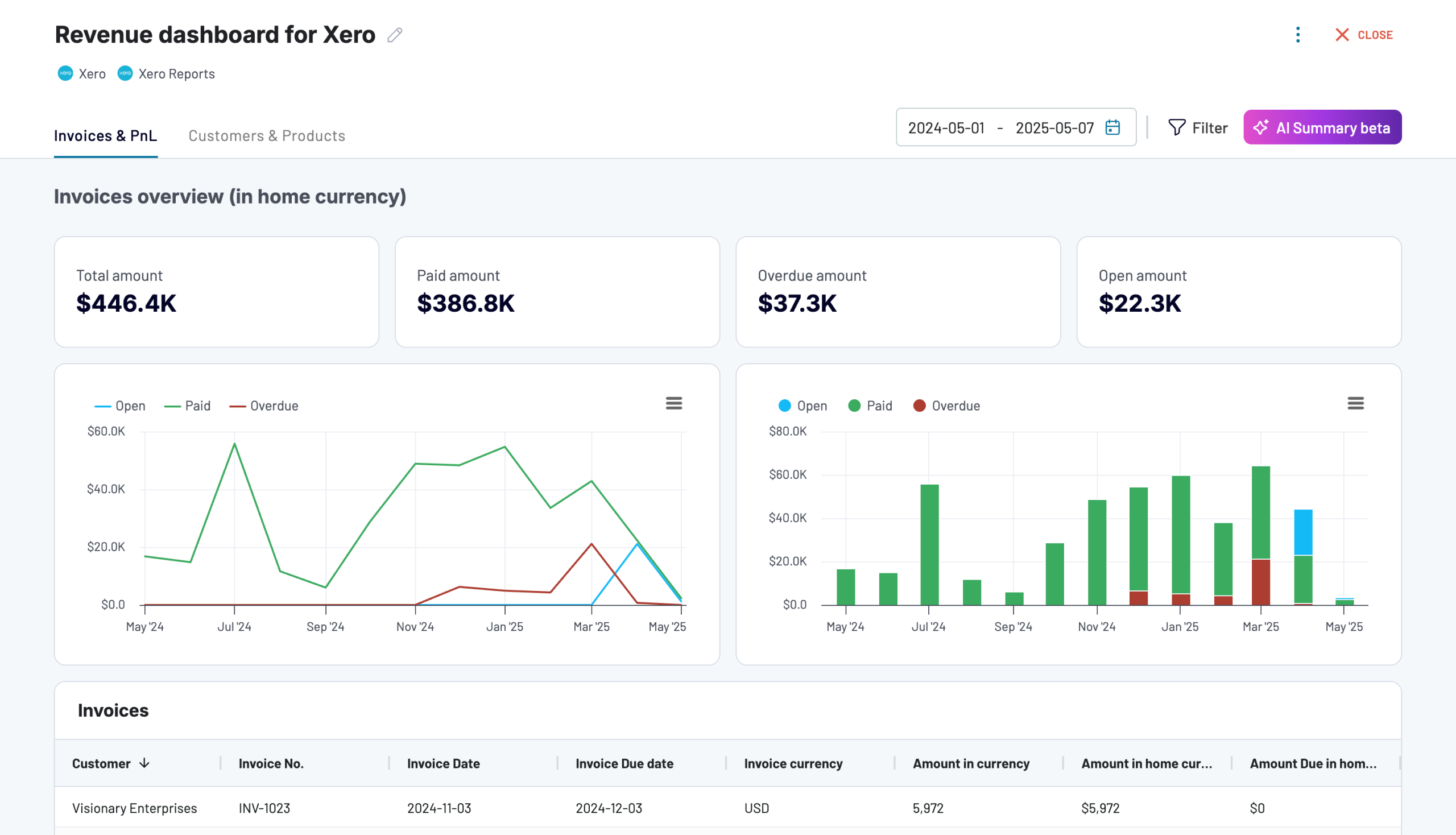
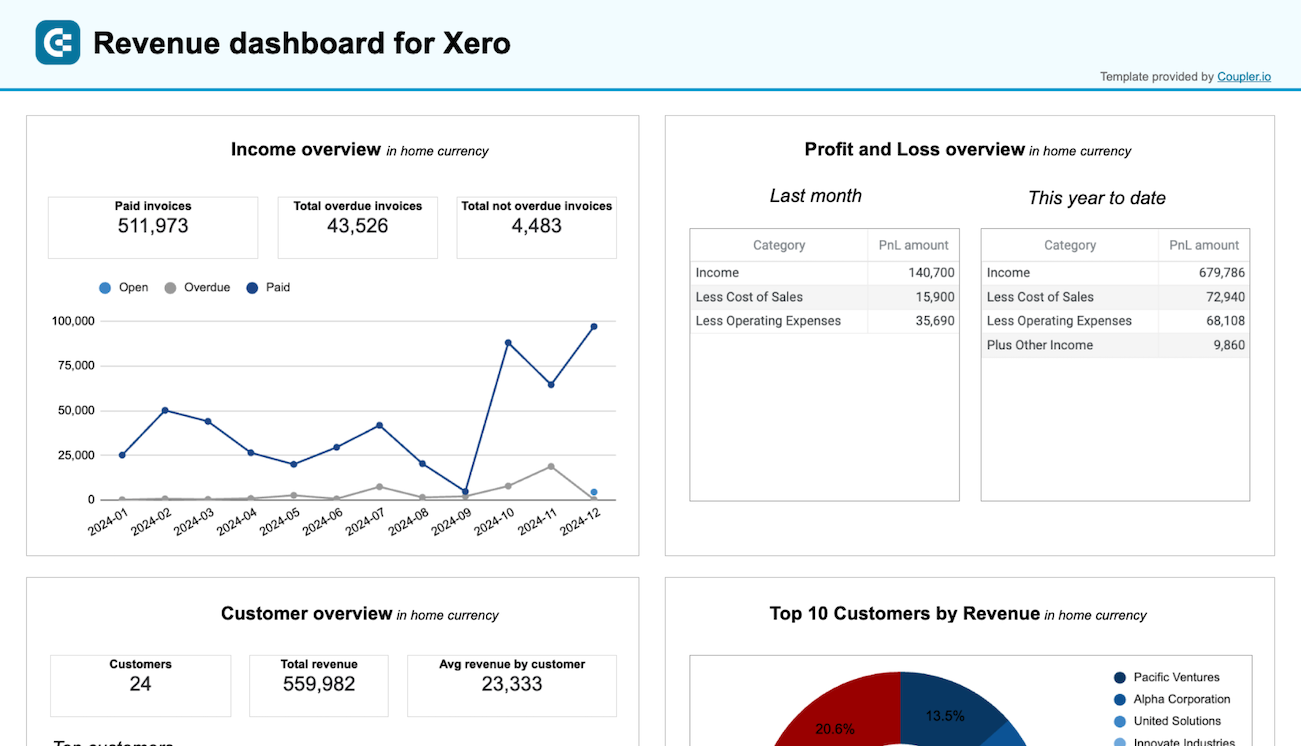
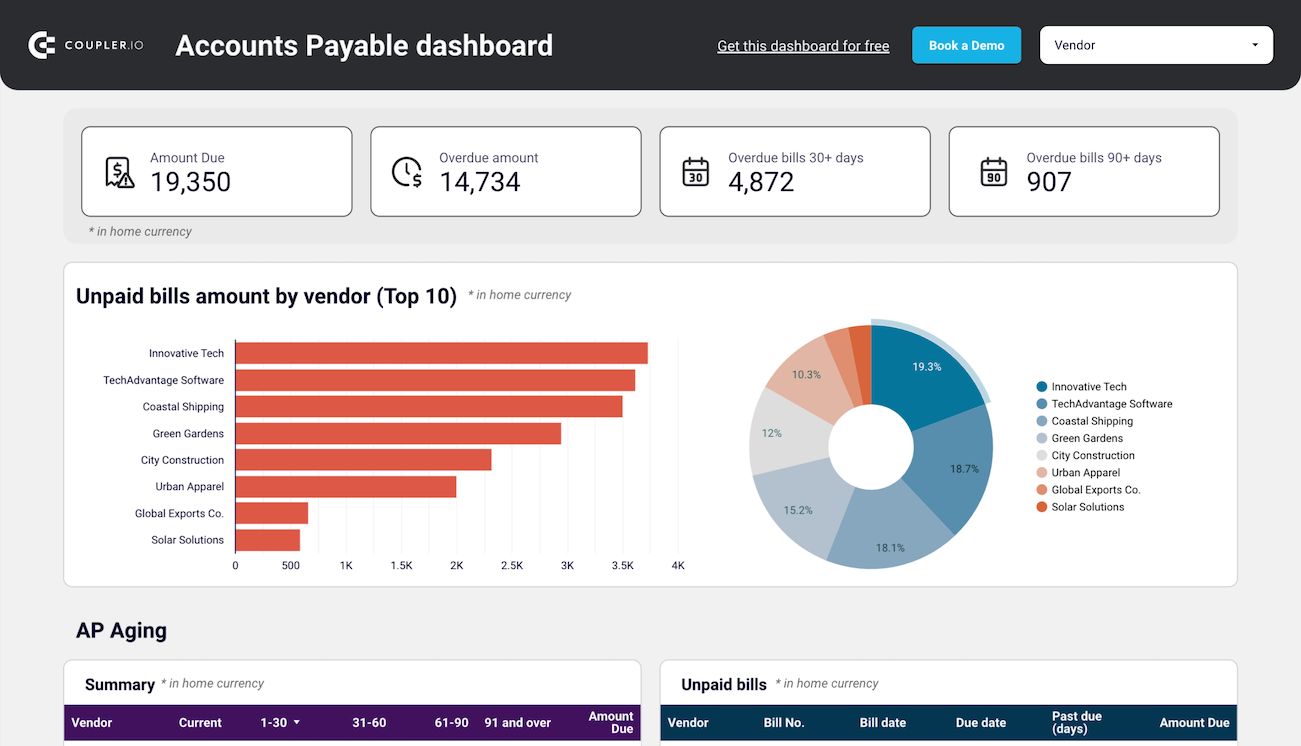
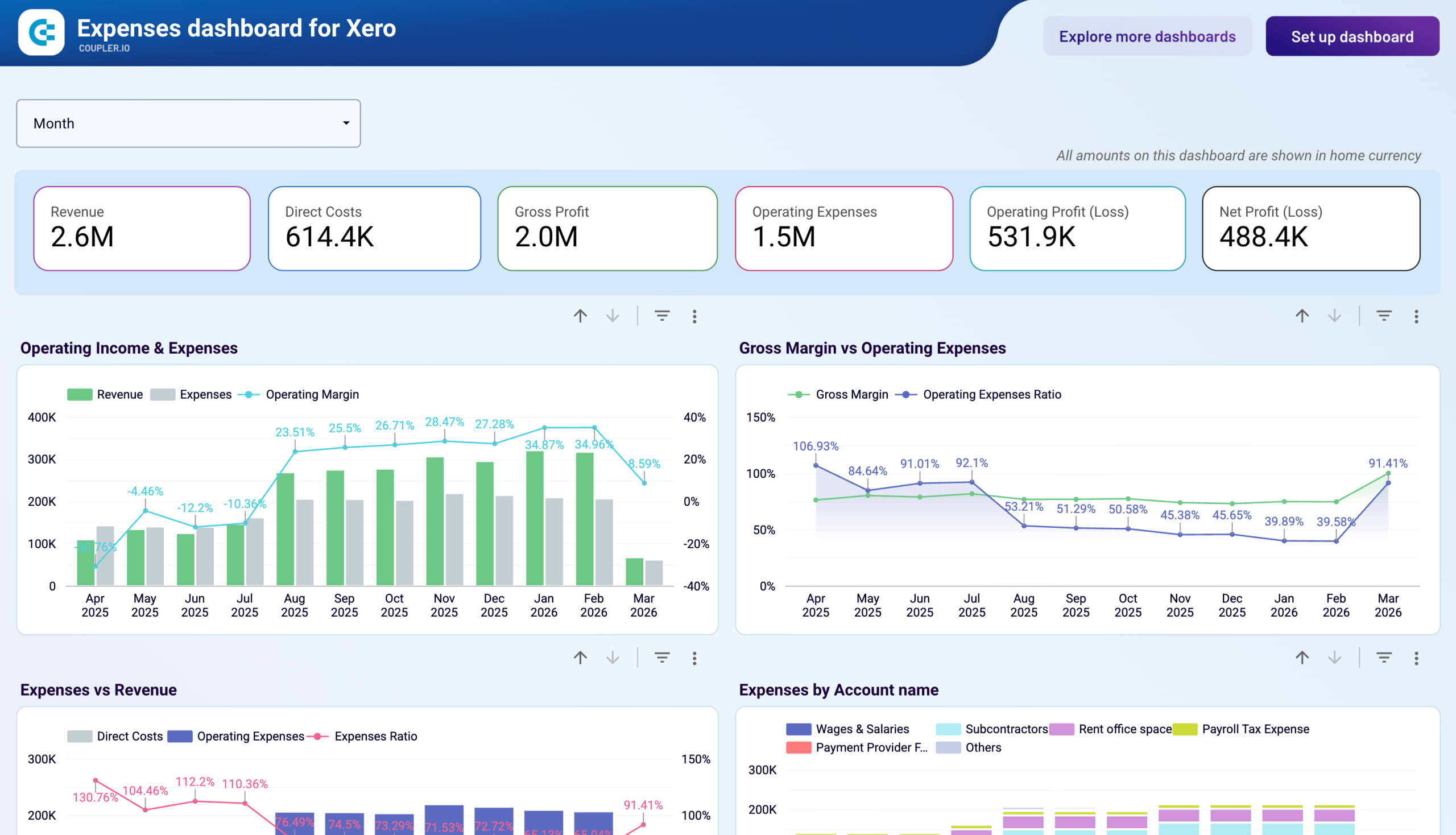
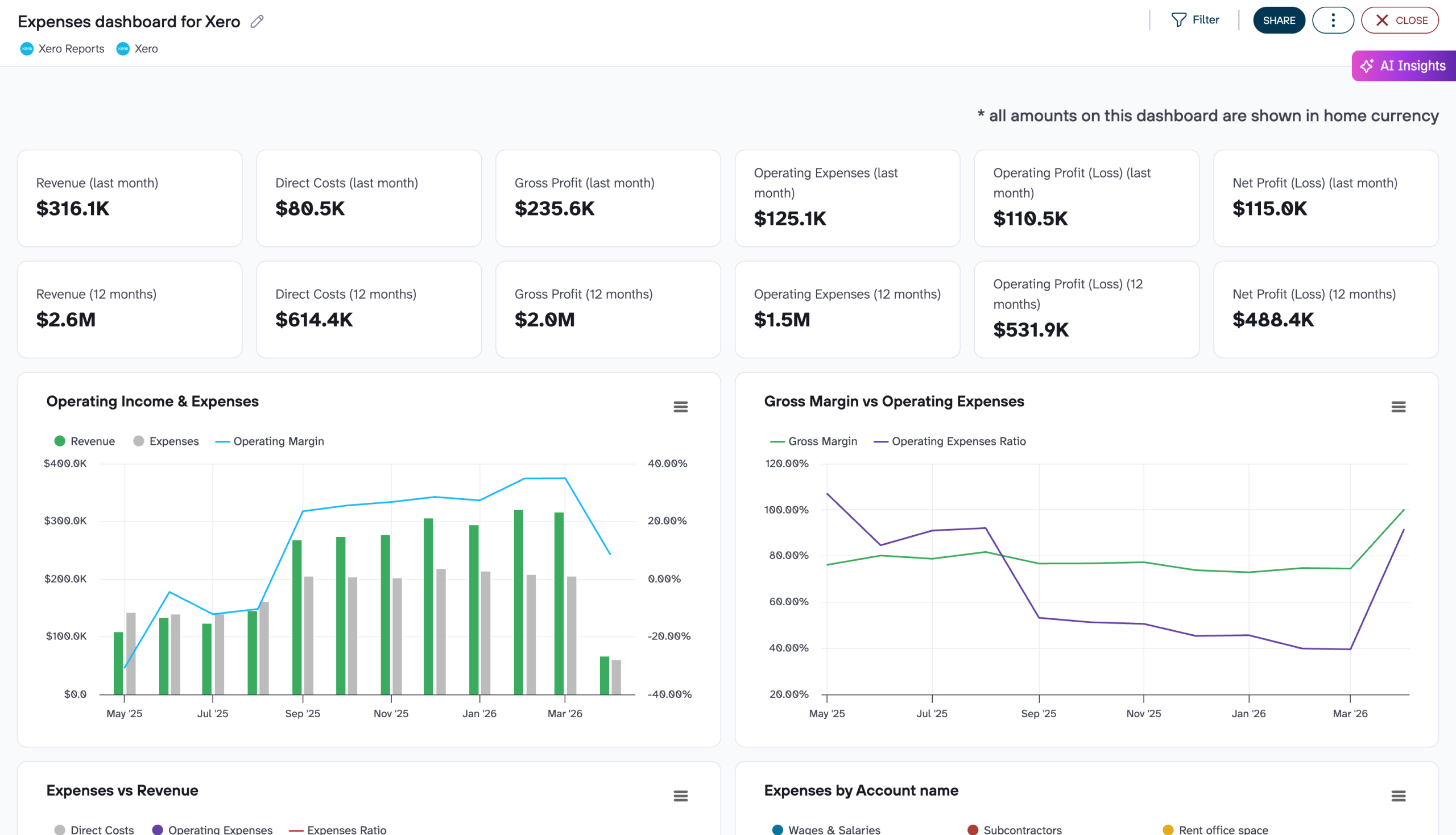
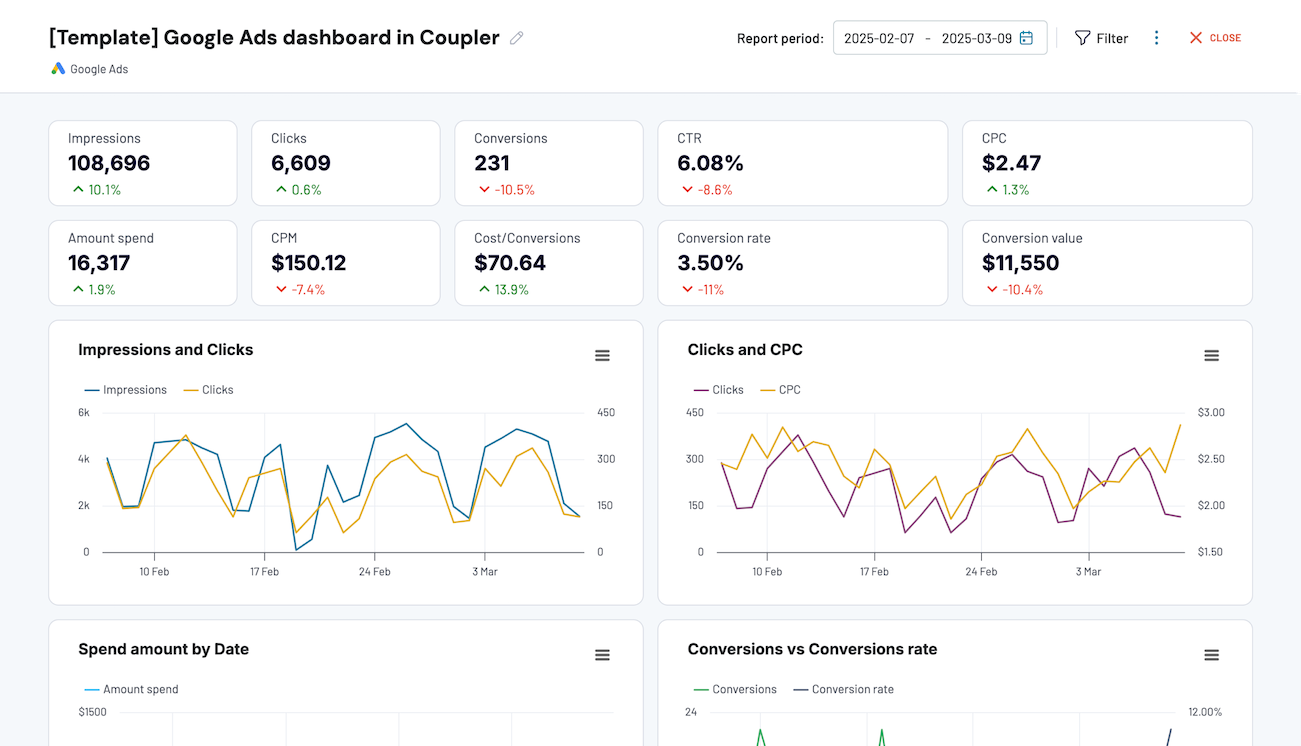
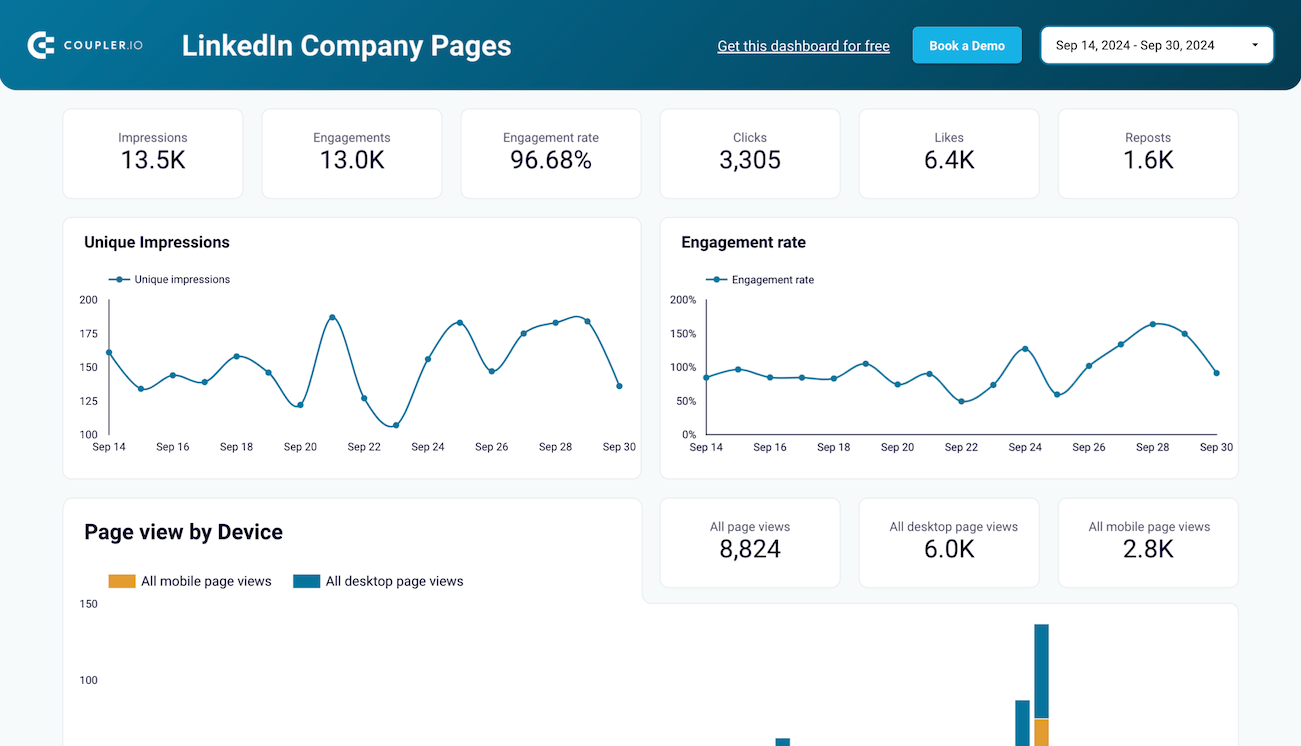
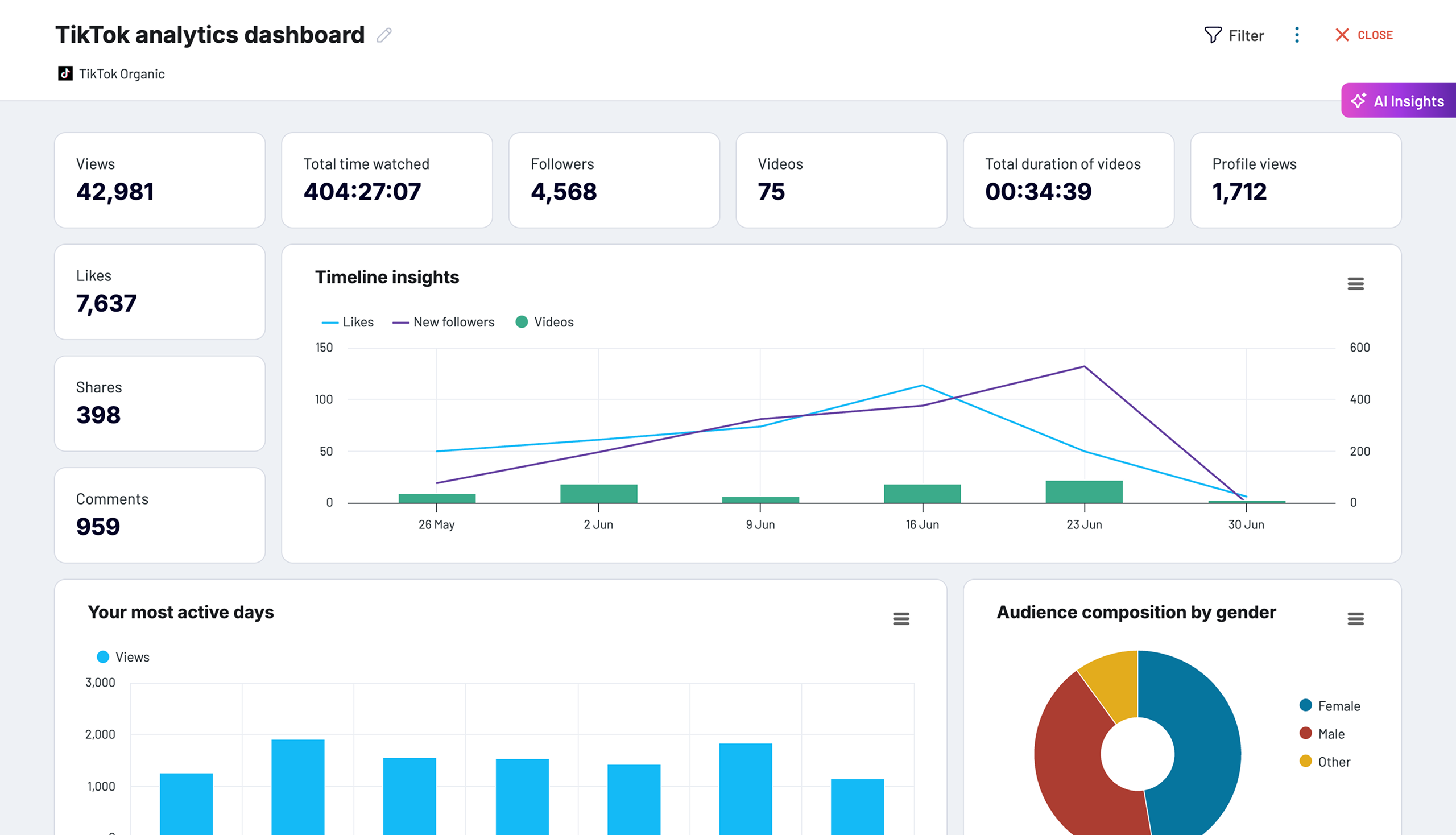
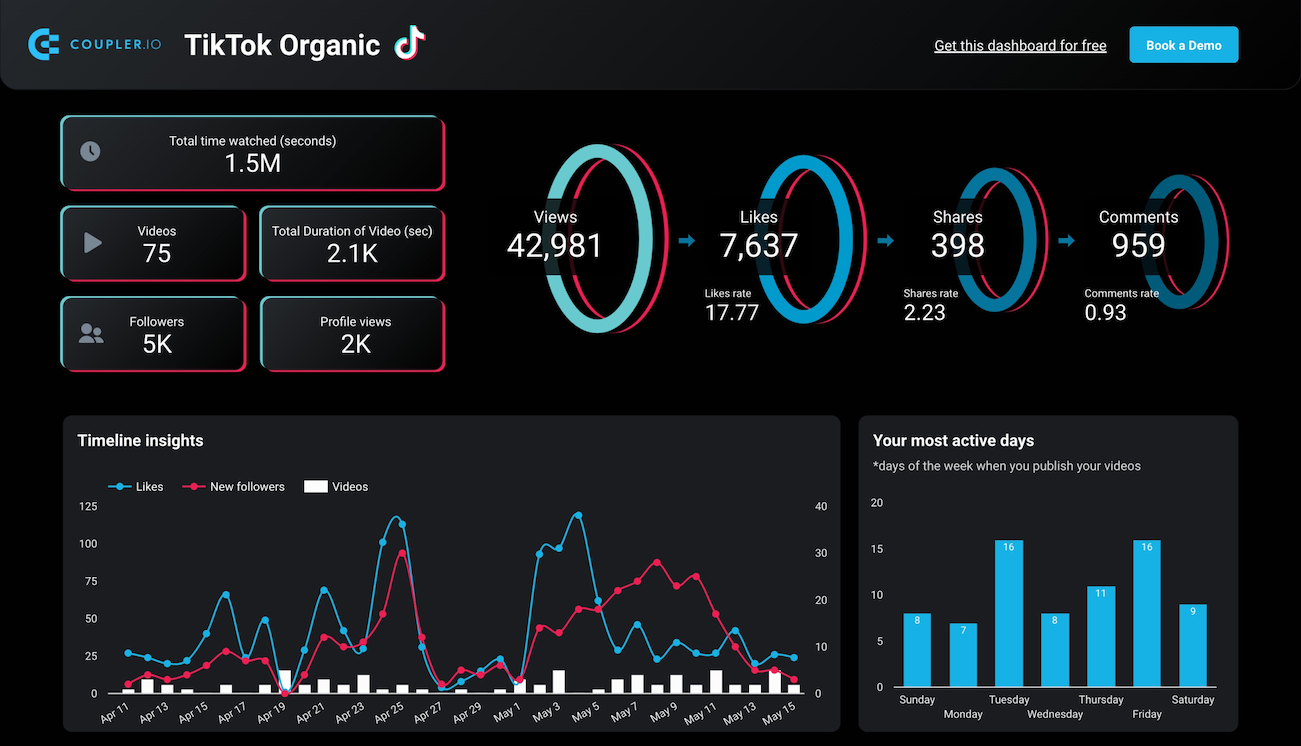
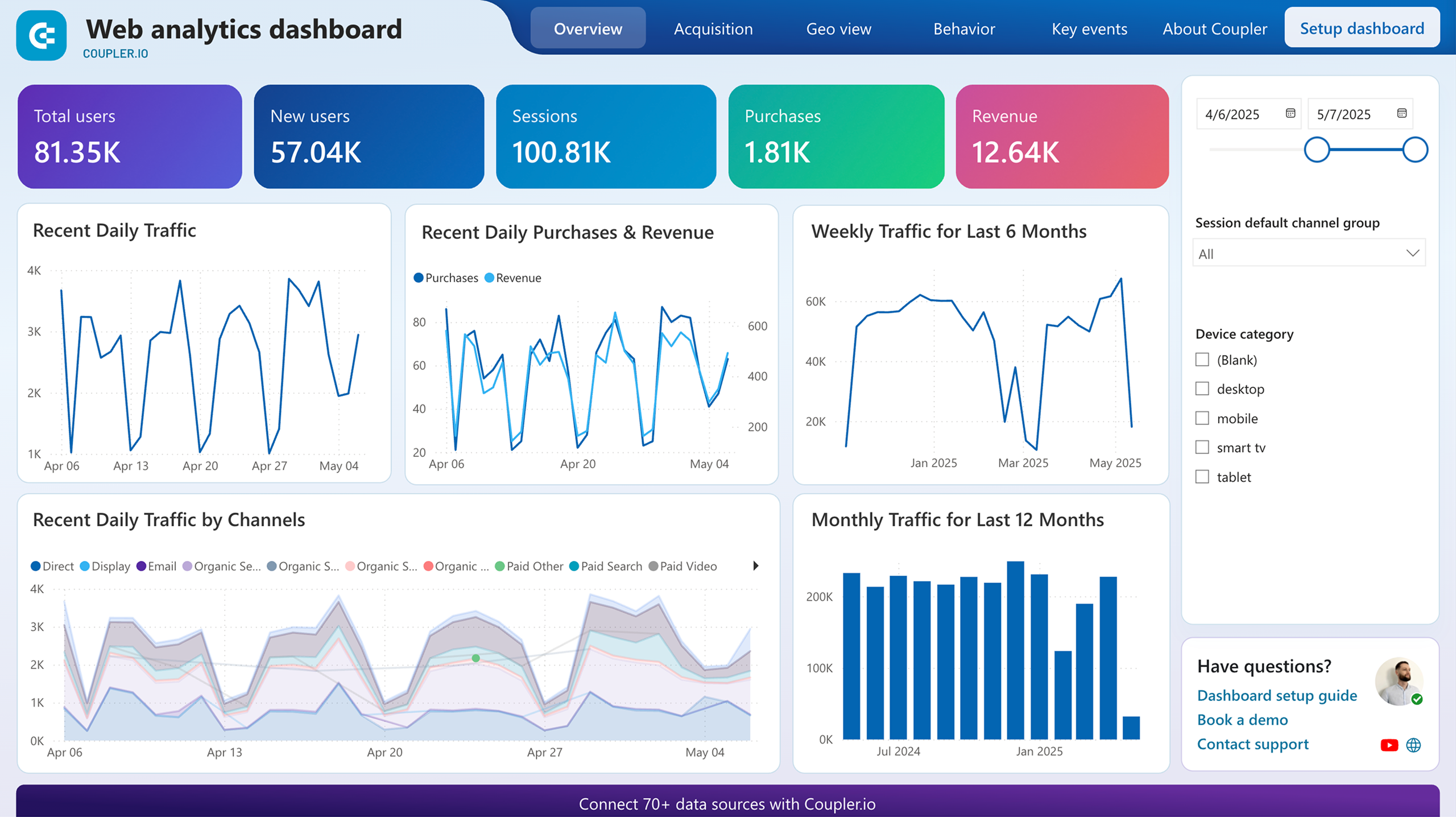
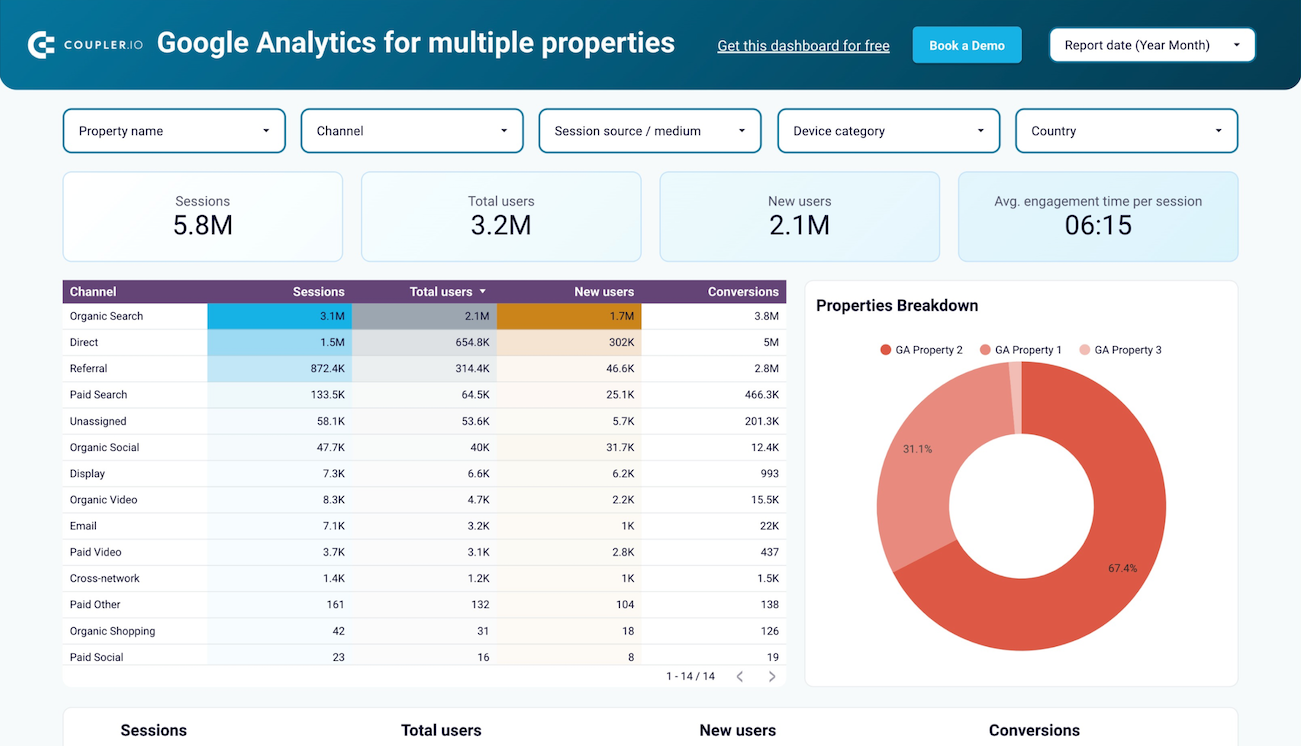
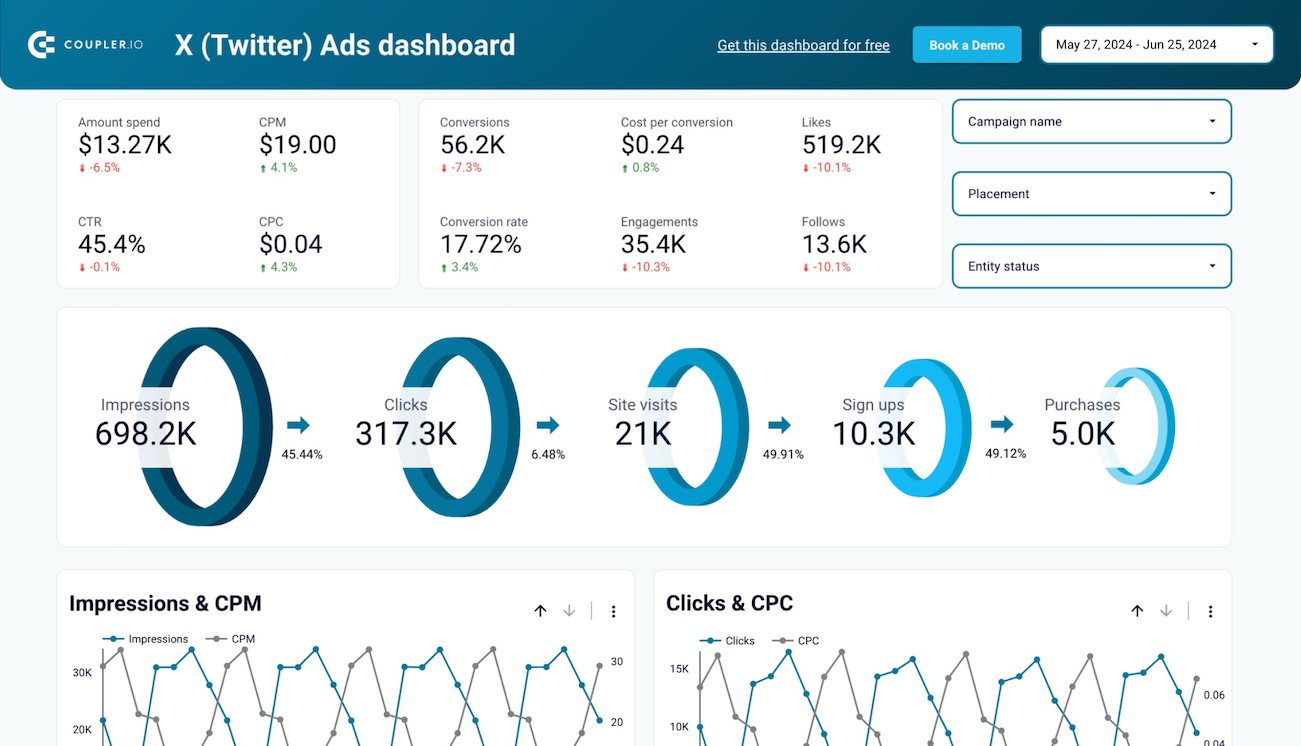
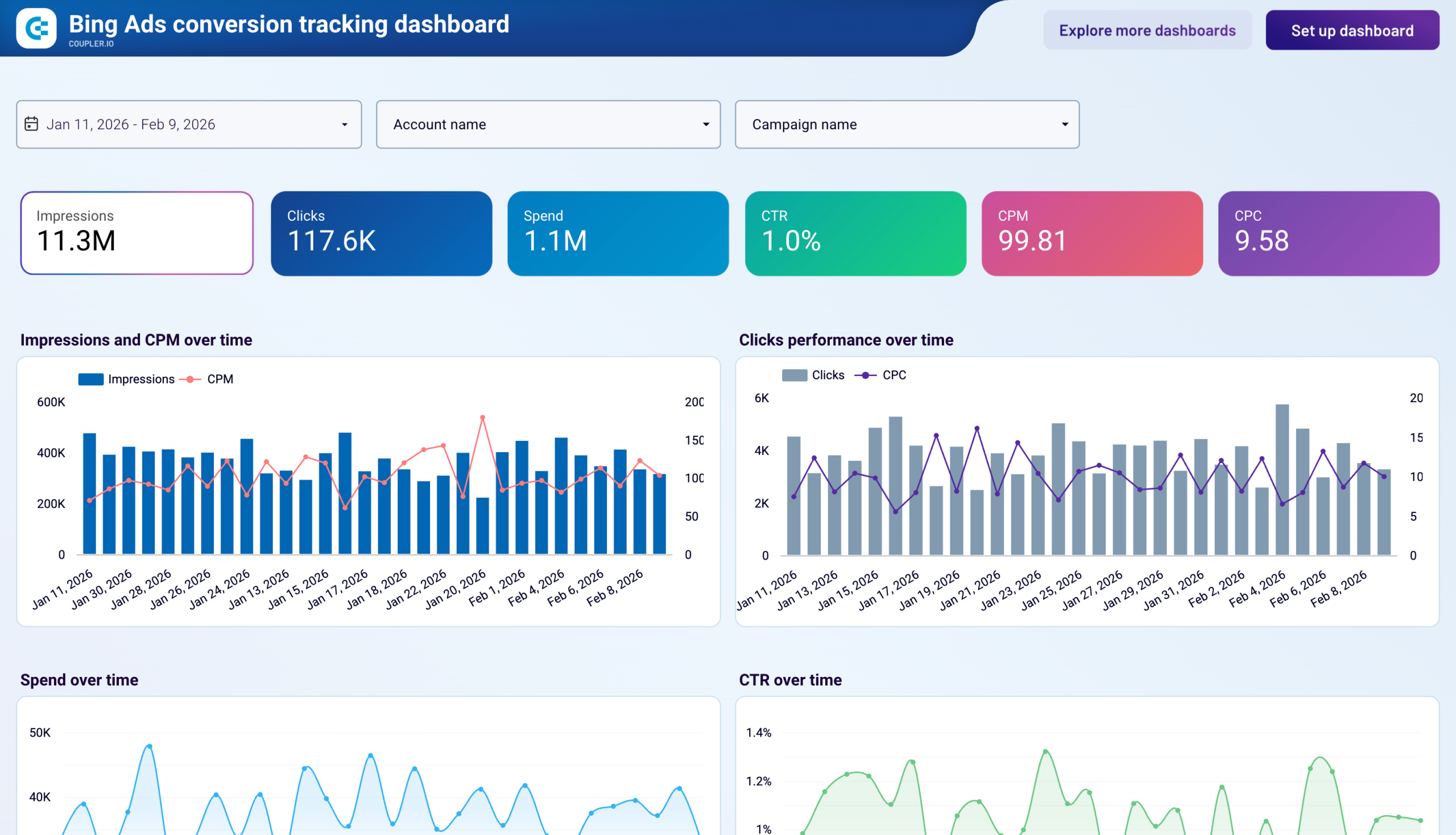
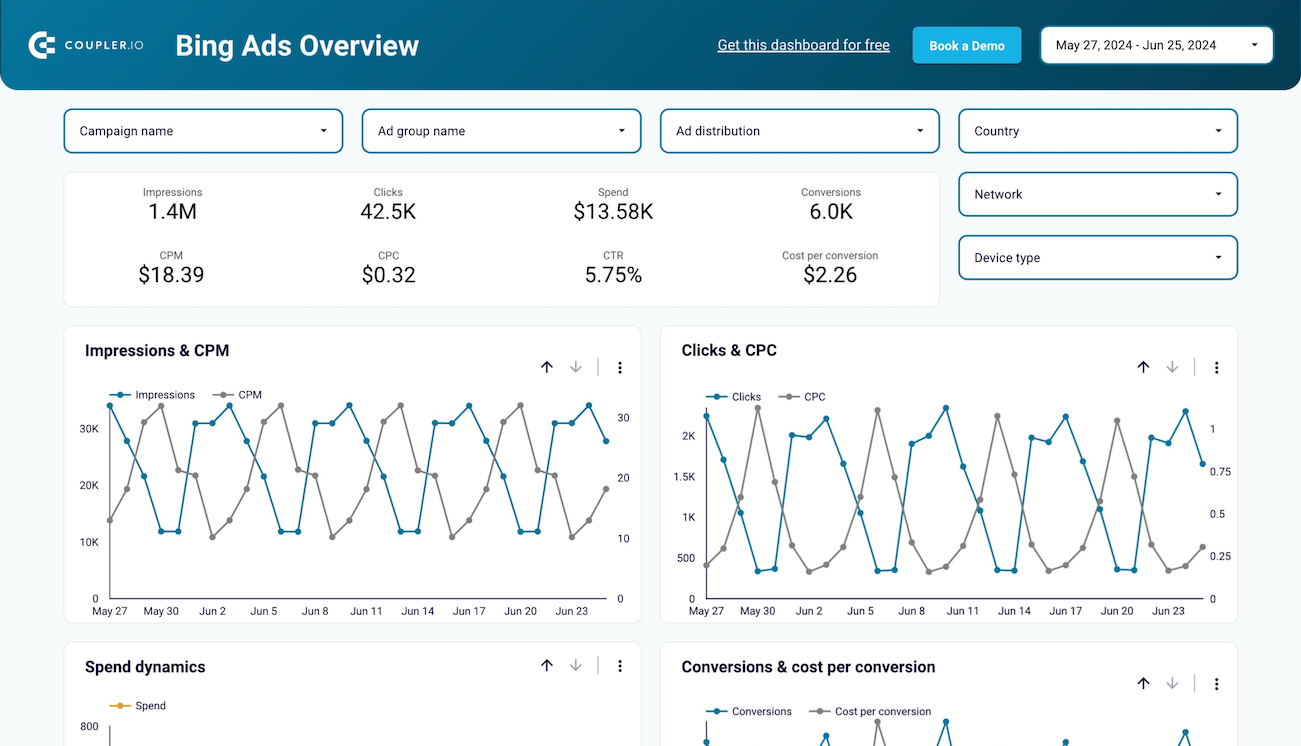
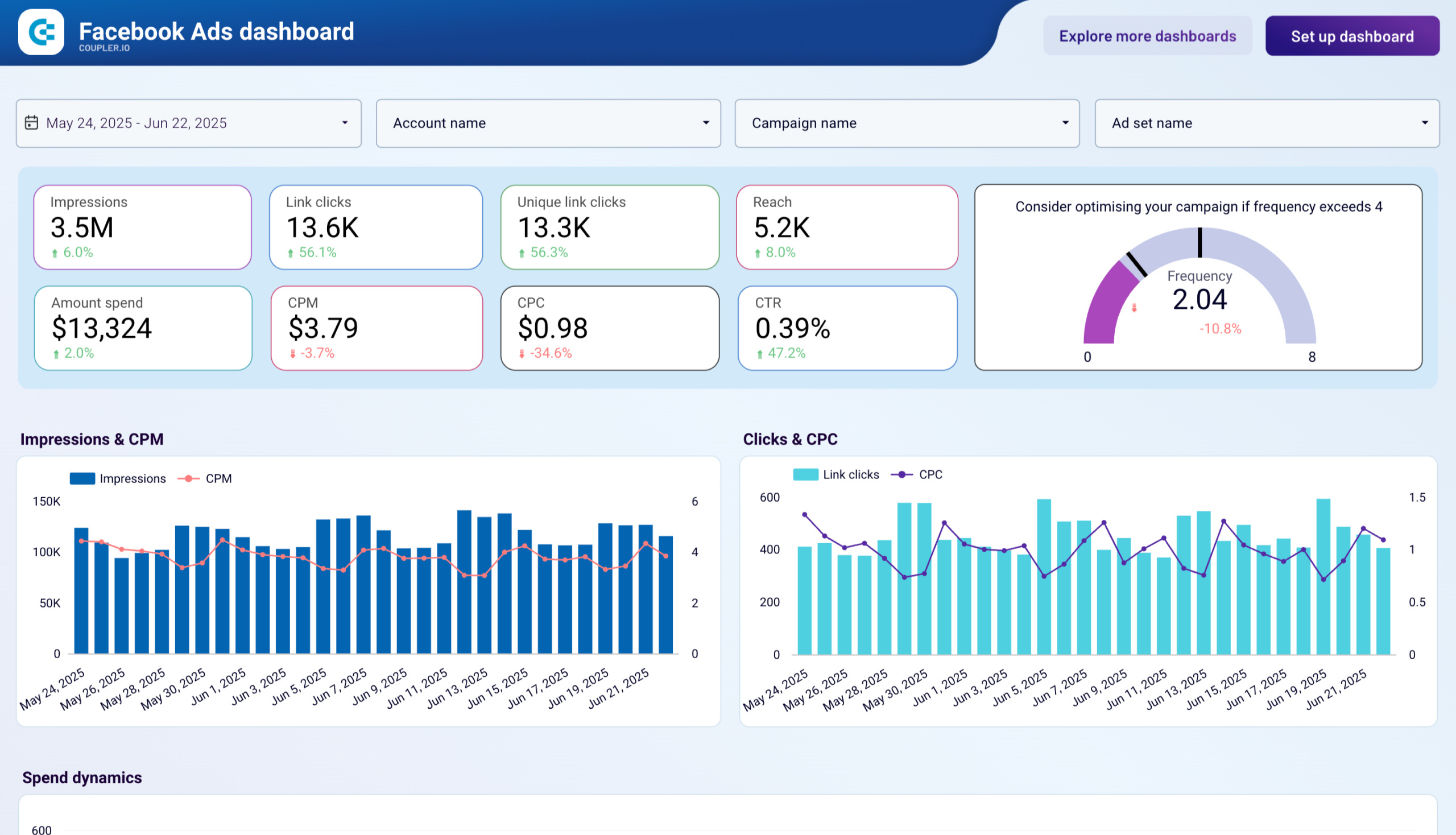
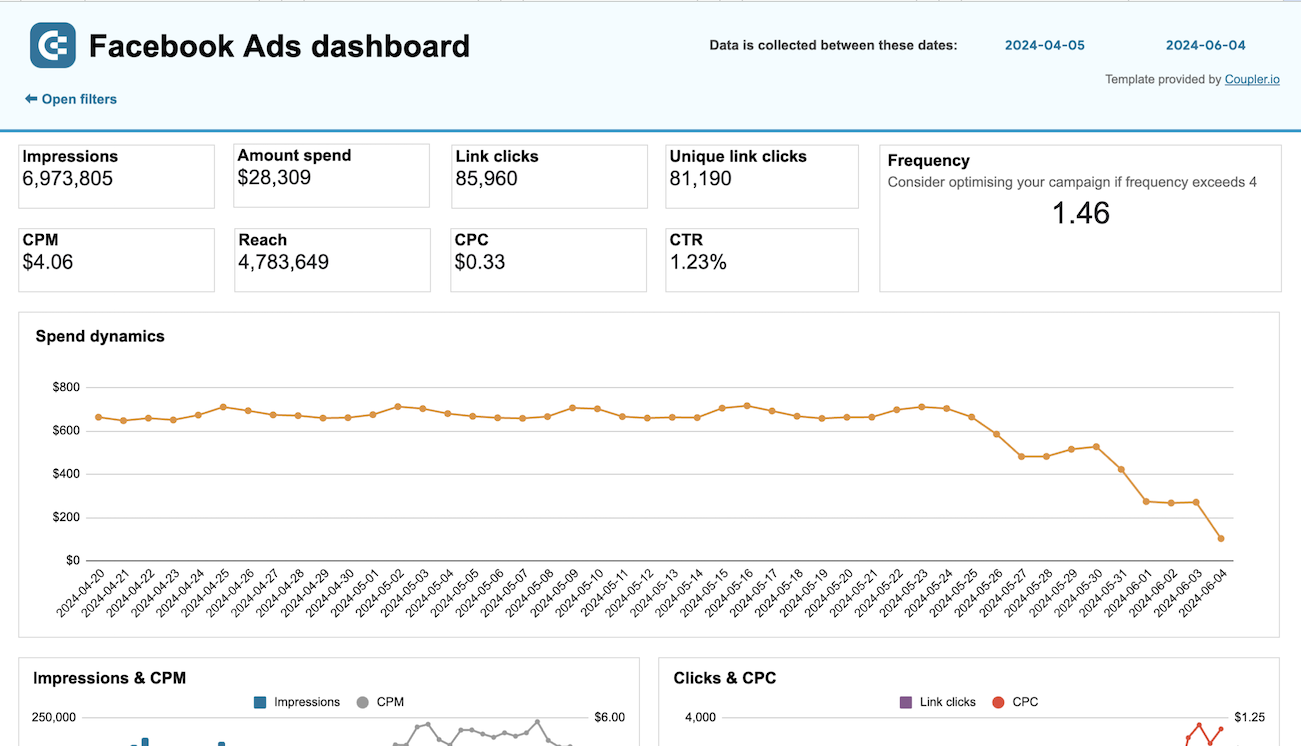
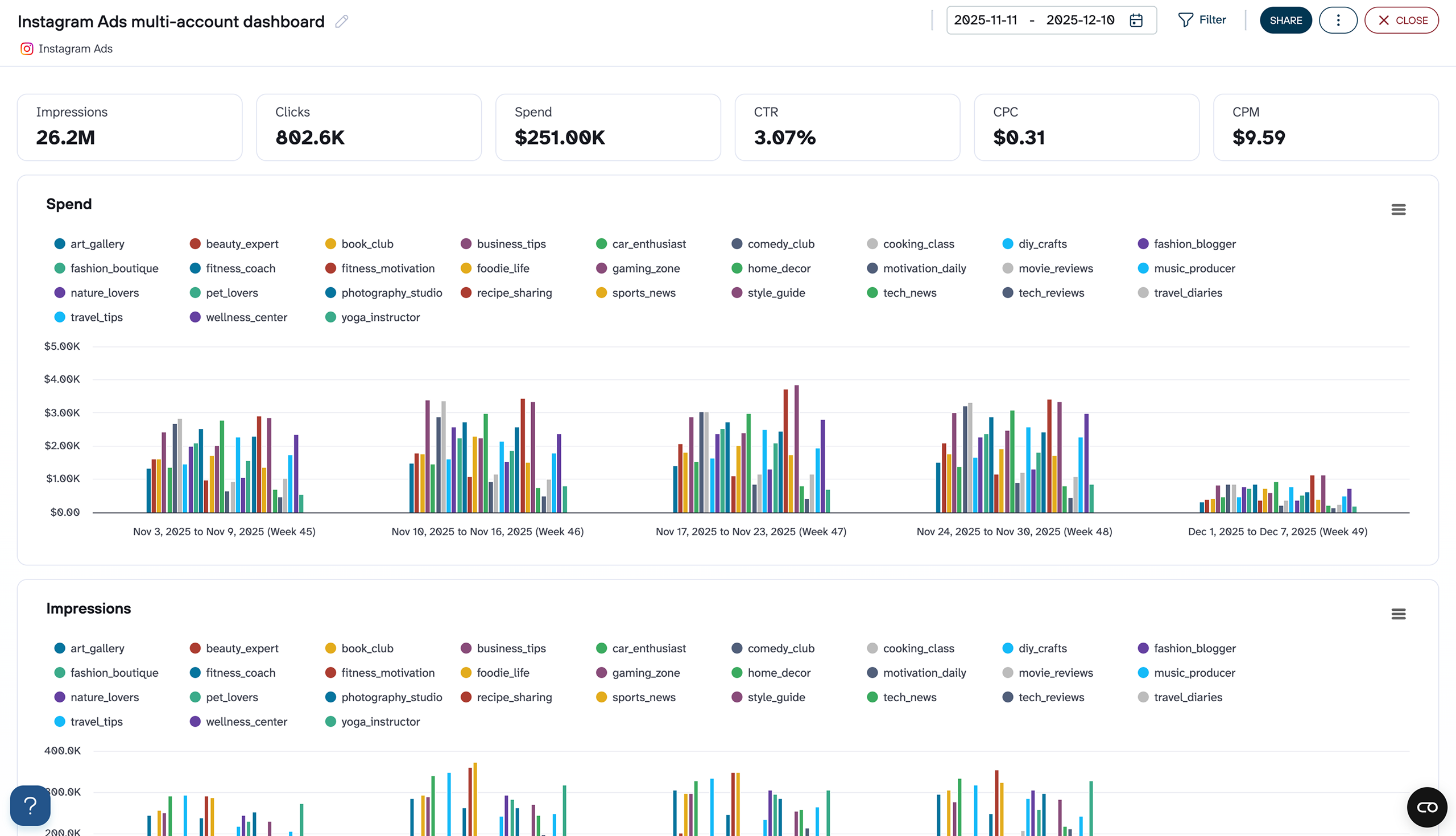
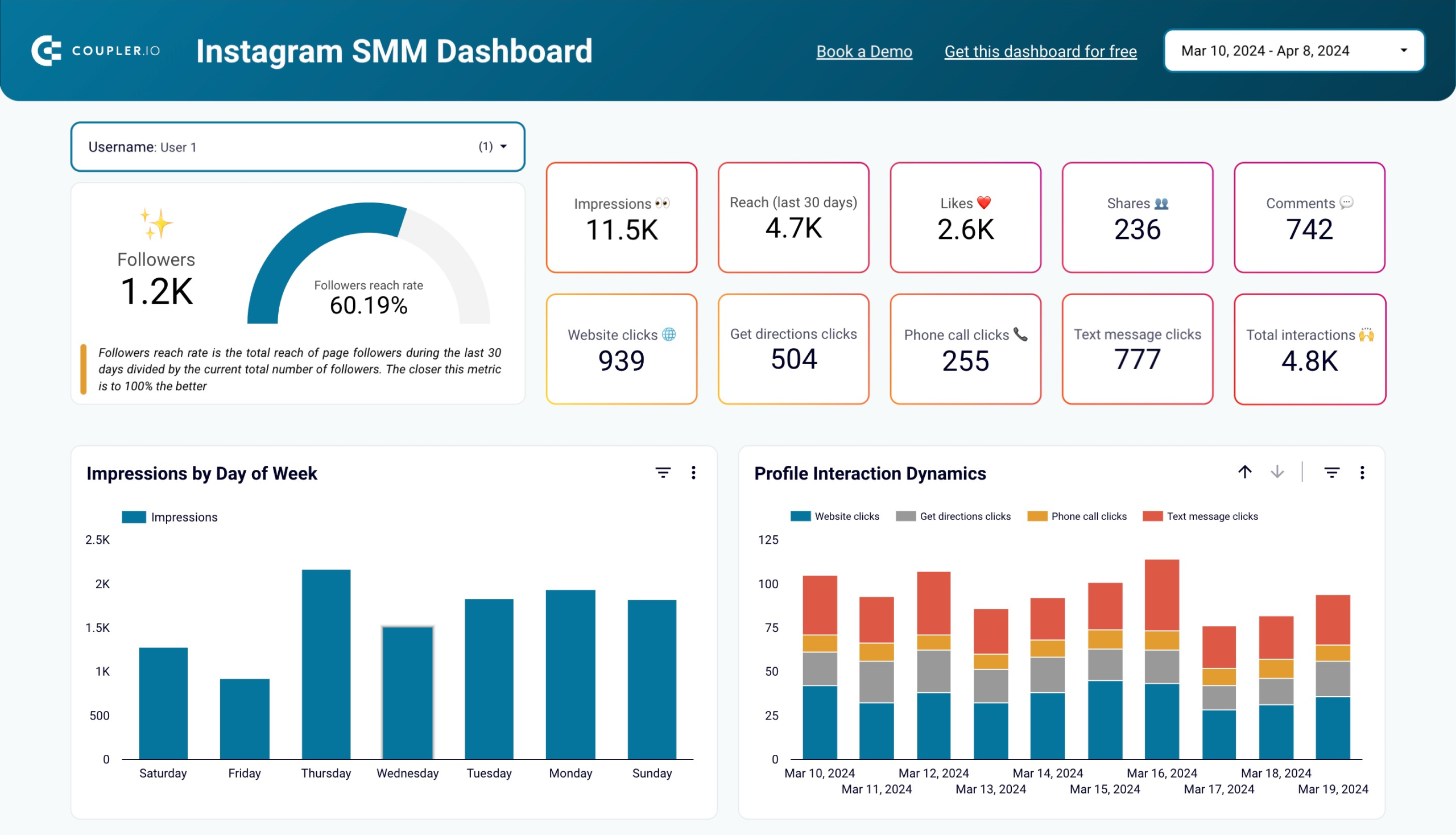
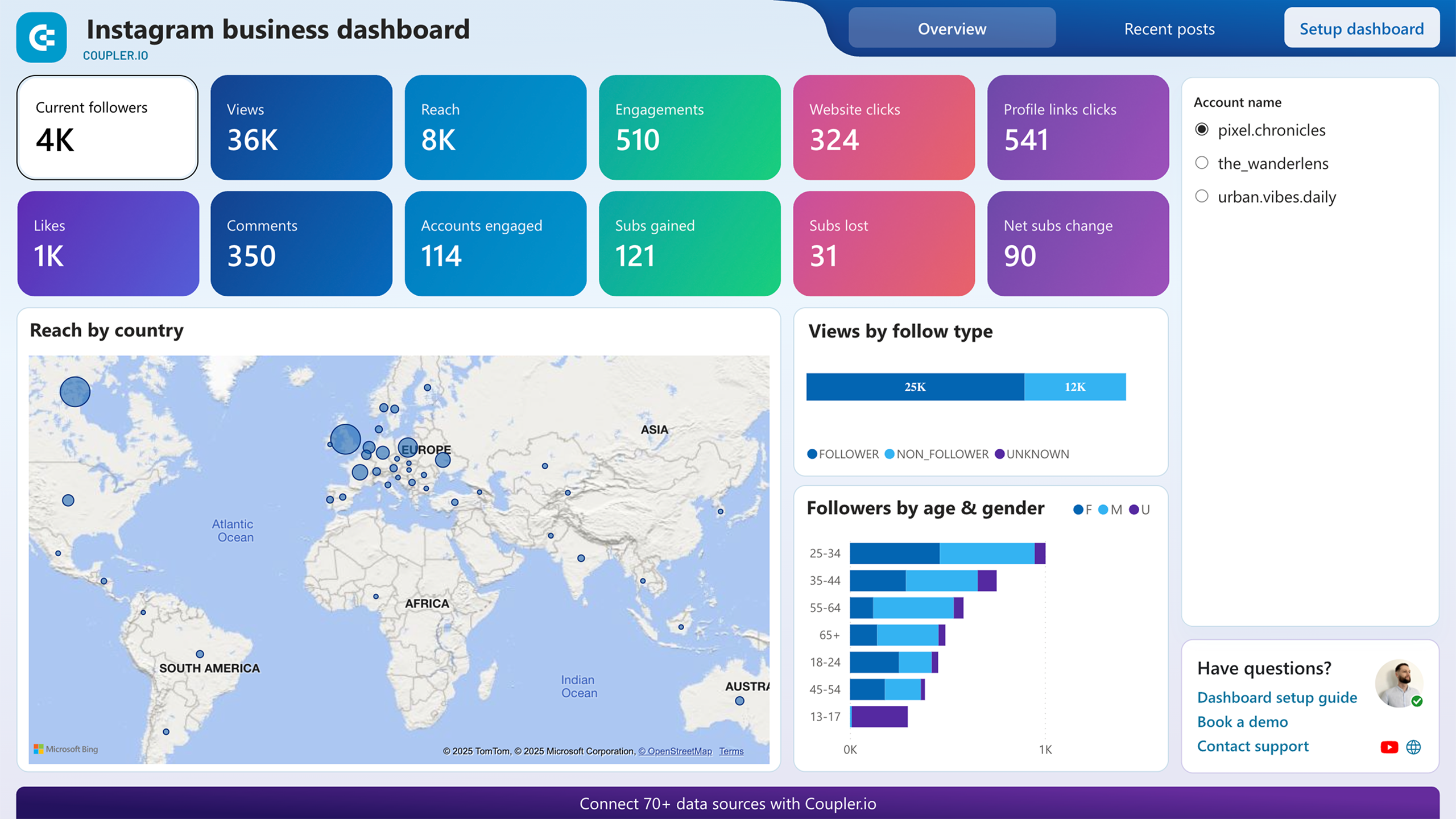
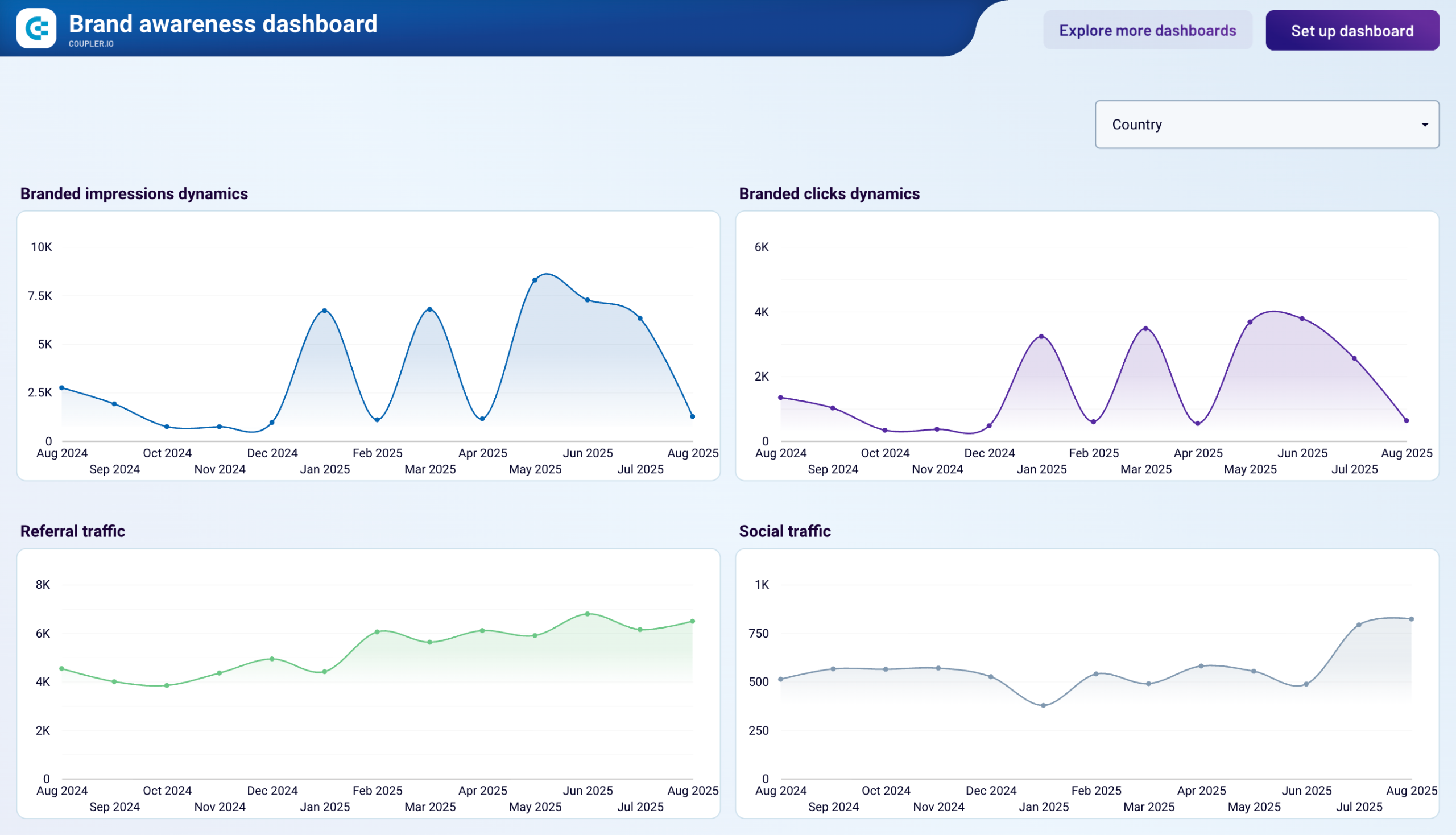
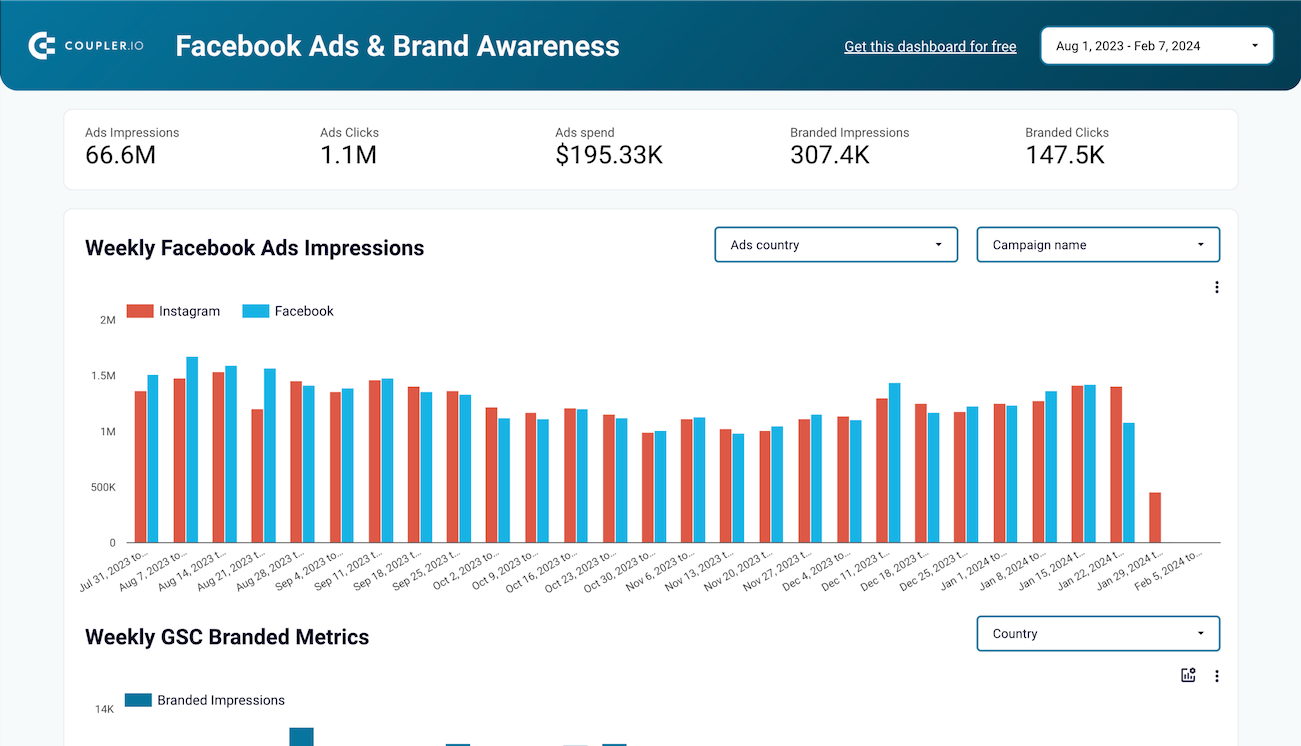
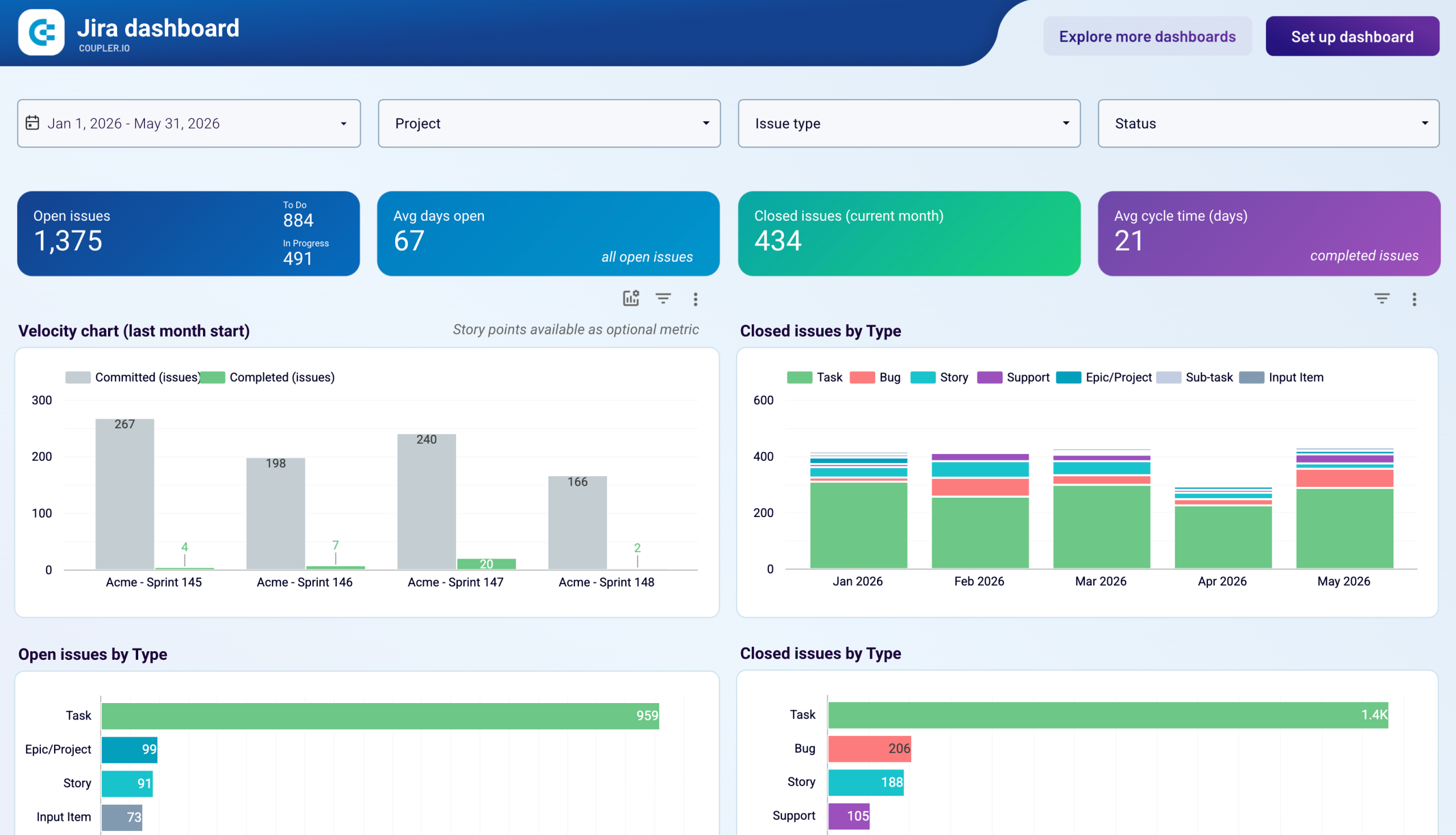
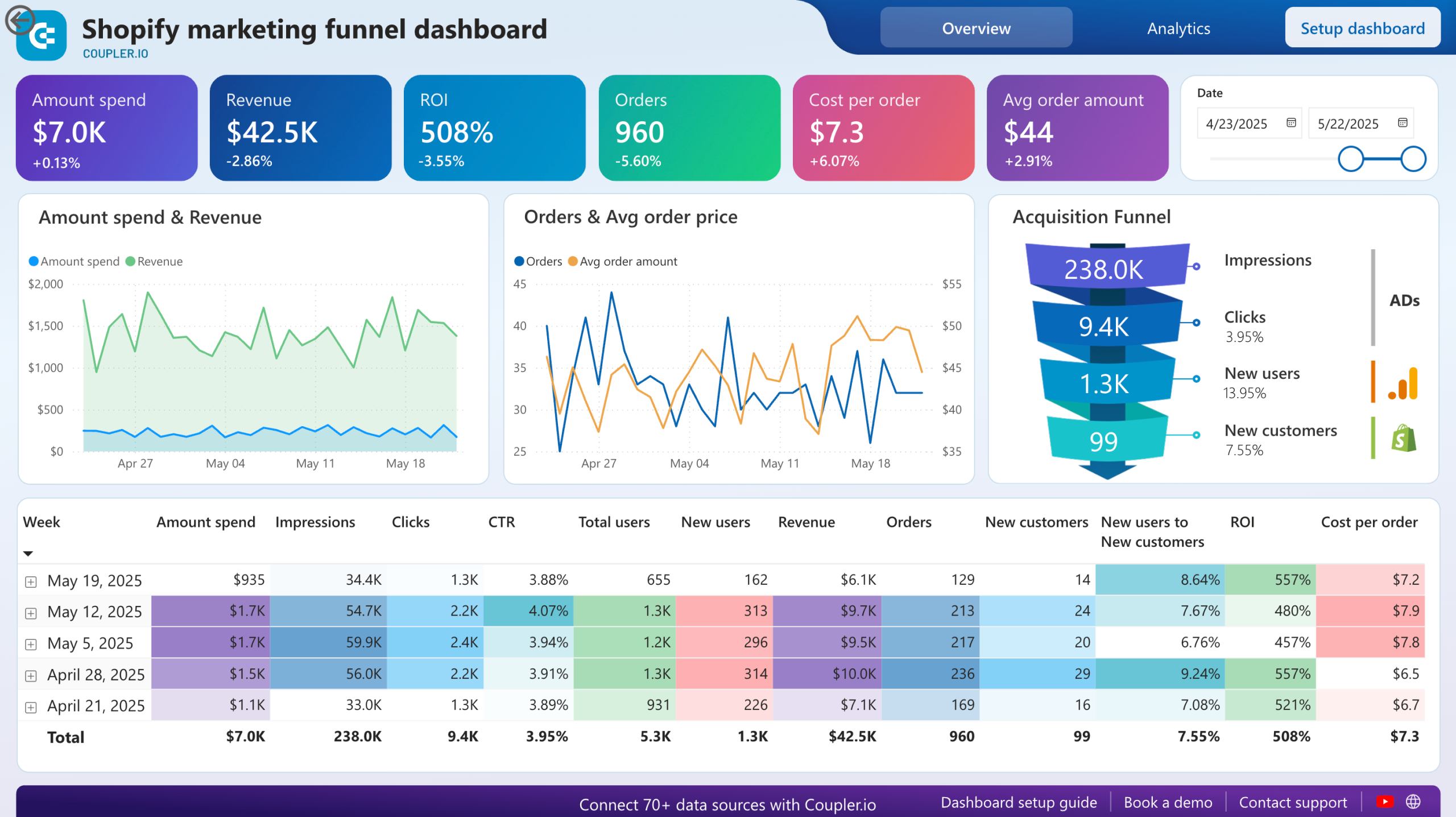
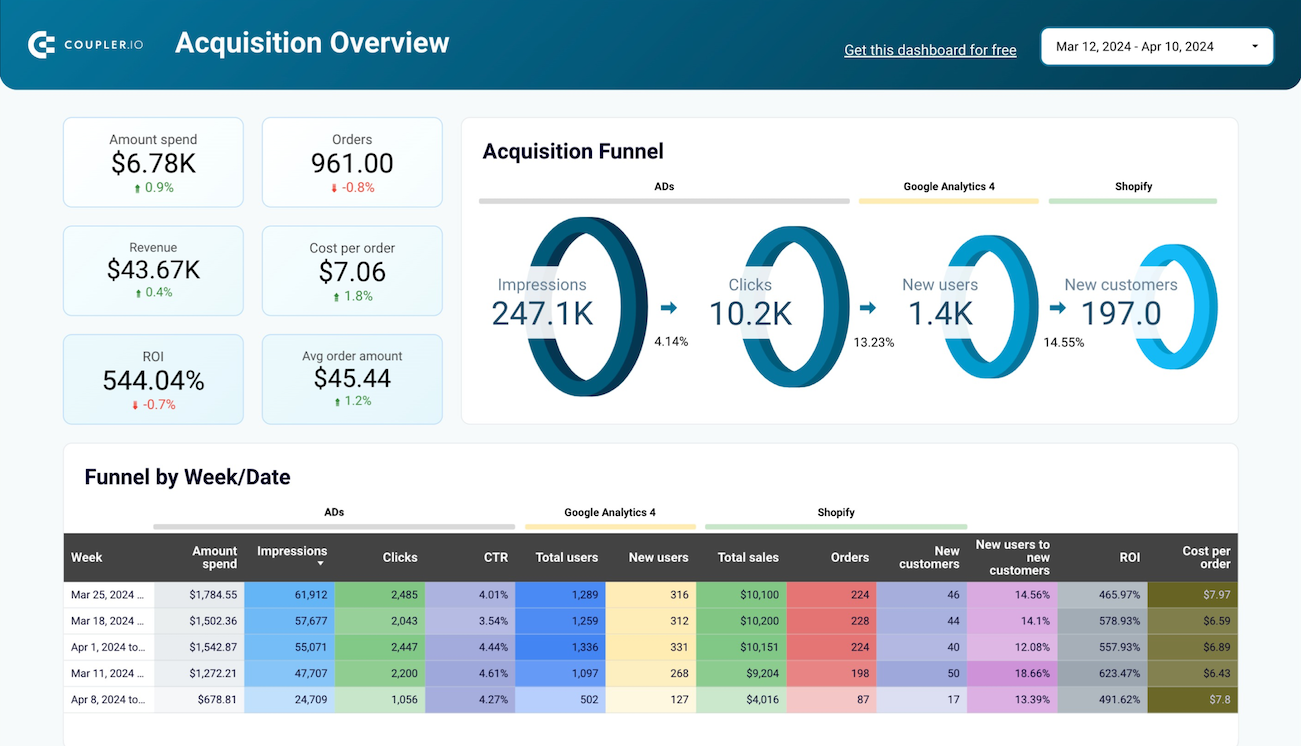
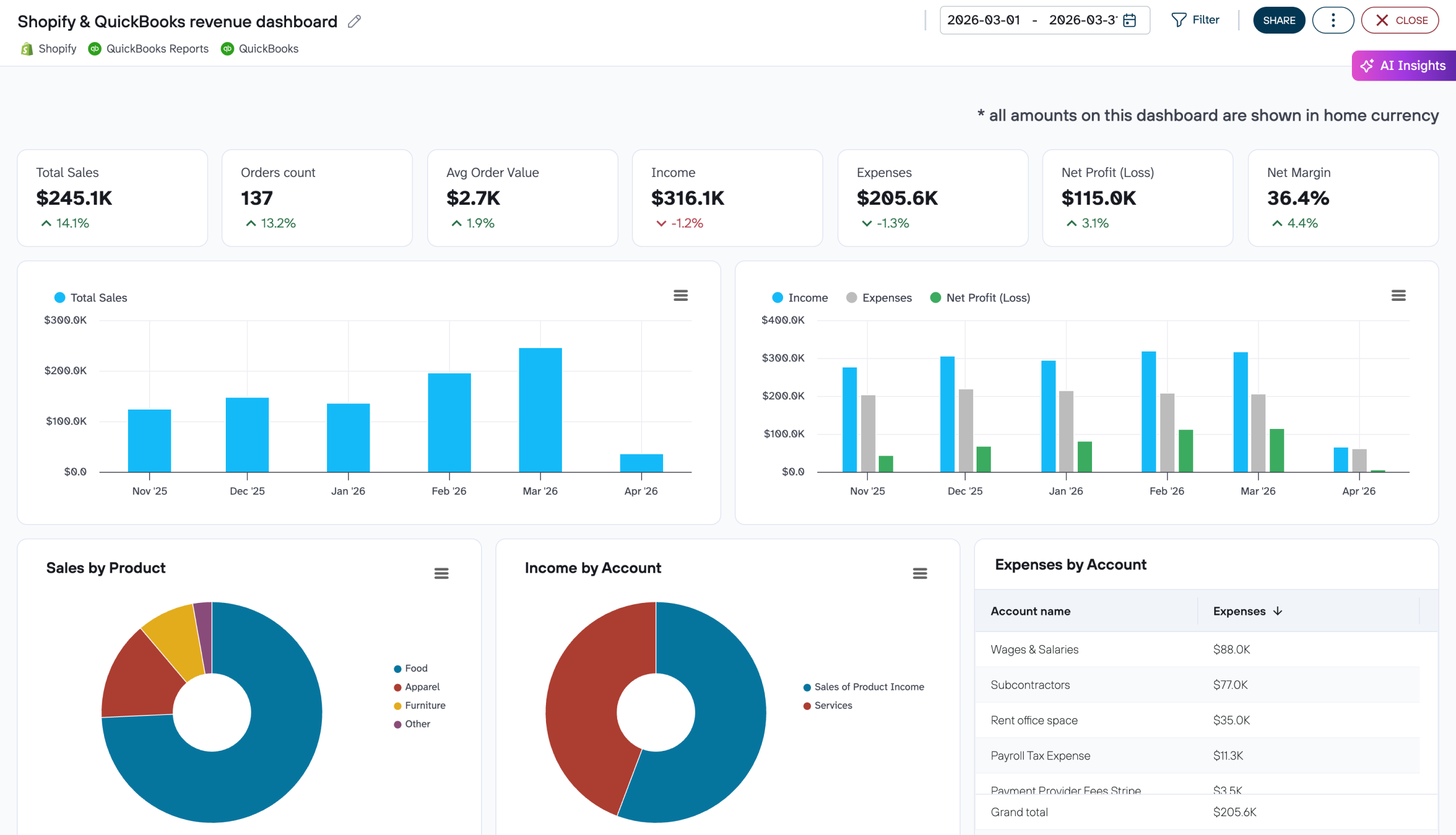
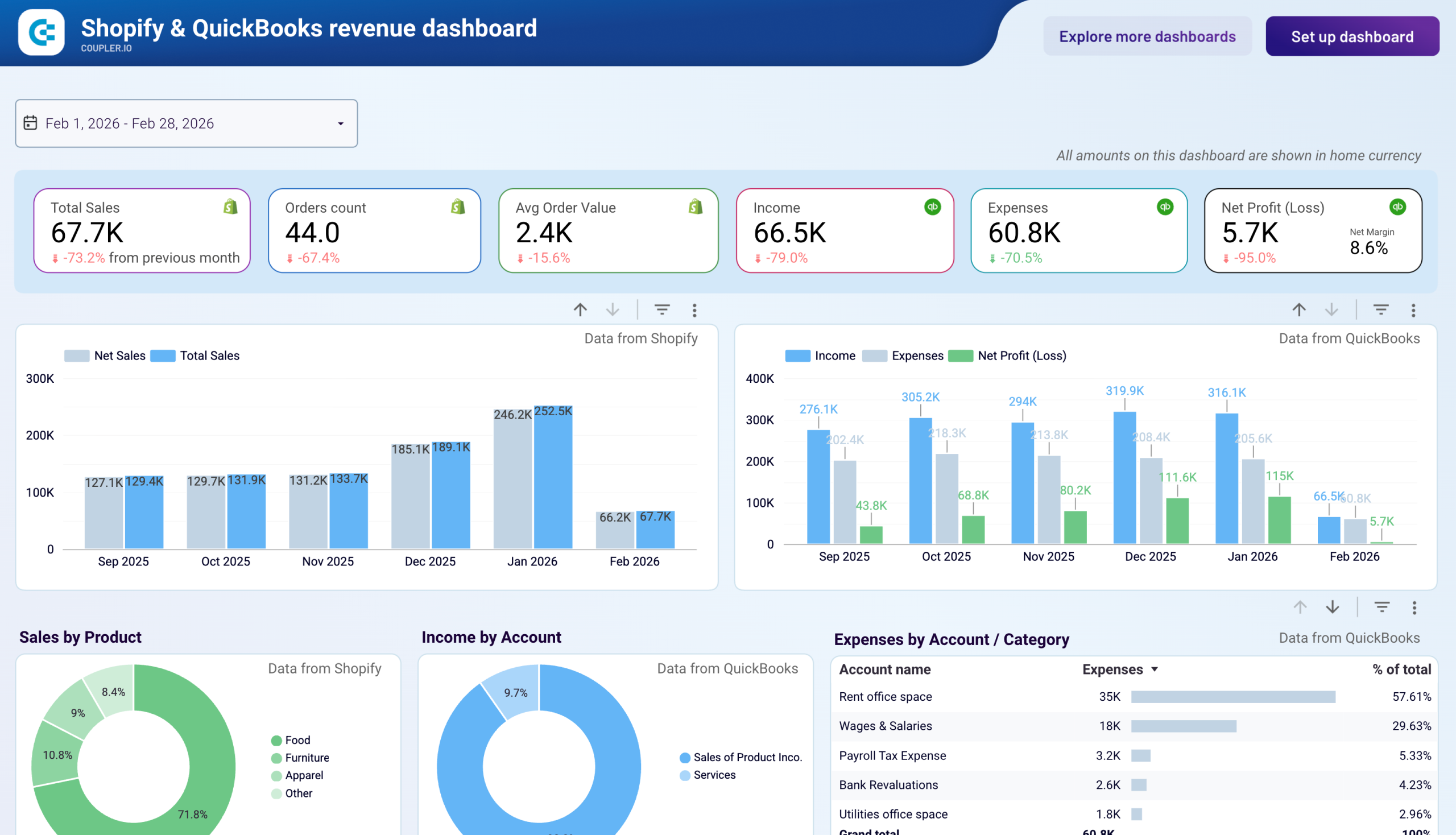
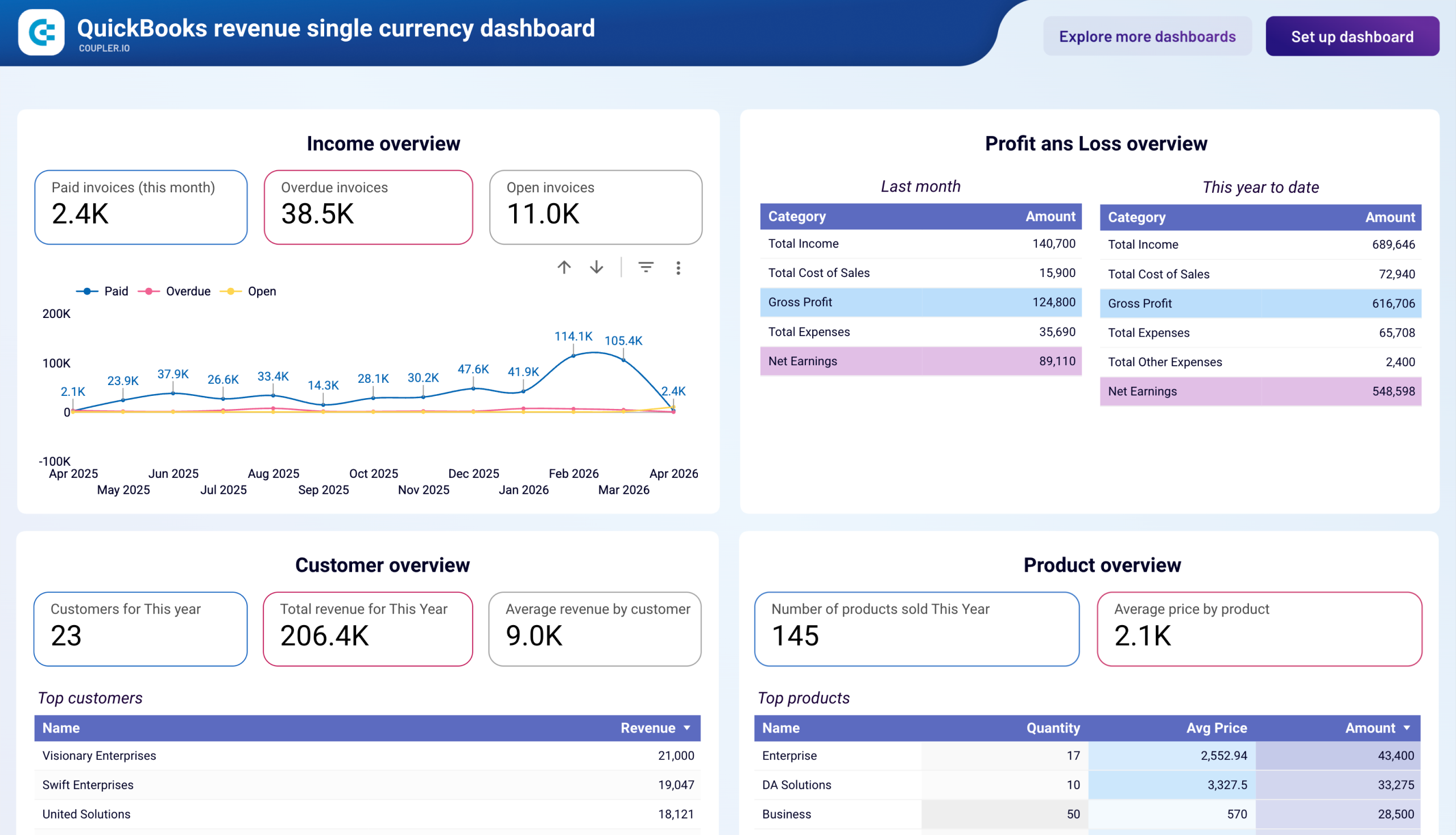
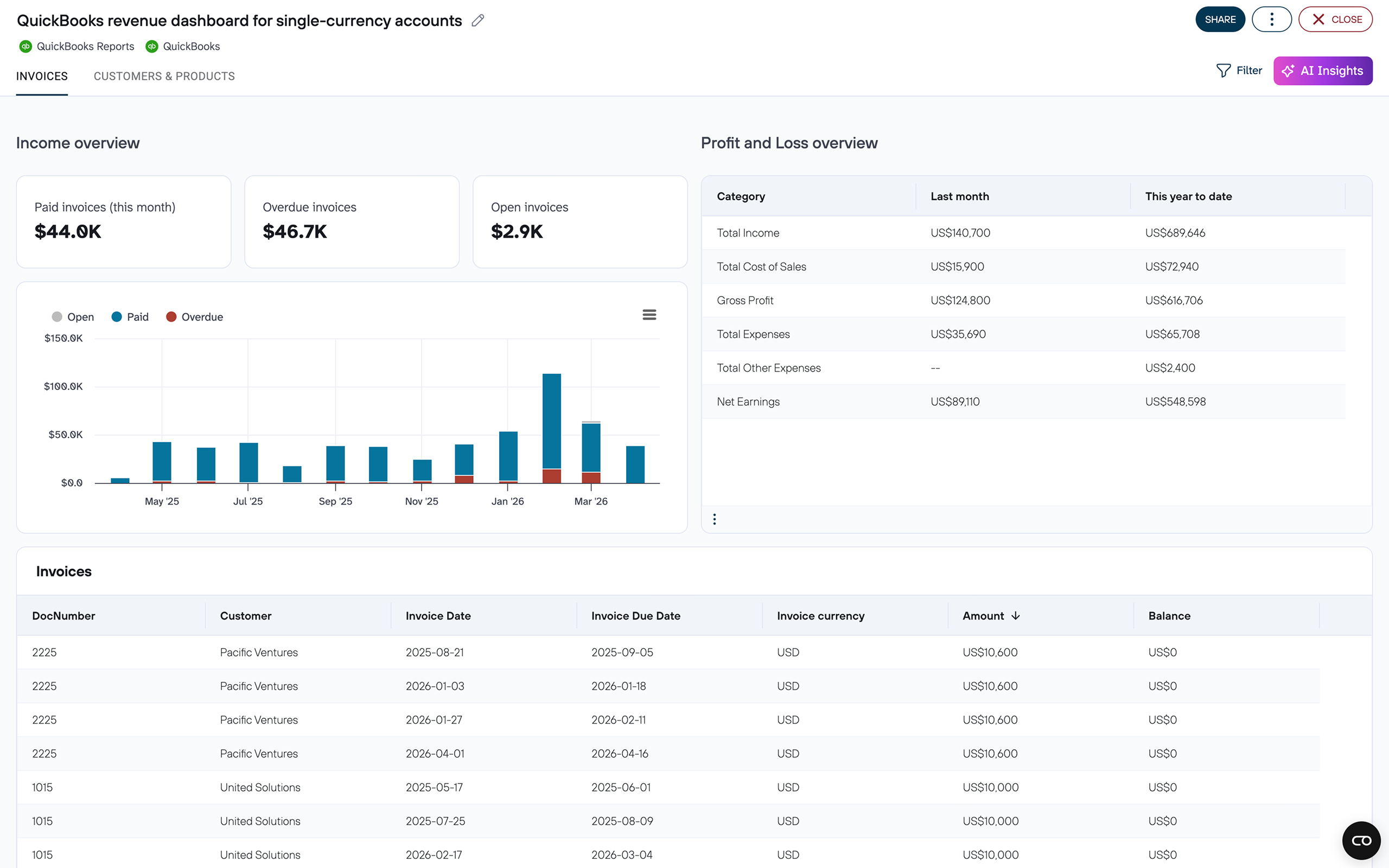
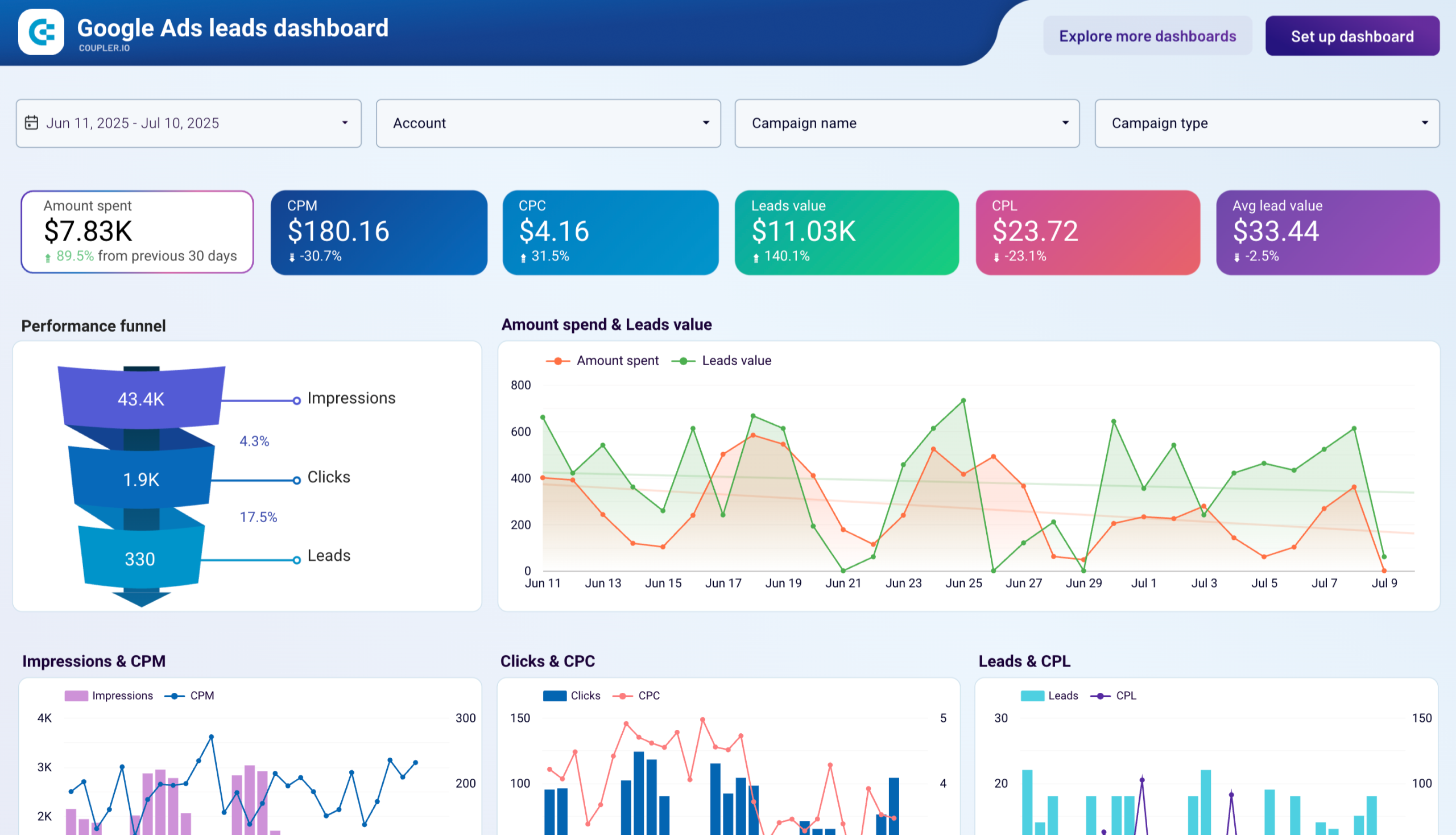
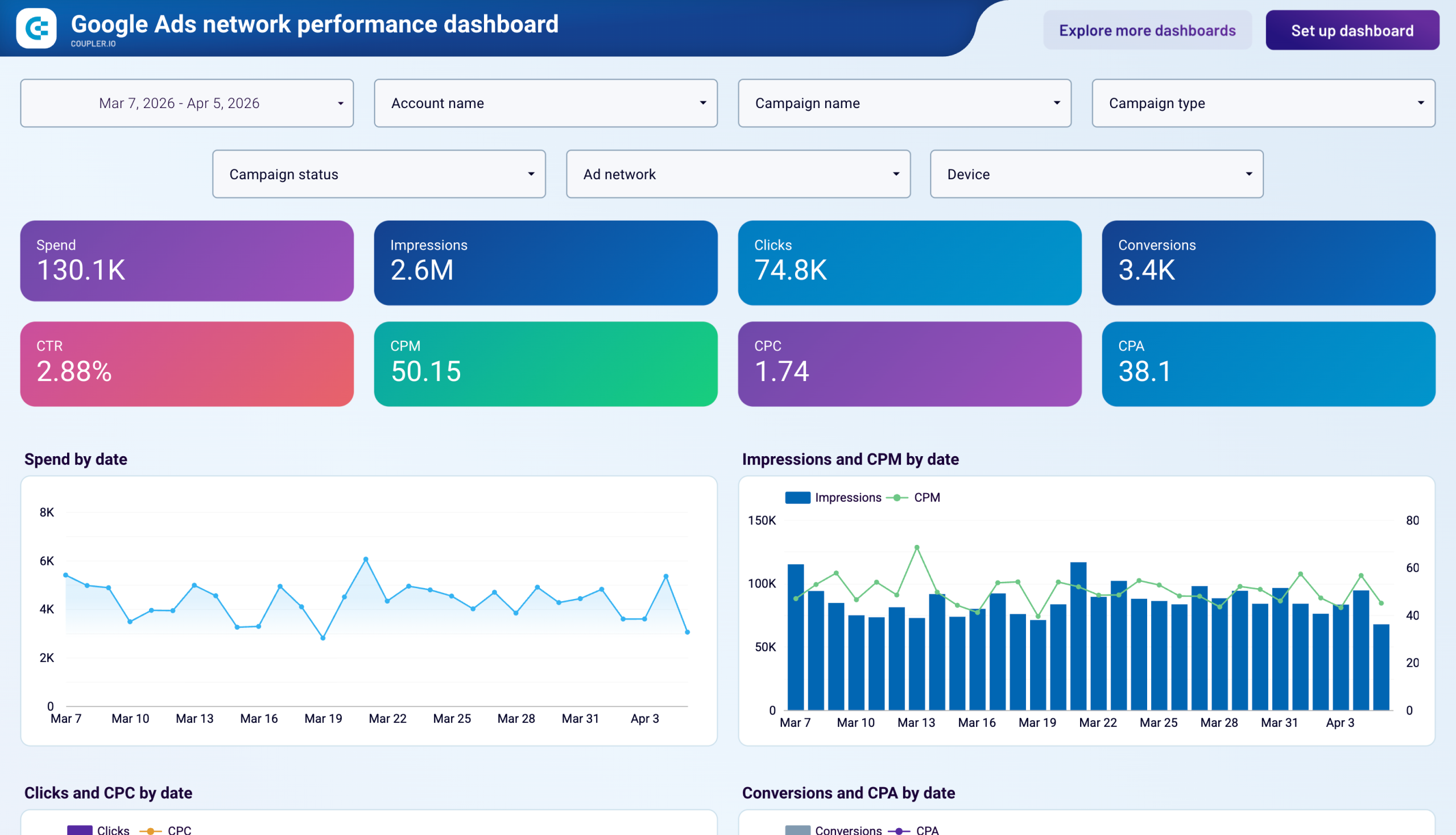
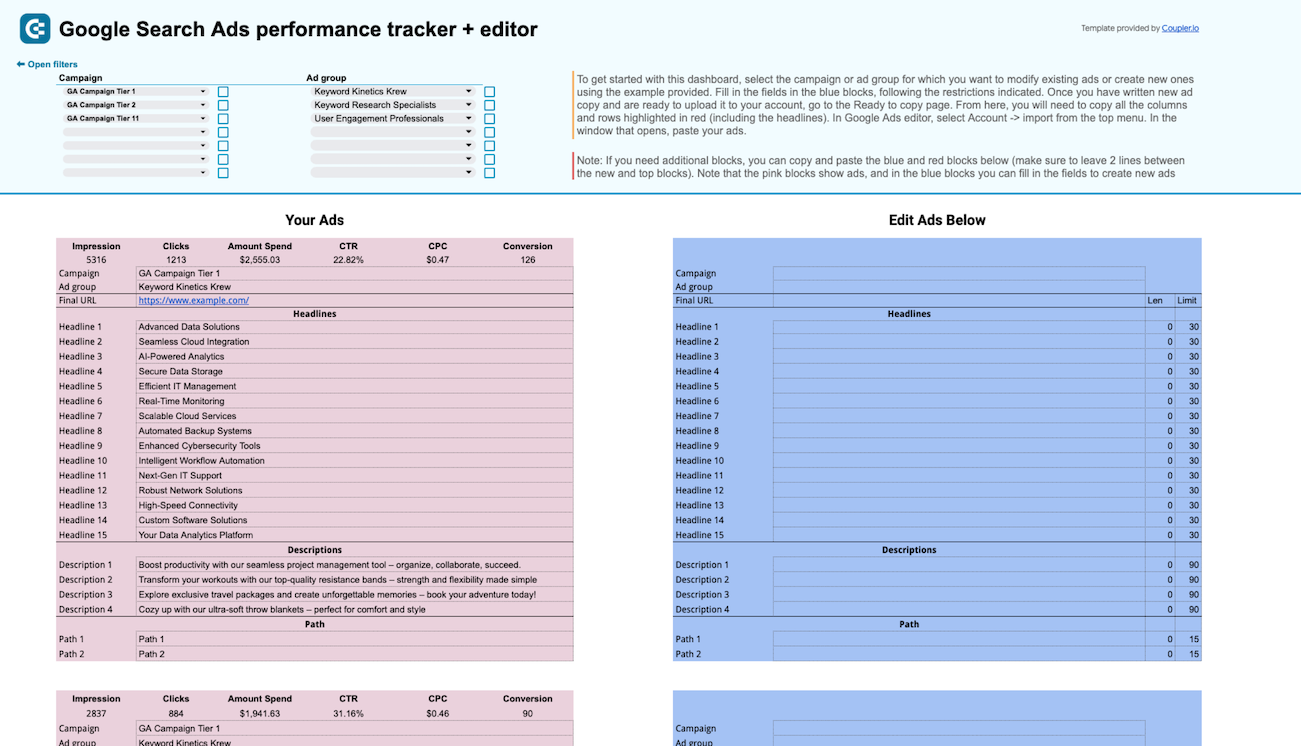
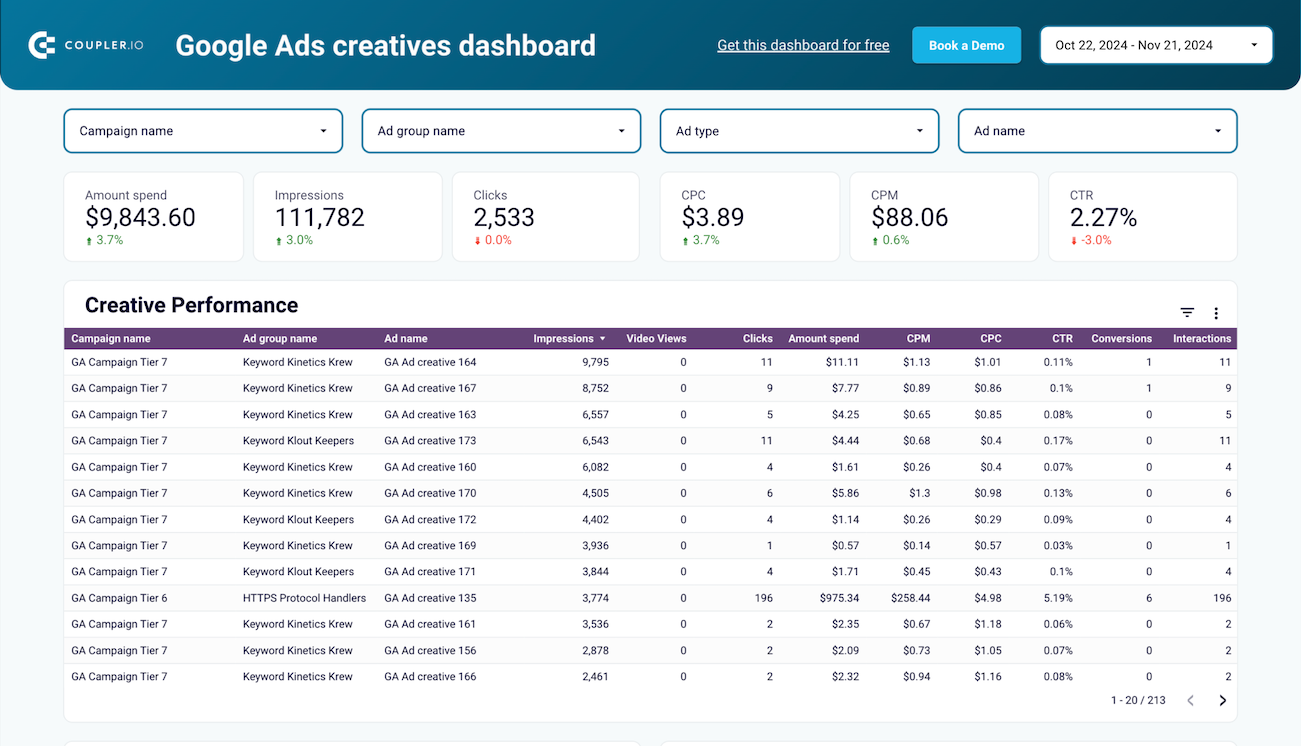
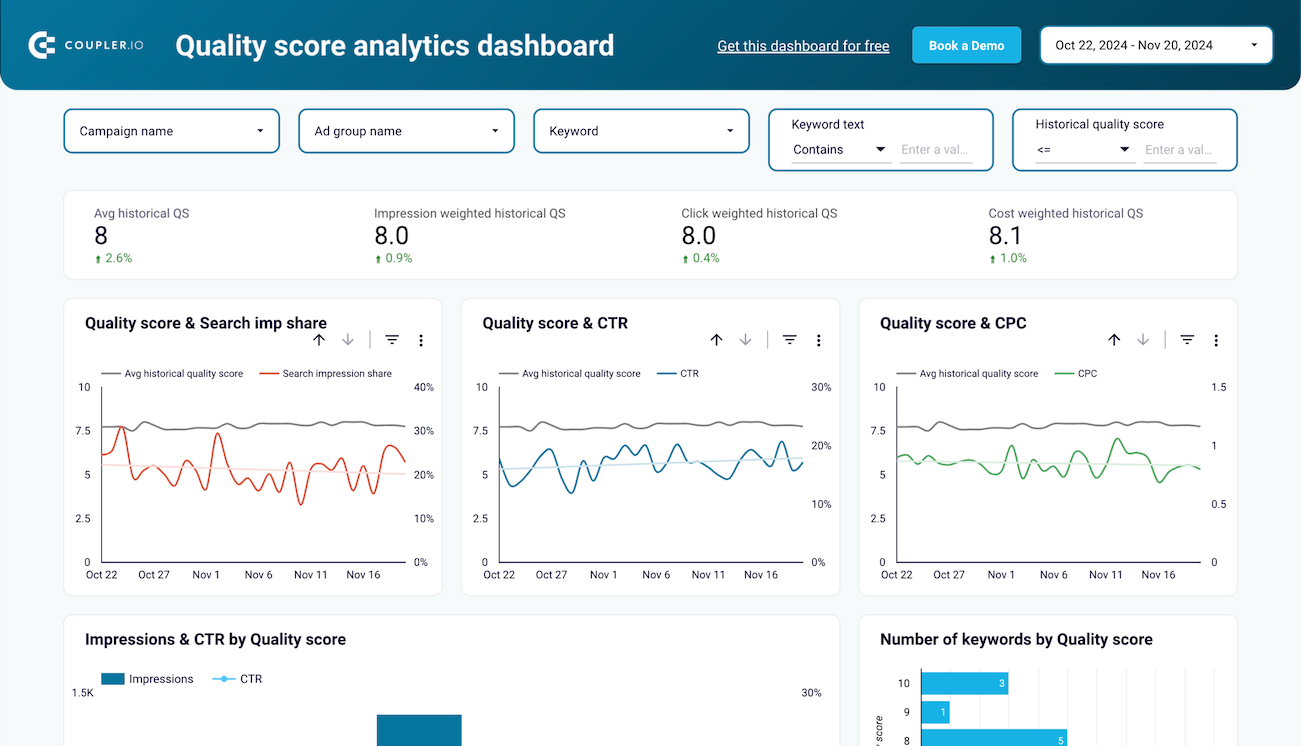
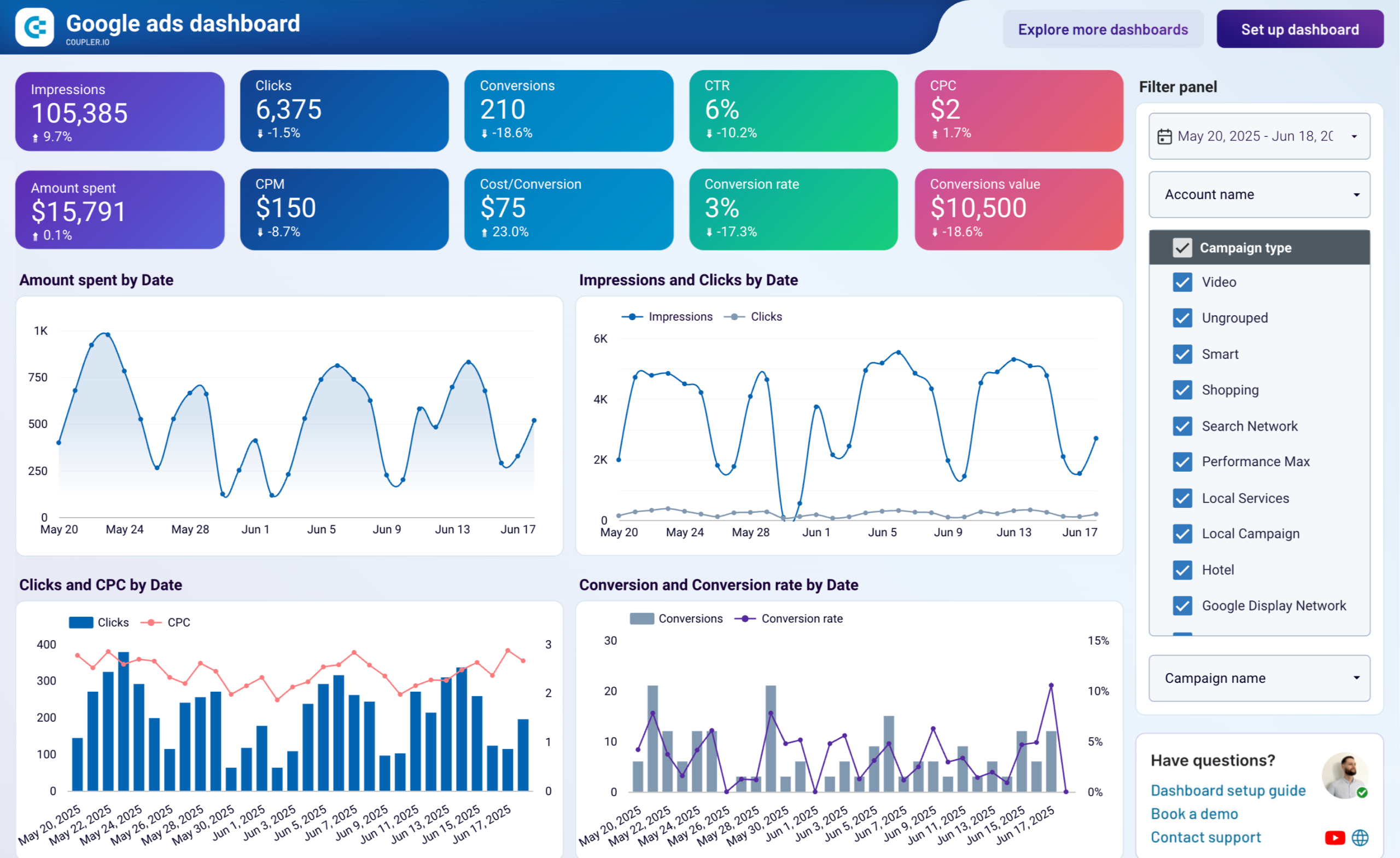
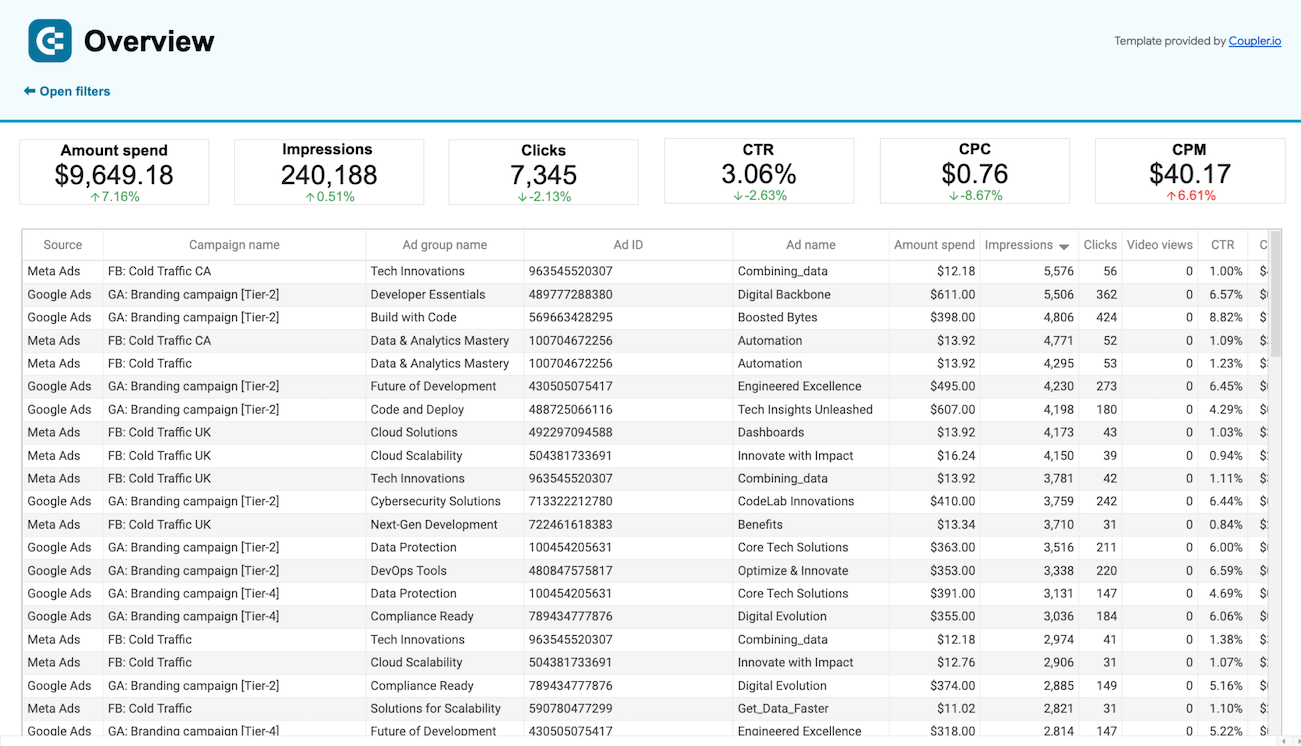
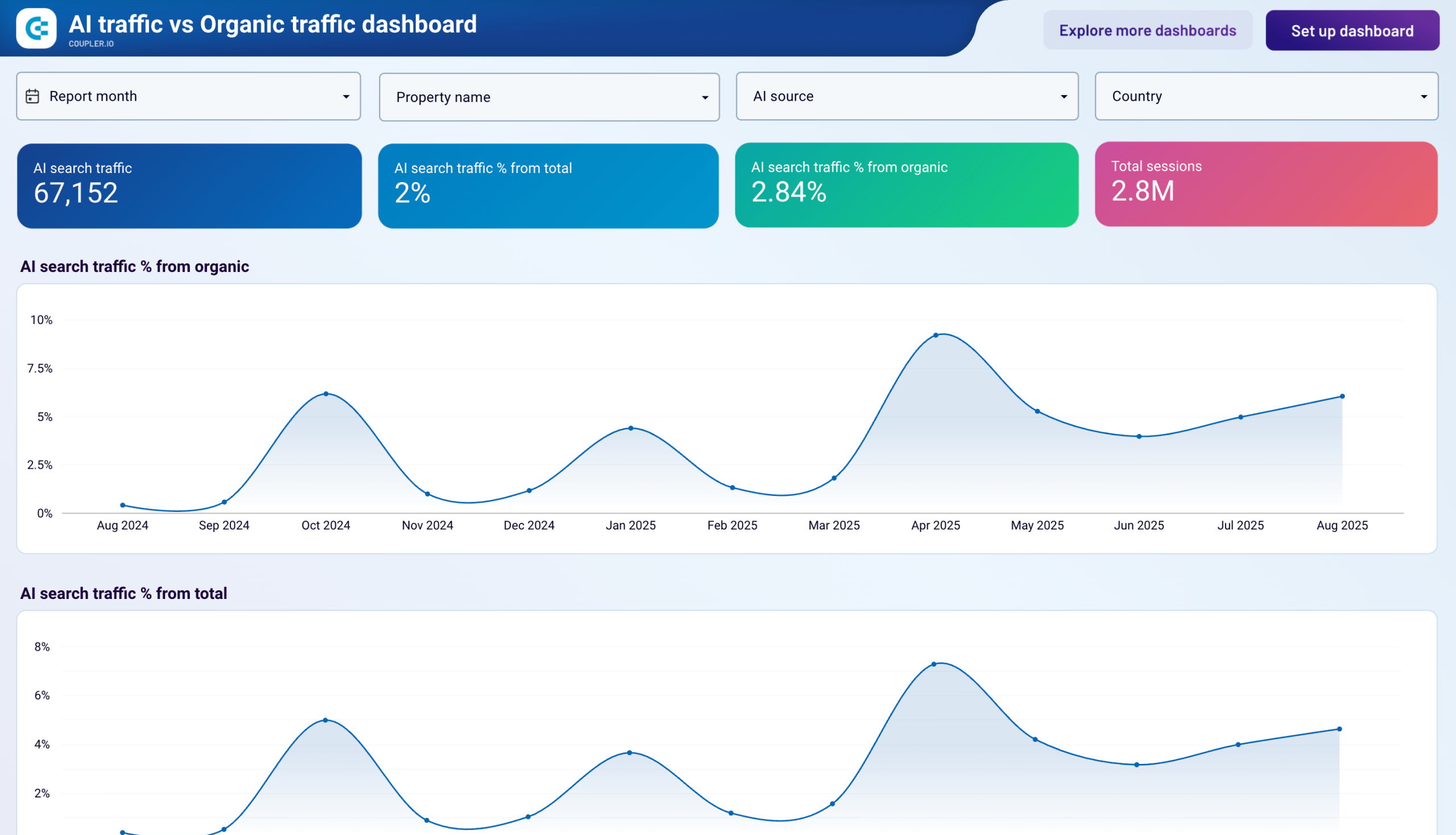
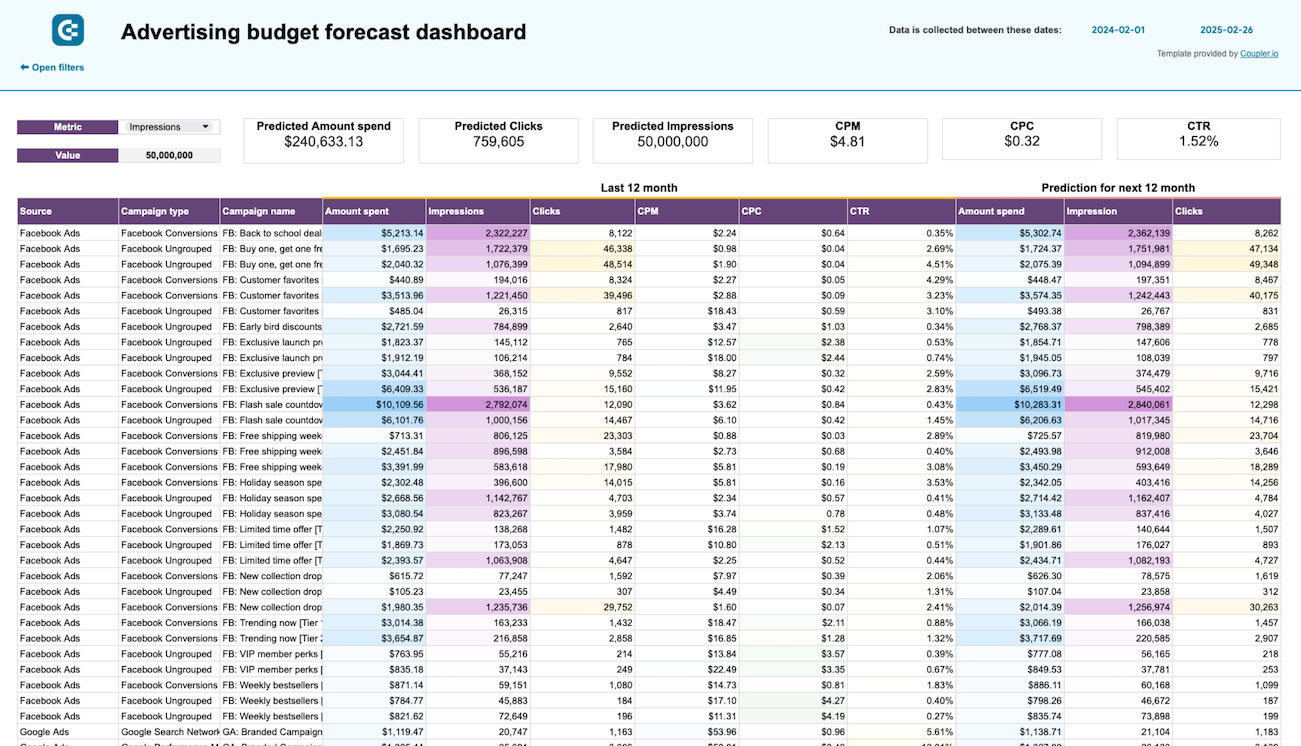
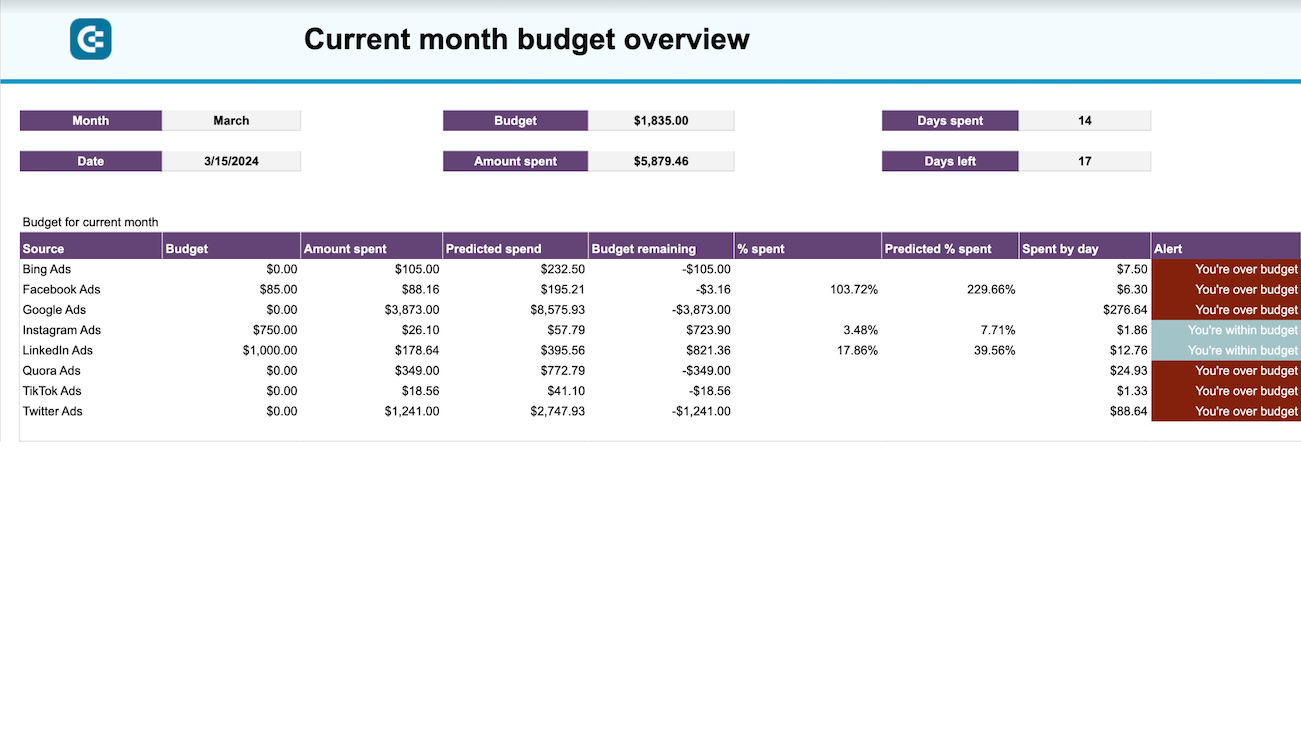
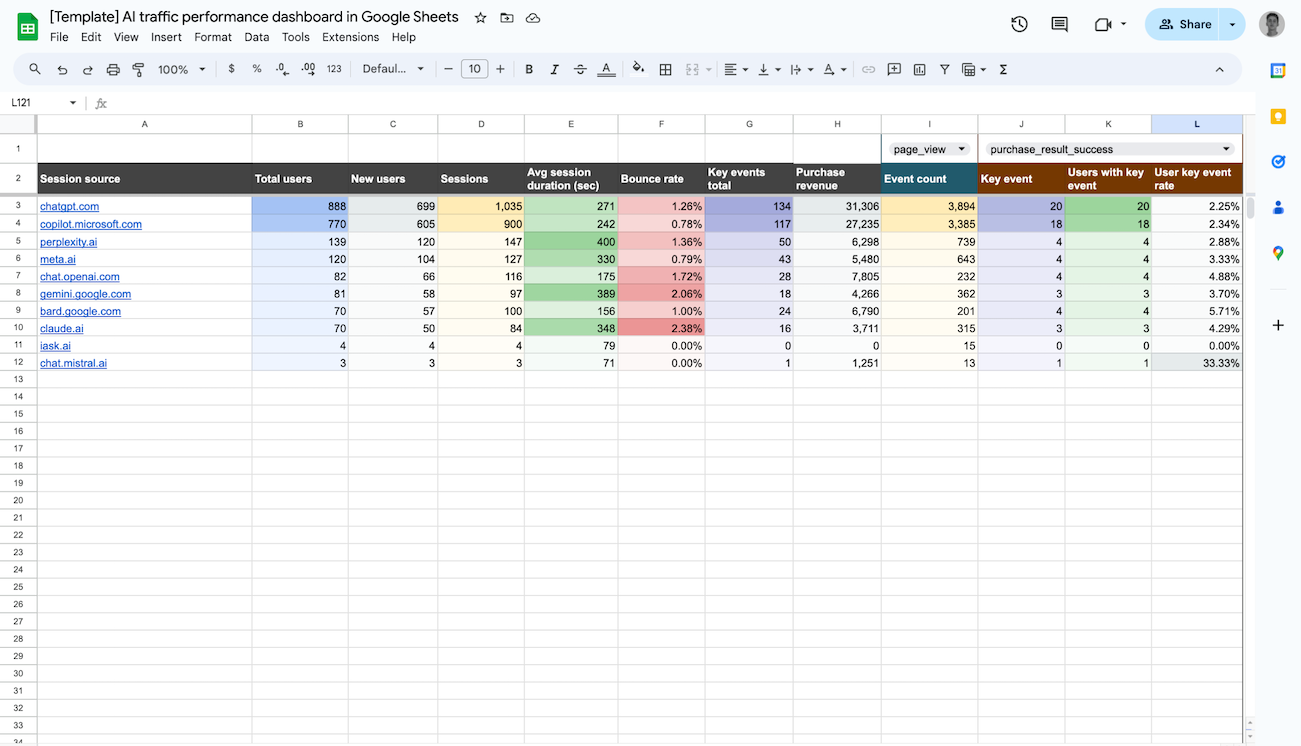
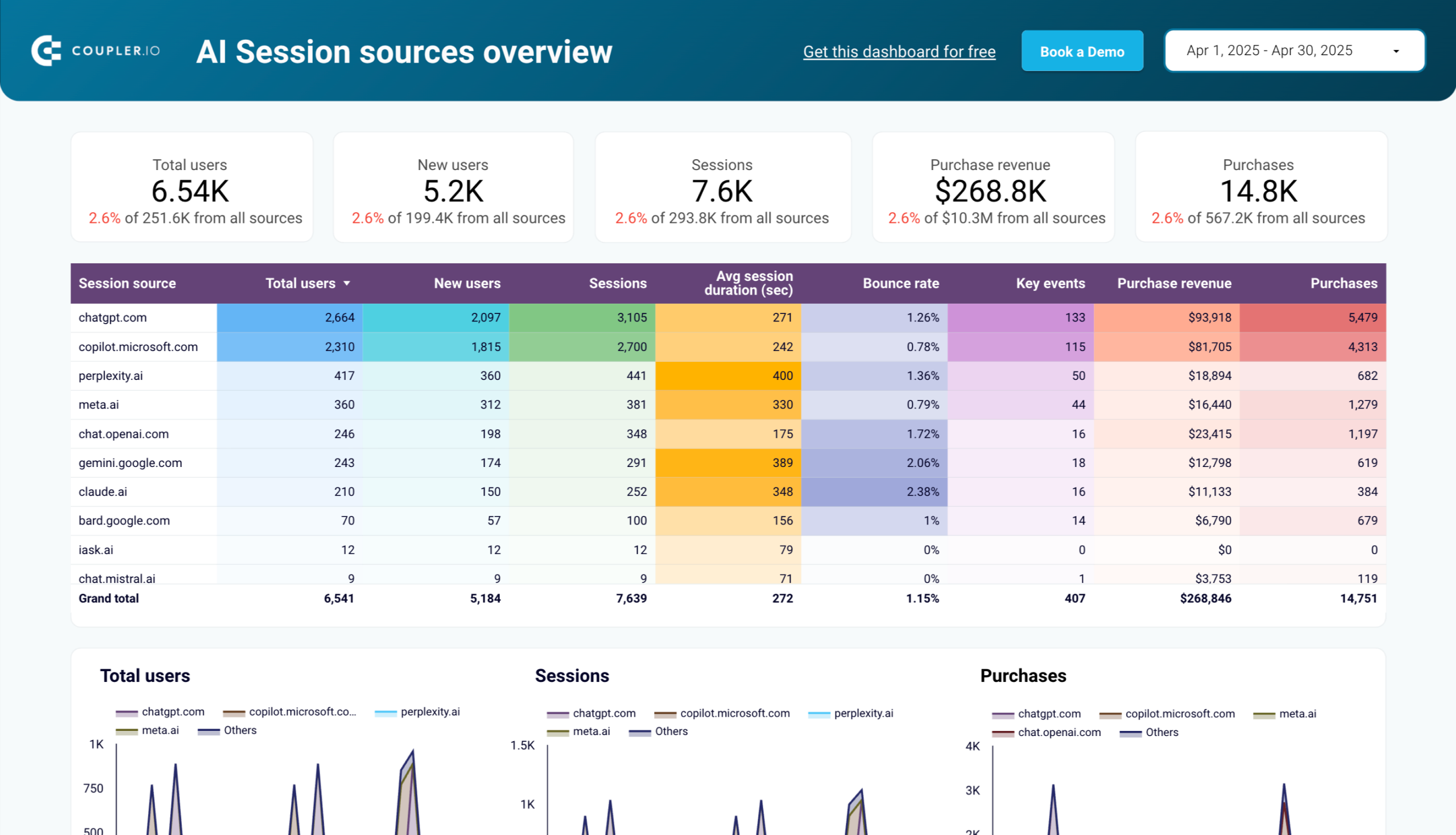
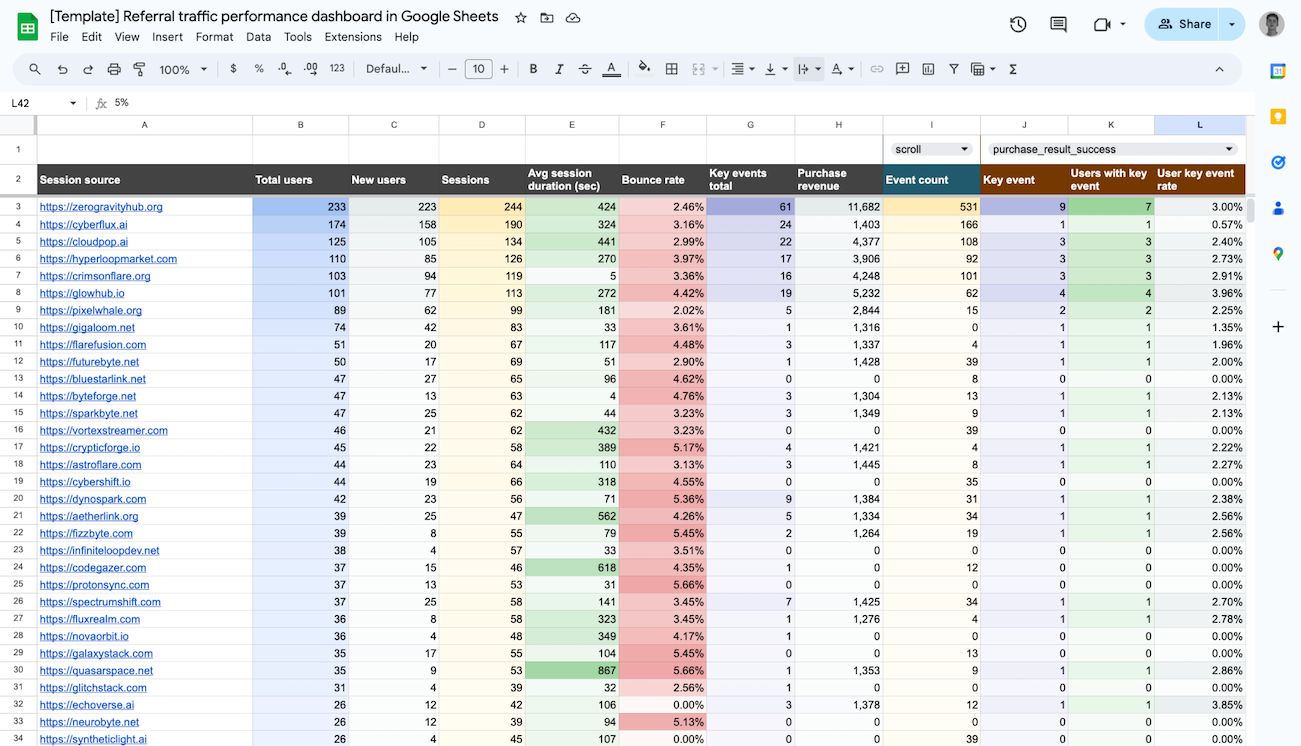
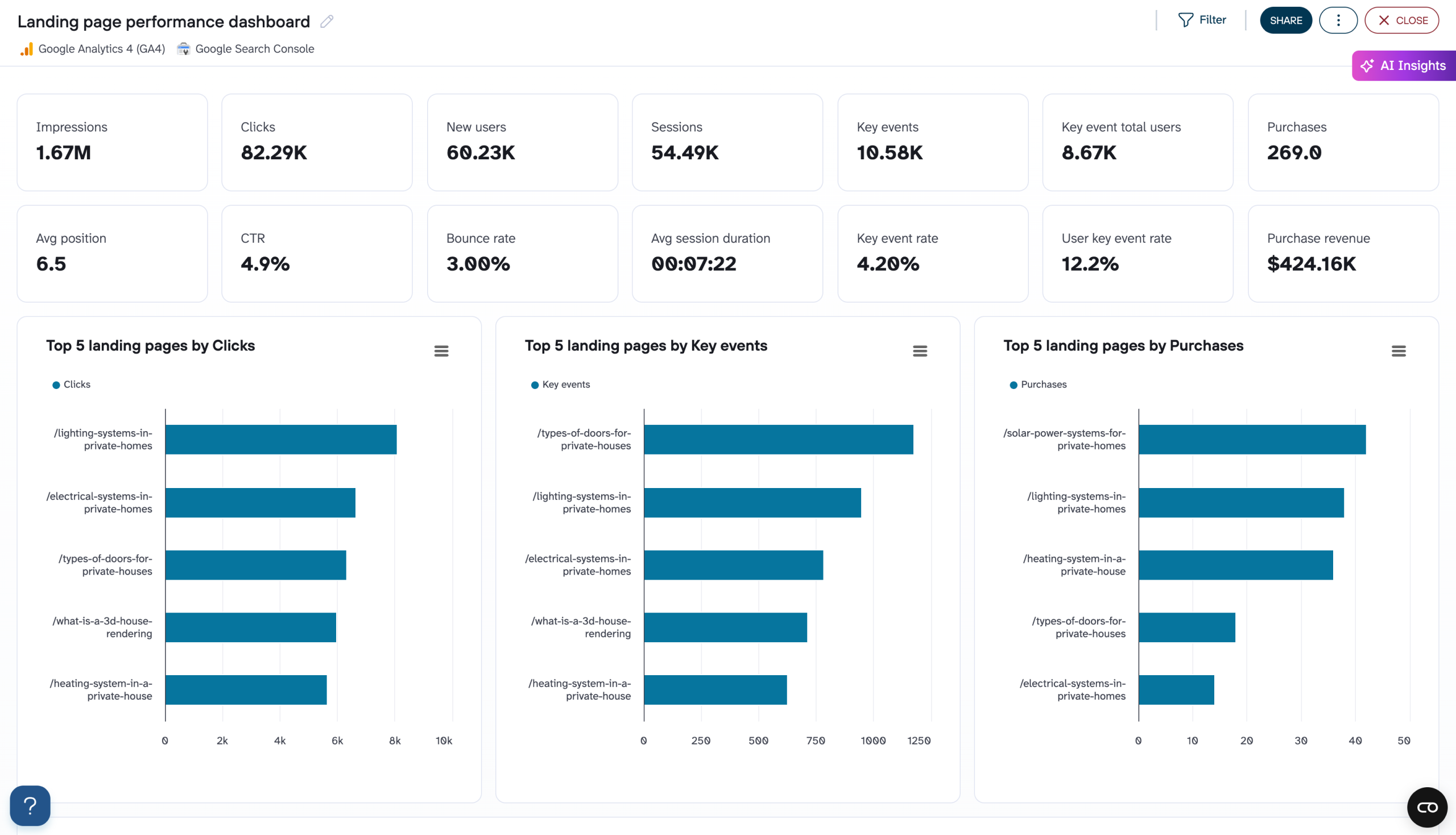
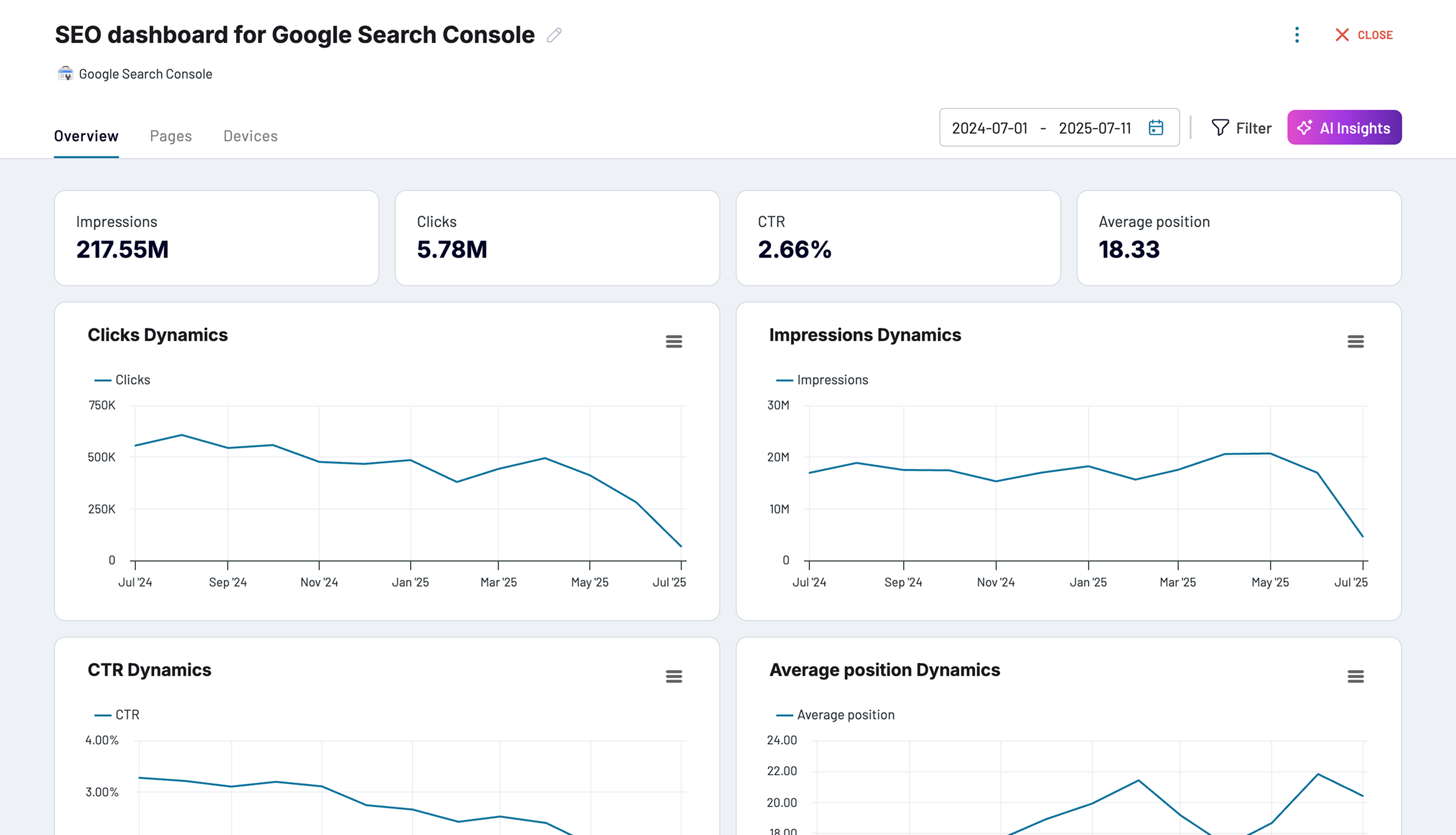
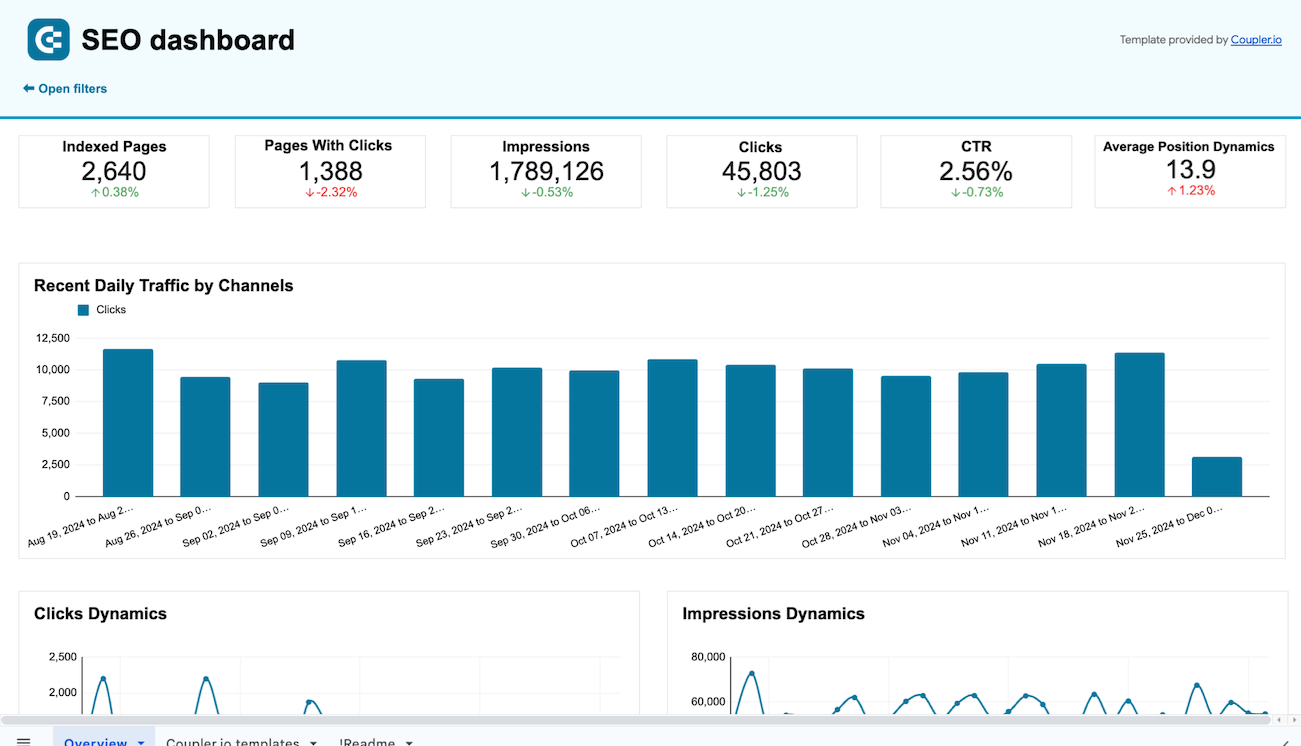
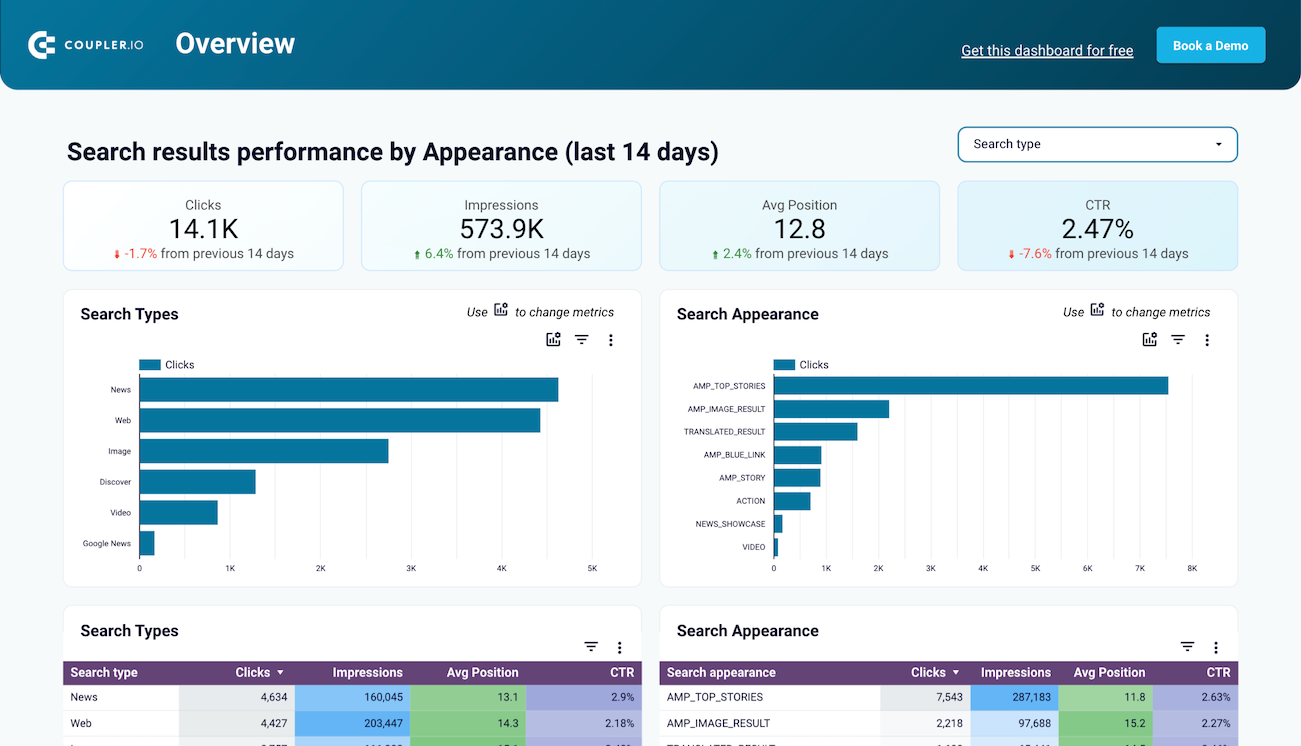
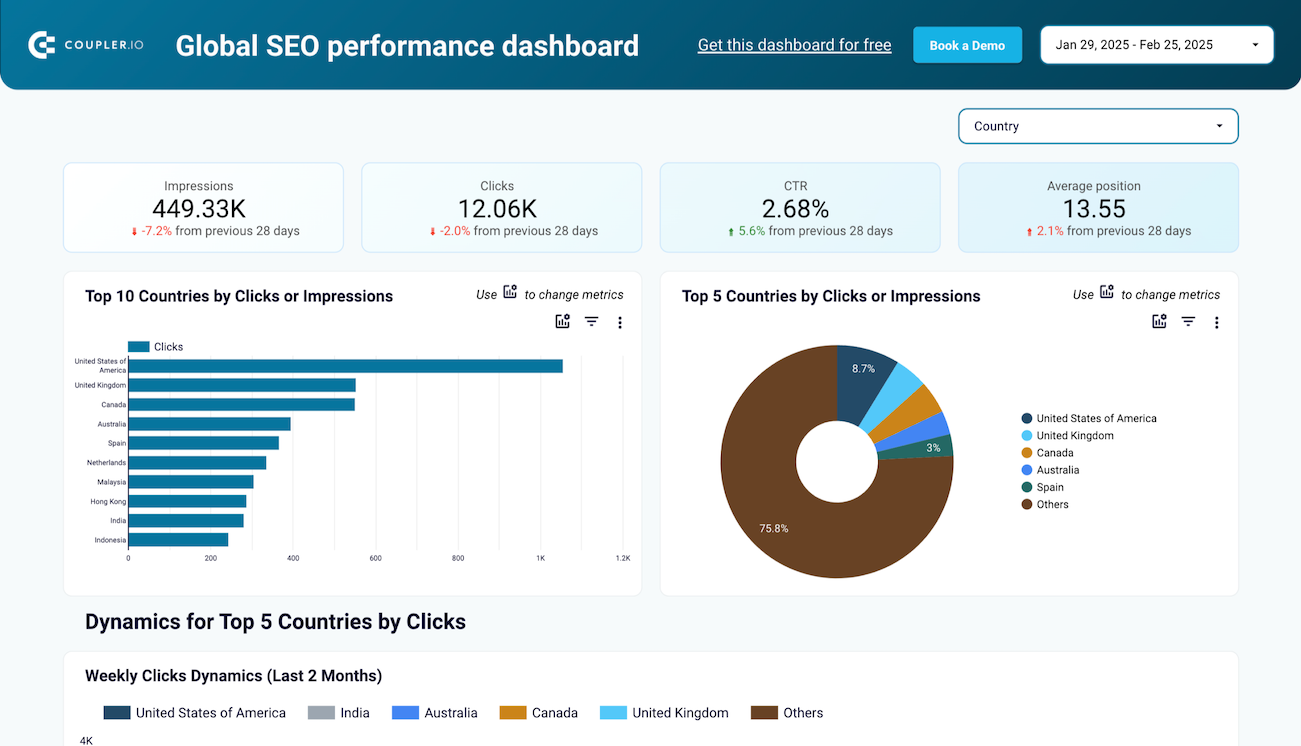
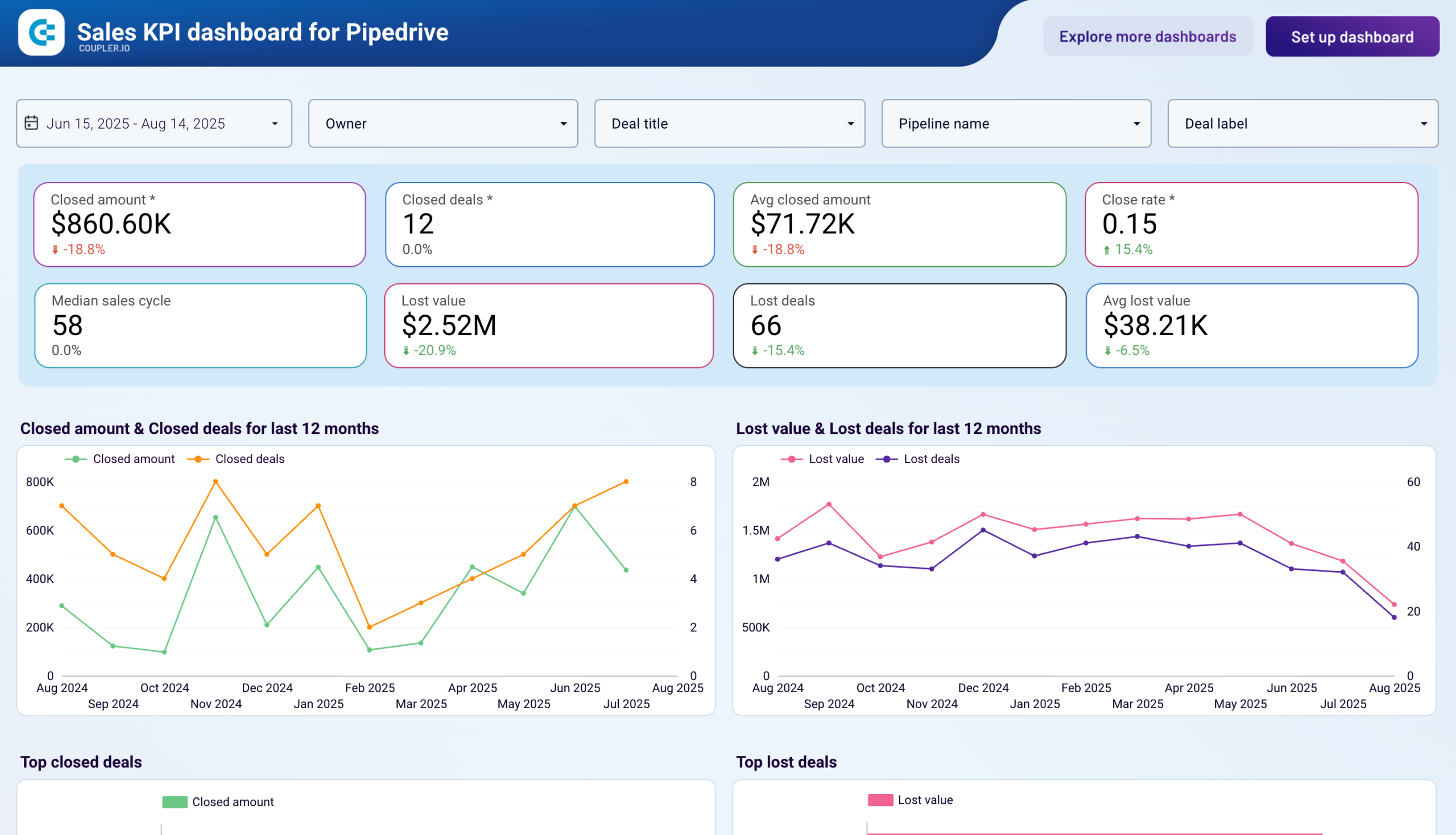
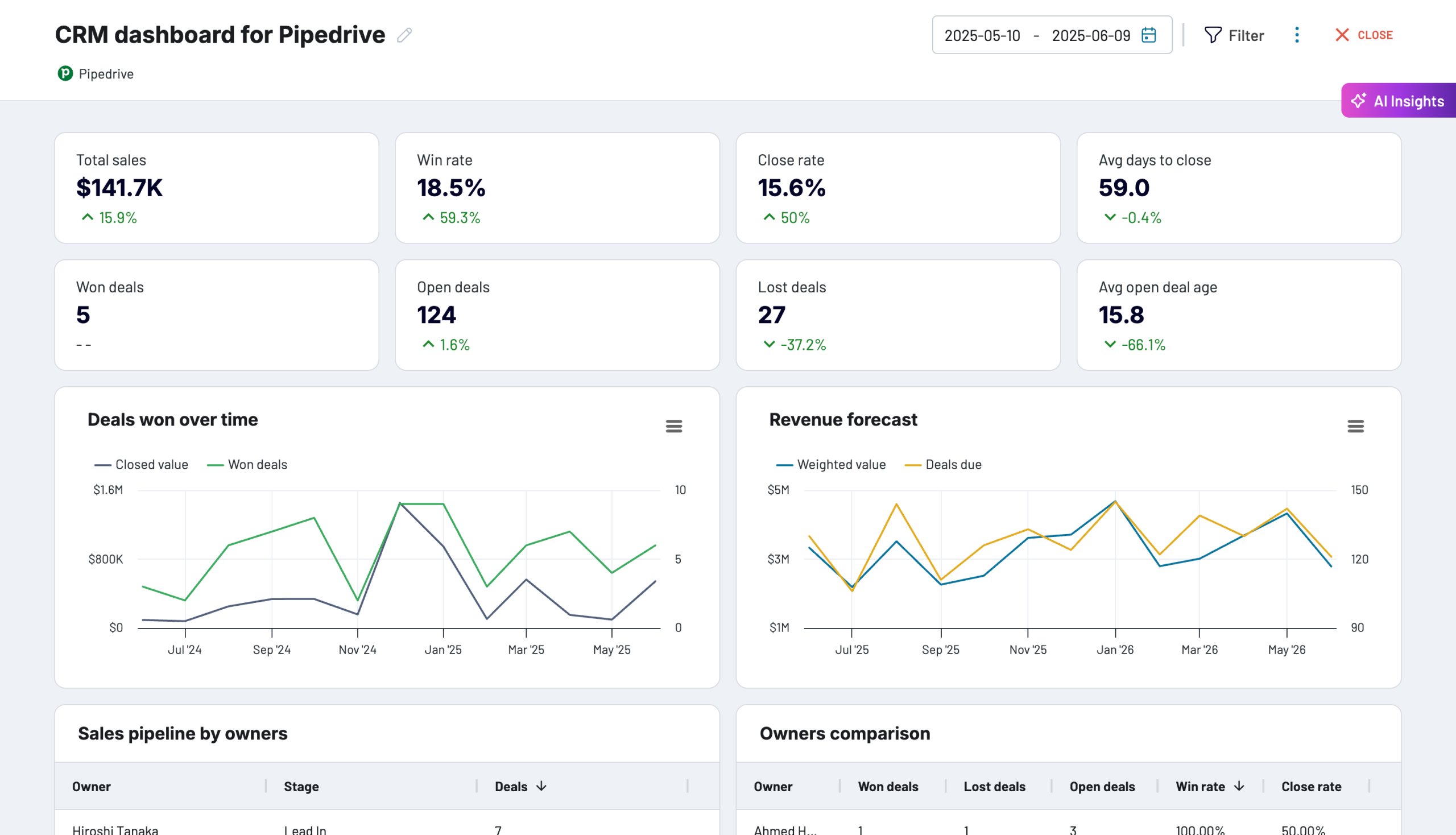
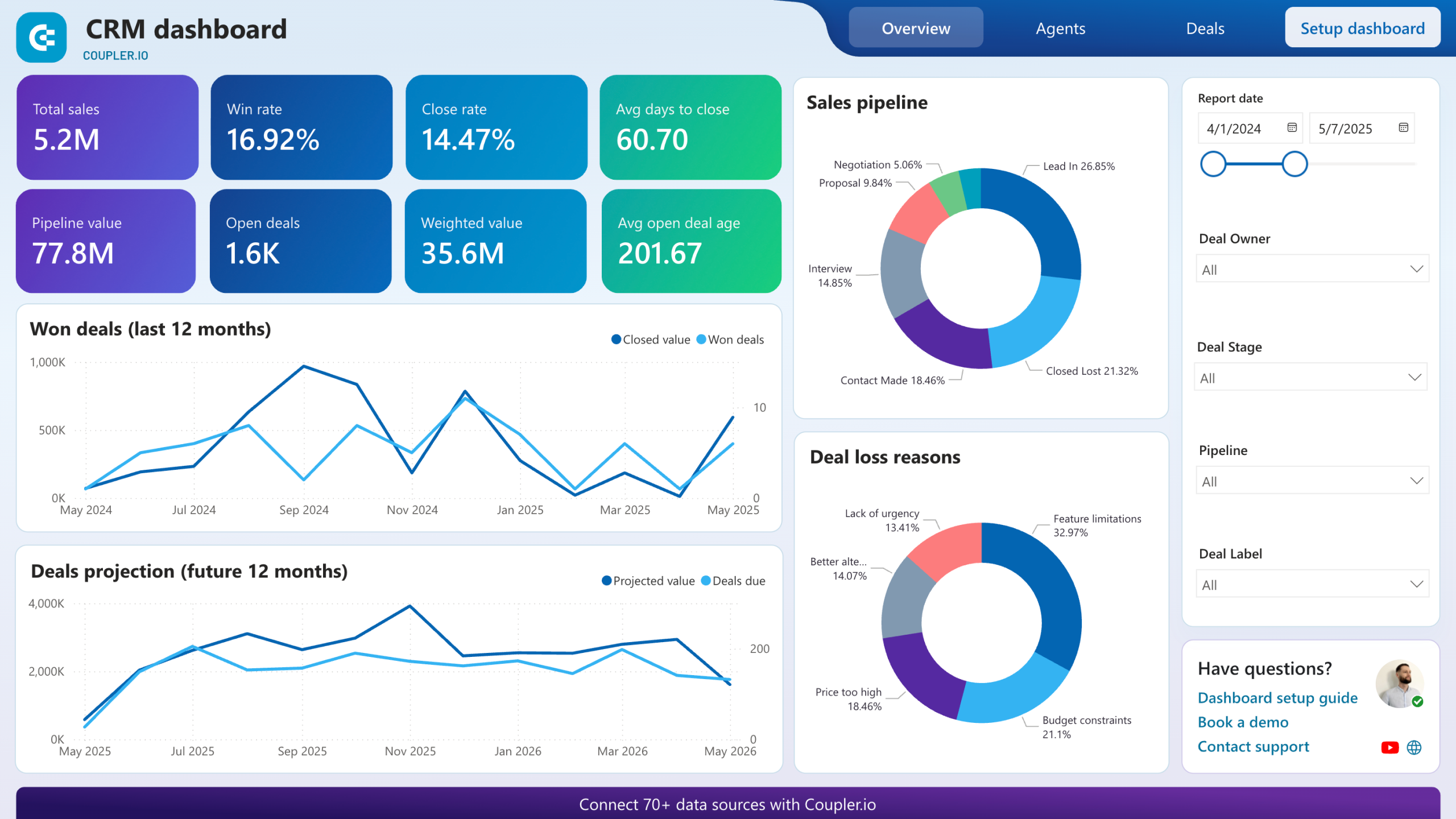
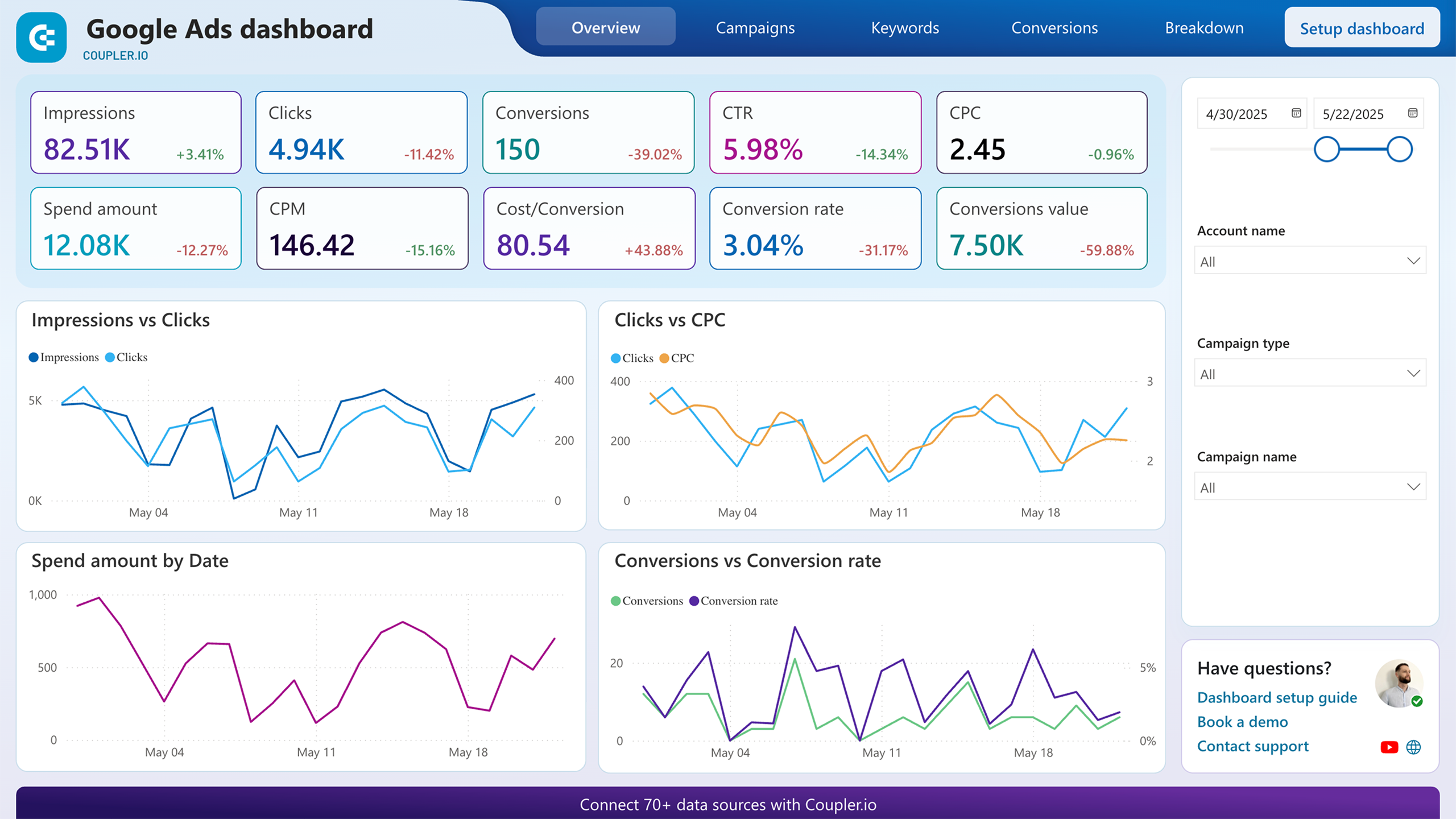
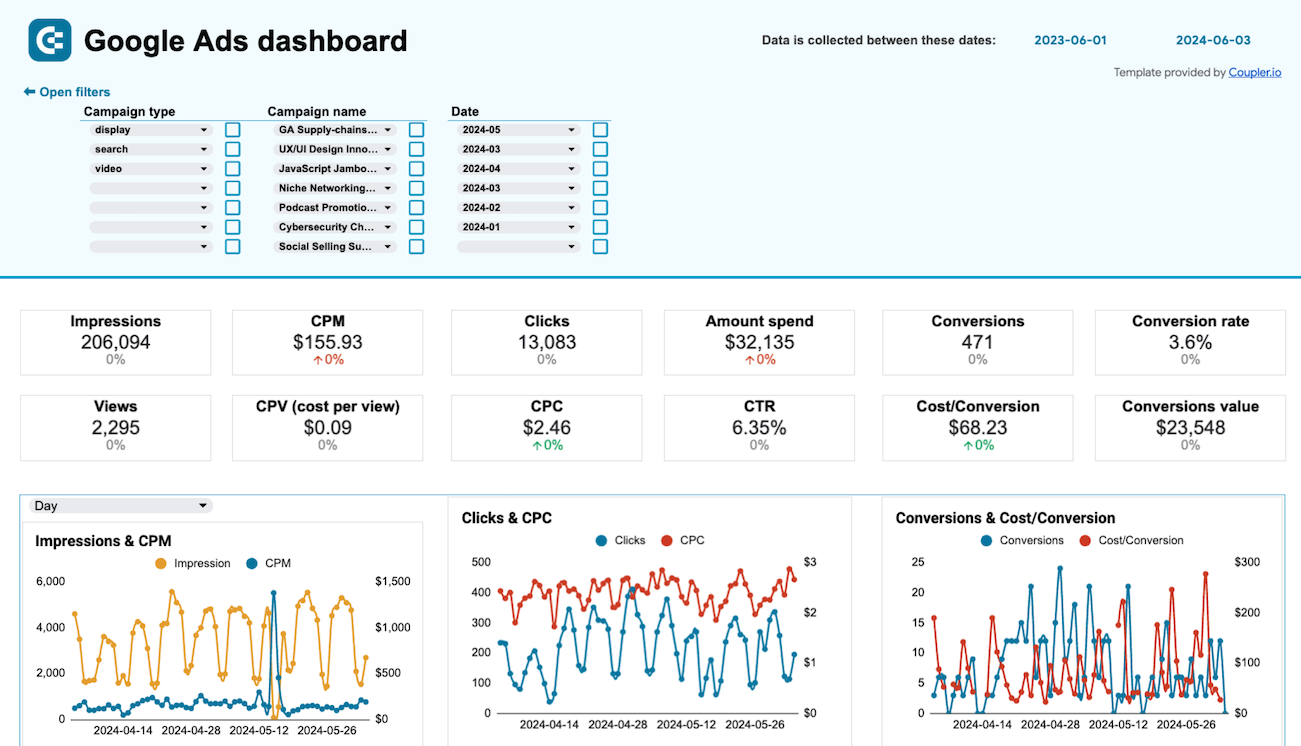
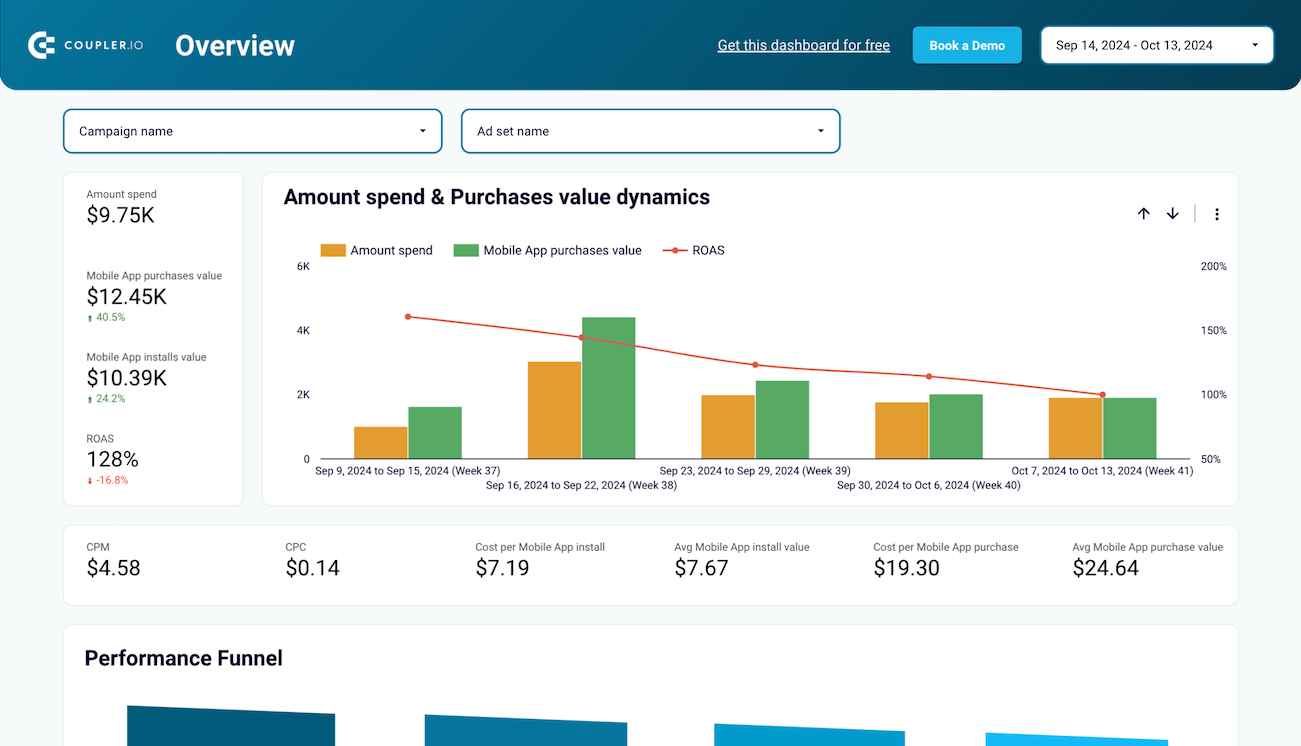
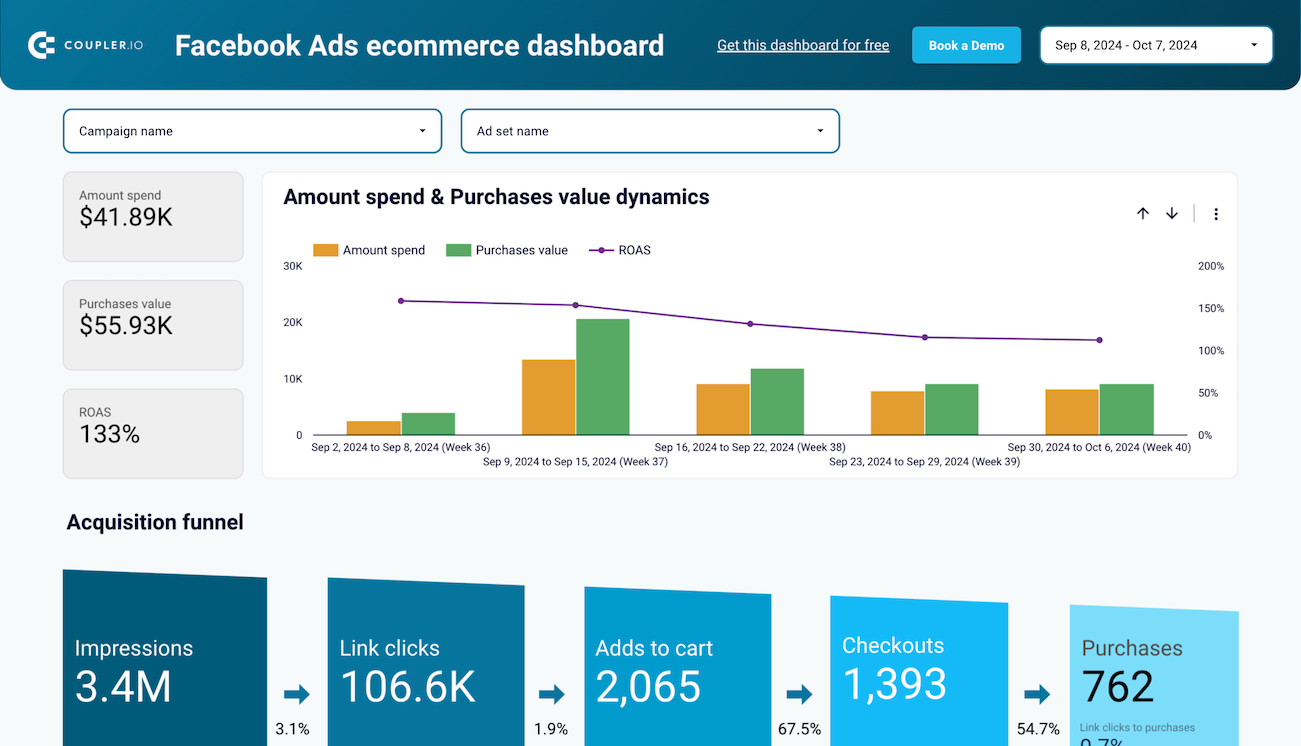
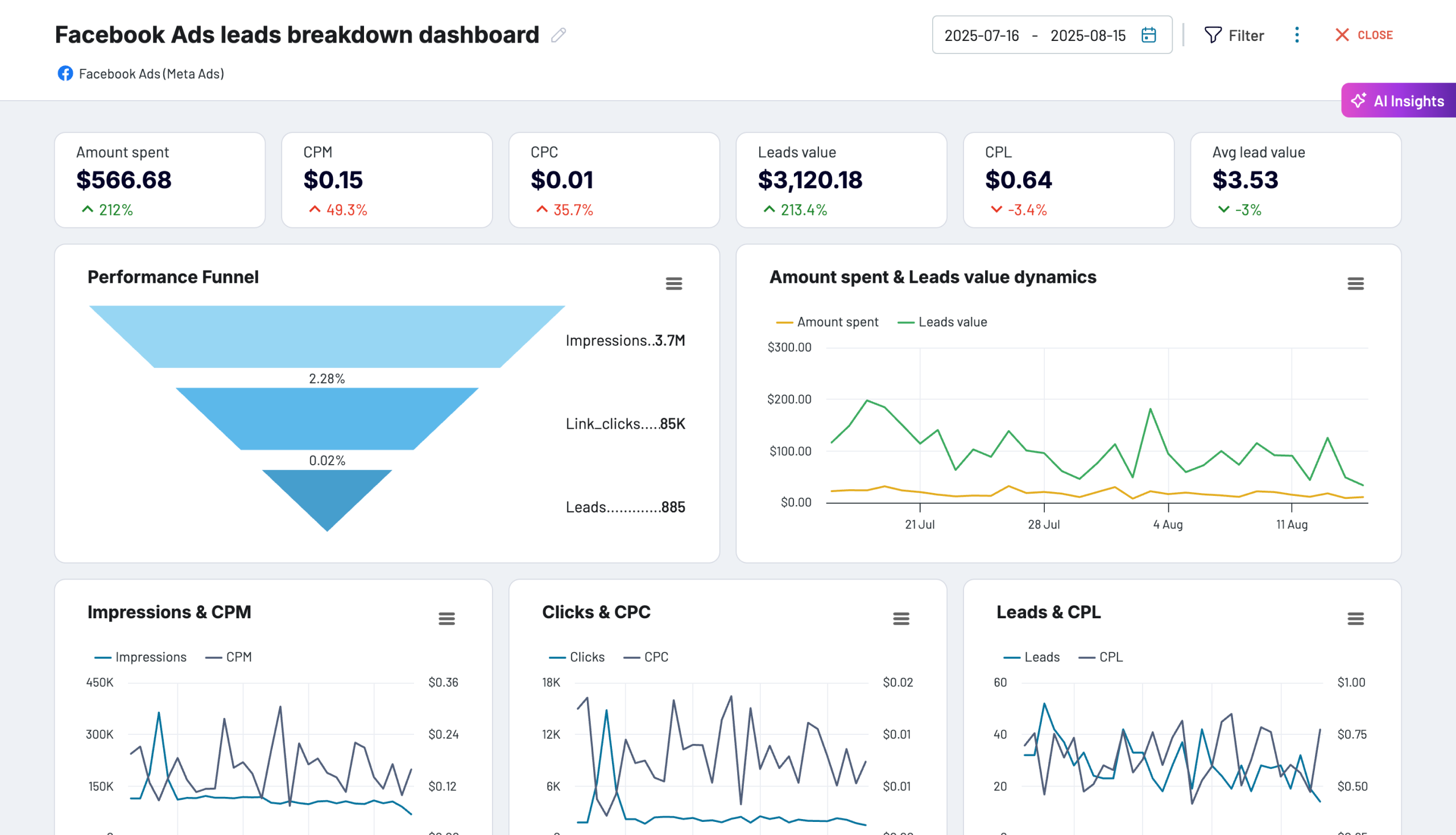
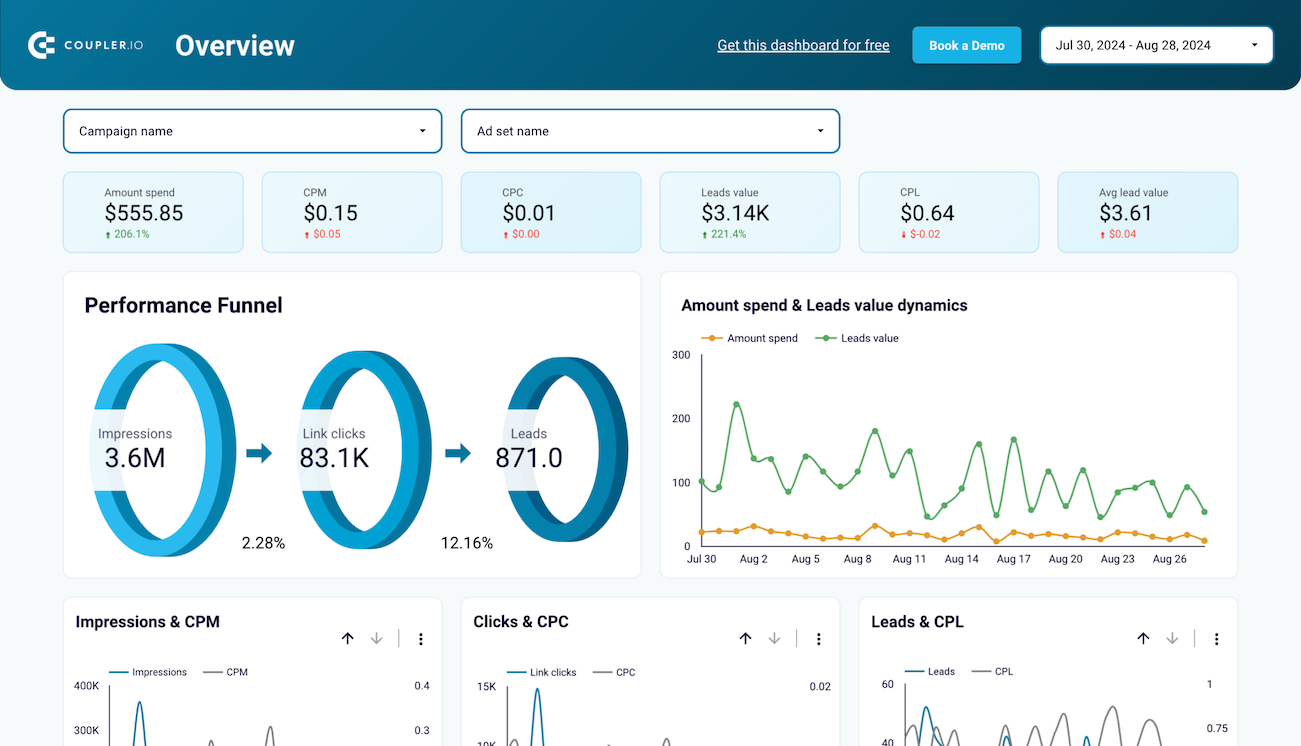
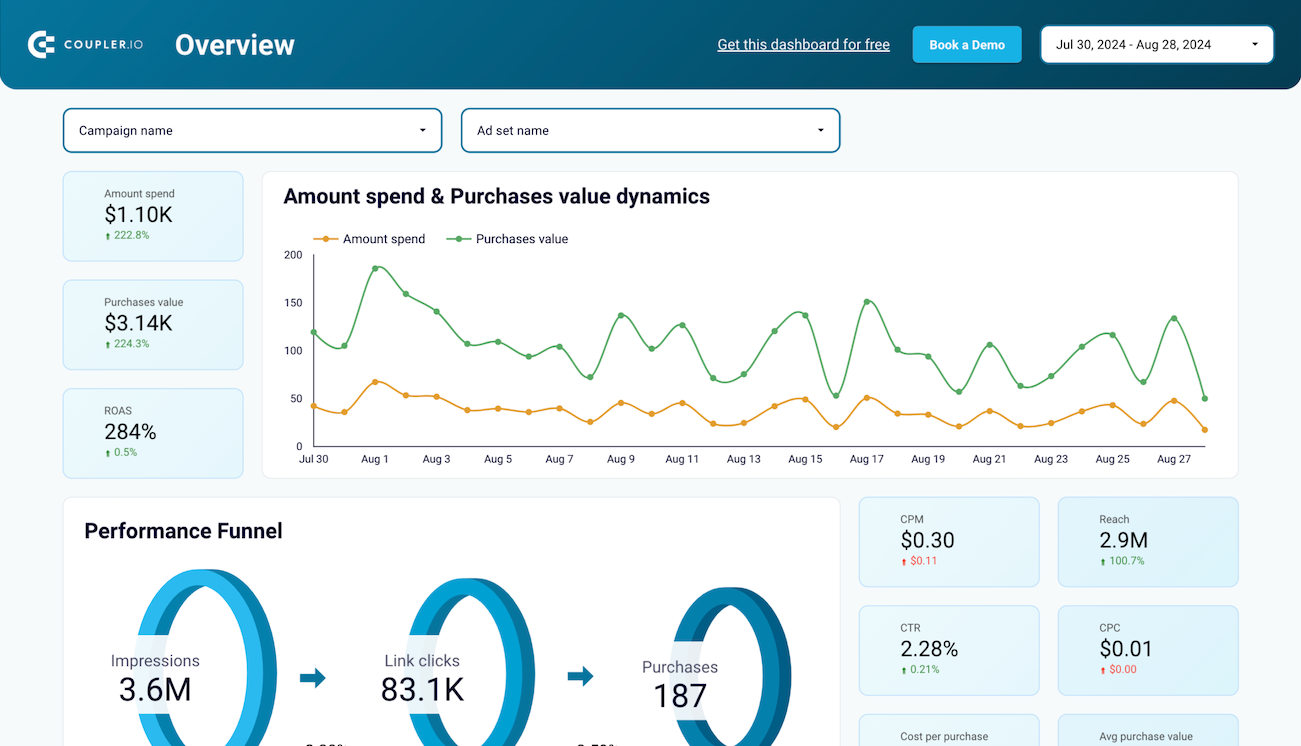
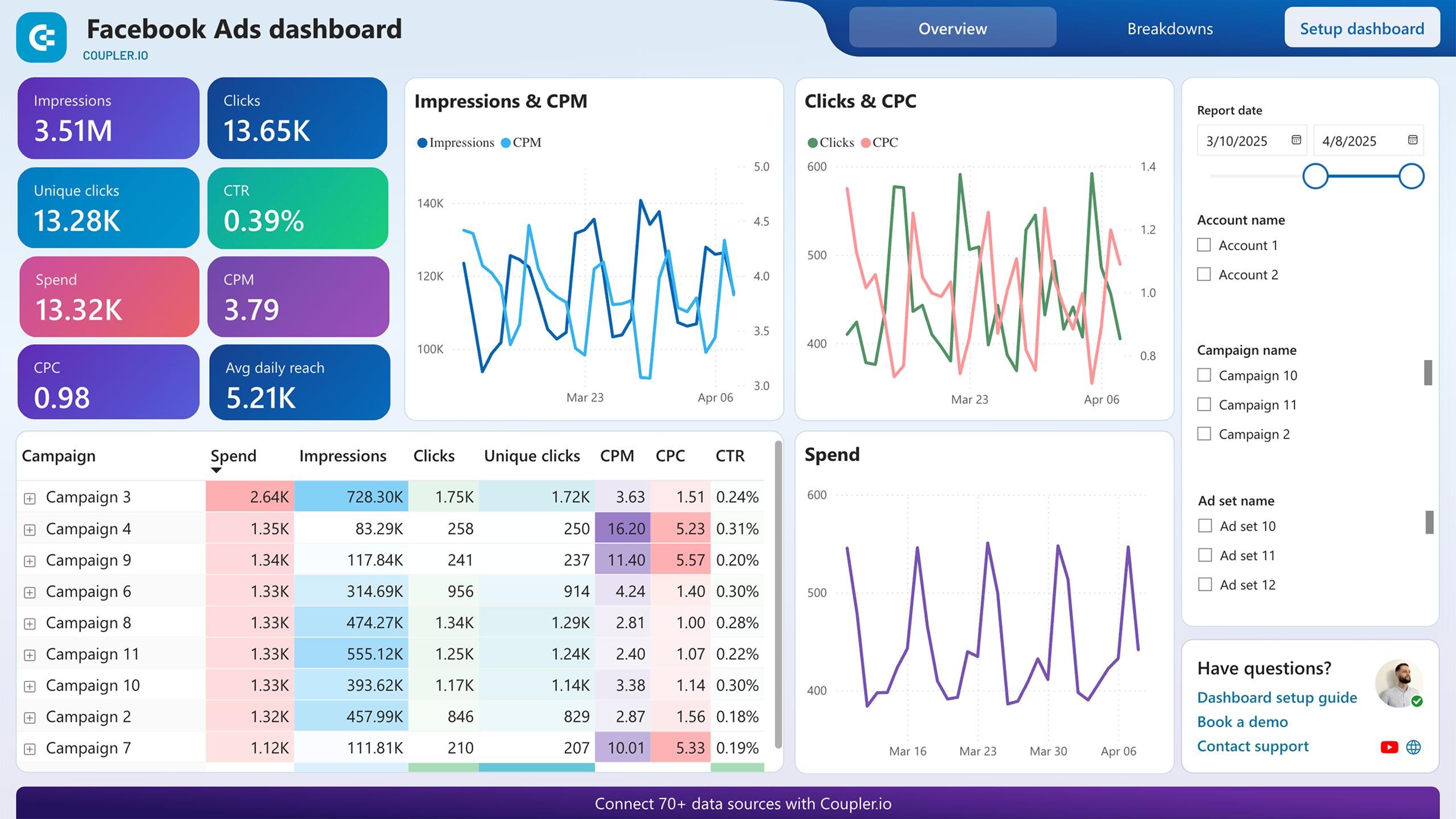
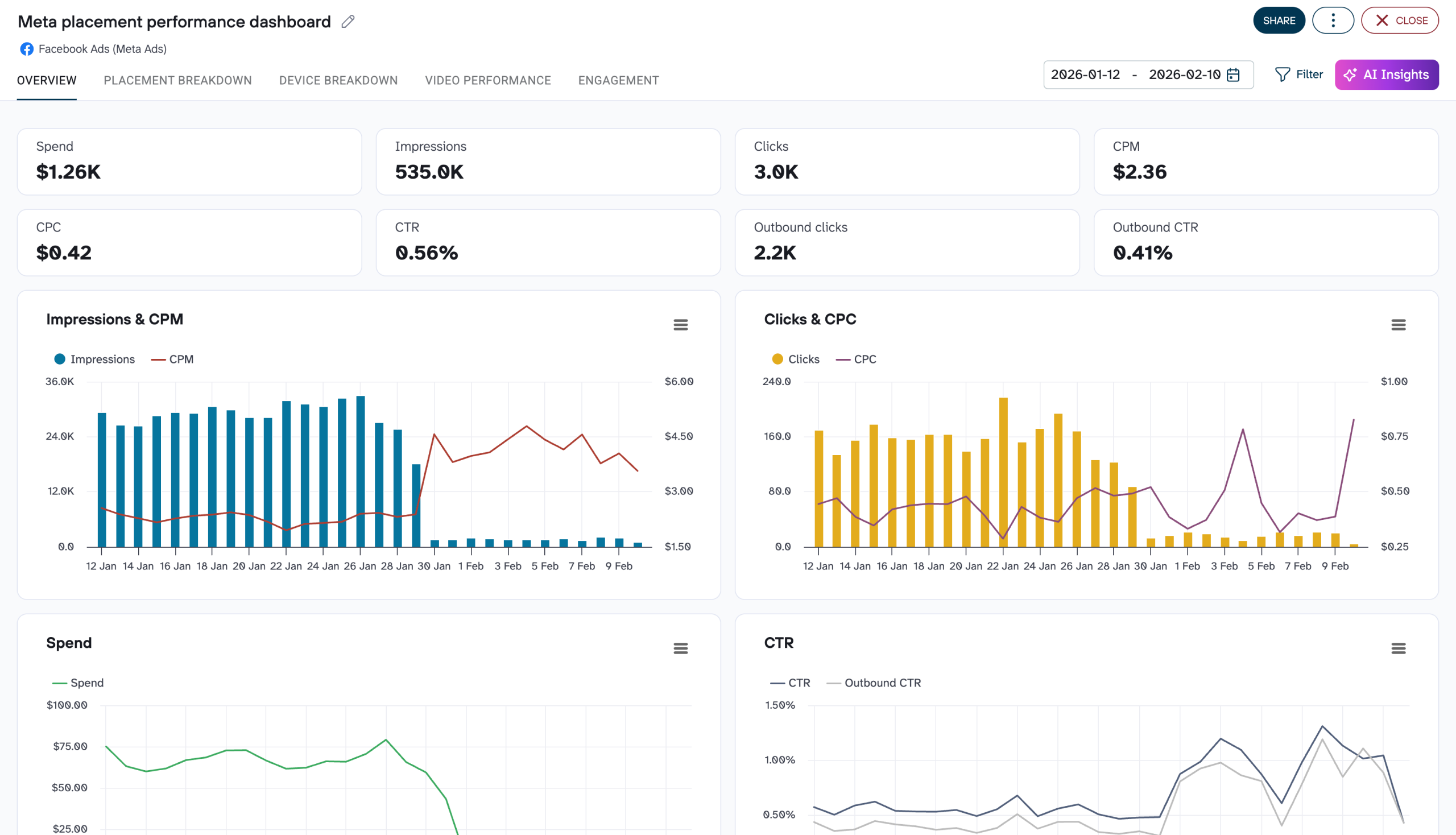
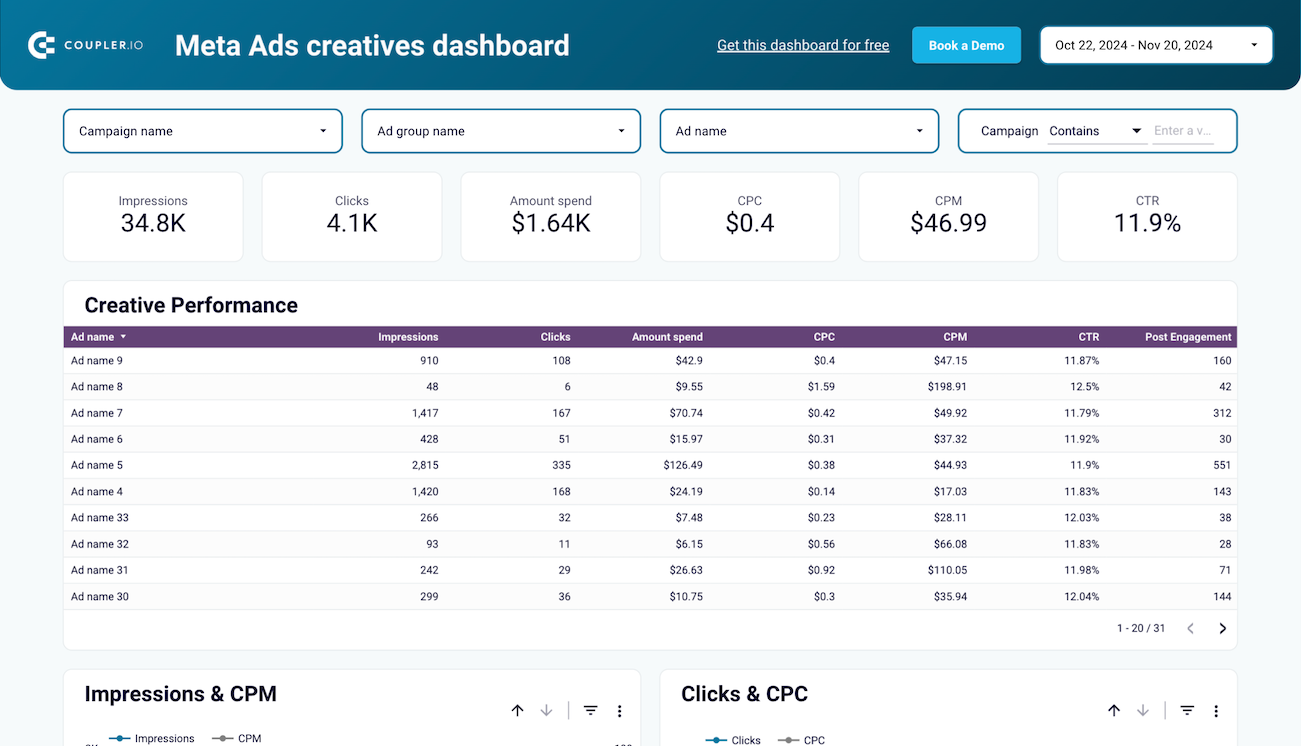
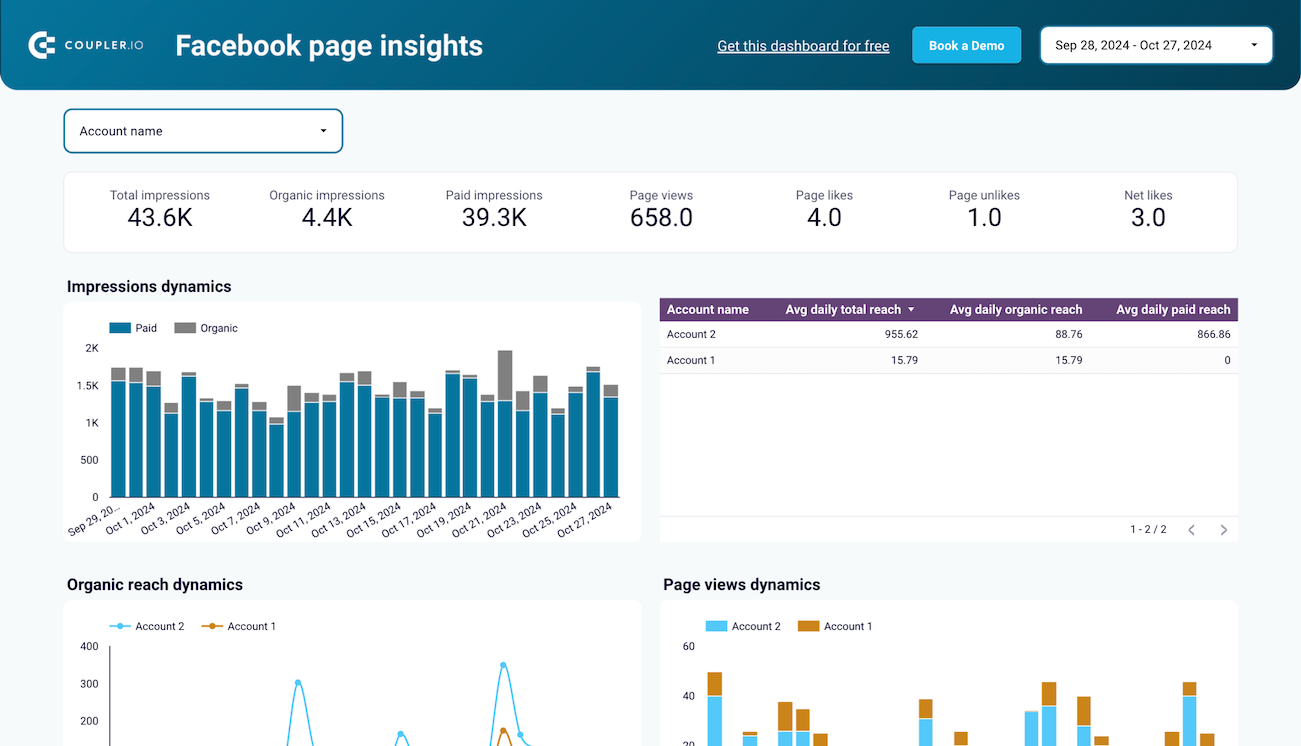
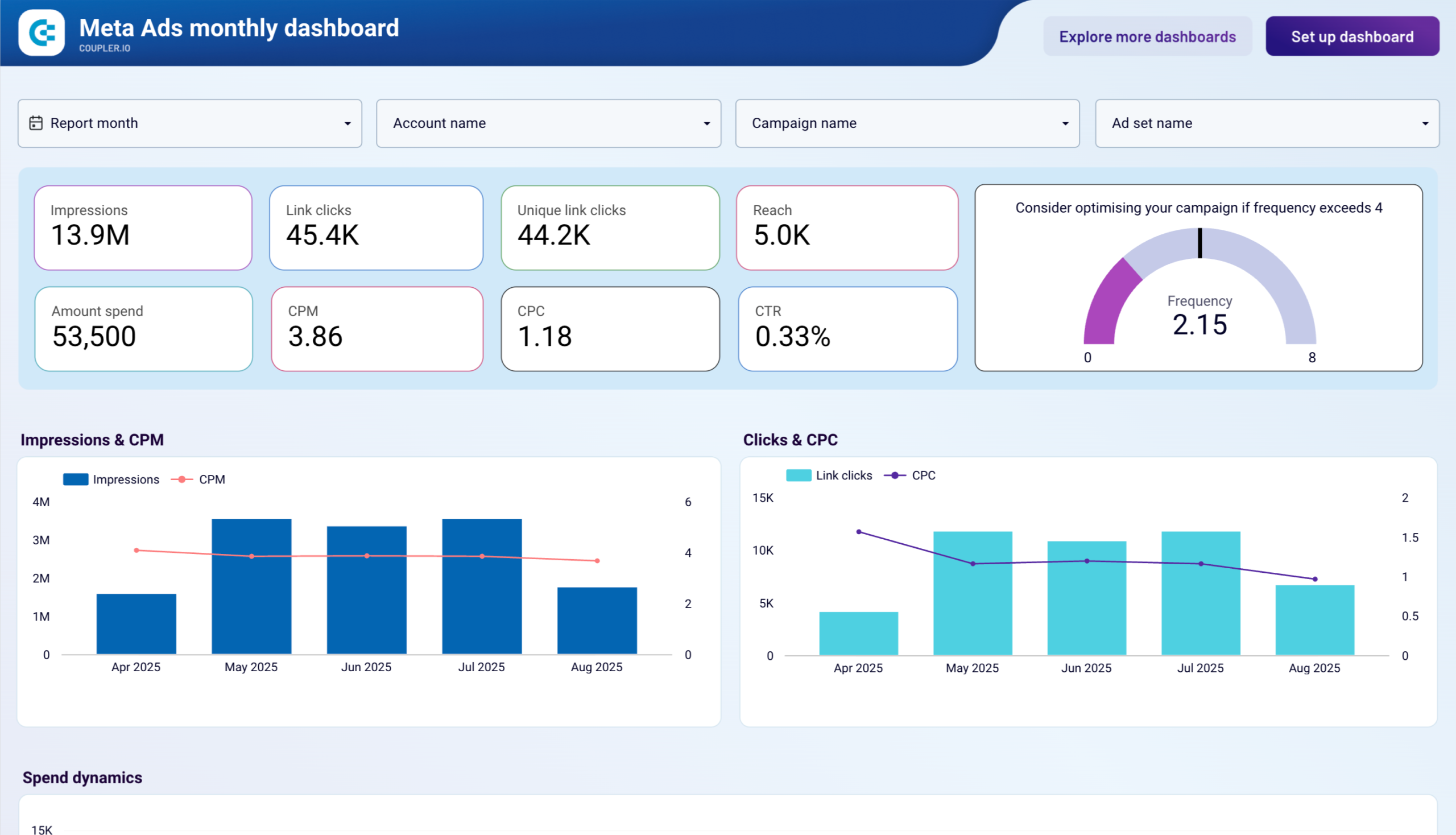
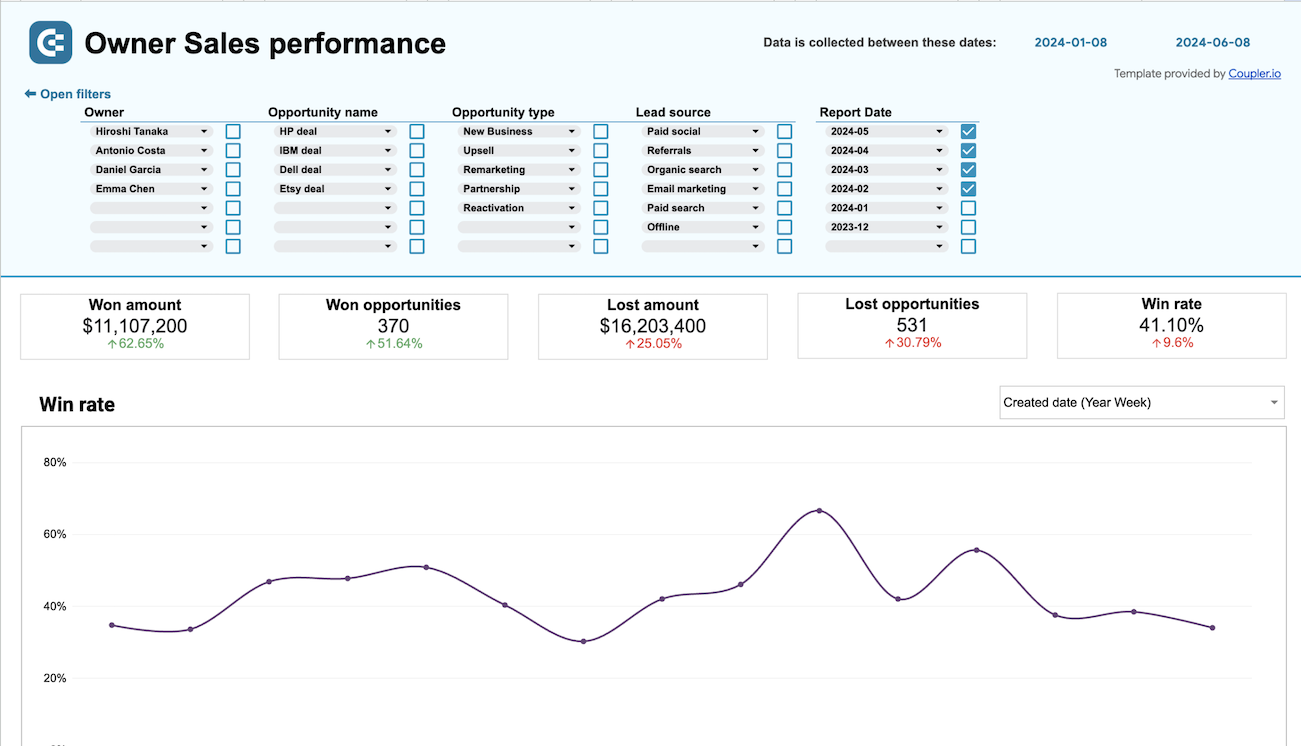
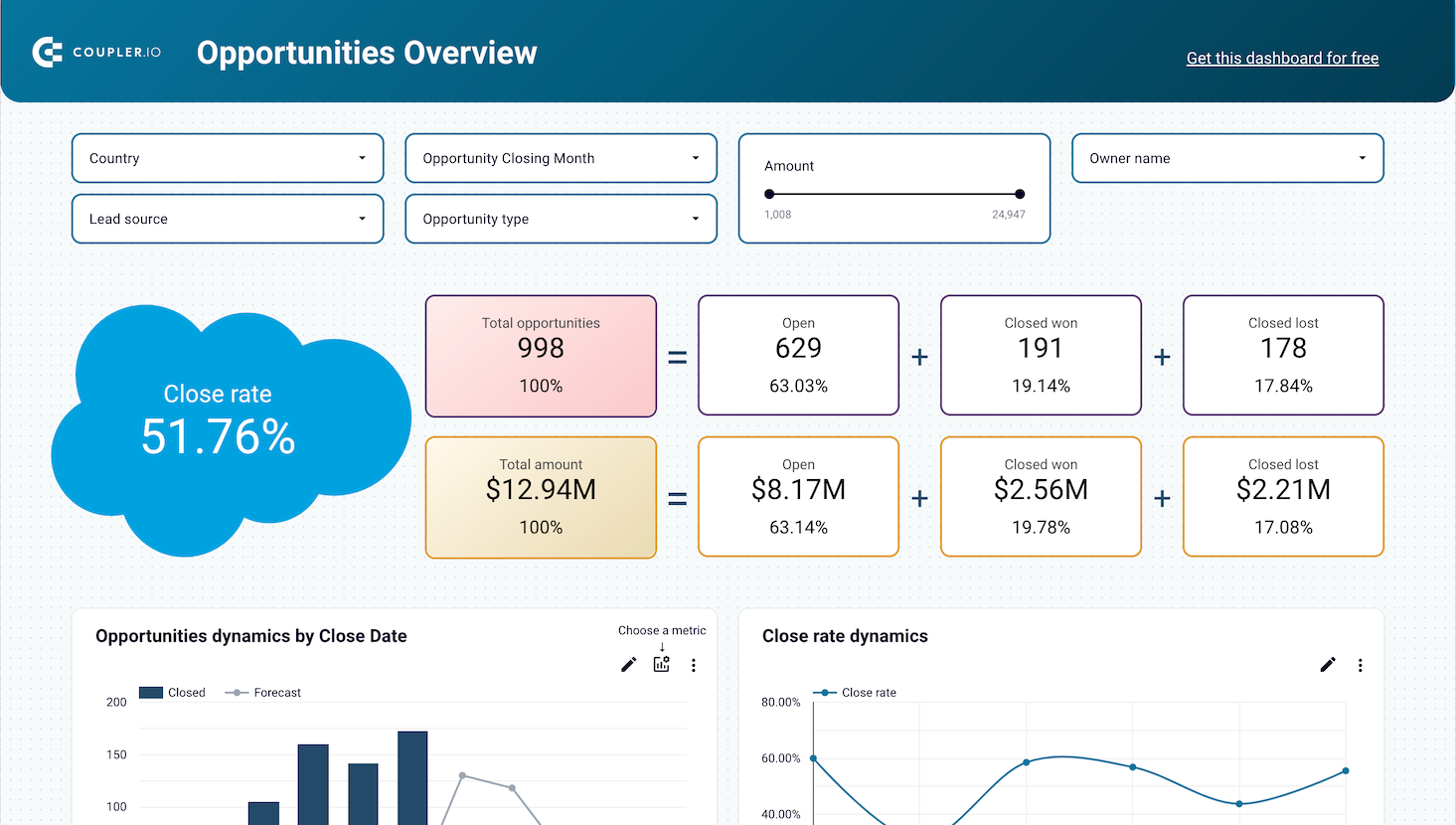
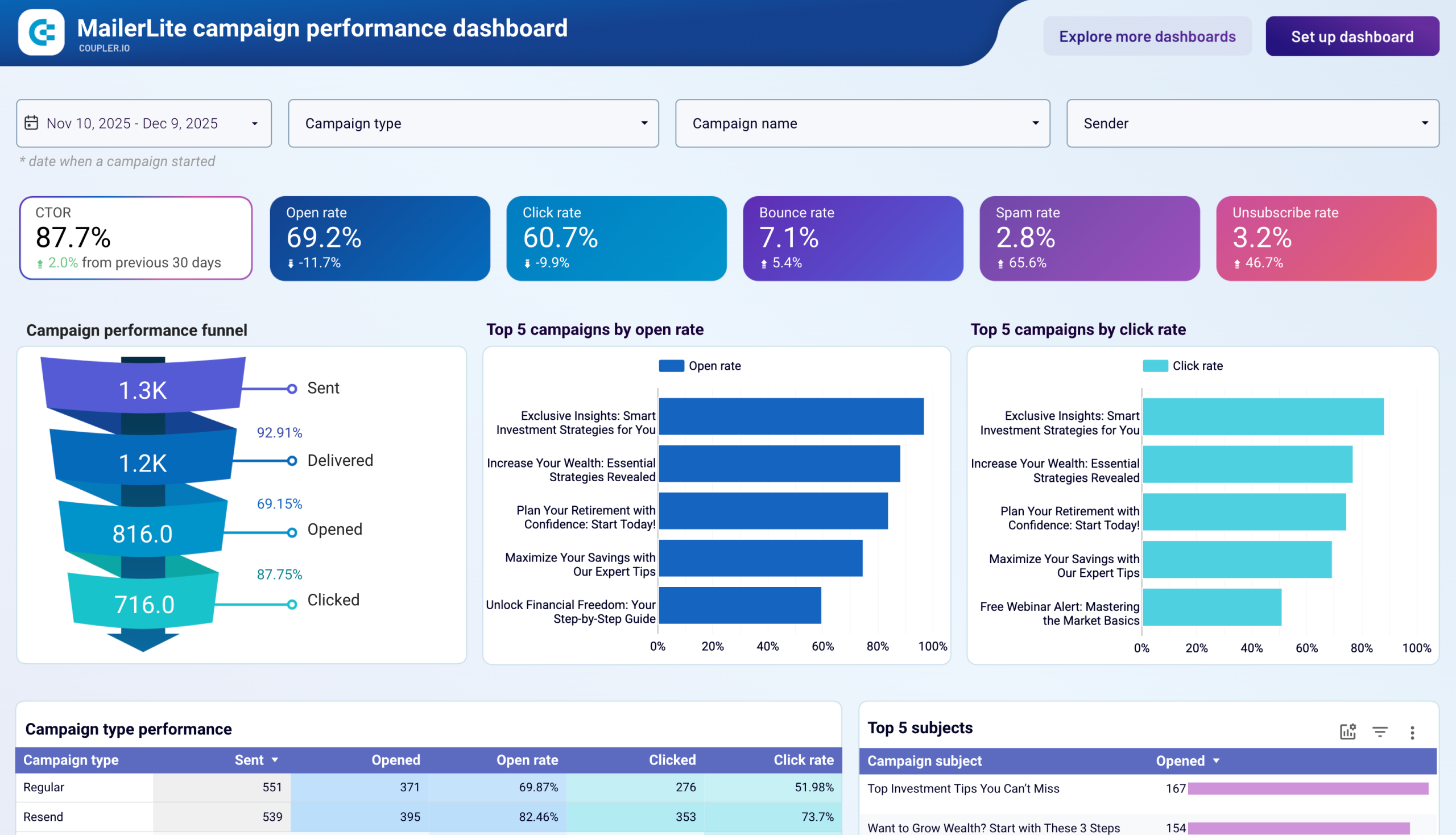
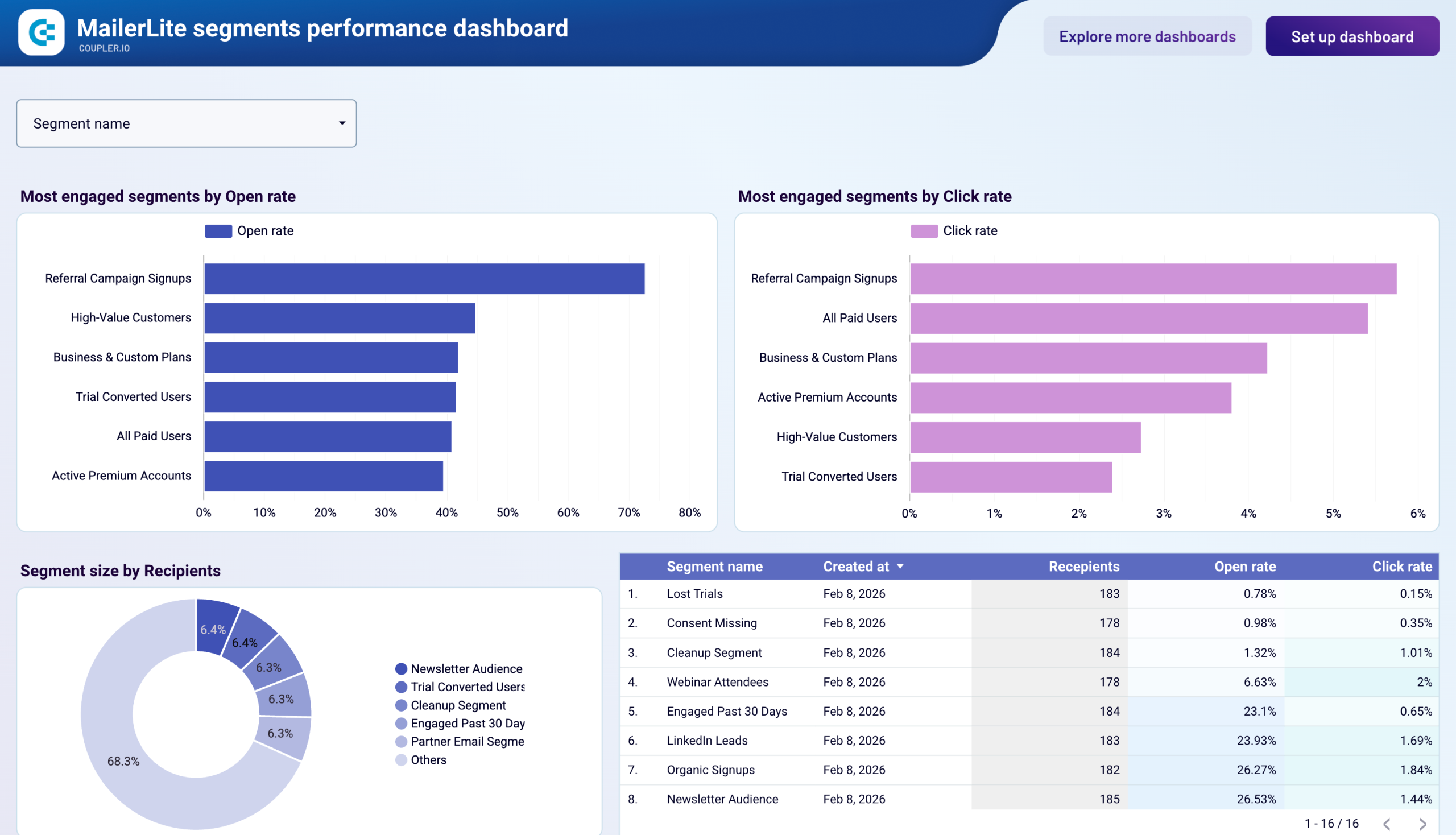
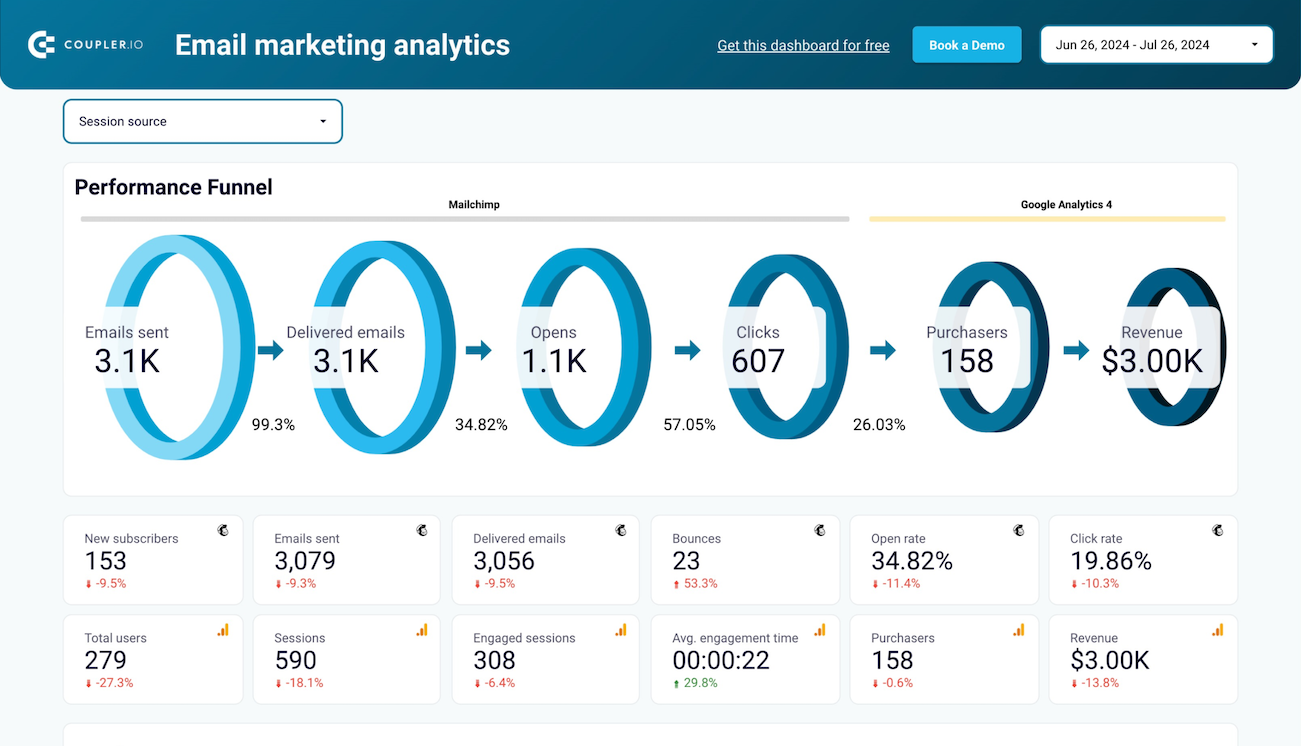
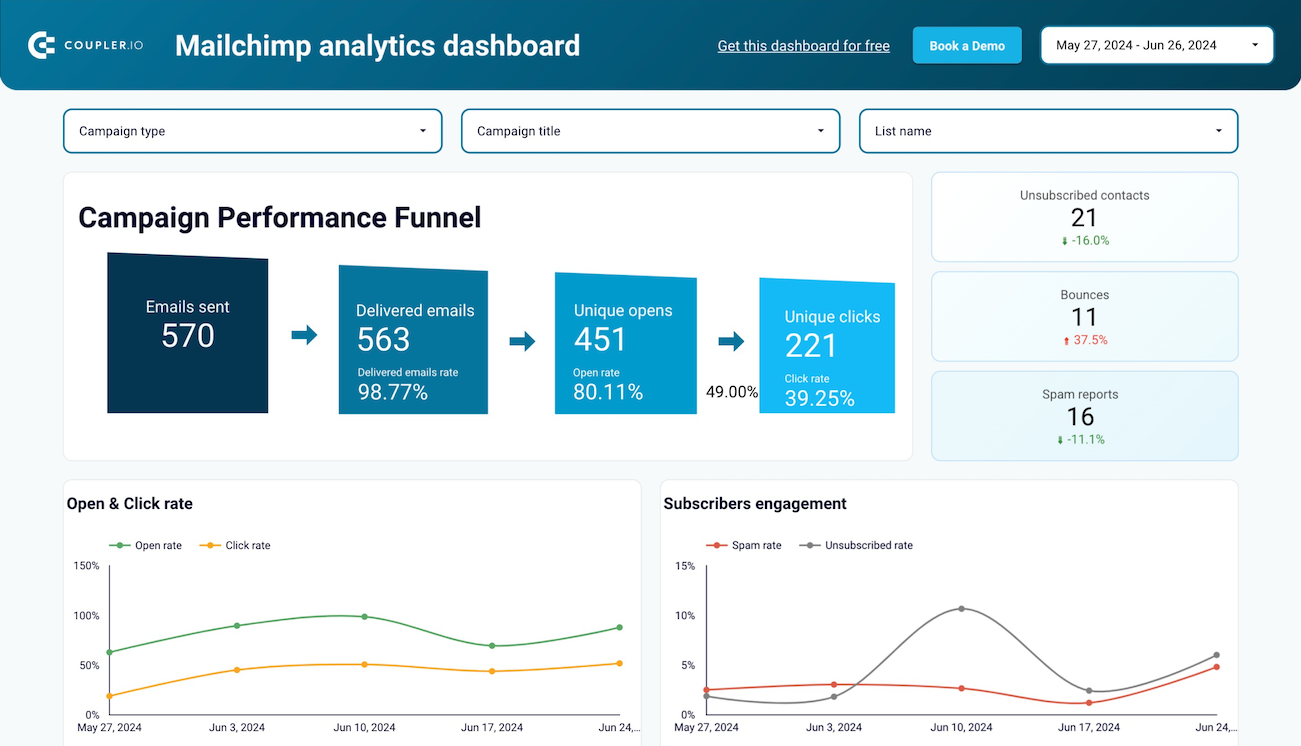
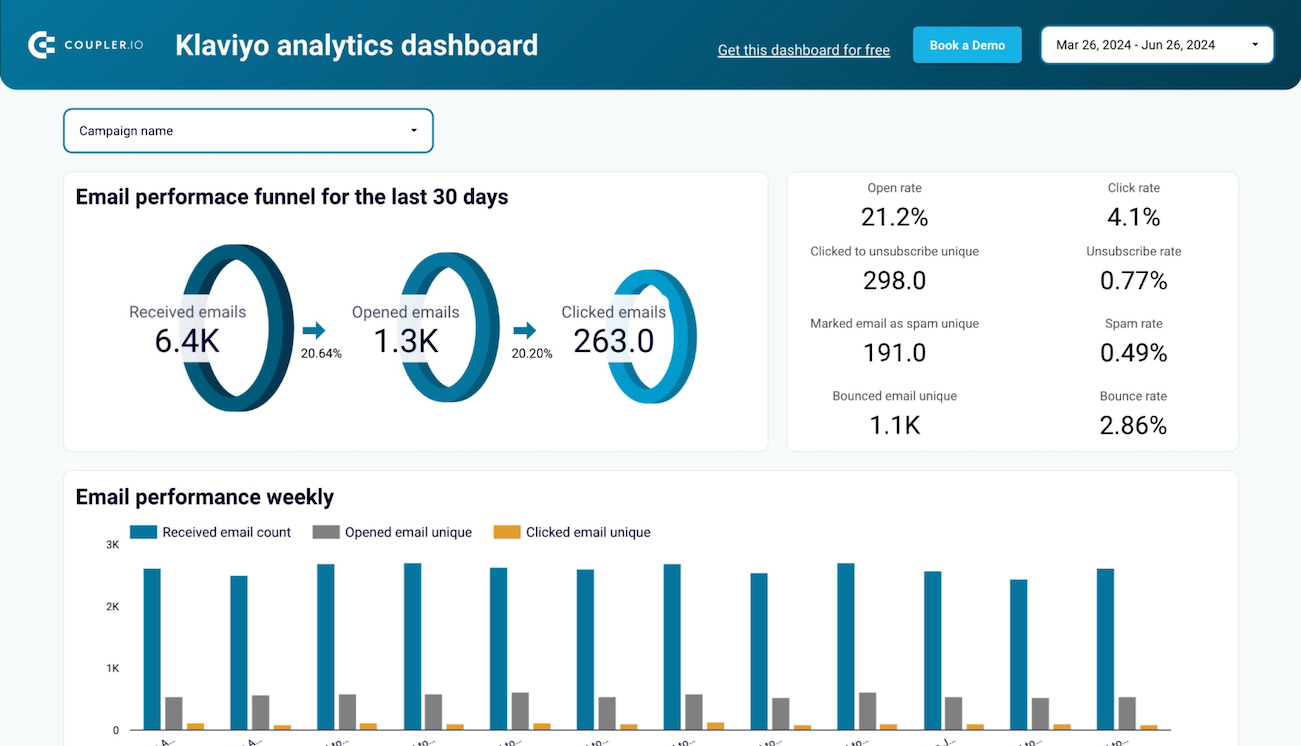
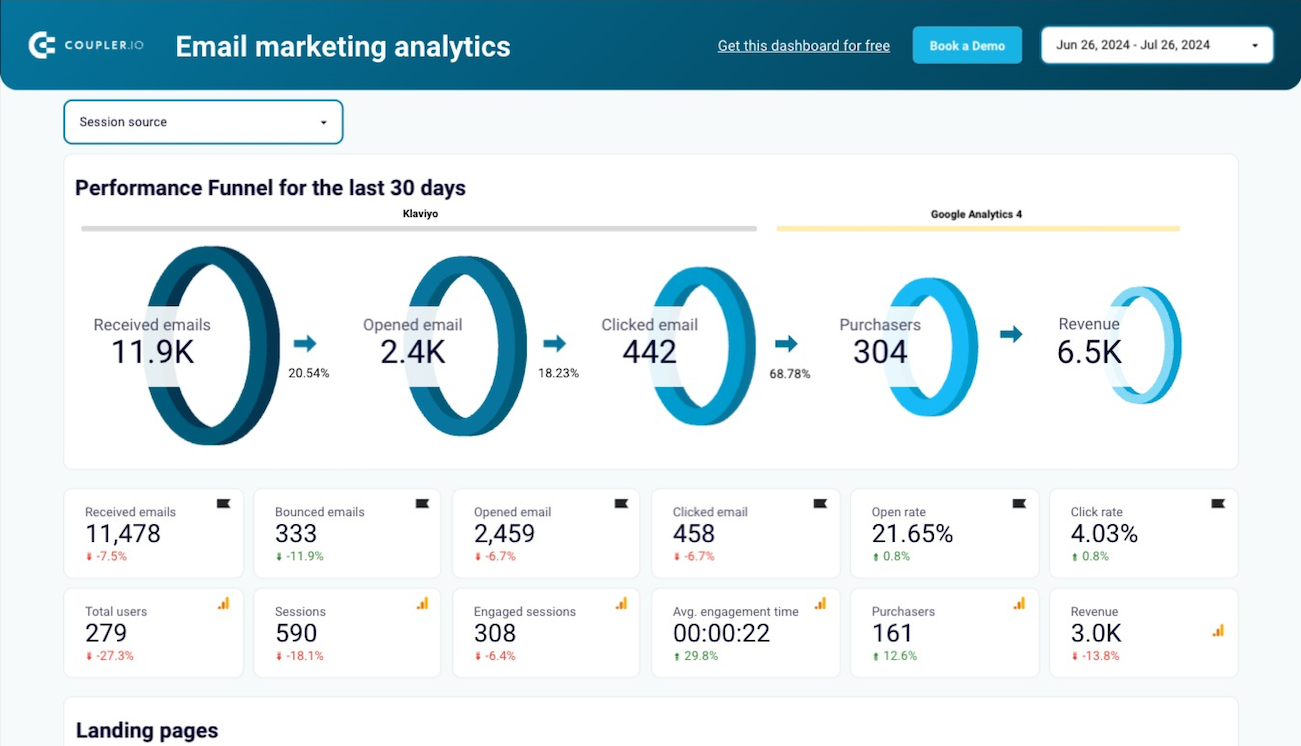
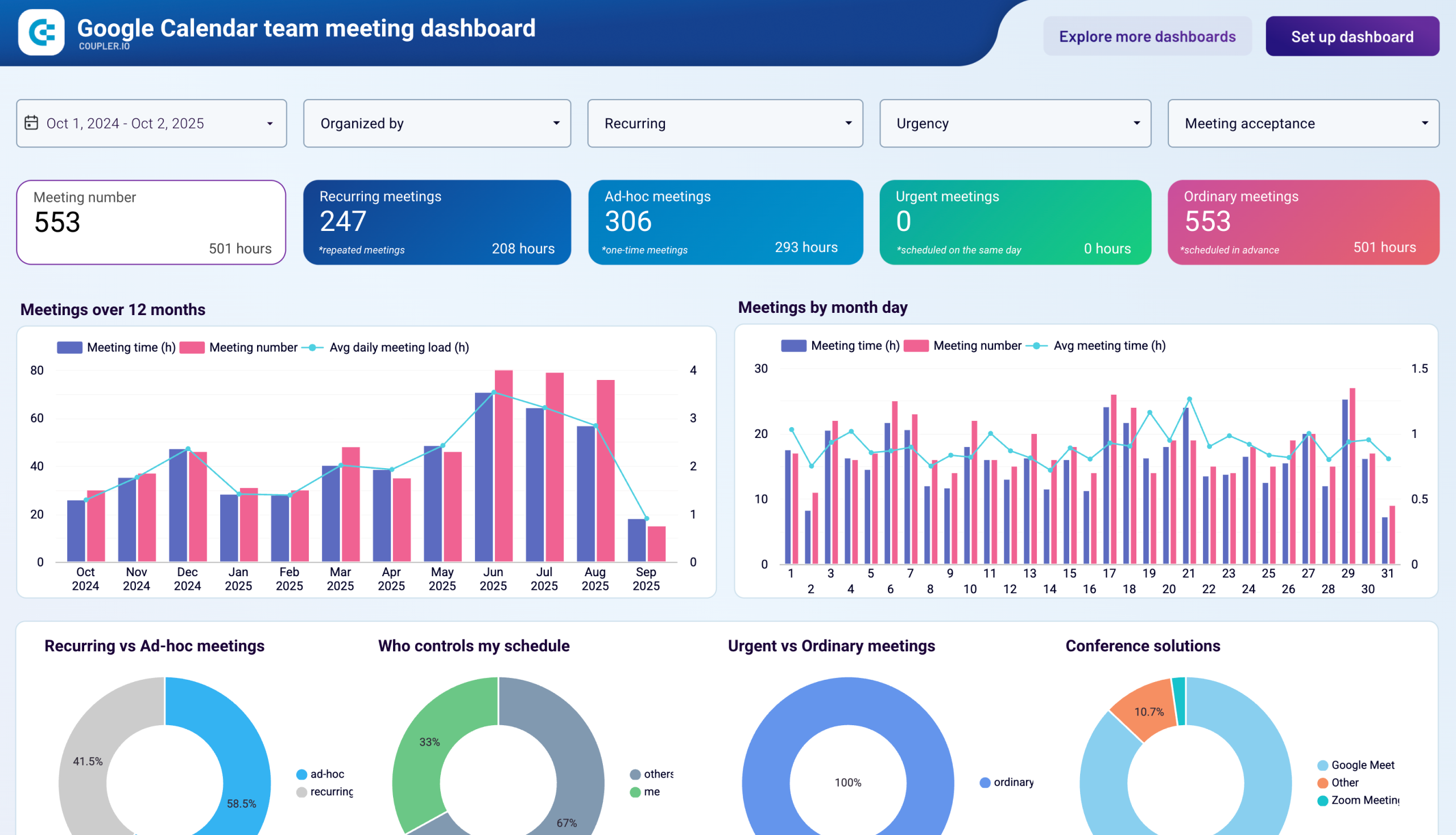
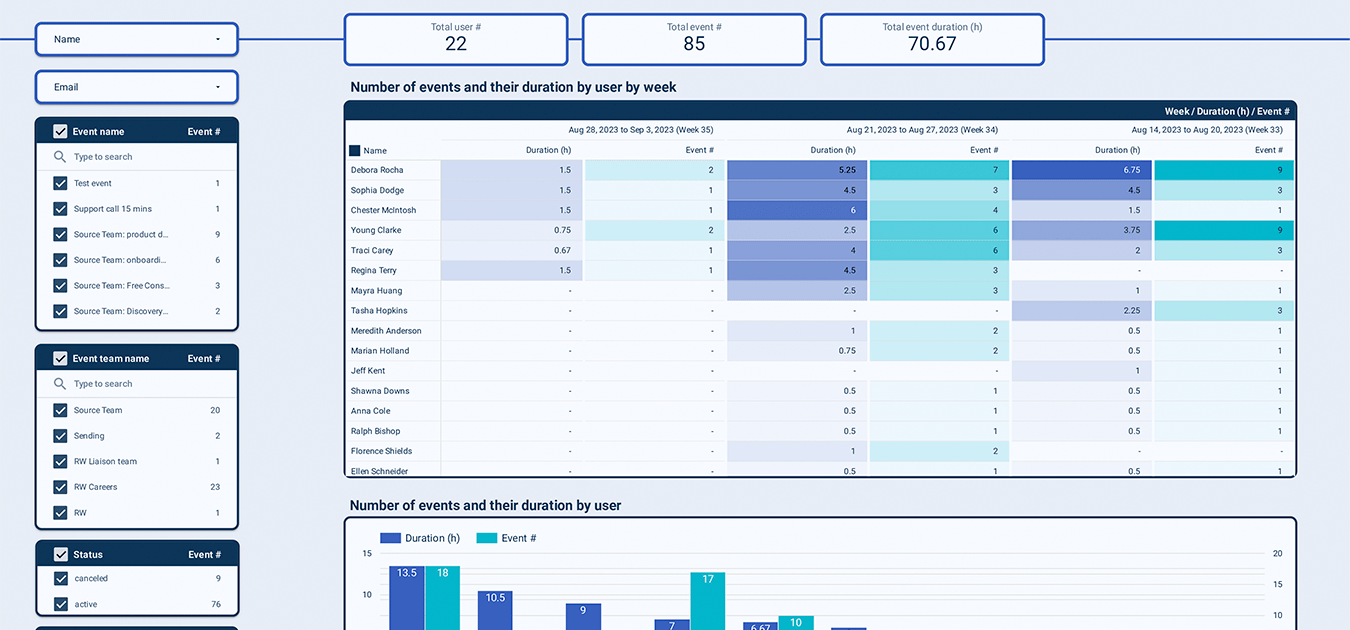
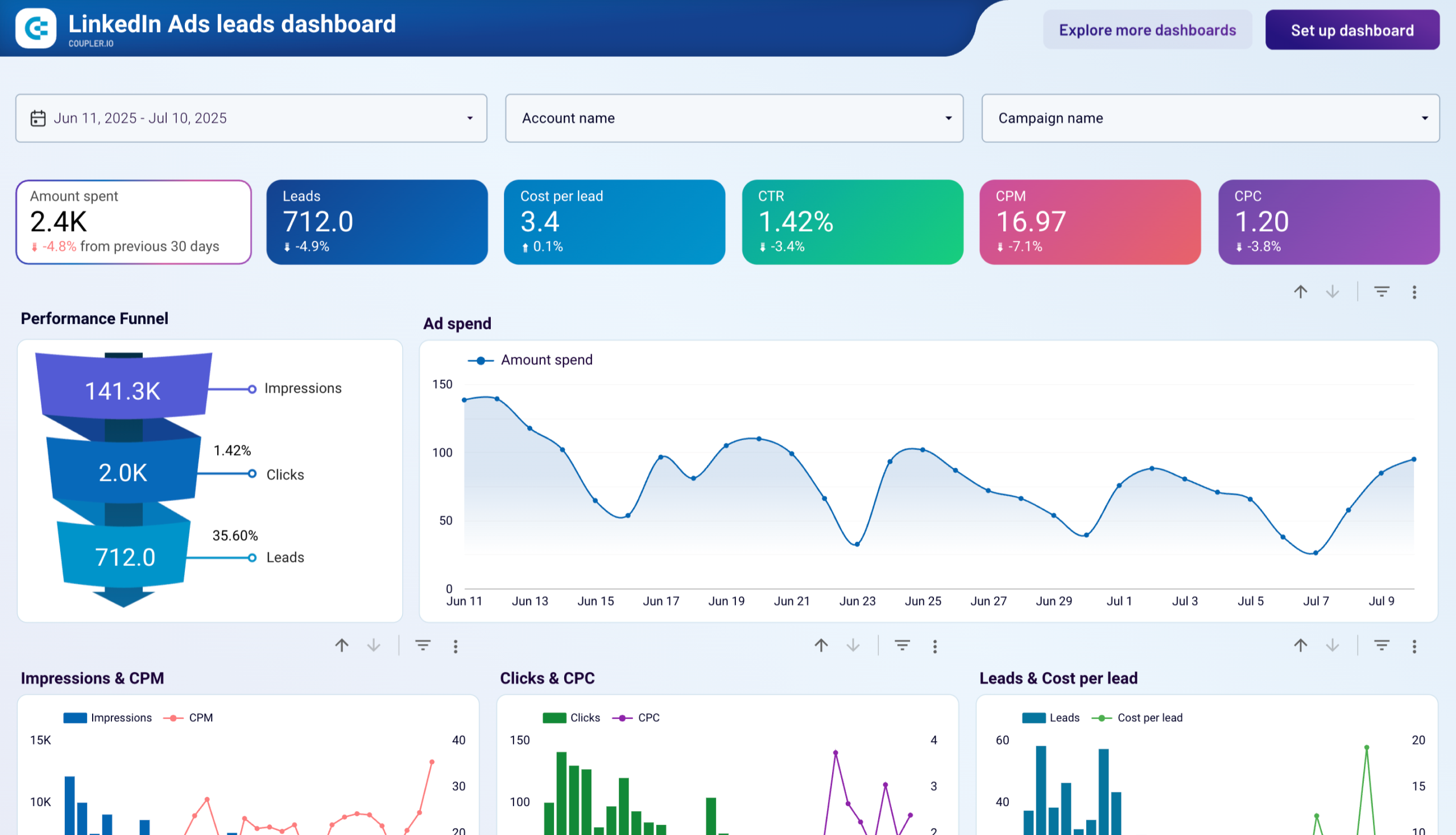
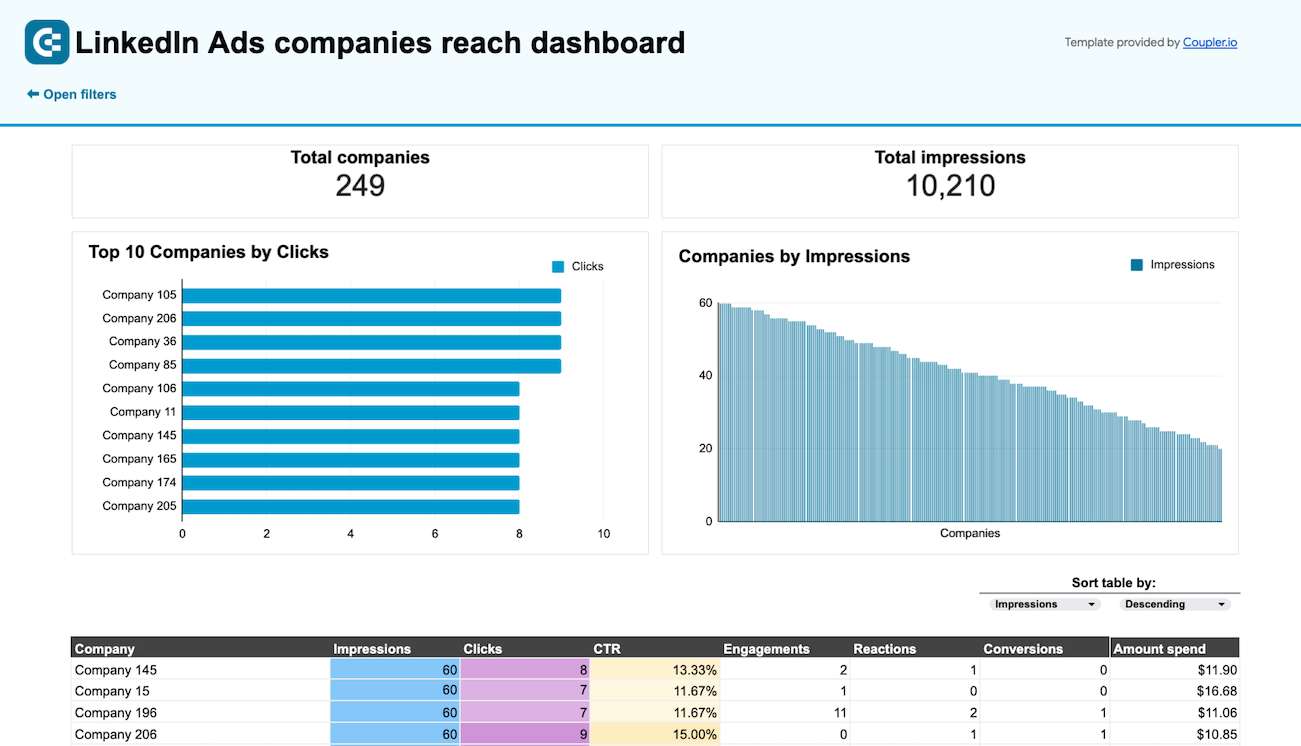
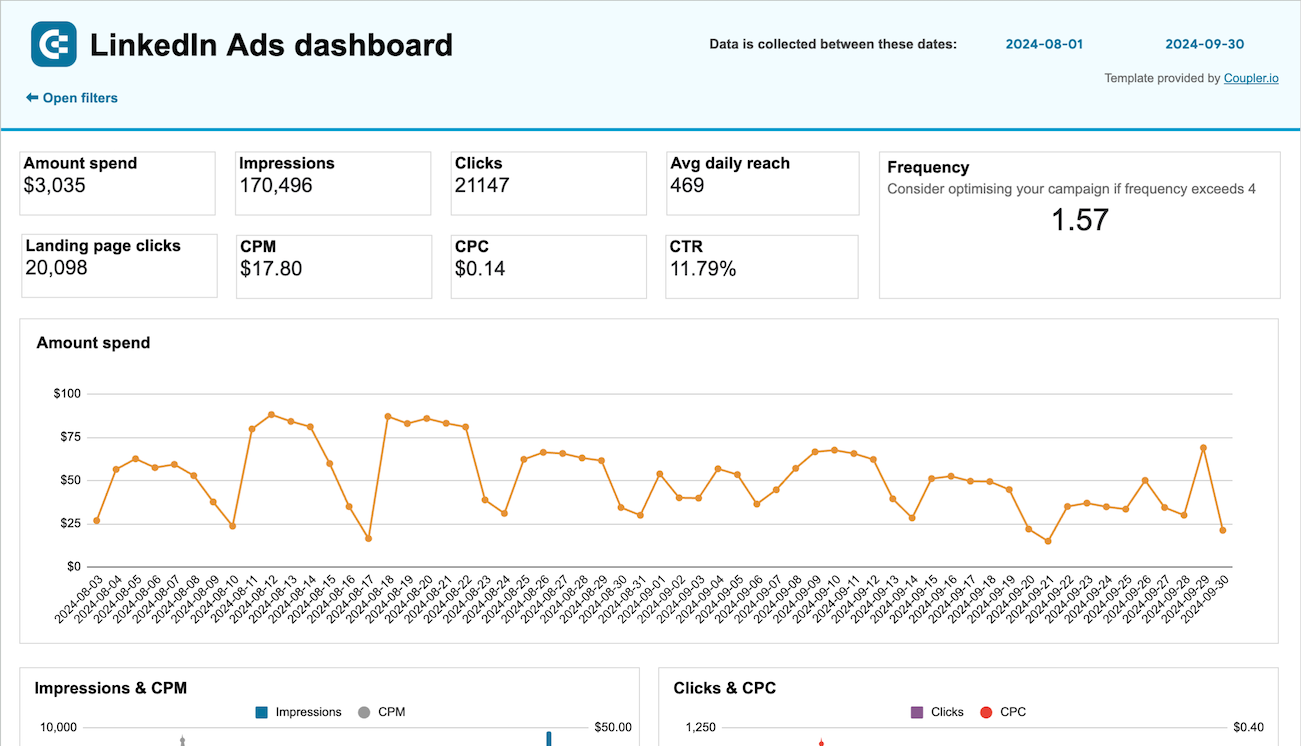
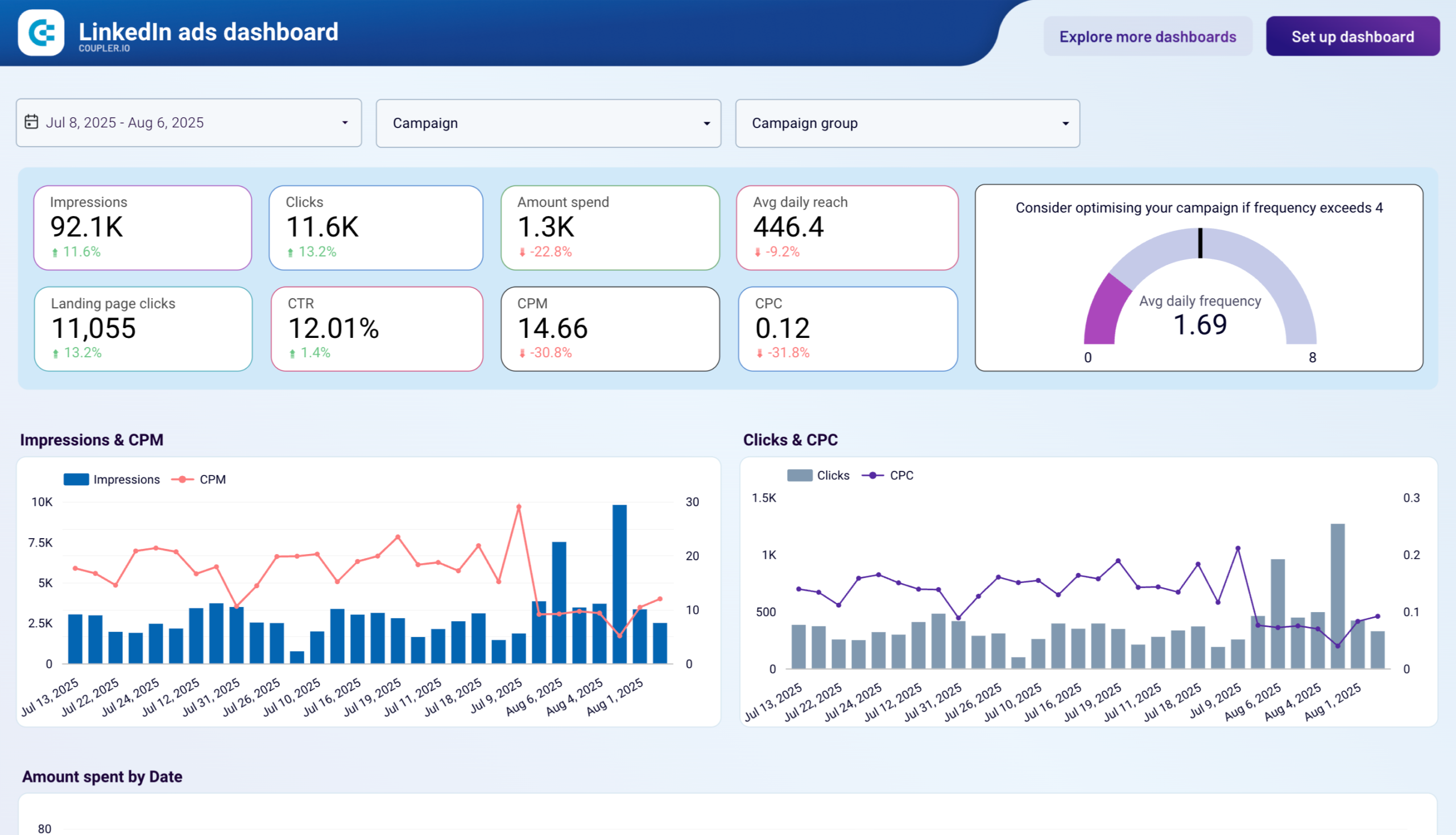
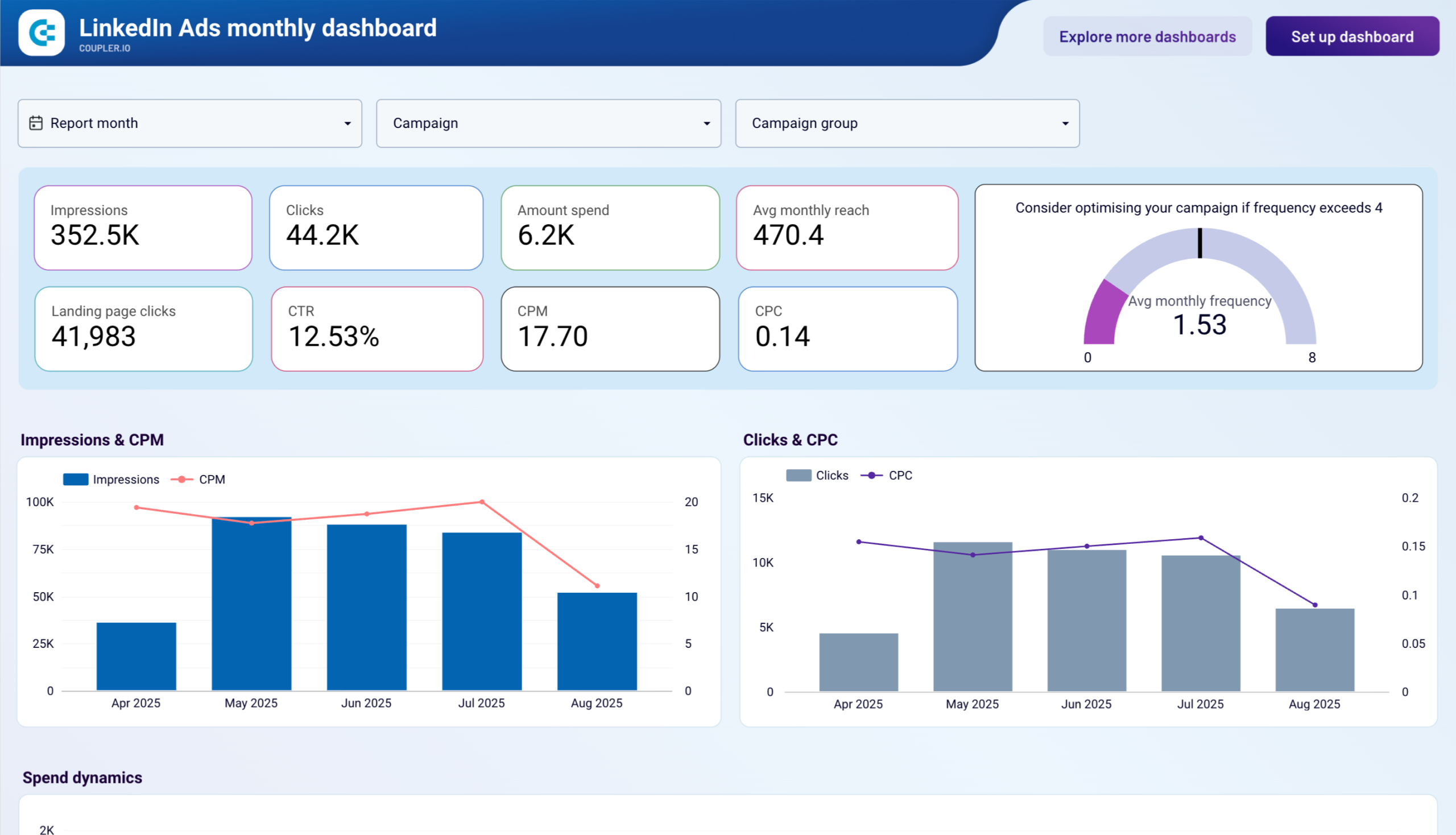
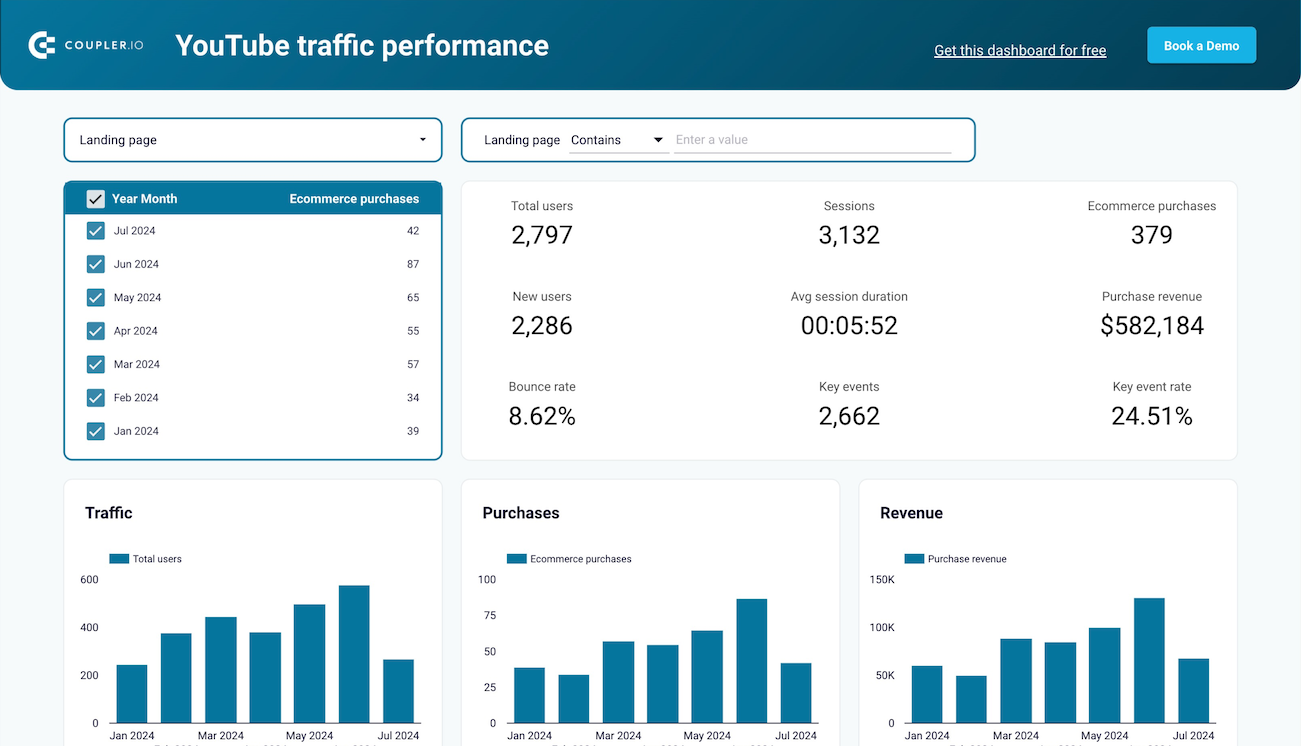
Coupler.io offers a range of ready-to-use interactive dashboard templates designed to streamline your reporting and analytics. Explore our template gallery and connect your Google Ads to start using the plug-and-play dashboard right away.






 +3
+3



 +6
+6




 +5
+5
 +6
+6
 +3
+3

 +1
+1

 +4
+4
 +4
+4
 +2
+2
 +2
+2



 +5
+5
 +4
+4
 +5
+5
 +5
+5
 +3
+3
 +1
+1
 +3
+3

 +1
+1
 +3
+3
 +3
+3
 +2
+2


 +1
+1

 +1
+1






 +2
+2
 +3
+3
 +4
+4

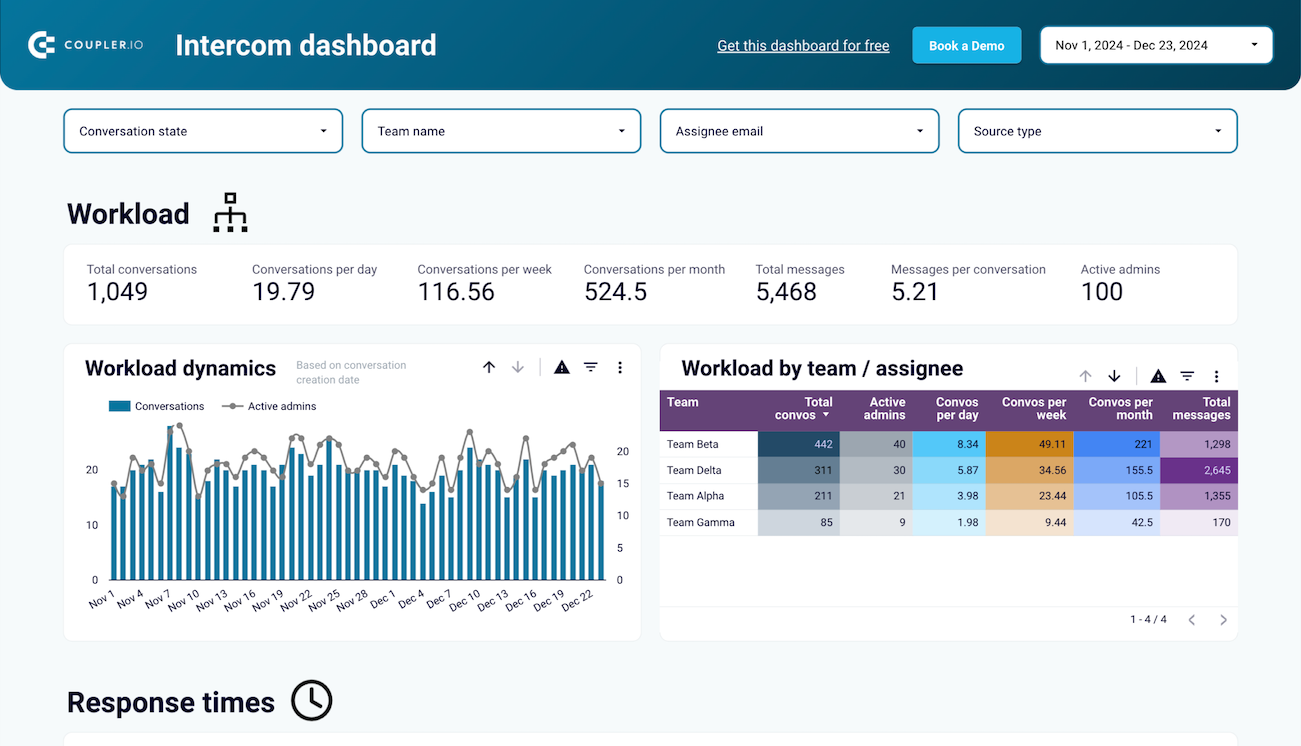
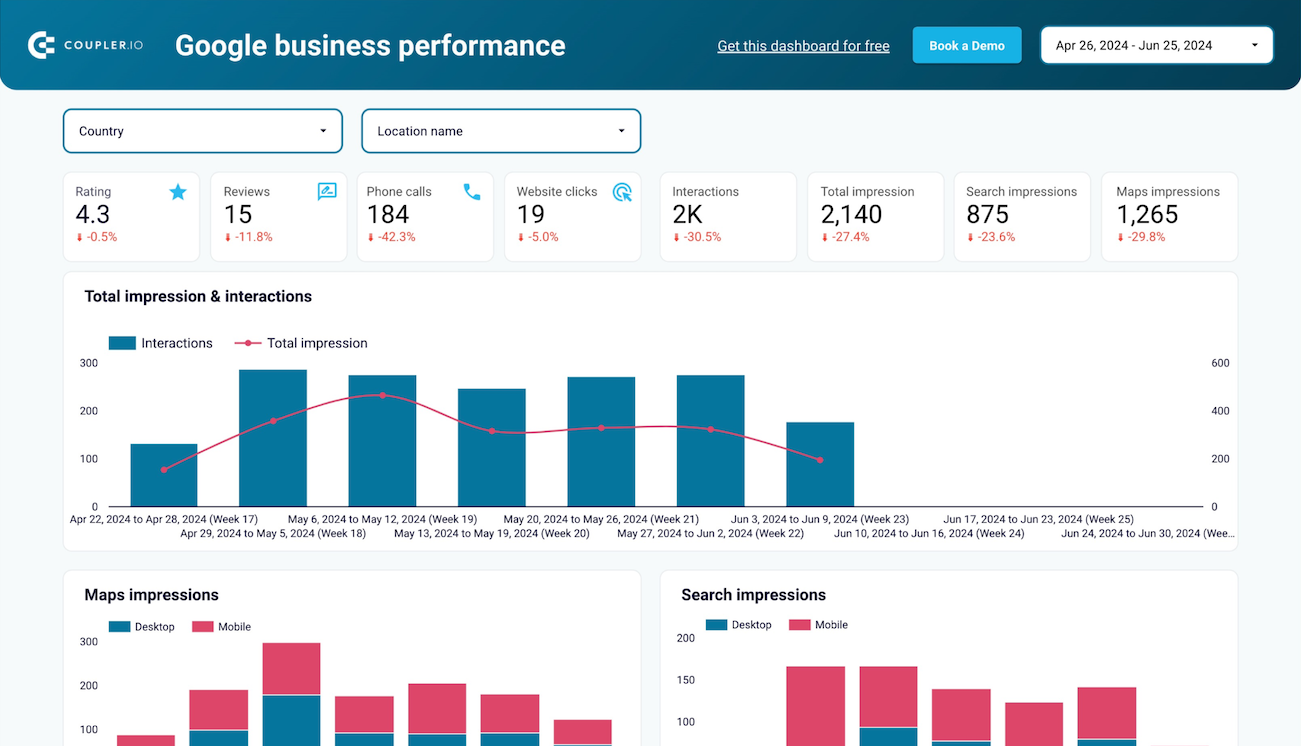

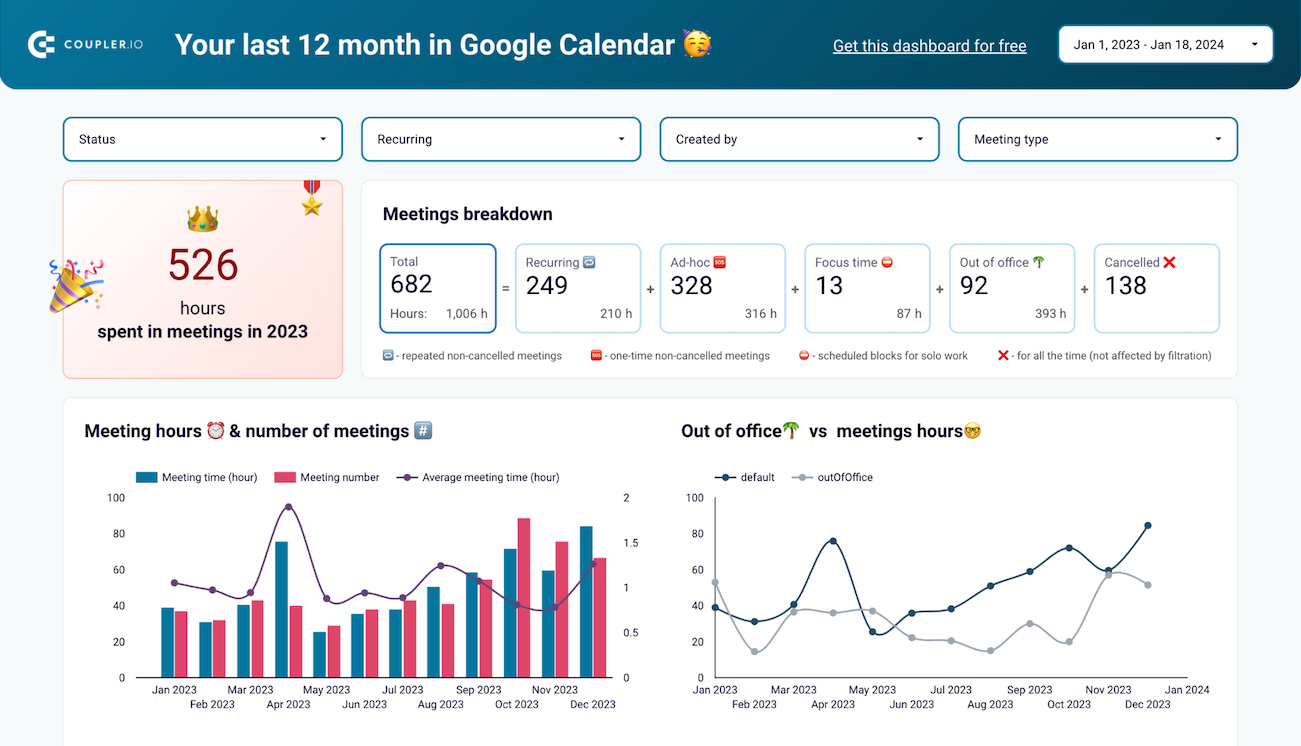

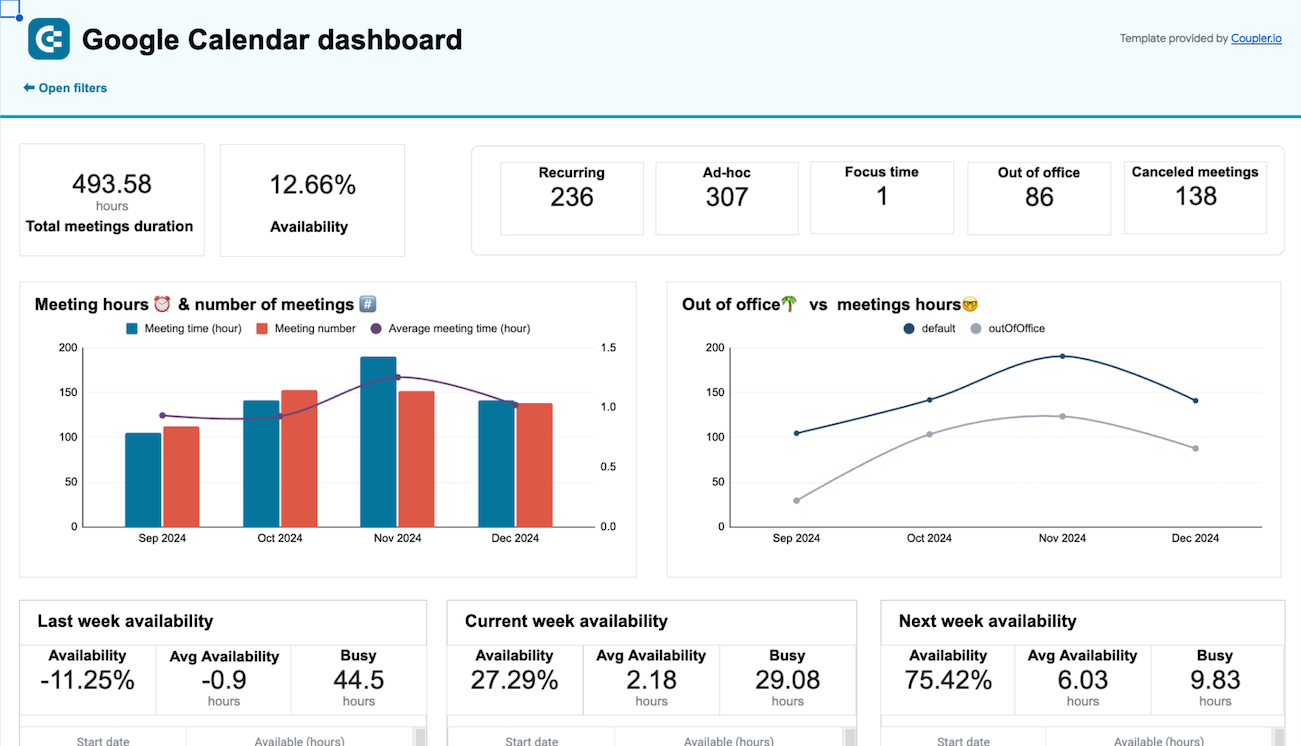


about your case. It doesn't cost you a penny 😉
Data set templates gallery

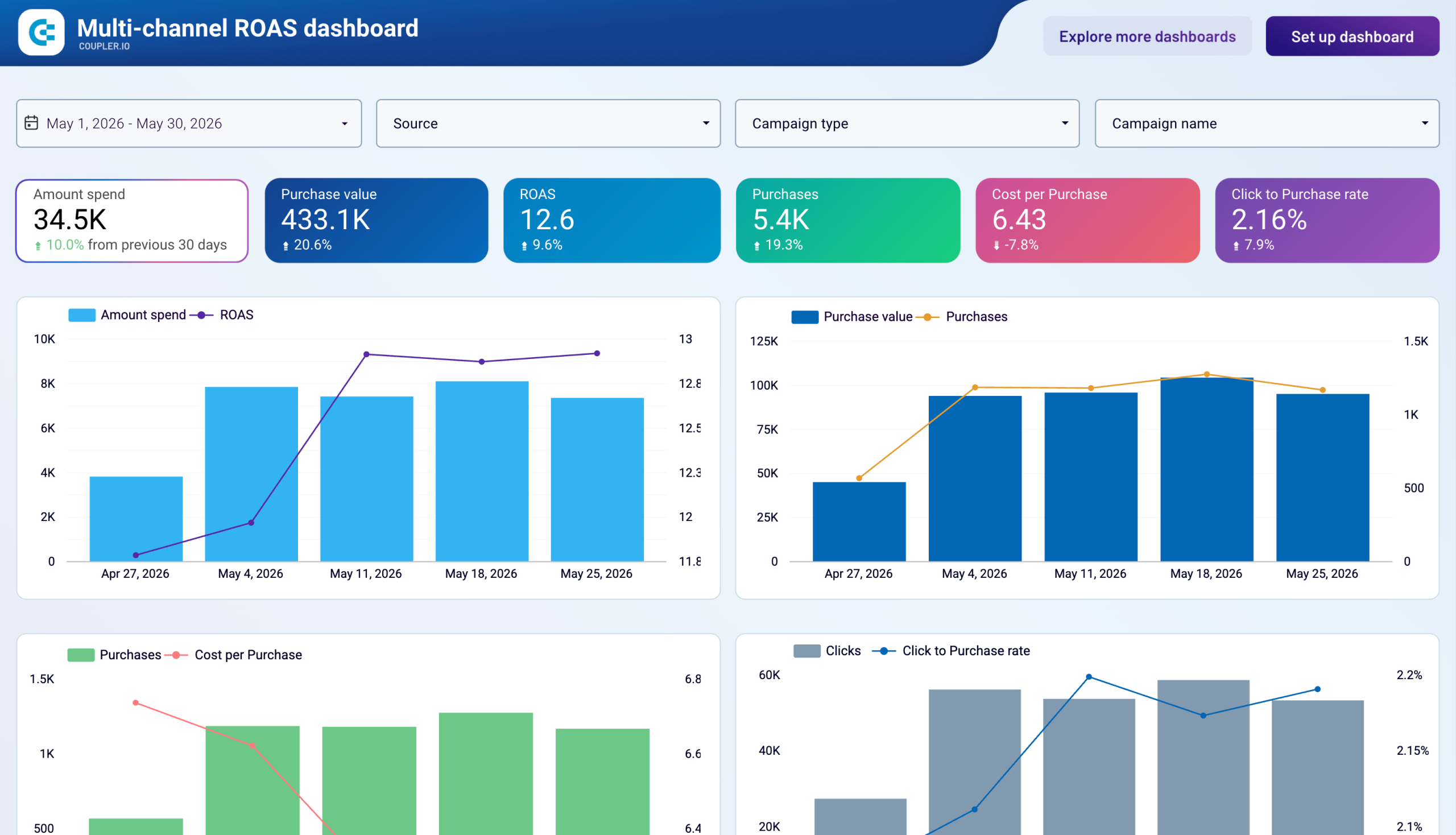
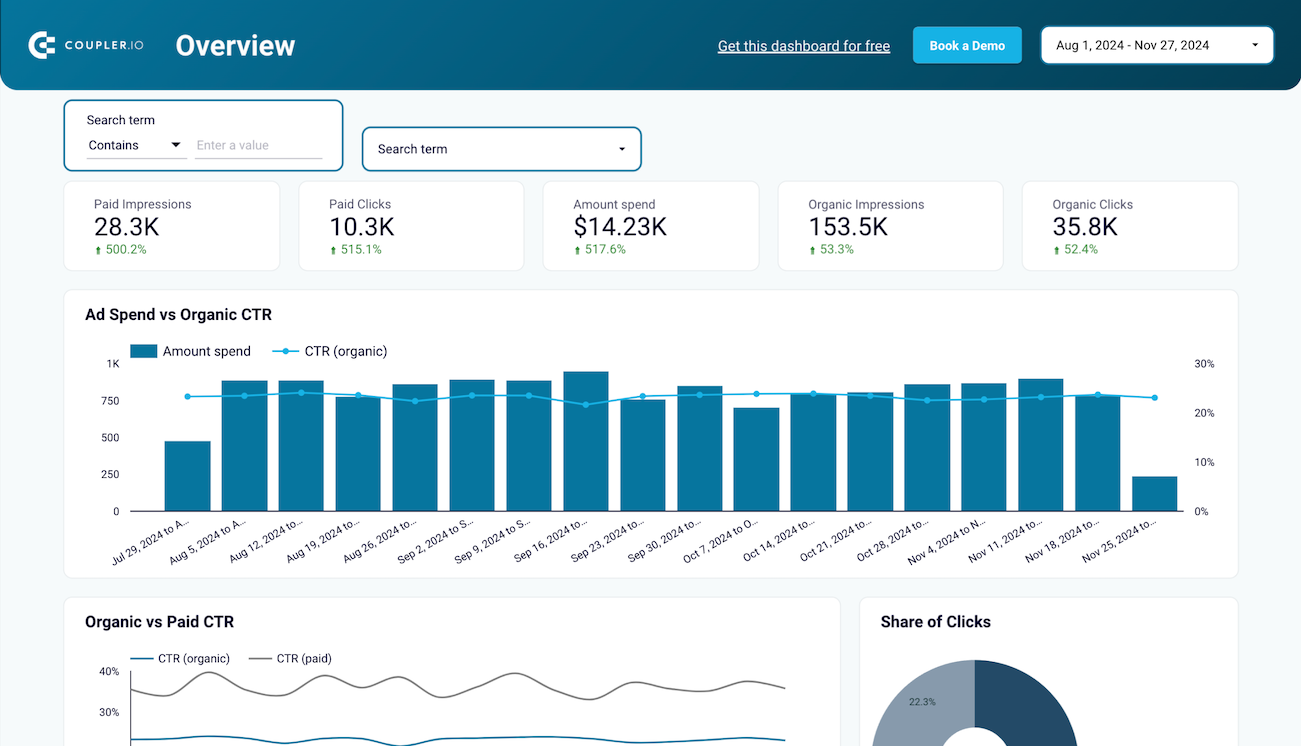
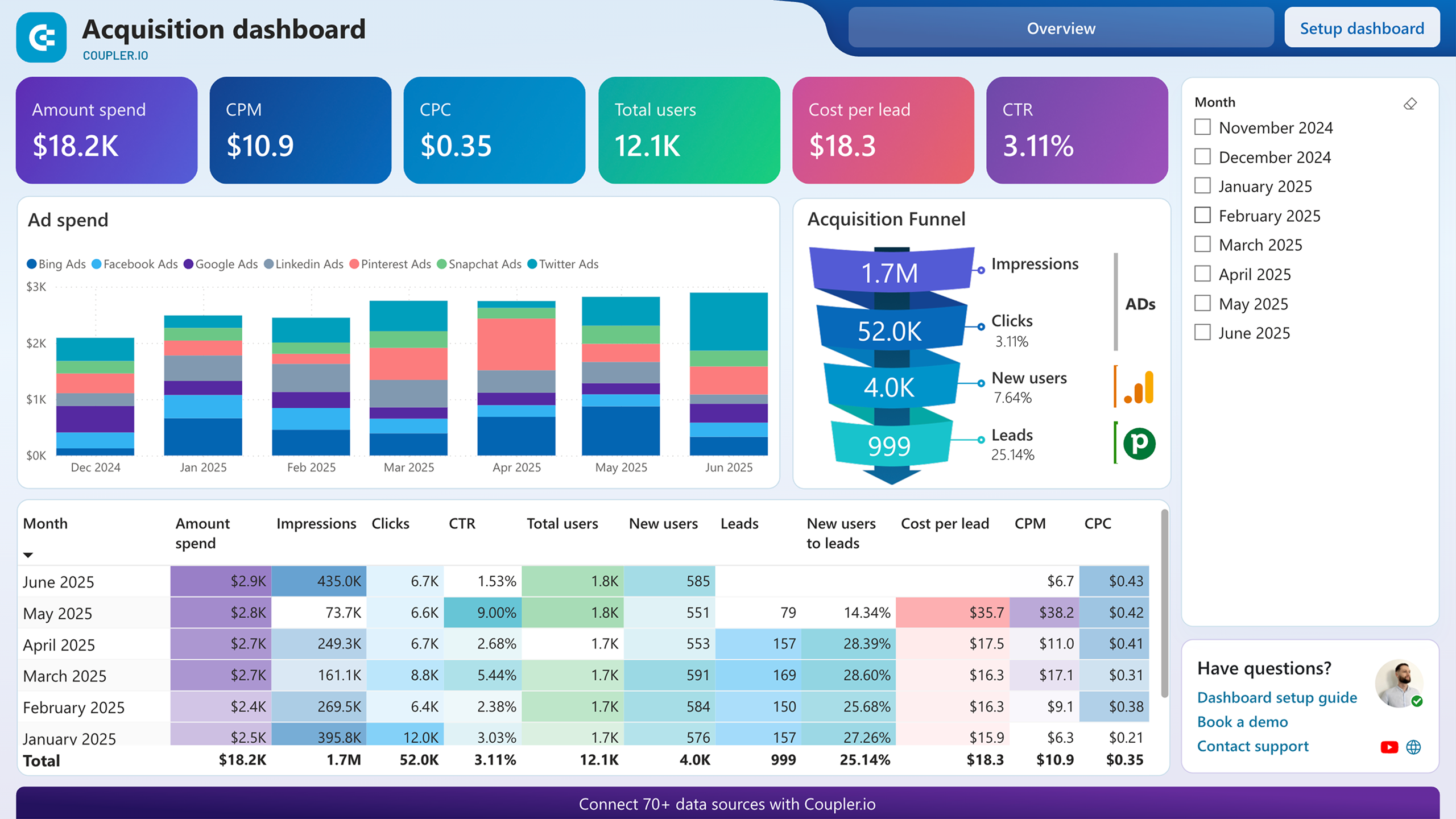
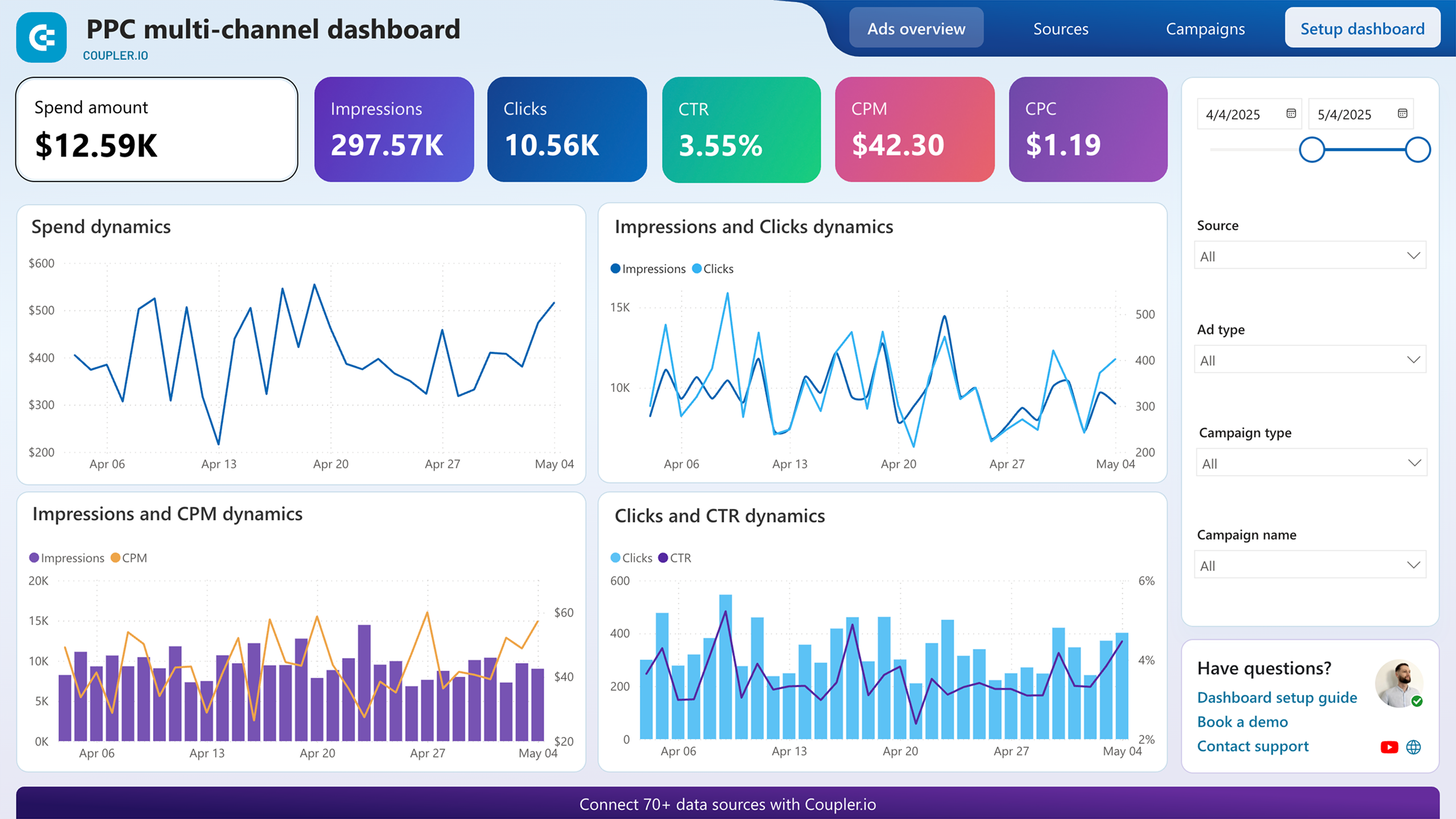
Analyze multi-channel campaign performance by measuring impressions, clicks, and ad spend to assess visibility, interaction, and investment impact.
Check the performance of advertising campaigns you run on different platforms and compare their outcomes to improve your creatives
Track and compare ad group performance across channels using metrics like impressions, clicks, and spend. Understand which groups drive engagement and optimize spend allocation across platforms.
Compare advertising performance across platforms by audience demographics to identify which age and gender segments drive the most engagement
Evaluate geographic performance across platforms to identify which countries generate the best results for your advertising campaigns
Analyze how your ads perform across devices—desktop, mobile, tablet—on multiple platforms to refine targeting and user experience strategies
Compare multiple Google Ads properties and analyzing key performance metrics like conversions, cost-per-click, and audience demographics per campaign
Gain detailed insights into how each ad group contributes to your overall Google Ads campaign performance. Note: to include Performance Max campaigns, turn on the Google Asset groups source
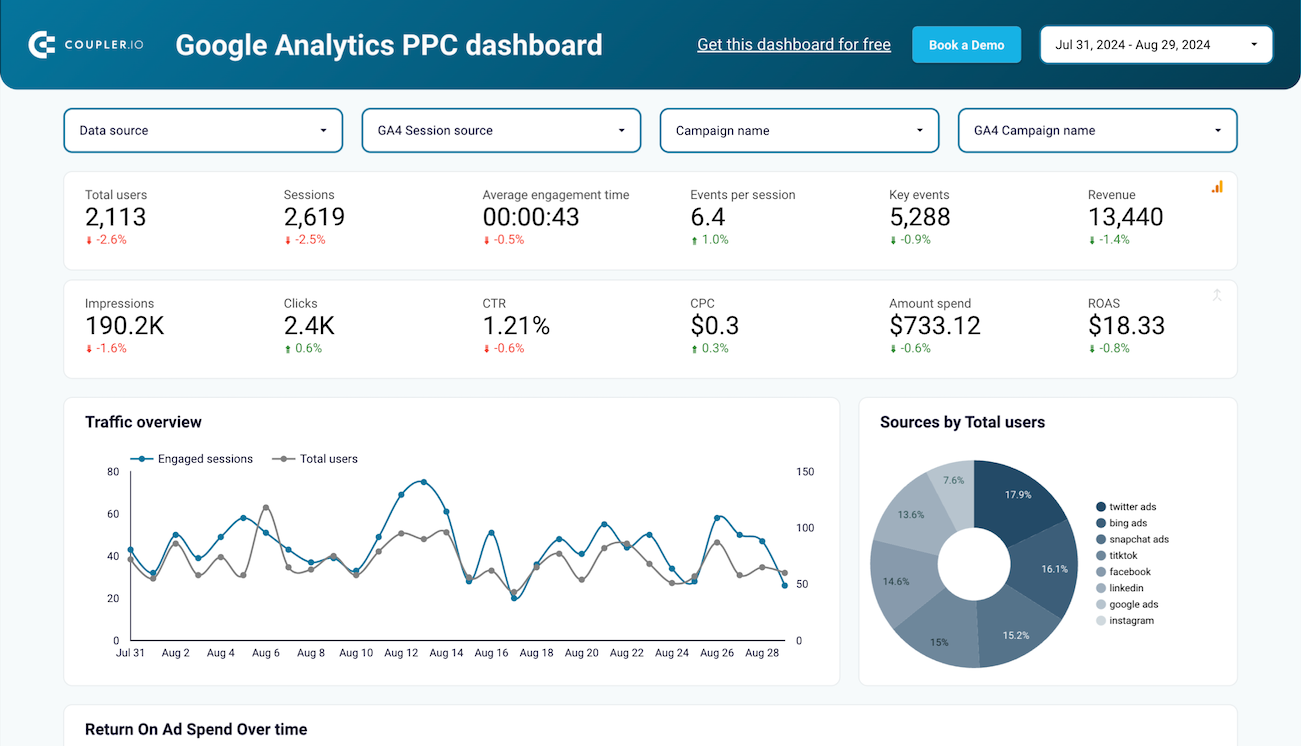
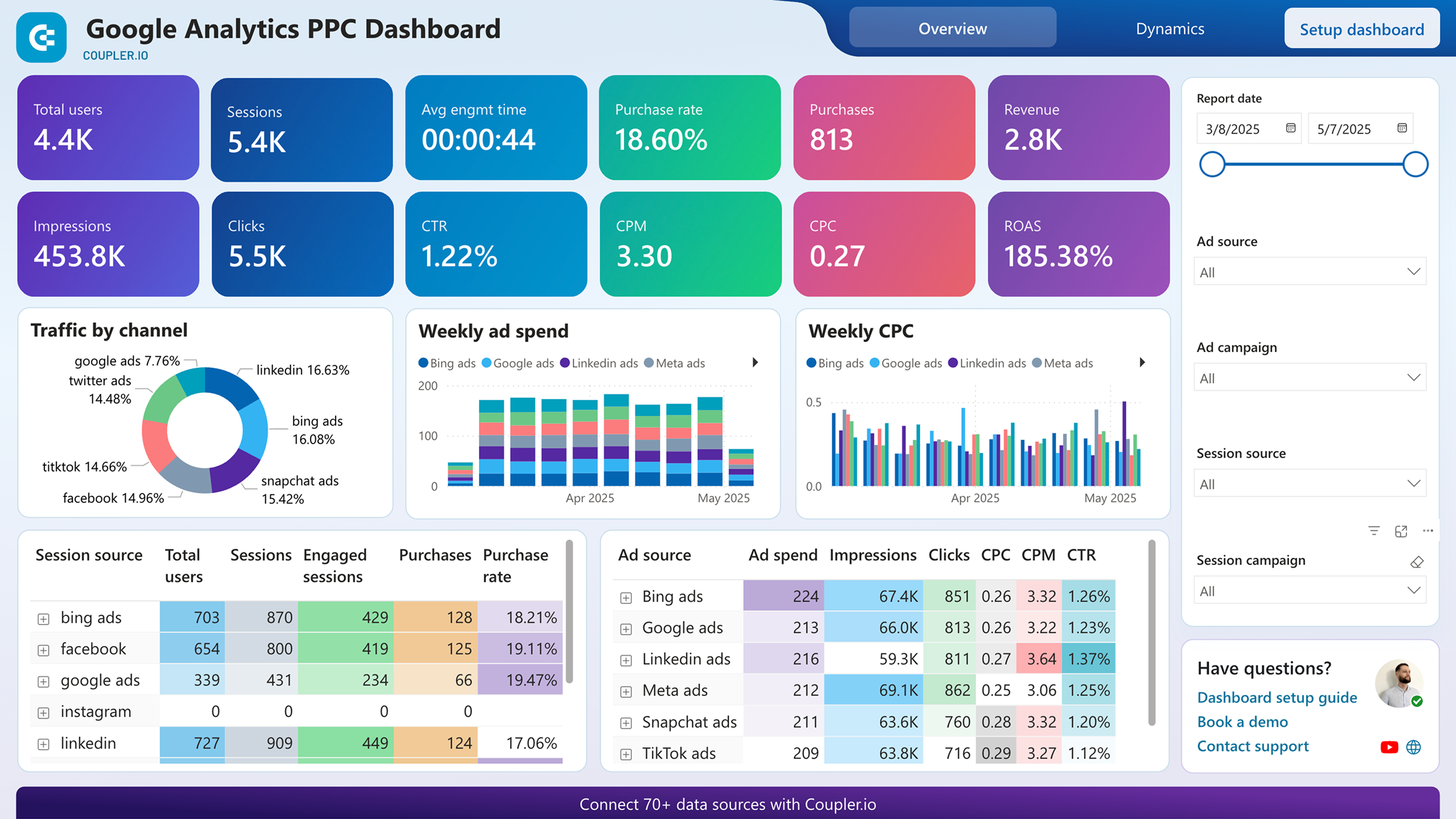
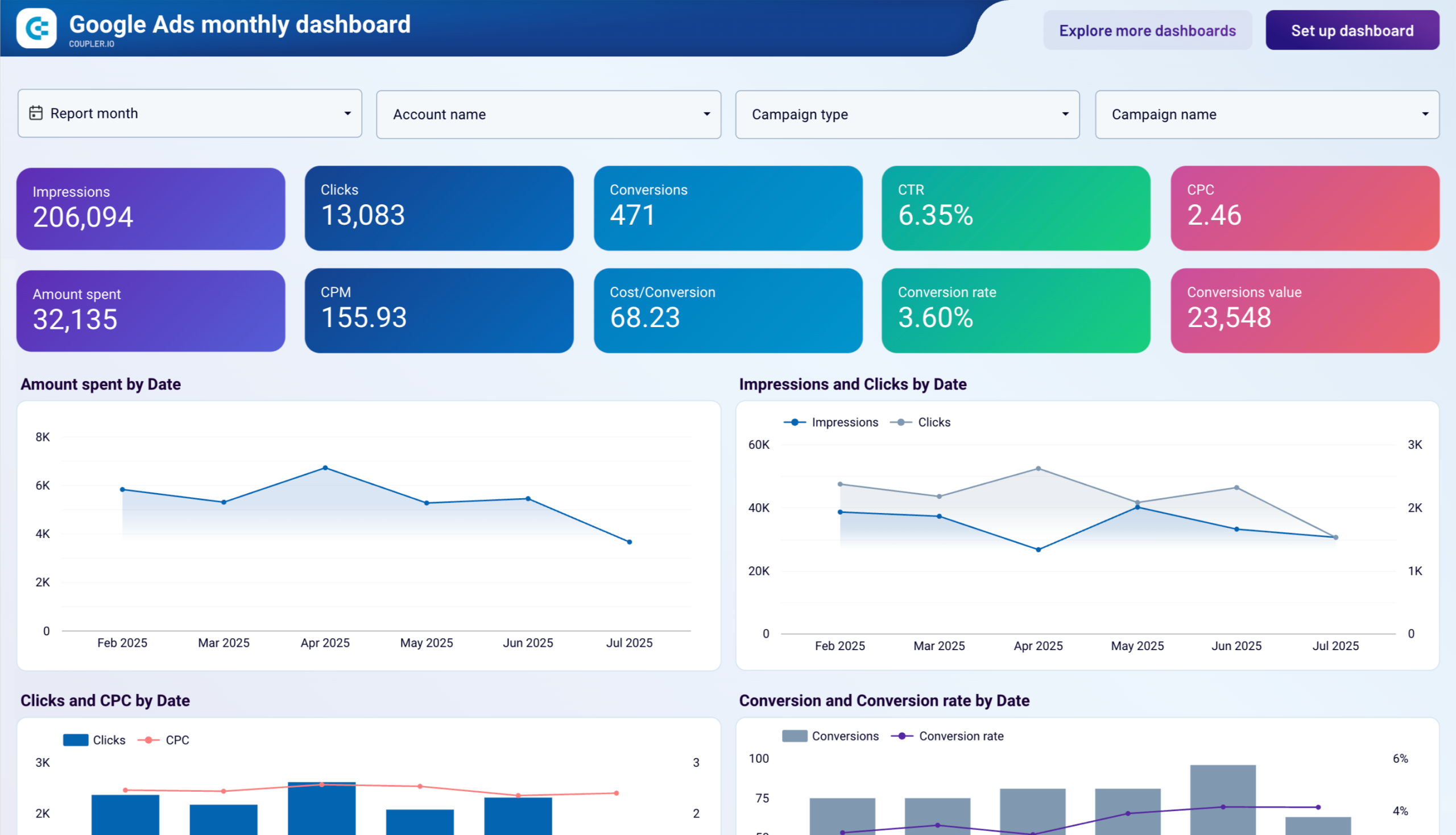
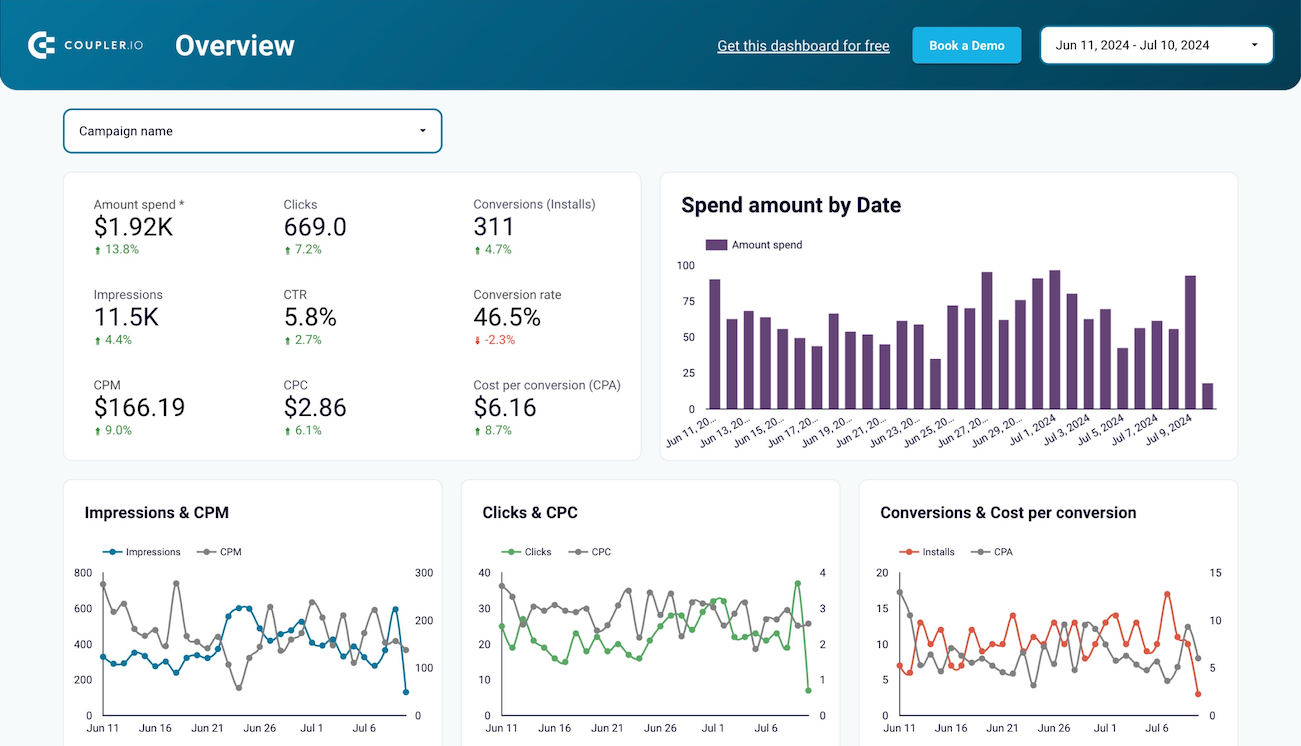
Get a detailed overview of the performance of your Google ads advertising campaigns to achieve your marketing goals better
Measure the performance of individual Google Ads creatives to identify which ads generate the most engagement and conversions over time
Compare ad performance across Google’s network types to optimize your campaign placement strategy
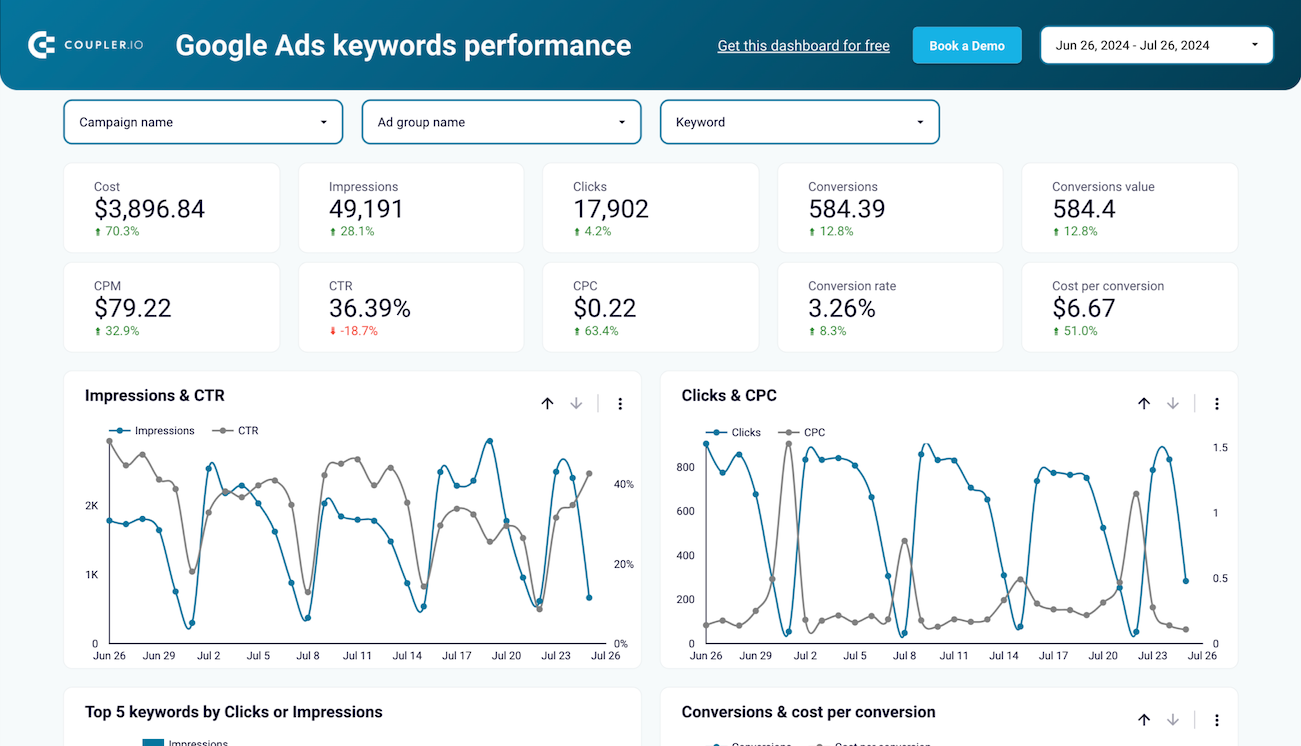
Evaluate how individual keywords are driving performance in your Google Ads campaigns. Understand impressions, clicks, and conversion metrics to refine your bidding strategy and optimize keyword targeting.
Evaluate the effectiveness of different ad types, such as text, responsive, video, and others, to determine which formats drive the best results in your campaigns
Evaluate your Google Ads performance at the ad group level by country to understand which regions yield the best results. Use this dataset to optimize geographic targeting and ad group strategy for better reach and ROI.
Analyze how your Google Ads campaigns perform across various age ranges. This dataset helps you identify which demographics engage best with your ads, enabling better targeting and improved ROI.
Gain insights into how your Google Ads campaigns are performing across various countries. This dataset helps identify high-performing regions and optimize your budget allocation and strategy for each geography.
Understand which landing pages drive better ad performance in your Google Ads campaigns. This dataset helps you evaluate how different destination URLs impact engagement and conversion outcomes, enabling smarter ad and content alignment.
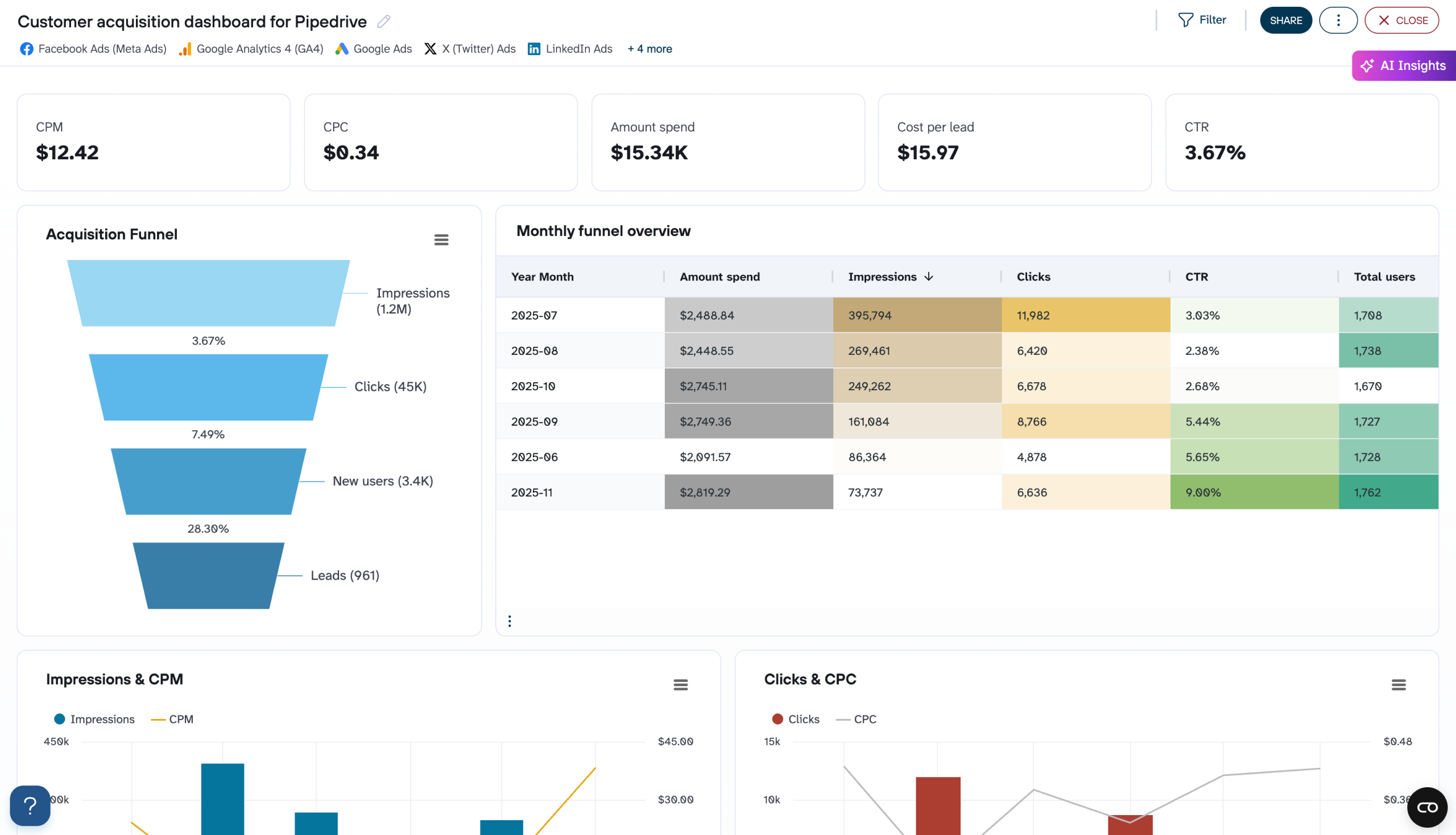
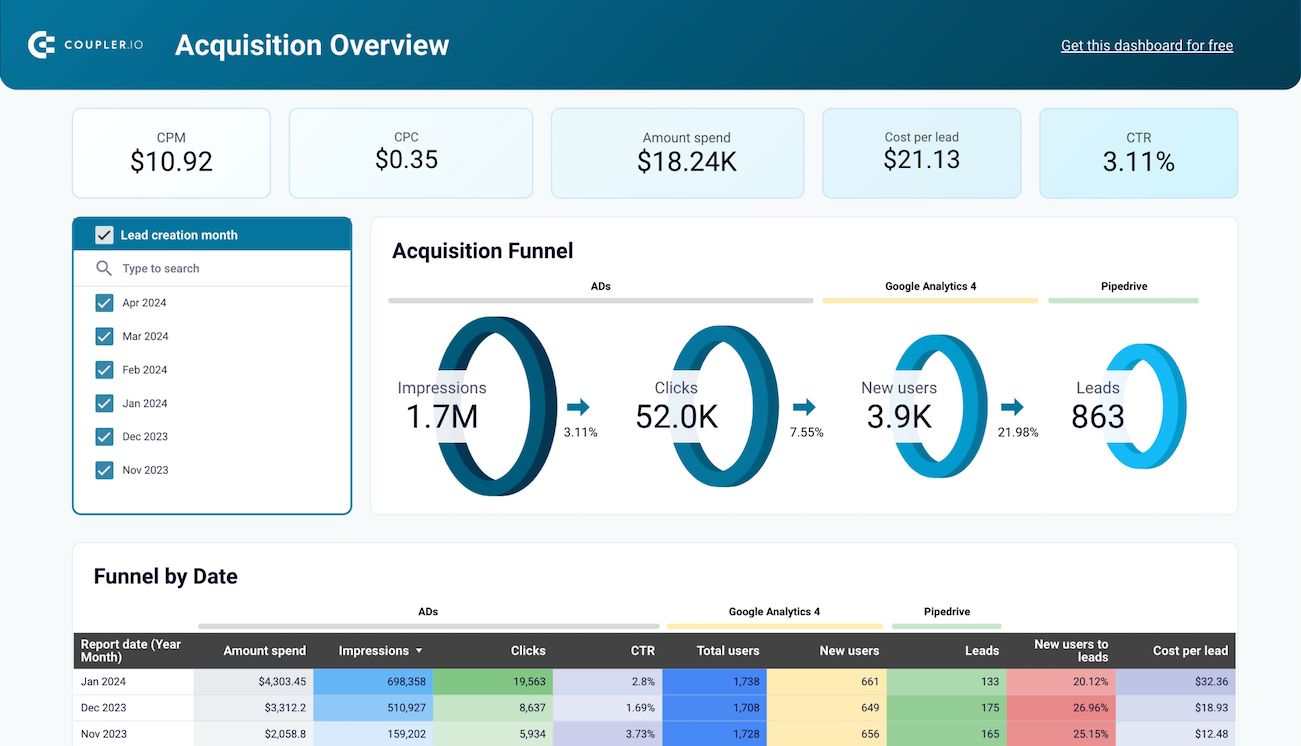
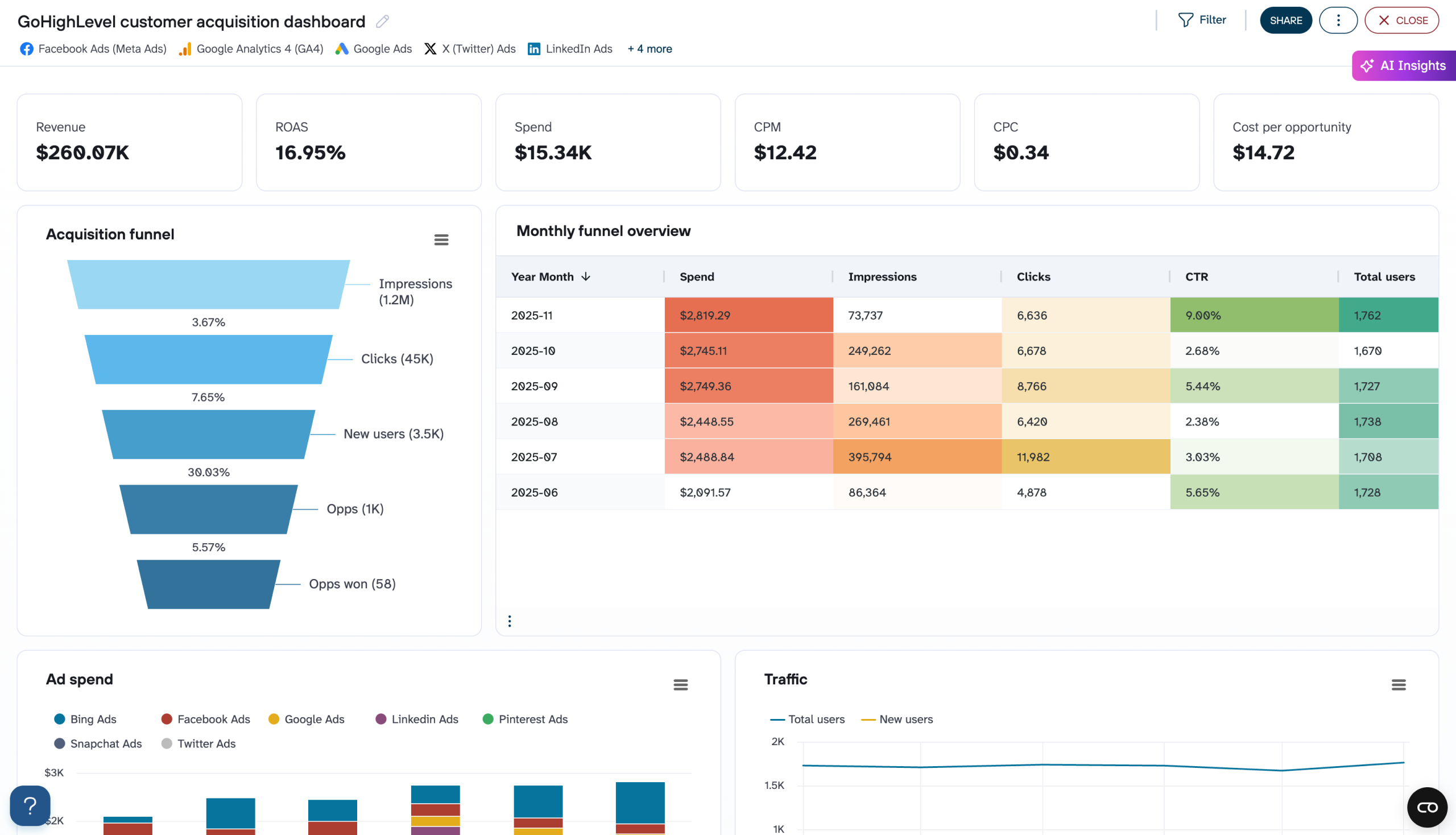
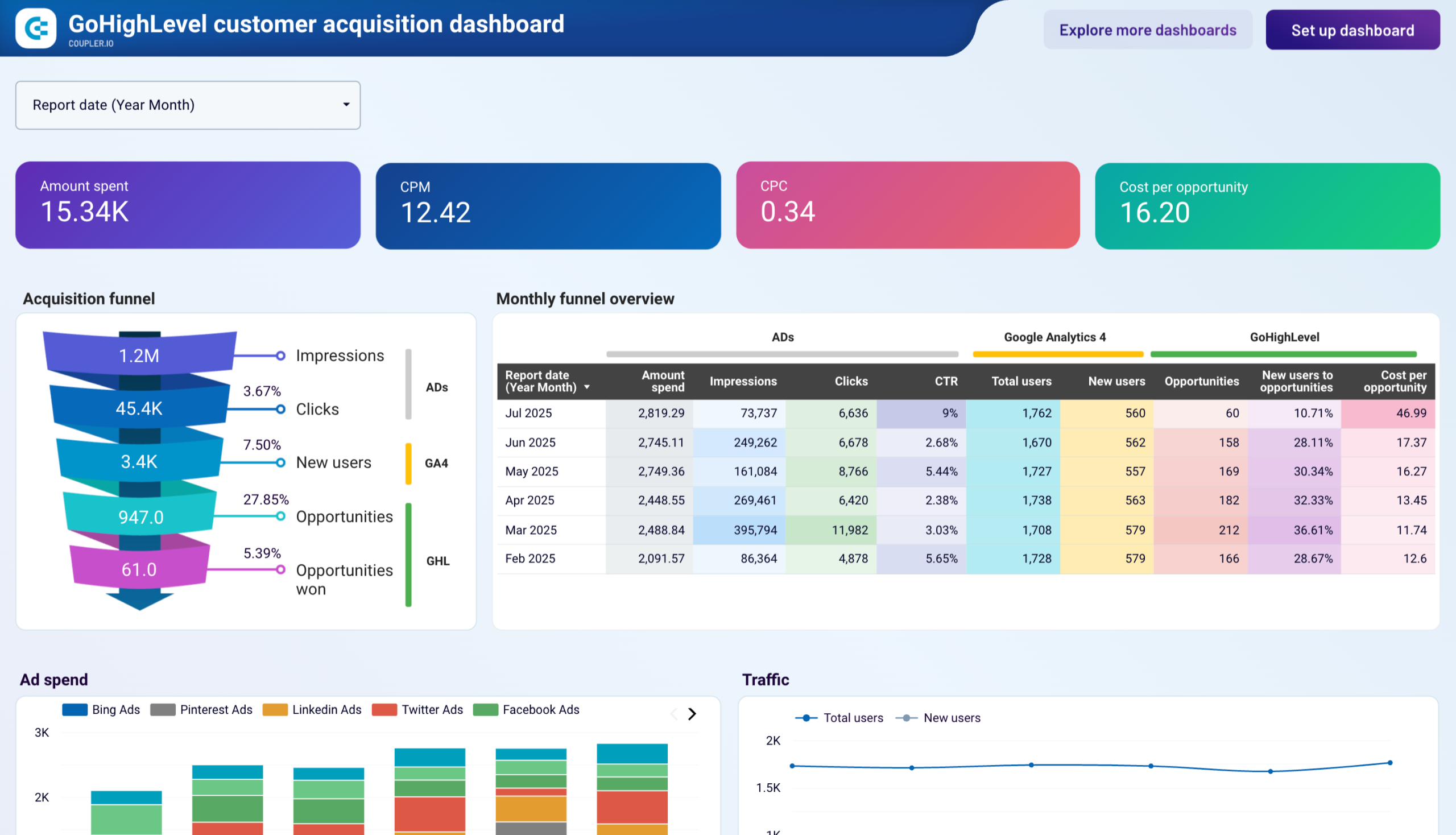
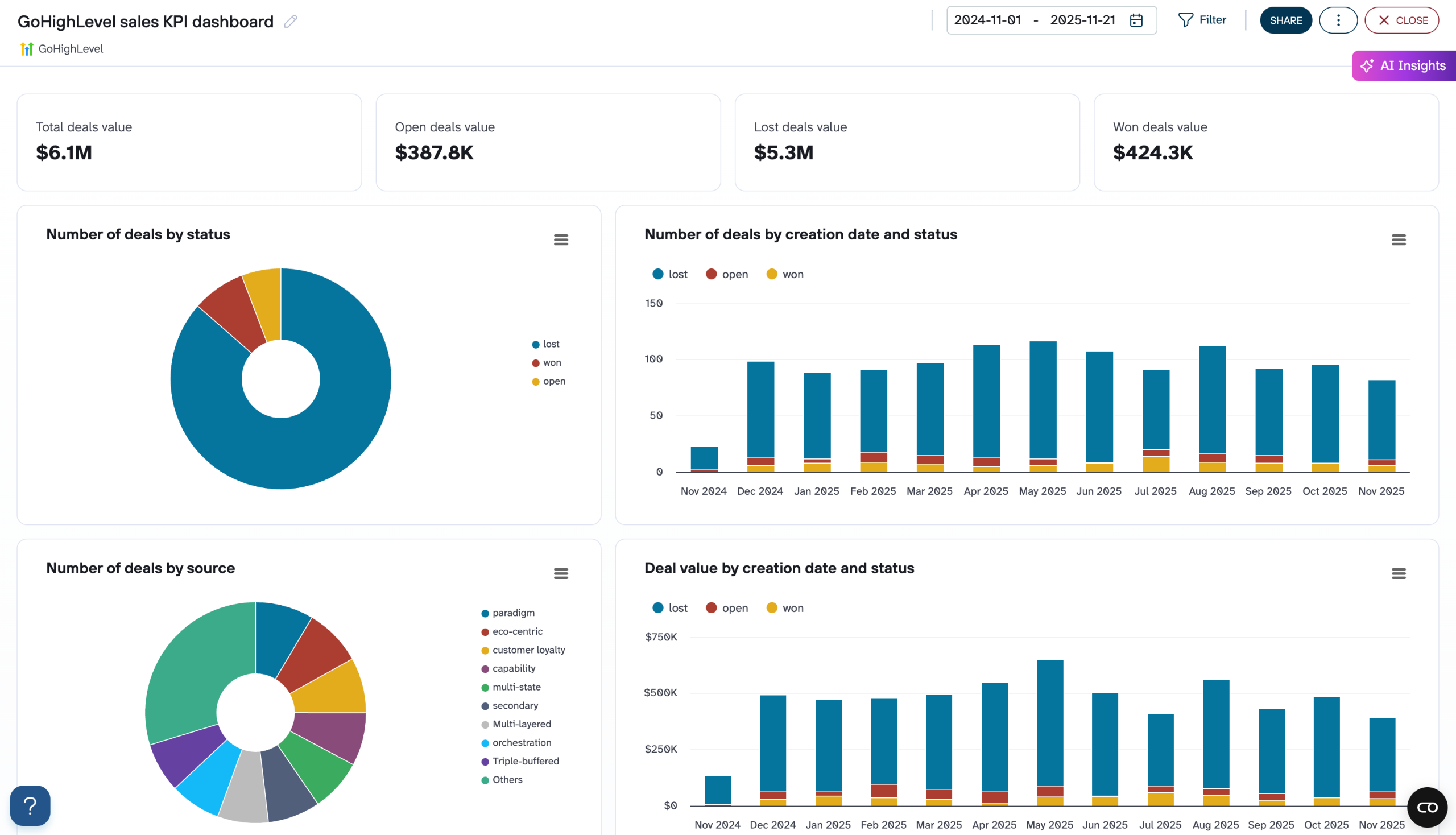
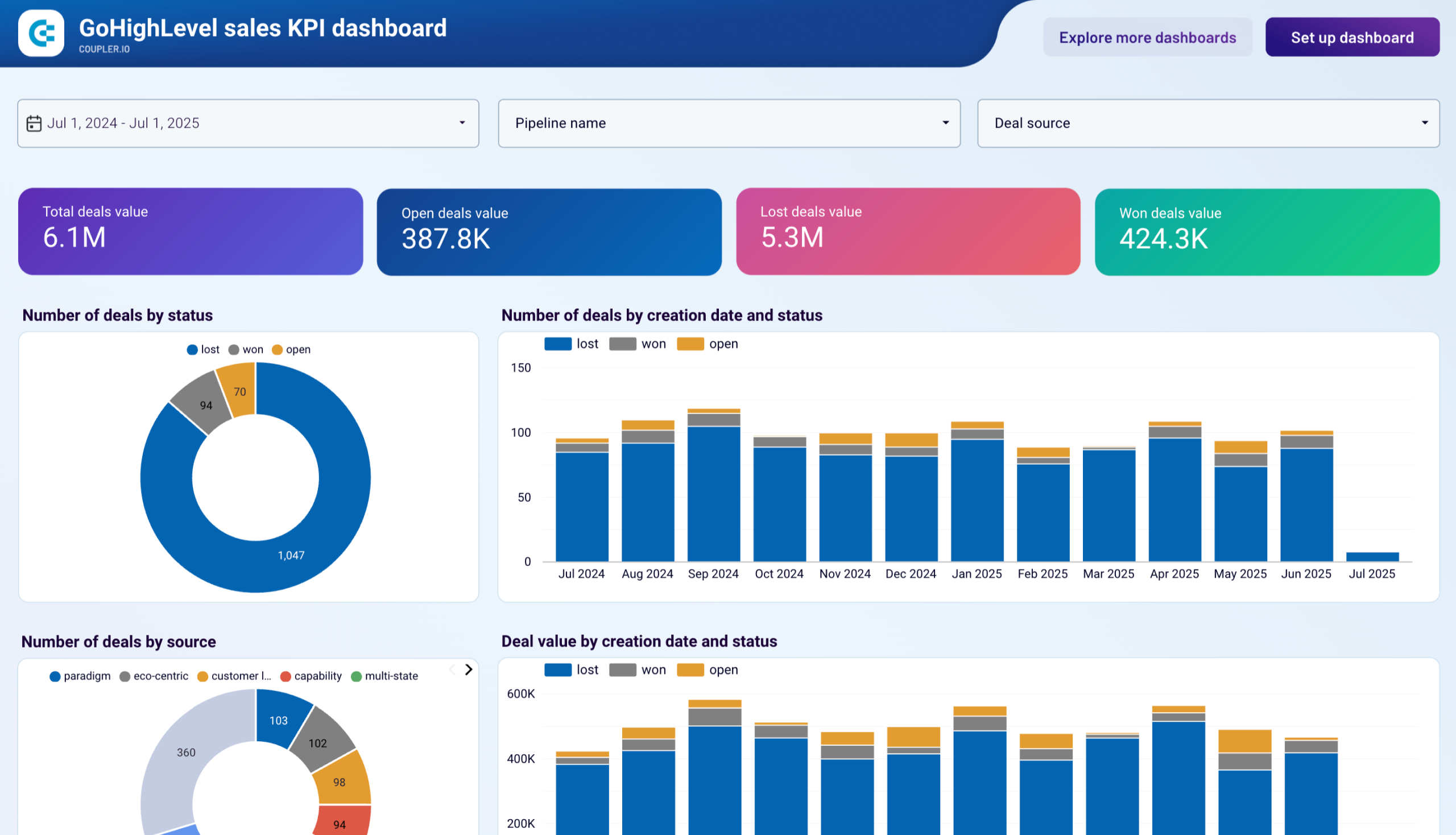
Track your Pipedrive acquisition performance at the weekly level by merging advertising data with lead generation metrics. Spot emerging patterns early and refine your marketing tactics based on real-time weekly insights.
+1
Unify your advertising performance data with Pipedrive lead metrics to measure acquisition effectiveness.
+1
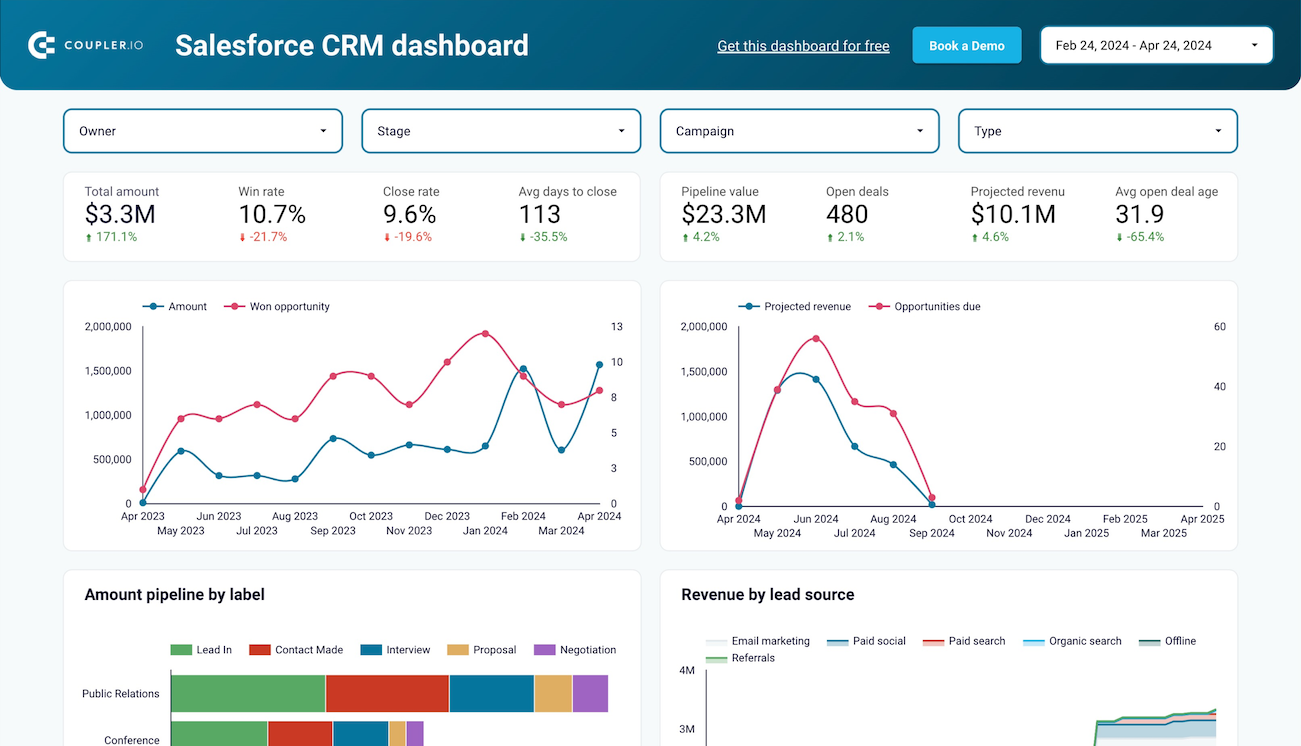
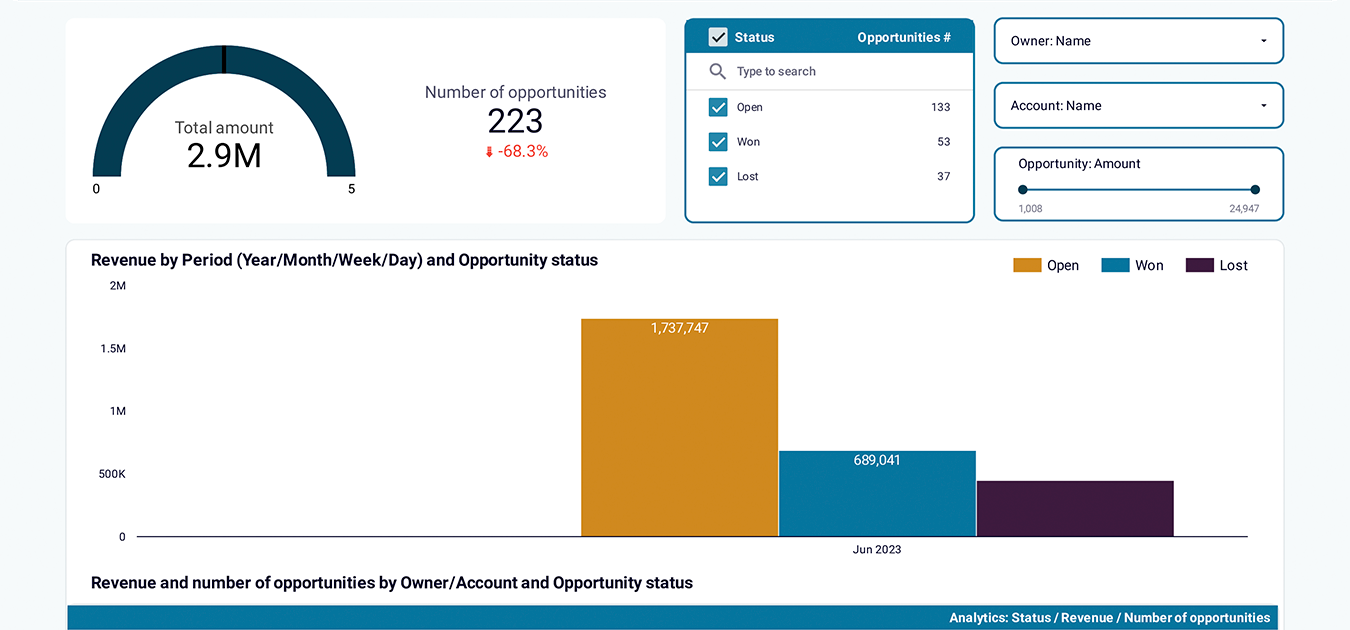
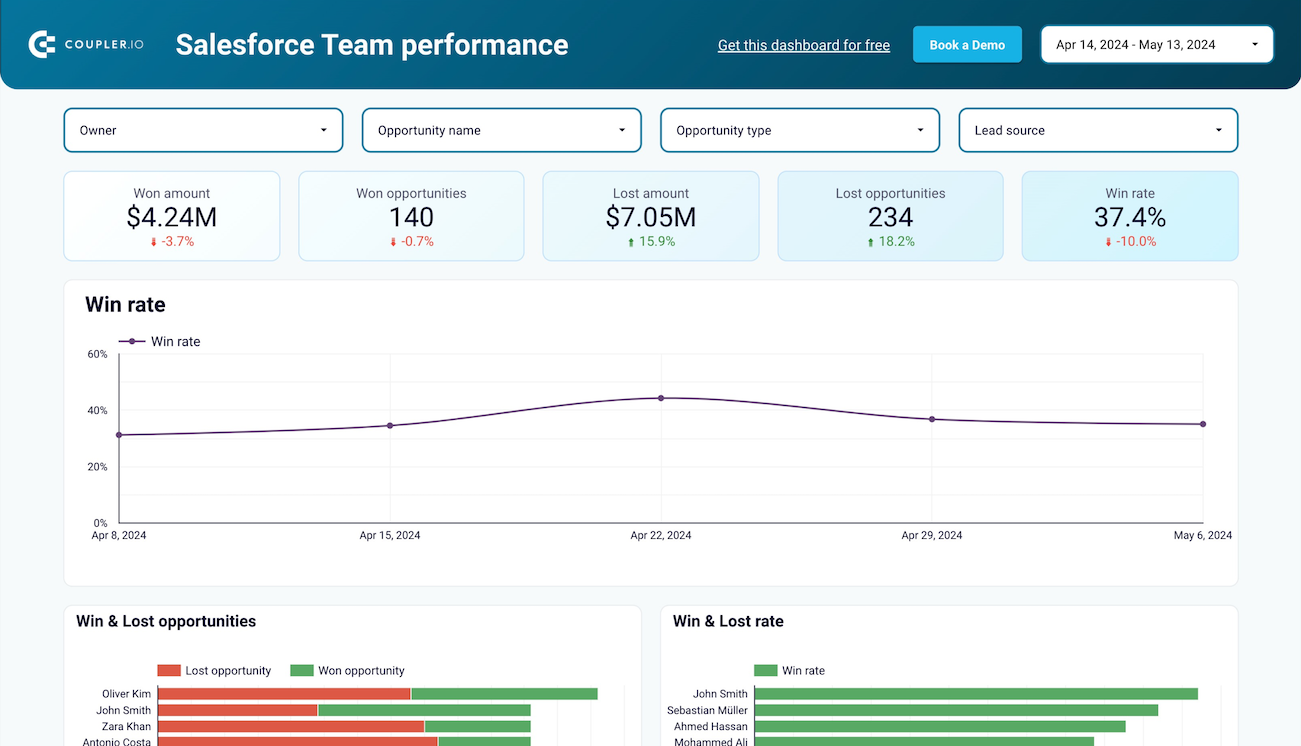
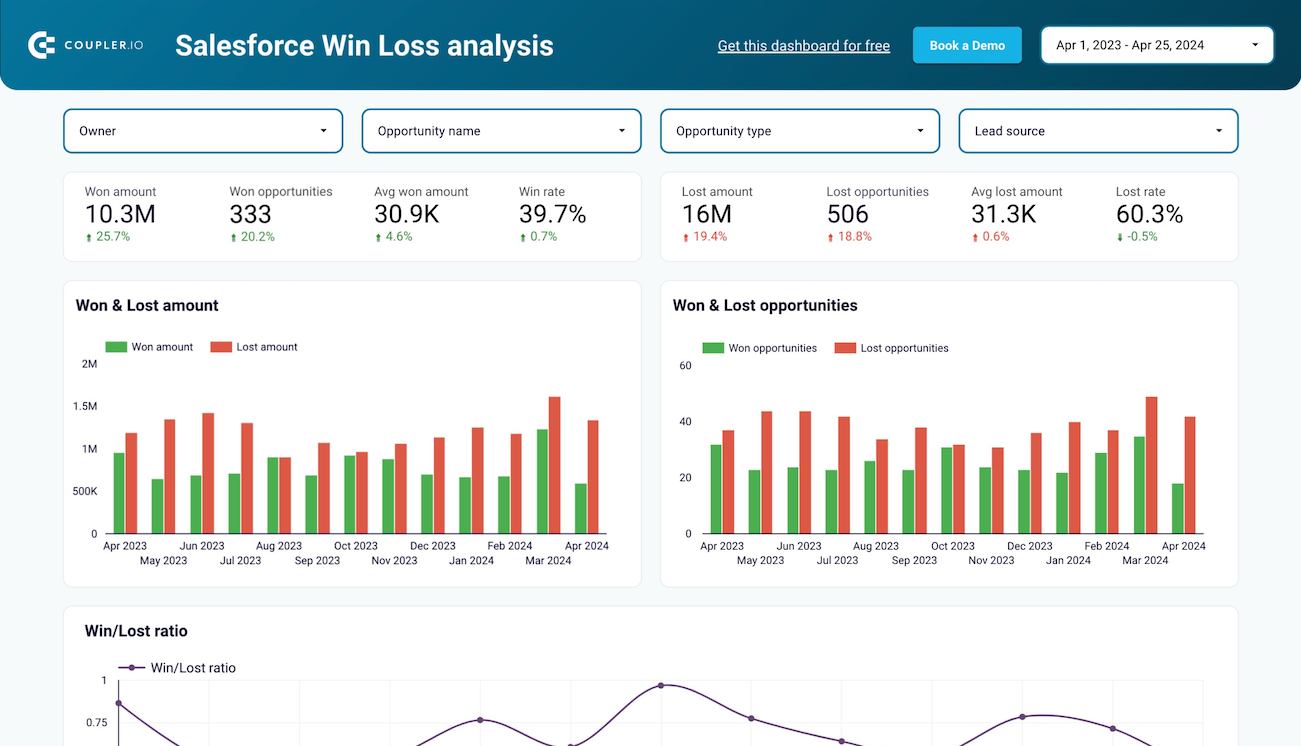
Monitor customer acquisition dynamics in Salesforce with week-by-week precision. Connect advertising campaign data with lead generation to identify trends quickly and make timely adjustments to your marketing strategy.
+1
Track your complete customer acquisition journey in Salesforce by connecting advertising data with CRM leads.
+1
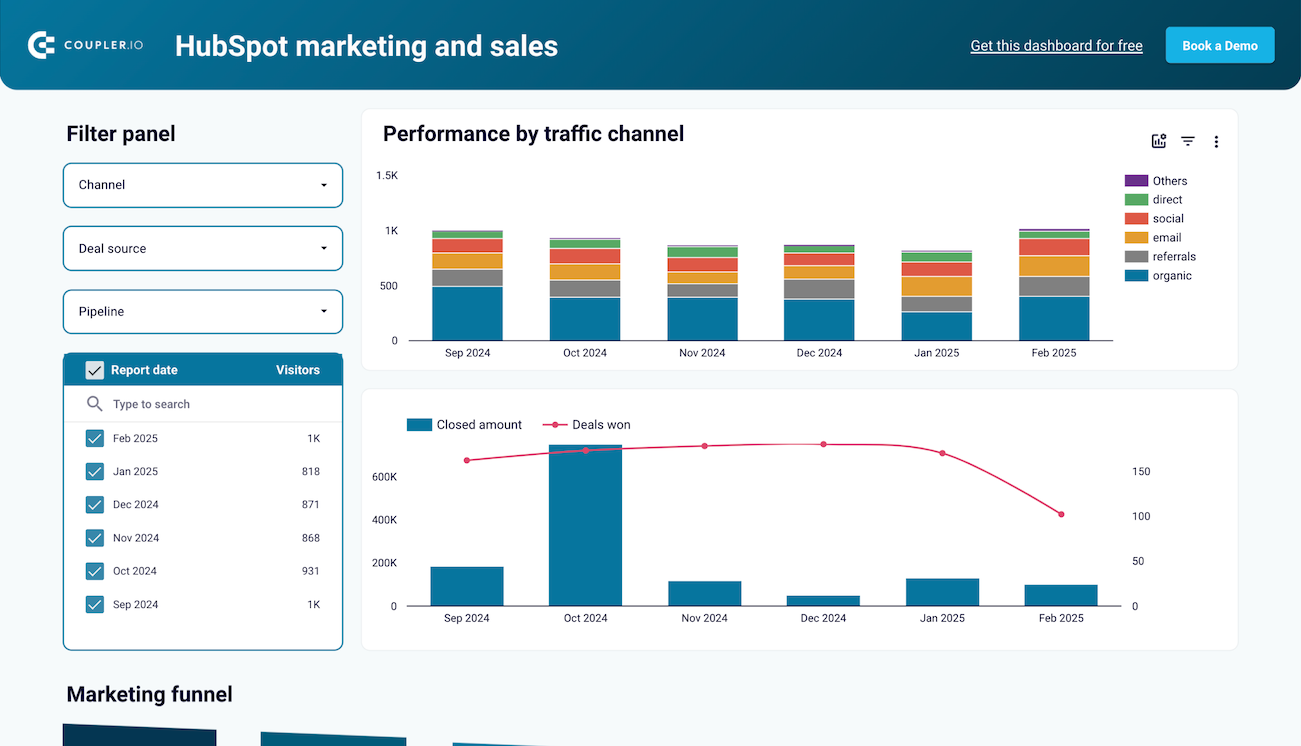
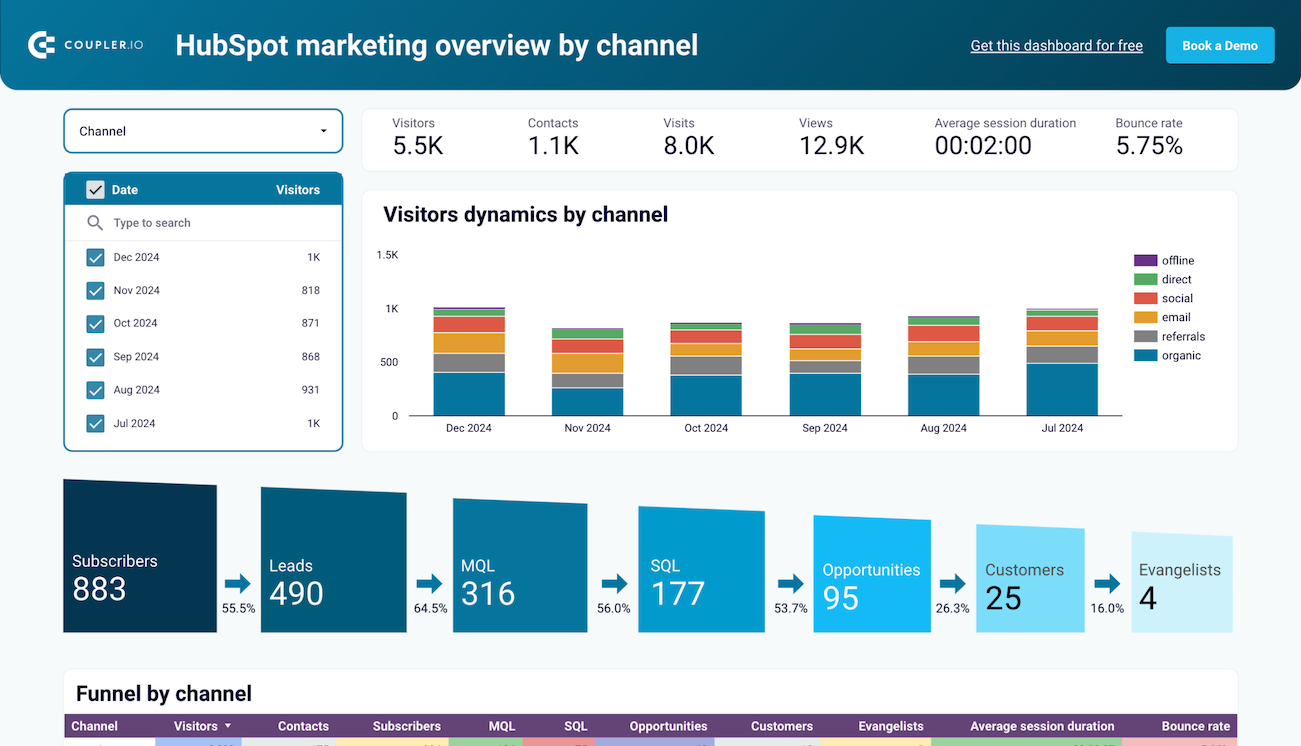
Gain granular visibility into your HubSpot acquisition funnel with weekly performance breakdowns. Track advertising effectiveness and lead flow on a weekly cadence to respond faster to market changes and optimize campaigns.
+1
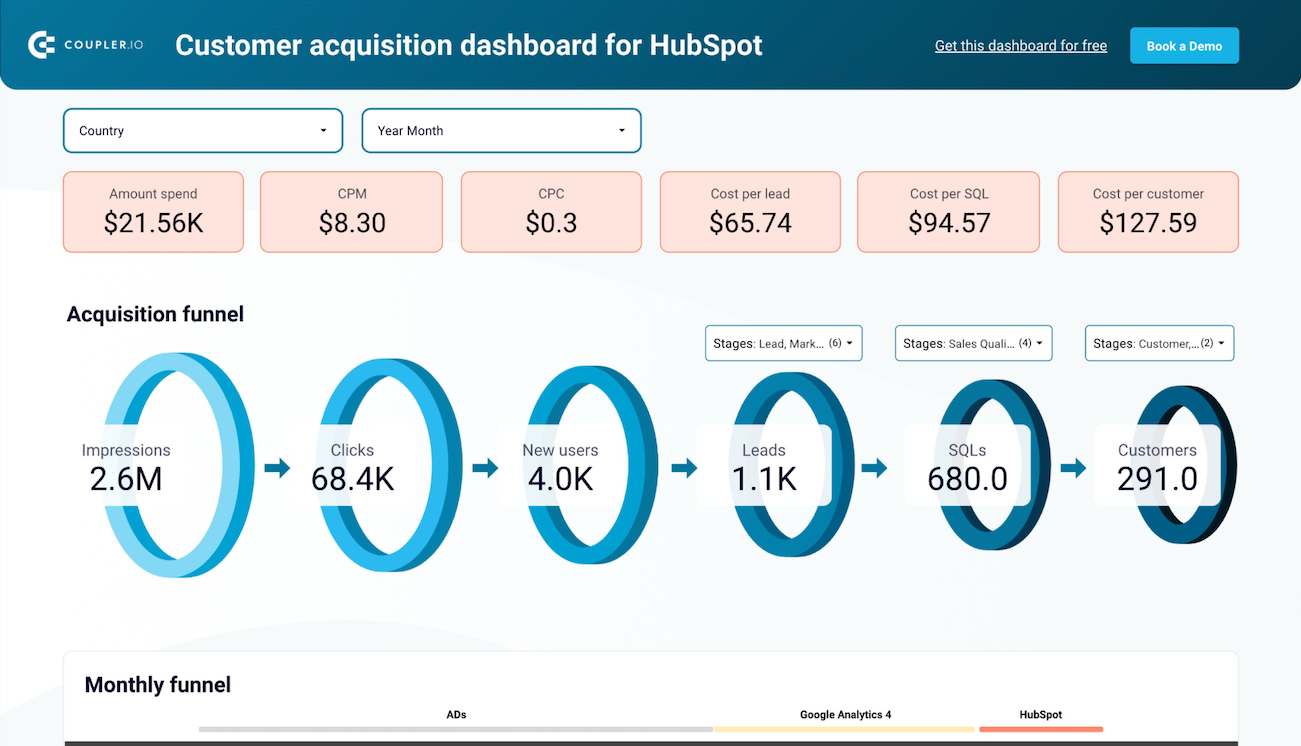
Connect your advertising investments to HubSpot lead outcomes with a comprehensive monthly funnel view.
+1
about your case. It doesn't cost you a penny.
Connect your favorite apps and get data in minutes