Export HubSpot to Snowflake
Centralize your HubSpot CRM data in Snowflake's cloud data platform with Coupler.io. Connect HubSpot to Snowflake for elastic compute scaling, cross-platform data joins, and governed access to sales and marketing datasets. Maintain a single source of truth for CRM analytics with automated, scheduled data loads.


What data you can export from HubSpot?
-
Deals
-
Contacts
-
Companies
-
Communications
-
Feedback submissions
-
Products
-
Taxes
-
Quotes
-
Line items
-
Tickets
-
Goals
-
Owners
-
Calls
-
Emails
-
Meetings
-
Notes
-
Tasks
-
Leads
-
Marketing emails
-
Workflows
-
Broadcast messages
-
Email statistics by period
-
Performance report
All-in-one tool for HubSpot data exports and analytics
Load HubSpot records into Snowflake and join them with product usage logs, billing systems, and third-party datasets stored across your data cloud. Build unified analytical views that span the full customer journey from first touch to renewal without moving data between platforms.

Shape HubSpot exports before they land in Snowflake using built-in transformation tools. Filter irrelevant records, standardize column names, and pre-aggregate metrics so your warehouse tables are clean, query-ready, and aligned with your existing schema conventions.

Schedule automated data loads from HubSpot to Snowflake at 15-minute, 30-minute, hourly, daily, or monthly intervals. Keep warehouse tables fresh for downstream consumers that read from Snowflake.

Pair your HubSpot data with Coupler.io AI integrations for conversational analysis. Ask questions about deal pipelines, contact engagement, or funnel metrics in everyday language and get instant answers without switching to SQL or waiting for analyst support.

Why export HubSpot to Snowflake - real life cases

Unified customer data platform

Governed CRM data sharing across teams

Historical pipeline trend analysis

Multi-CRM consolidation for acquisitions
How to export HubSpot to Snowflake
 30 seconds
30 seconds
10 seconds
30 seconds
30 seconds
30 seconds
10 seconds
Automate data exports with the no-code HubSpot Snowflake integration
Connect similar CRM apps and get data in minutes


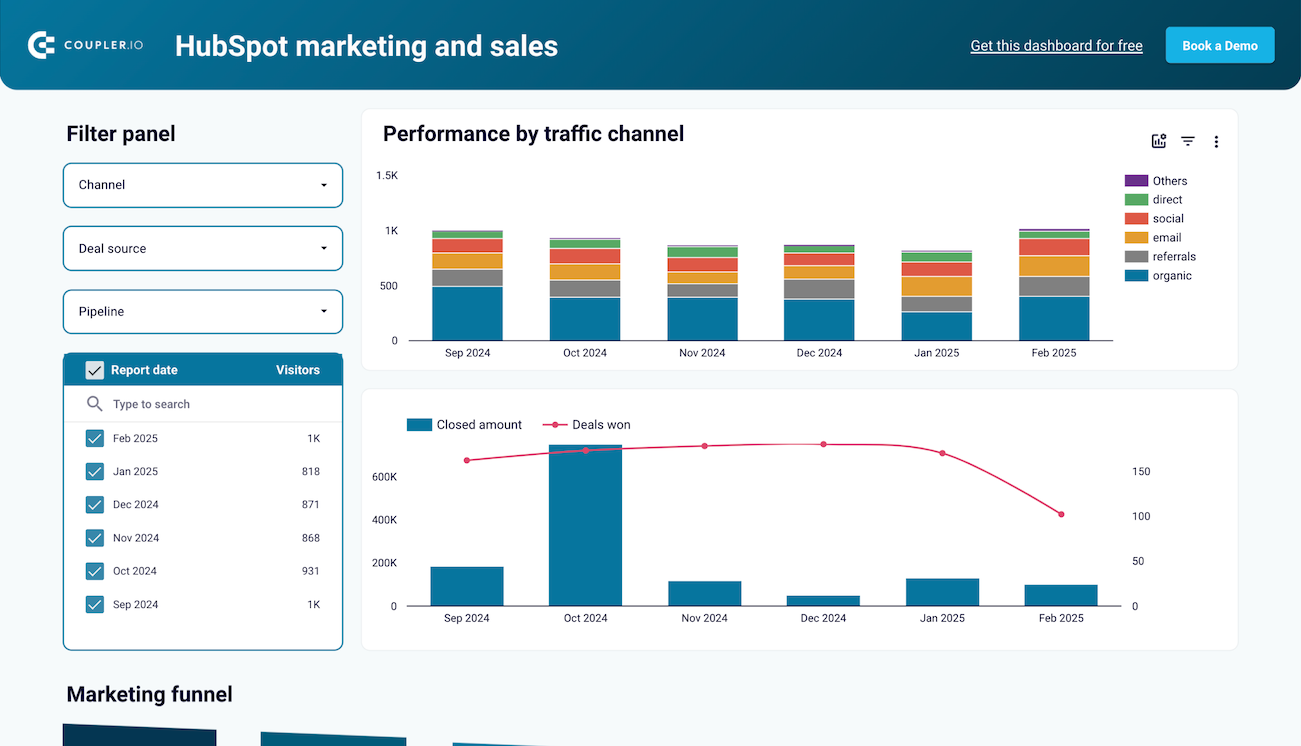
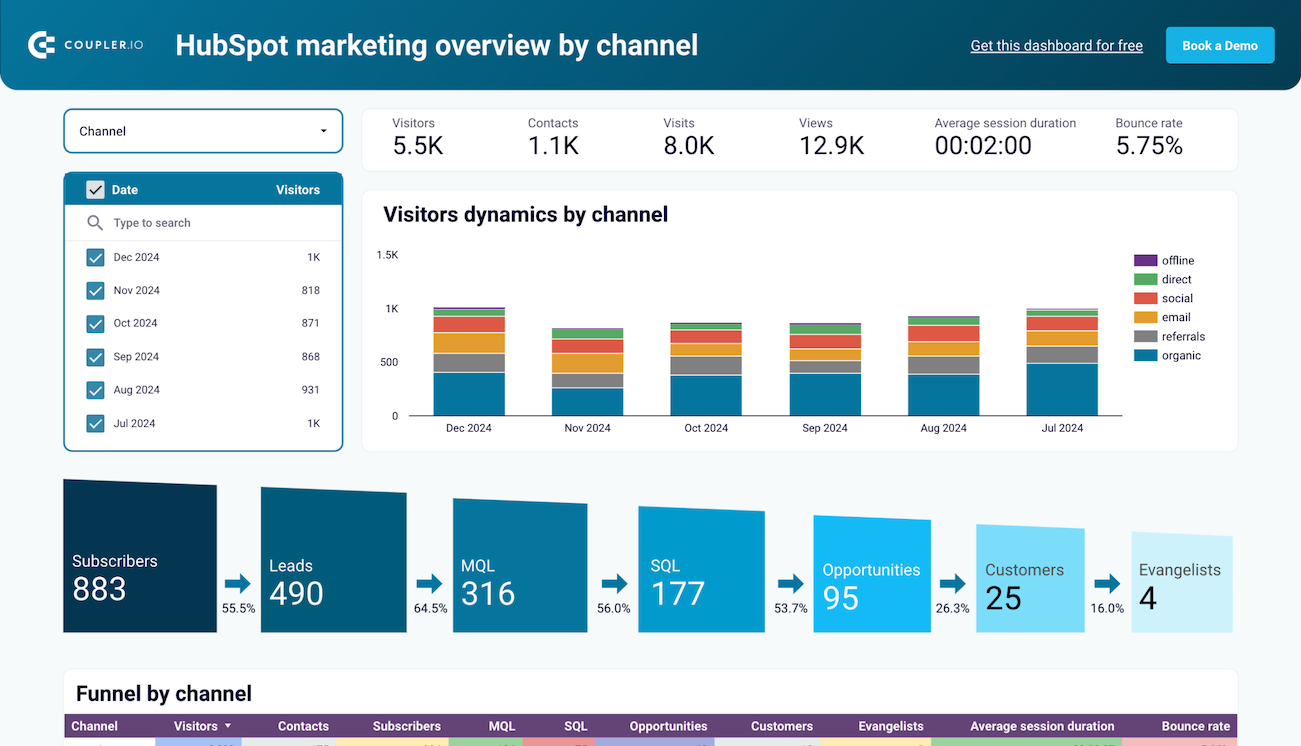
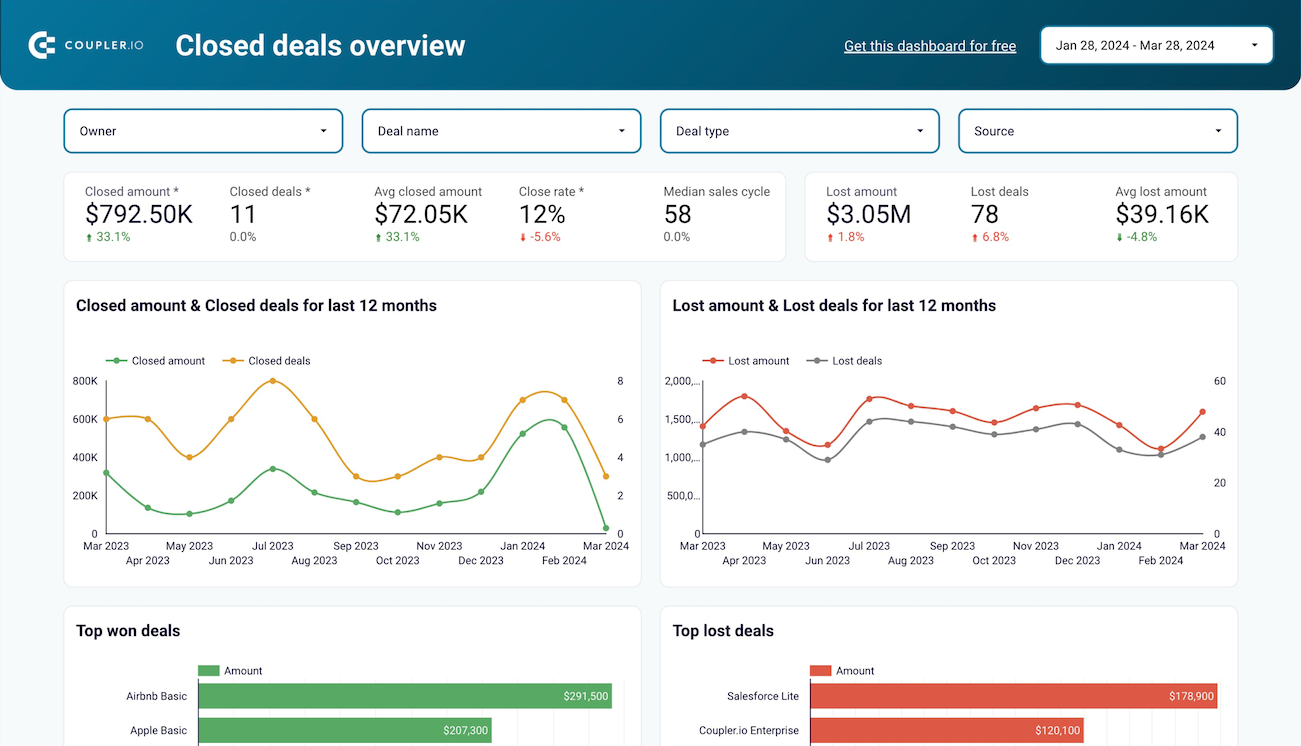
Quick start with CRM dashboard templates


about your case. It doesn't cost you a penny 😉
Talk to AI about your HubSpot data
Examples of questions you can ask about HubSpot data:
"Which lead sources have the highest conversion rate to closed deals over the last two quarters?"
"Summarize how our average deal size has changed year over year and flag any notable shifts"
"Are there patterns in which contacts engage with emails but never progress past the MQL stage?"
"Compare ticket volume trends with deal renewal timing to see if support issues correlate with churn risk"




Your data is secured by industry standards
 Google Cloud
Certified
 SOC 2 Type II
Certified
 GDPR
GDPRCompliant
 HIPAA
HIPAACompliant


